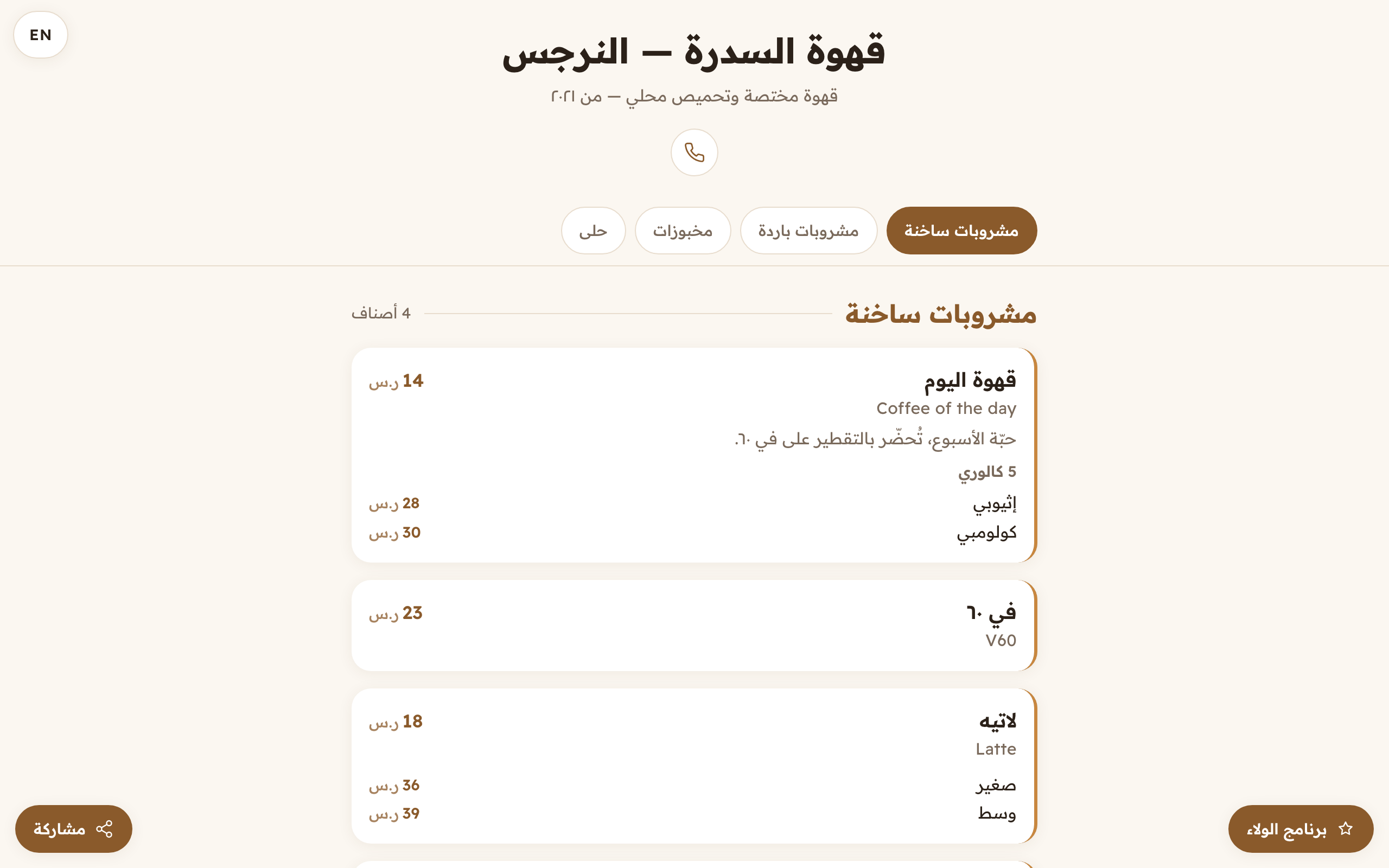
The share button your customer gets, and what your link looks like when it lands in a chat.
Aloke Owners
Web, iPhone and iPad, Android
The moment you publish, your page becomes a link anyone can pass on. Two things come with it that you do not have to set up: a share button for whoever opens it, and a preview card that appears when your link lands in a chat or a post, with your shop's name, your tagline and your logo on it.
The share button
It sits in the corner of your page for everyone who opens it. On a phone it opens the phone's OWN share sheet: WhatsApp, Messages, whatever they have. On a computer a short list opens instead: WhatsApp, Telegram, X, Facebook and copy-the-link.
The preview card
Your shop's name as the headline, your tagline as the description and your logo as the picture. Whoever sees the link knows your shop before they press it, and the difference between a link wearing your name and a bare blue one is the difference between opened and scrolled past.
The tab icon (Web)
Your logo becomes the little icon in the browser tab and in bookmarks. With no logo uploaded, Aloke's own icon shows instead.
Open your own page and look: «Open the page» from the «Business details» tab. Then share it to yourself on WhatsApp once. The card you see is the card everybody sees. (Web)The «Share» button on your menu page, whoever opens it can pass it on with one press, with no link to type and no account needed.
 Aloke
Aloke