 Aloke
AlokeCalories and allergens
What you enter, what the customer sees, and the disclaimer that rides with it.
- Aloke Owners
- Web, iPhone and iPad, Android
Calories and allergens are optional and print on your page for the customer to read. An allergen written down saves your cashier a question they cannot answer with a queue behind them.
- In the Aloke Owners app, open «Your menu» from the home screen, then «Items». (iPhone and iPad, Android)
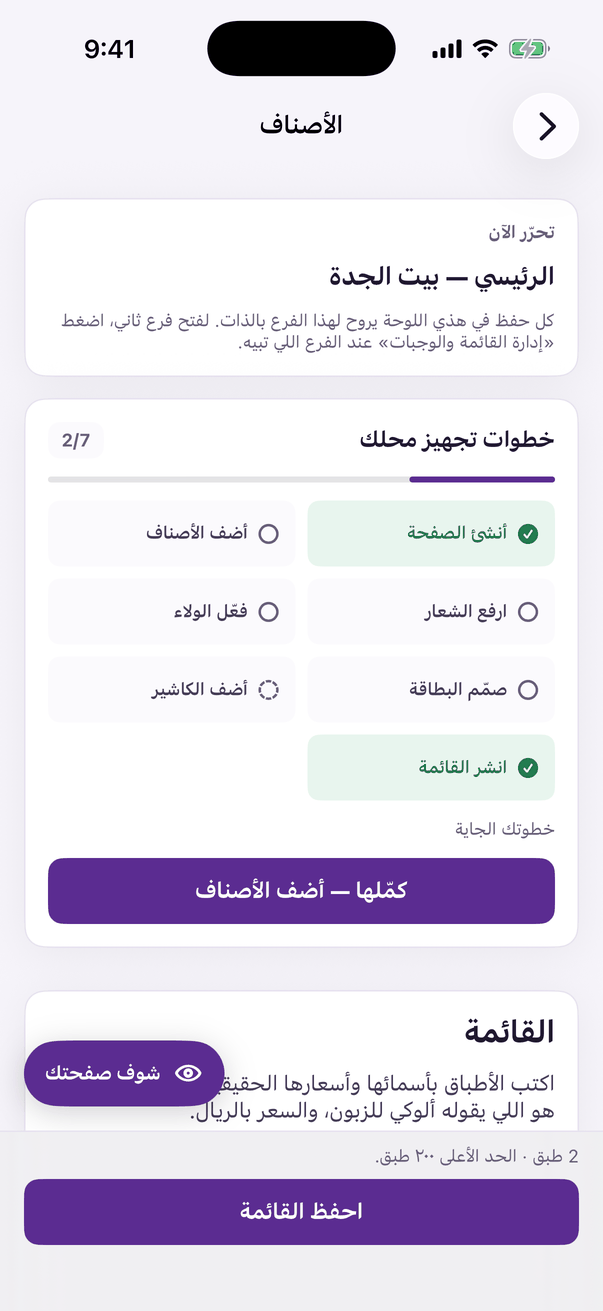
«Items»: the price and photo of every item. - Open the dish's details and enter the calories for one serving. The number must be between 1 and 5000; anything else will not save.
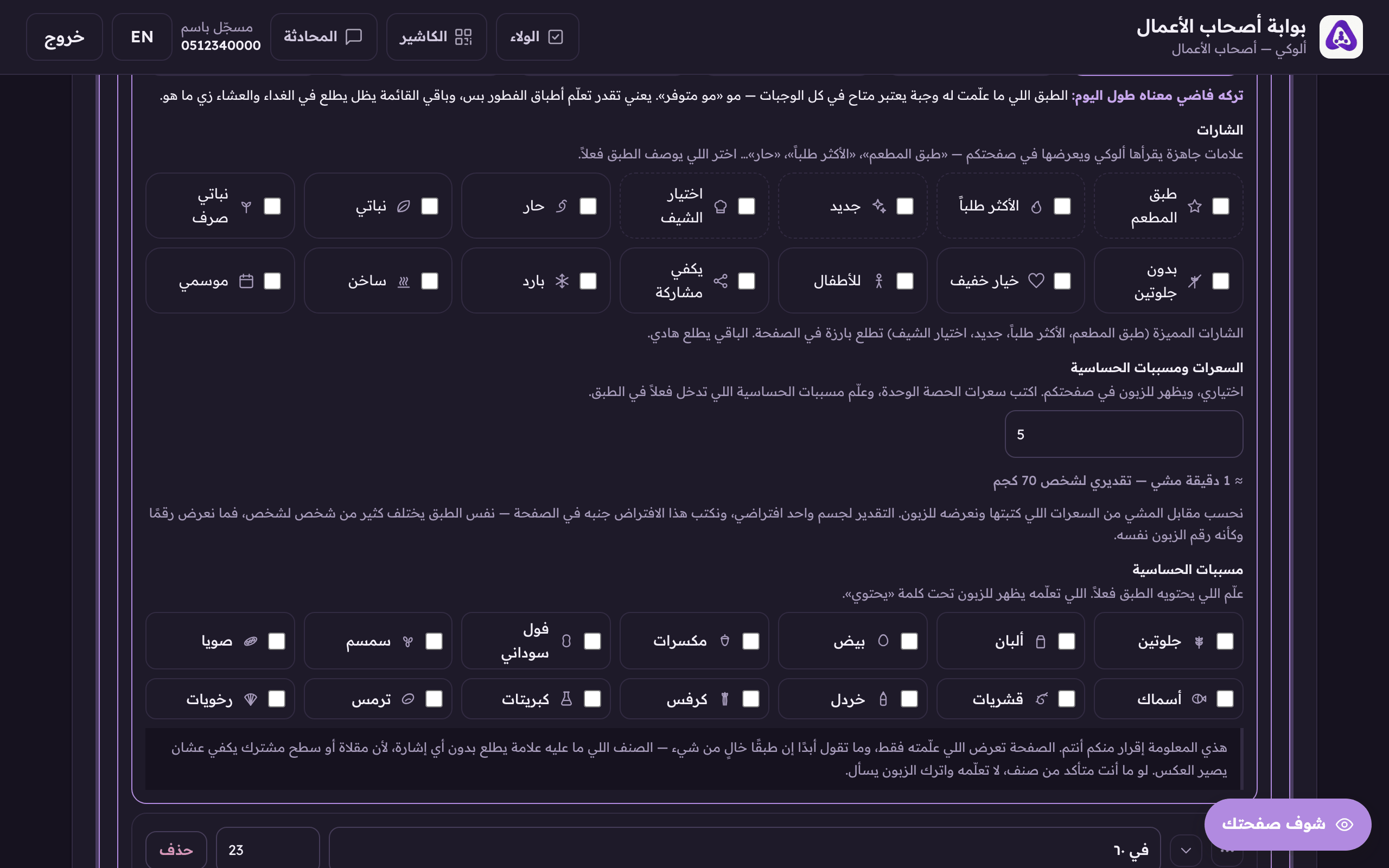
Calories, shown to a customer who asks. - Tick the allergens that genuinely go into the dish.
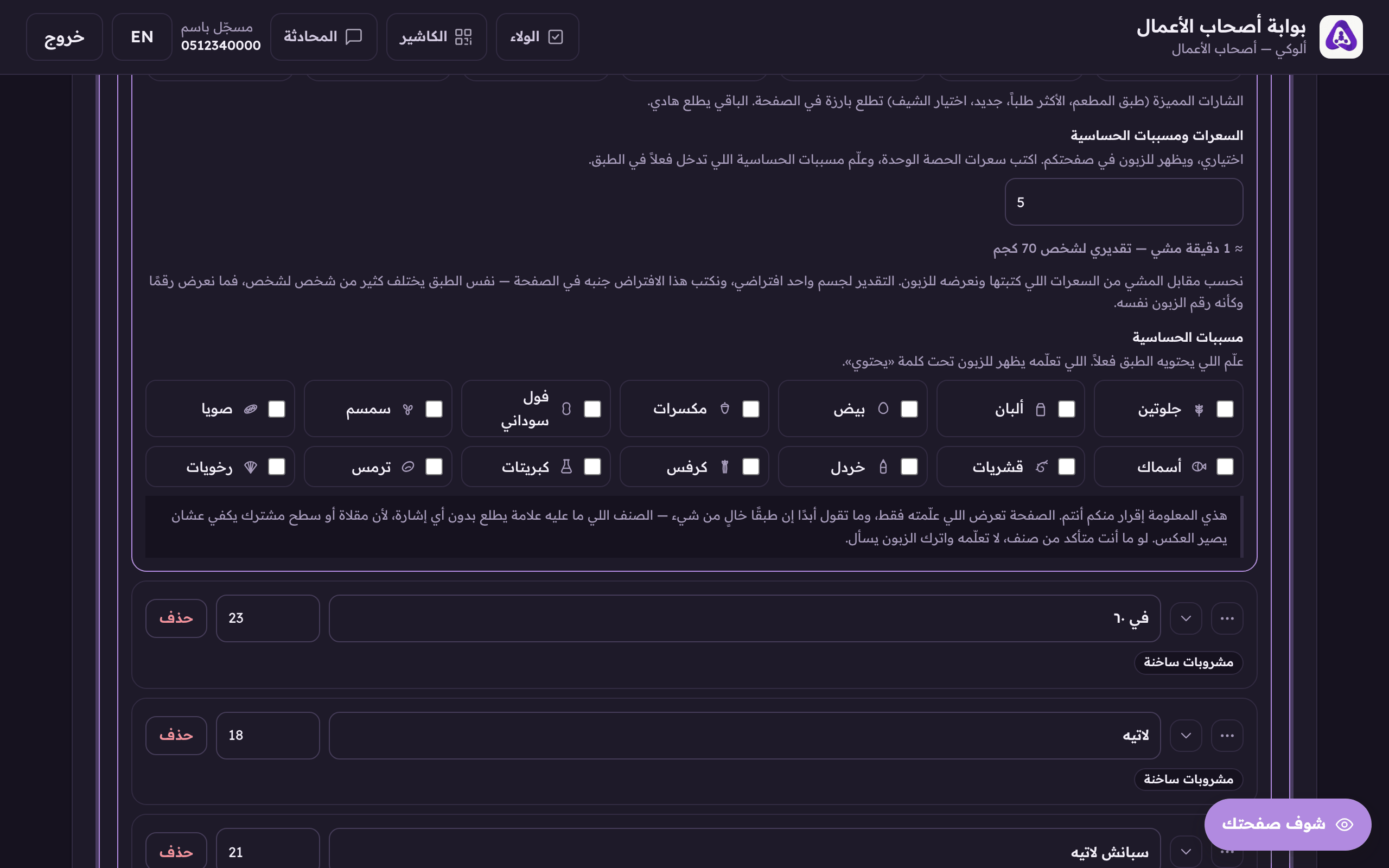
Tick the allergens in this dish, Aloke never recommends it to someone who declared that allergy.
The walking equivalent
Beside the calories we print how many minutes' walk they are worth, «≈ 15 minutes' walk», and underneath, that this is an estimate for one assumed body. The same dish differs greatly from person to person, so we never present the figure as if it were the reader's own.