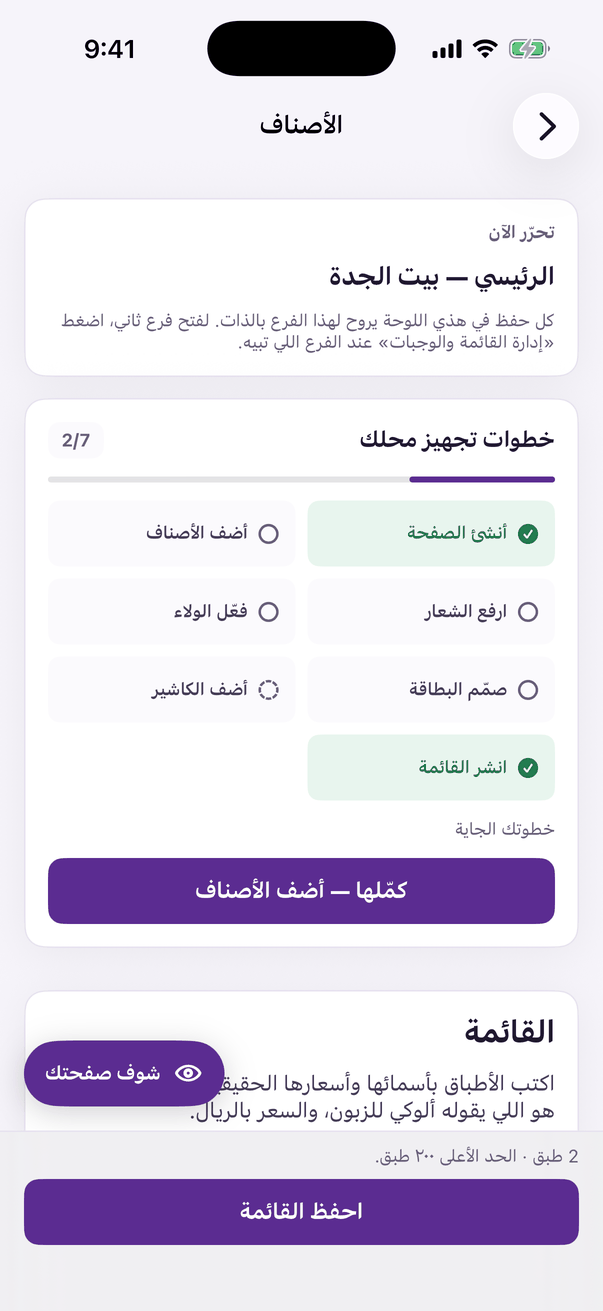
Sizes and add-ons, and when a price is a supplement rather than the full price.
Aloke Owners
Web, iPhone and iPad, Android
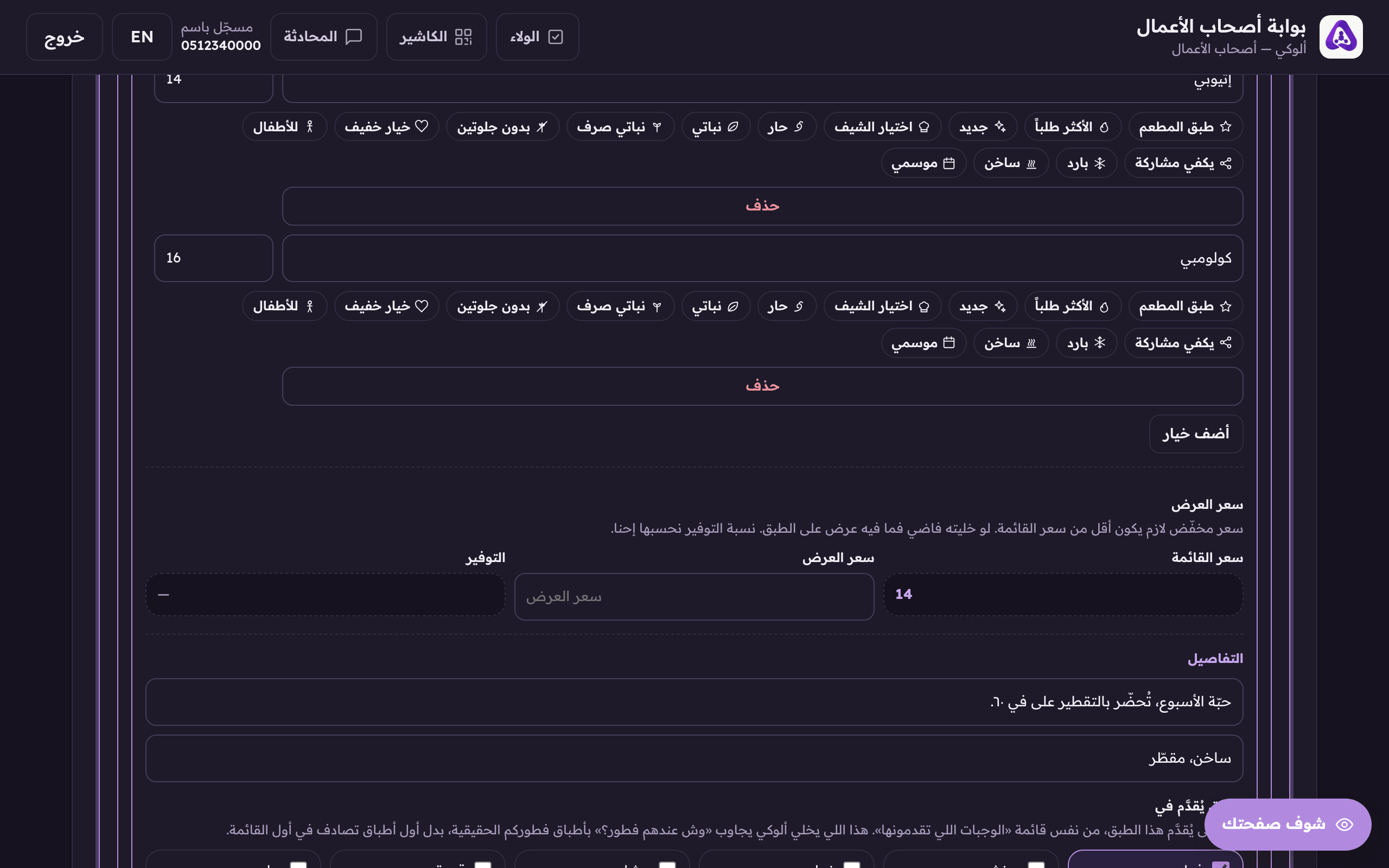
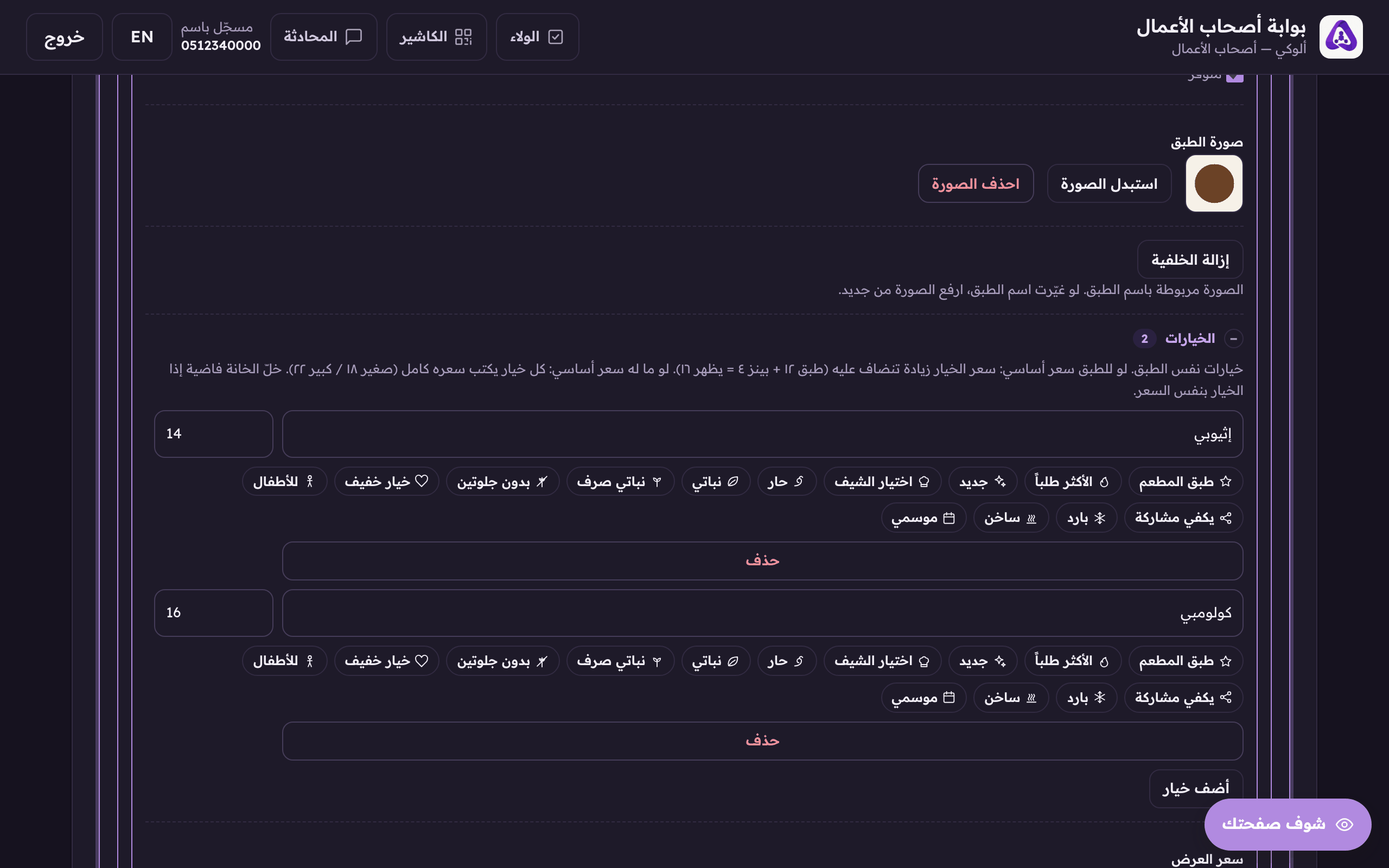
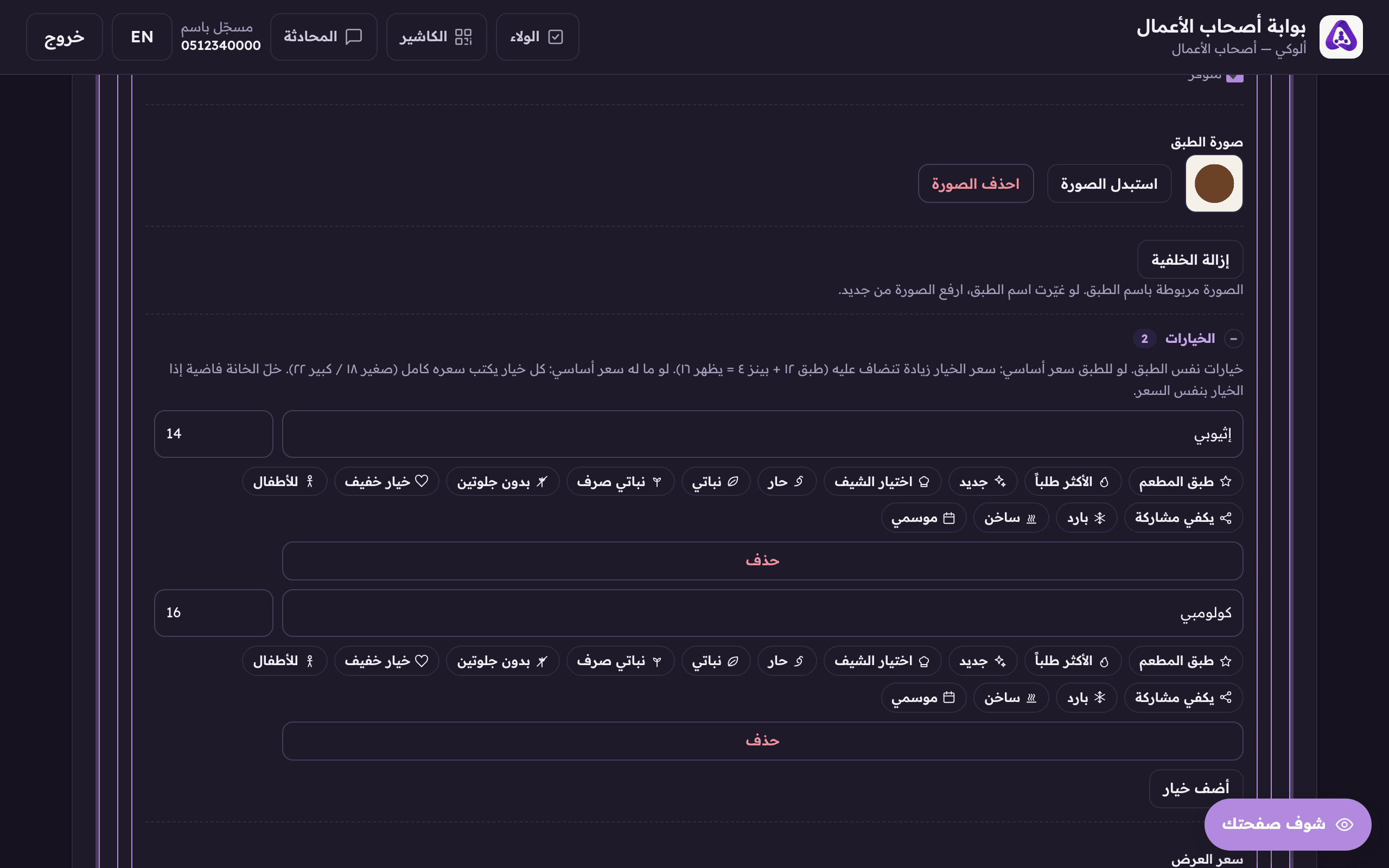
Options are the ways one dish comes: small, medium, large; hot or iced; Ethiopian or Colombian. You write them on the dish itself, so you do not have to list the same dish three times.
In the Aloke Owners app, open «Your menu» from the home screen, then «Items». (iPhone and iPad, Android)«Items»: the price and photo of every item.
Open the dish's details and press «Add option».«Add option» for another choice on the same dish.
Name the option: small, spicy, Ethiopian…The option's name: small, medium, Ethiopian… what the customer picks between.
Give the option its own price, or leave it empty when it costs the same as the dish.A price for this option. Leave it empty when it costs the same as the dish.
How an option is priced
An option is priced in one of two ways, and mixing them up is the commonest mistake on this screen:
The dish HAS a base price
The option's price is a SUPPLEMENT added on top. A dish at 12 with an option at 4 shows the customer 16.
The dish has NO base price
Each option carries the full price. Small 18, large 22. Nothing is added.
 Aloke
Aloke