 Aloke
AlokeBadges
The little marks that draw attention to a dish.
- Aloke Owners
- Web, iPhone and iPad, Android
Badges are ready-made marks that draw the eye to one dish: «the house dish», «most ordered», «new», «the chef's pick», «spicy»… Aloke reads them and your page shows them.
- In the Aloke Owners app, open «Your menu» from the home screen, then «Items». (iPhone and iPad, Android)
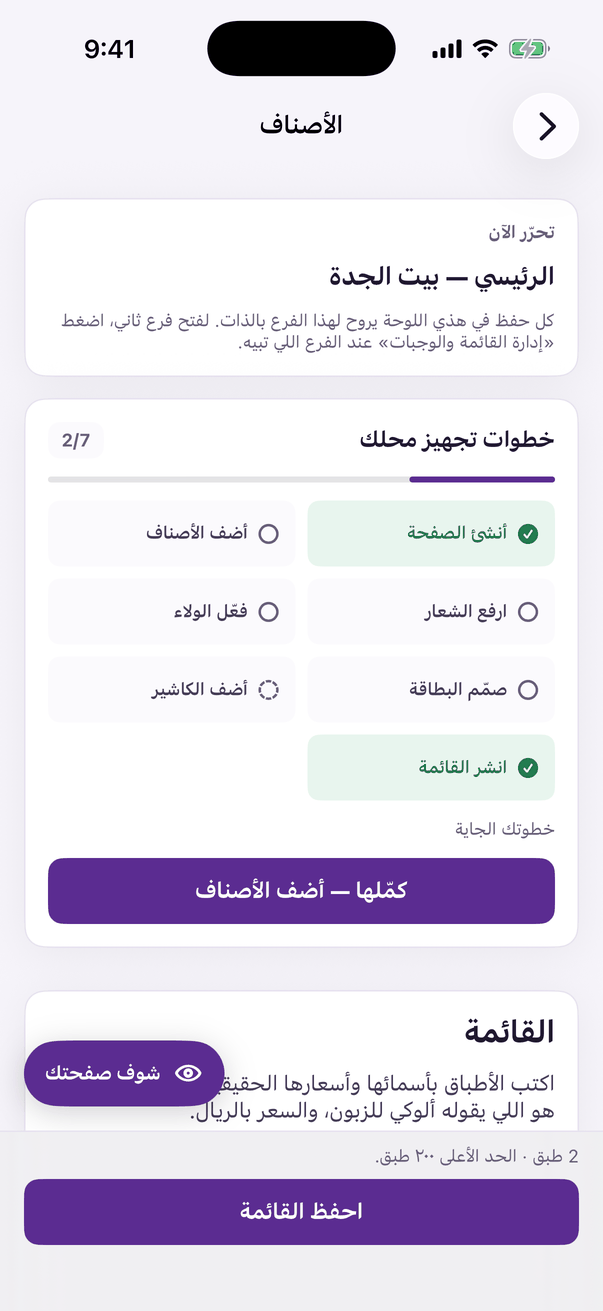
«Items»: the price and photo of every item. - Open the dish's details, scroll to the badges and tick the ones that genuinely describe it.
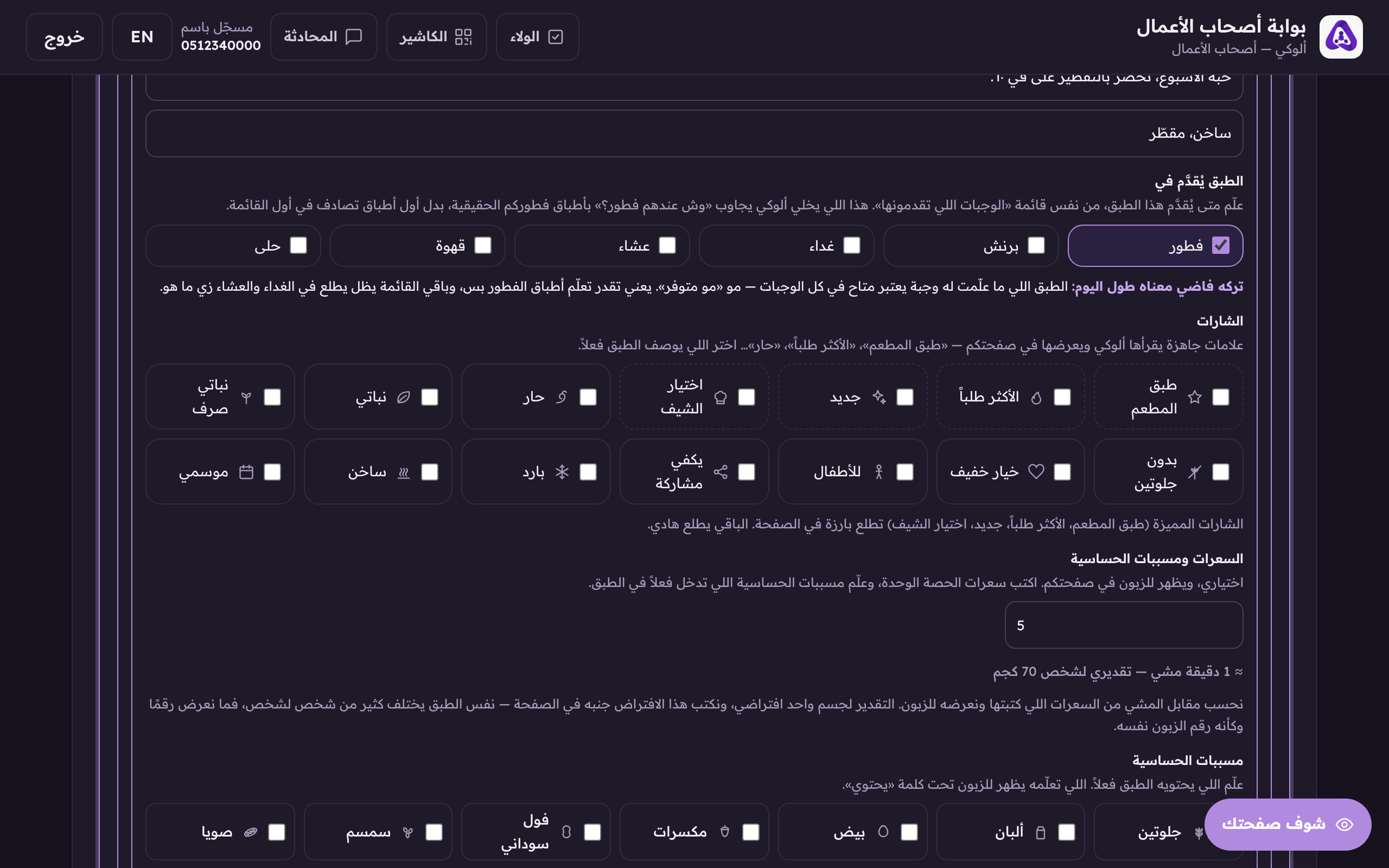
The badges: house dish, most ordered, new… tick only the ones that are actually true. - Press «Save menu», badges save with the rest of the menu; they have no button of their own.