 Aloke
AlokeCombos
A meal built from your own dishes, and its price against the sum of its parts.
- Aloke Owners
- Web, iPhone and iPad, Android
A combo is a menu item with its own price, assembled from other dishes on the same menu. You name it, choose its parts and price it, and each part keeps its own price on its own row.
- In the Aloke Owners app, open «Your menu» from the home screen, then «Combos». (iPhone and iPad, Android)
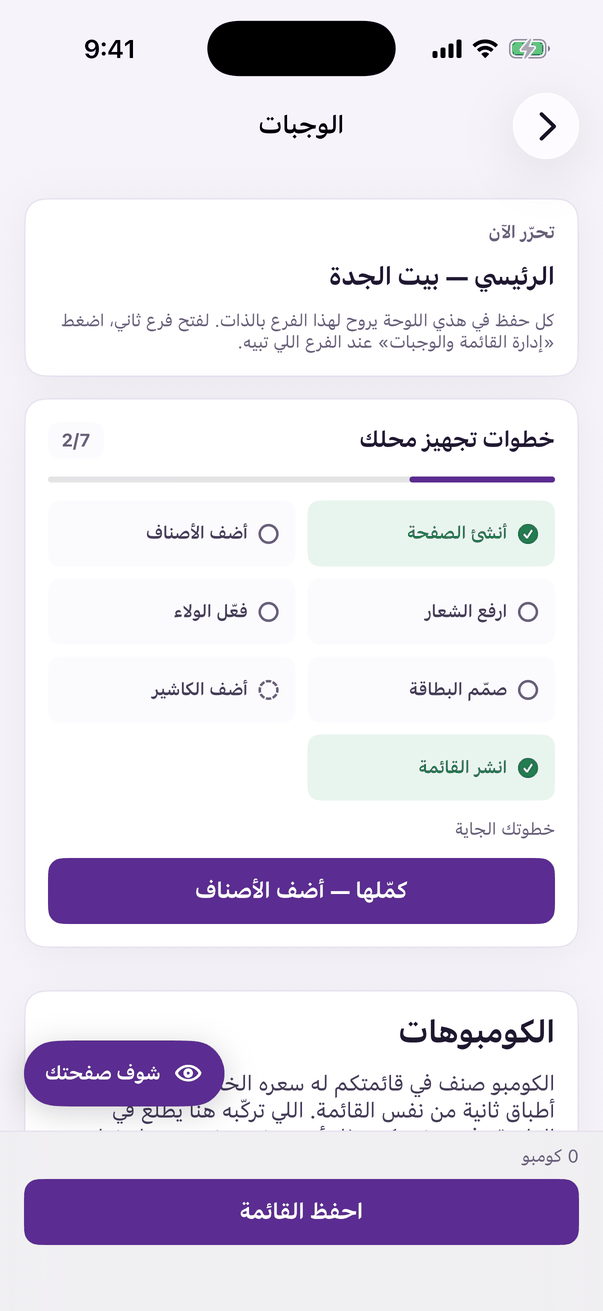
«Combos»: several items at one price. - Open the «Combos» tab and press «Build a combo». (Web)
«Build a combo» assembles several dishes into one priced meal. - Name the combo and price it.
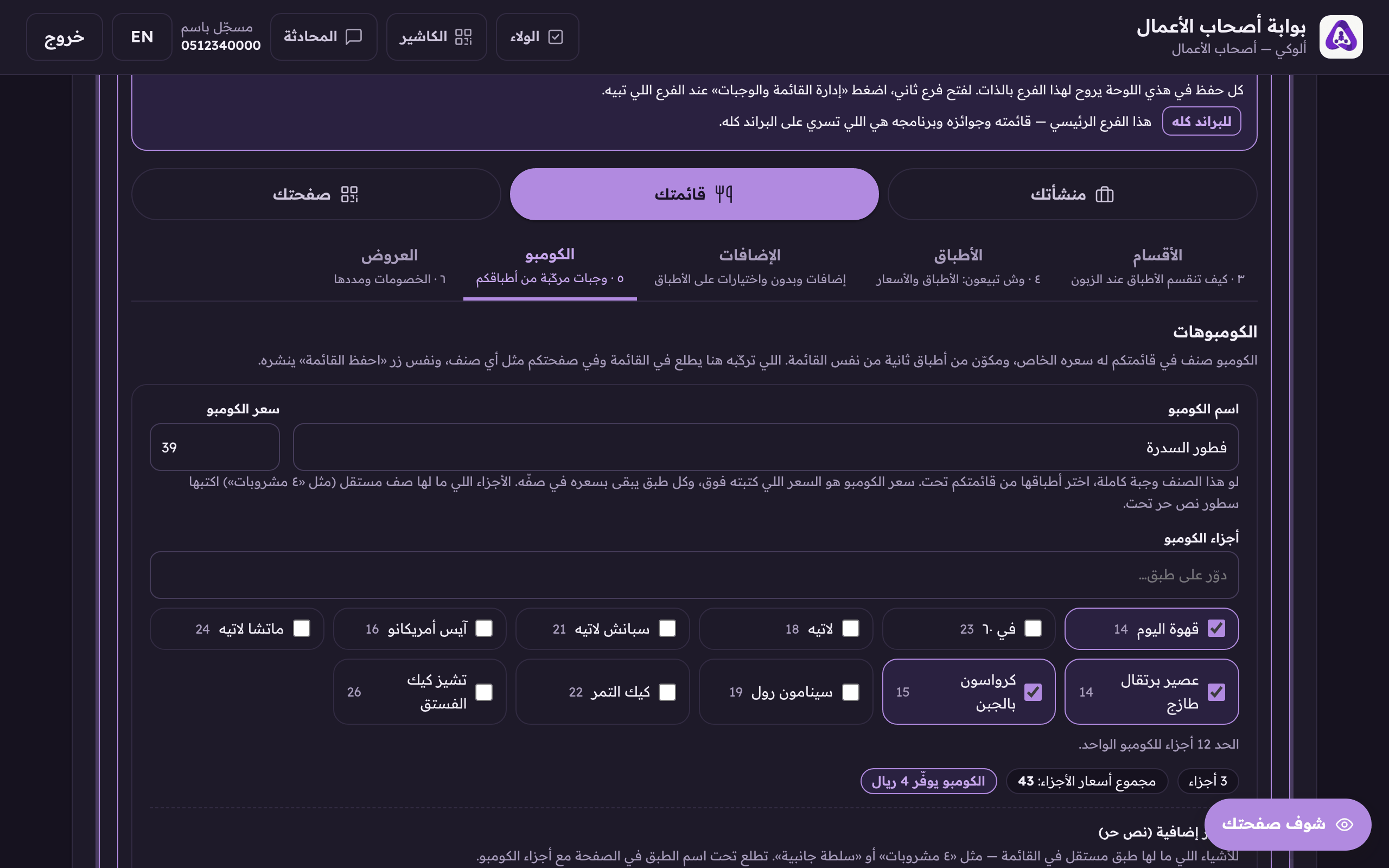
«Combo name» and «combo price». The one price the customer pays for the whole meal. - Search for the dishes that go into it and pick them. The limit is 12 parts per combo.
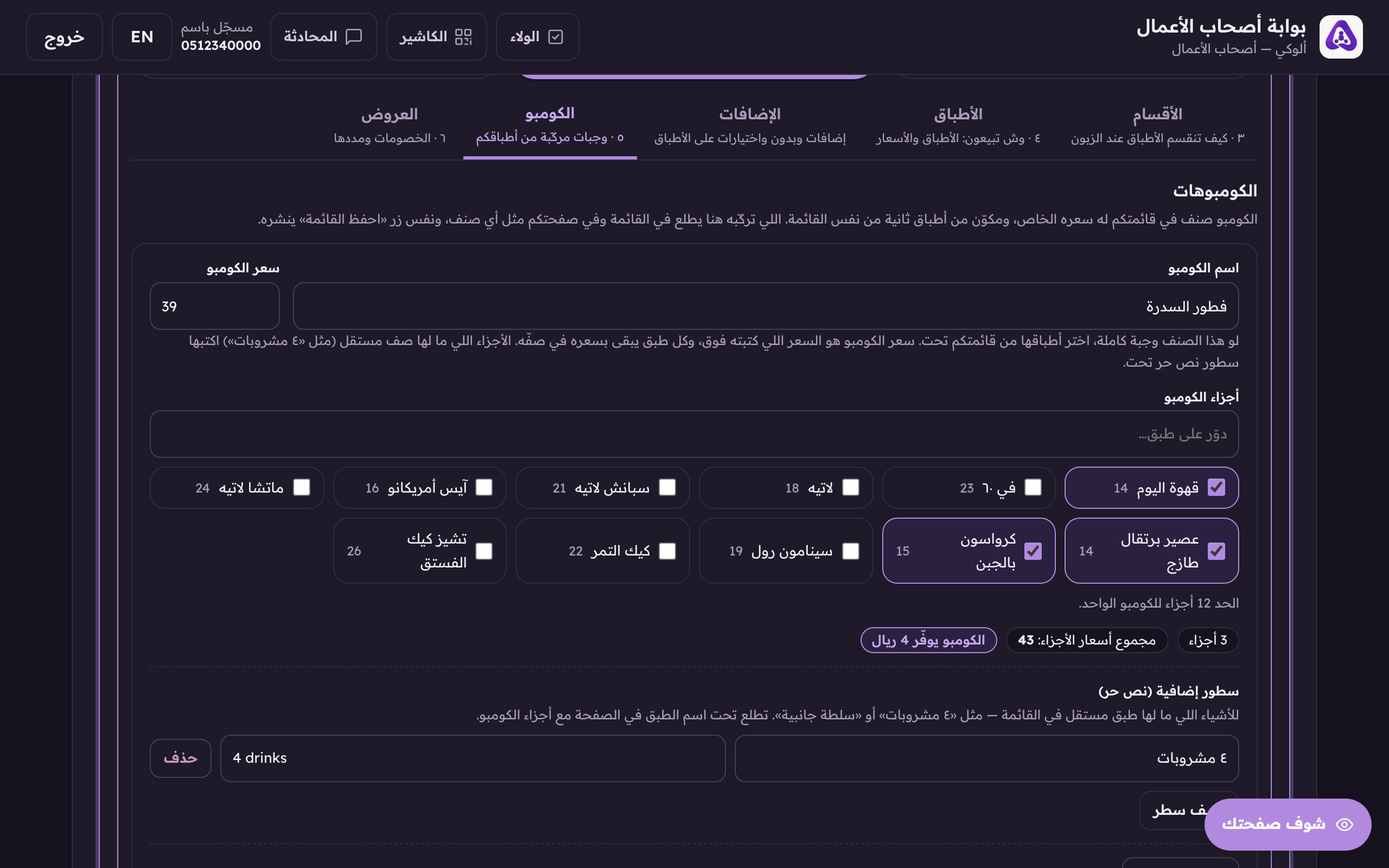
Search for the dishes that go into the combo and pick them. - Under the parts, the system totals their prices for you. Compare it with the combo's price: the difference is the saving your customer sees, and if the two match, the screen tells you the combo saves nothing.
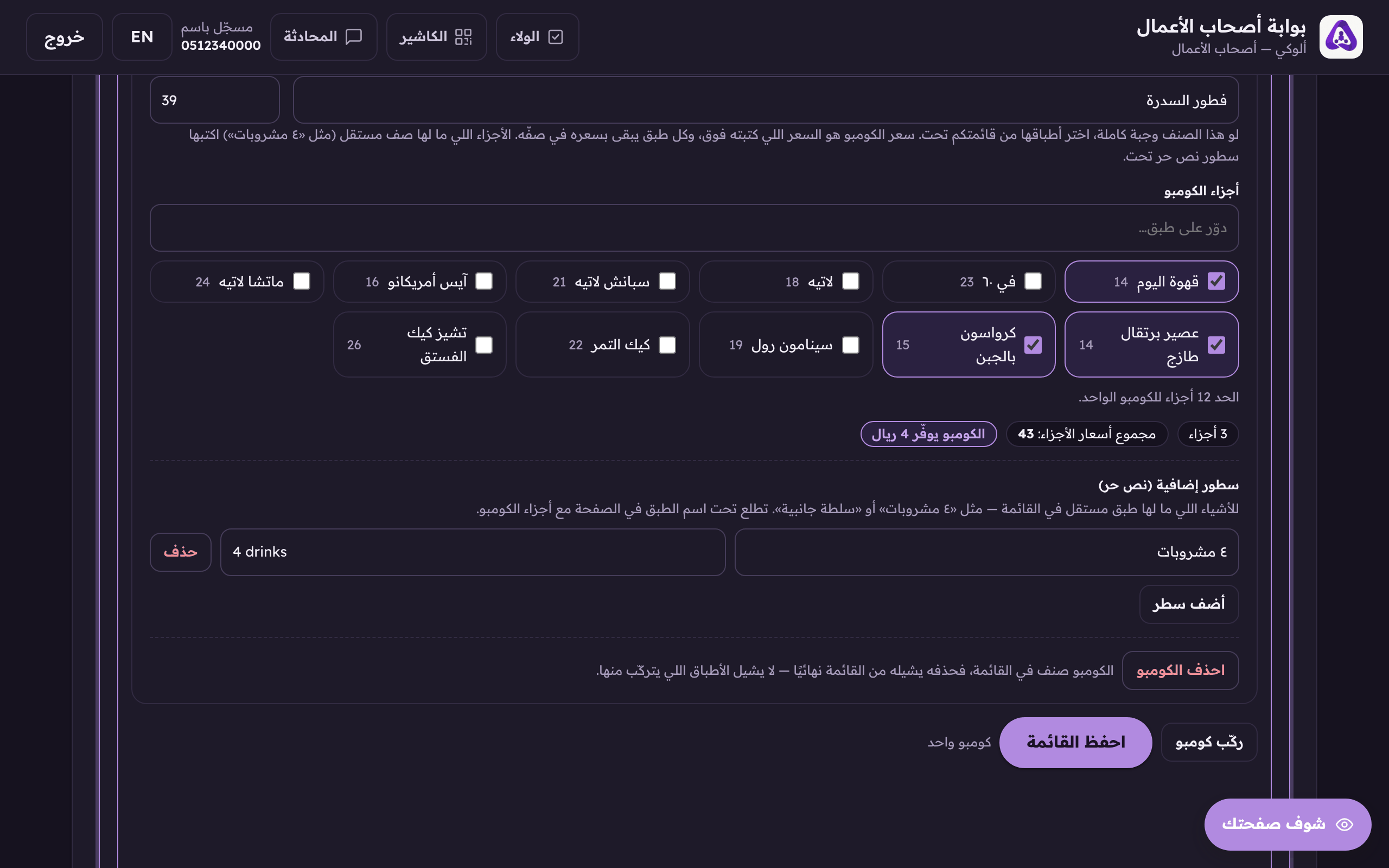
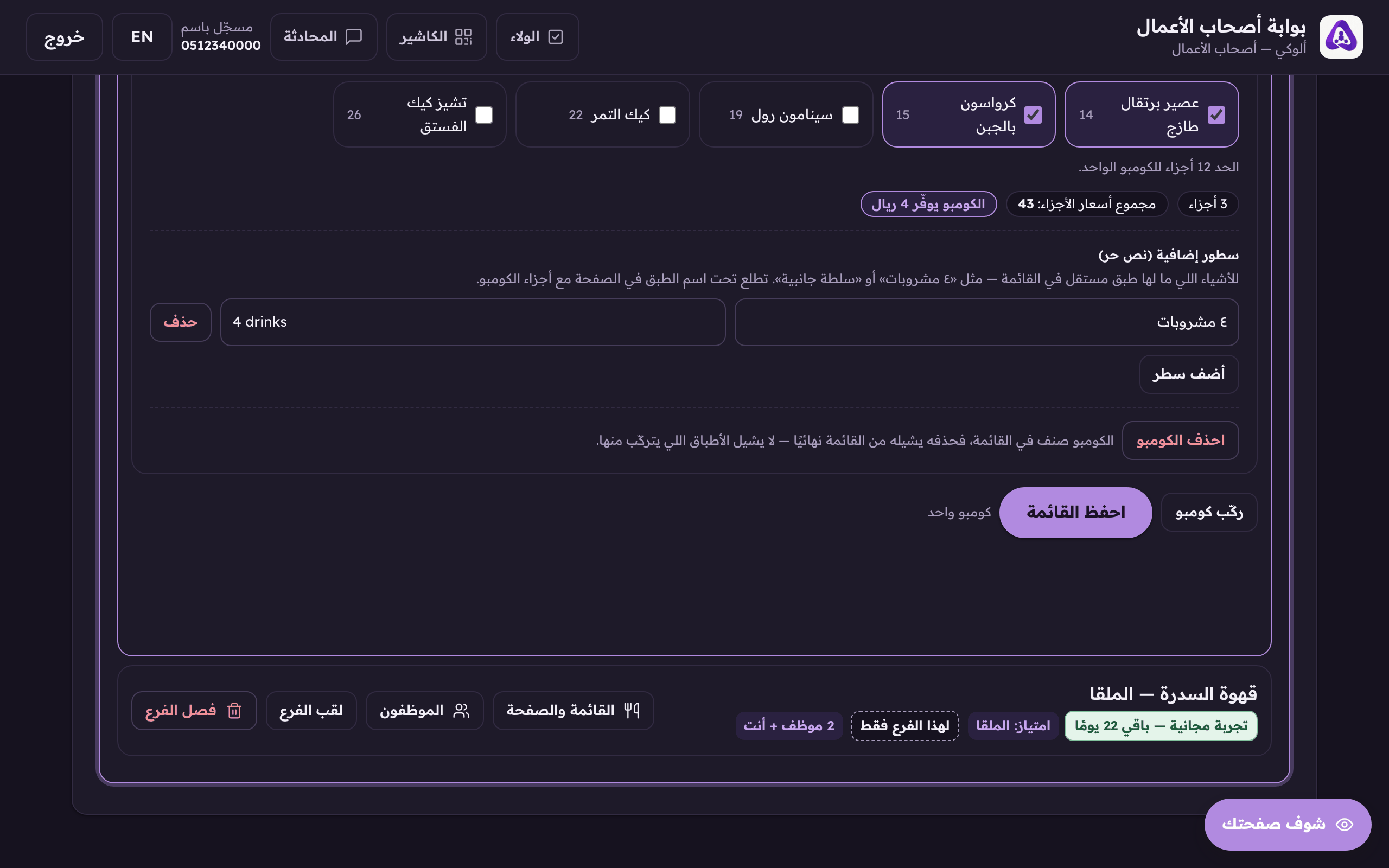
Under the parts we total their prices. The gap between that and the combo price is the saving the customer sees. - For parts that have no row of their own, «4 drinks», say, press «Add a line» and write them as free text.
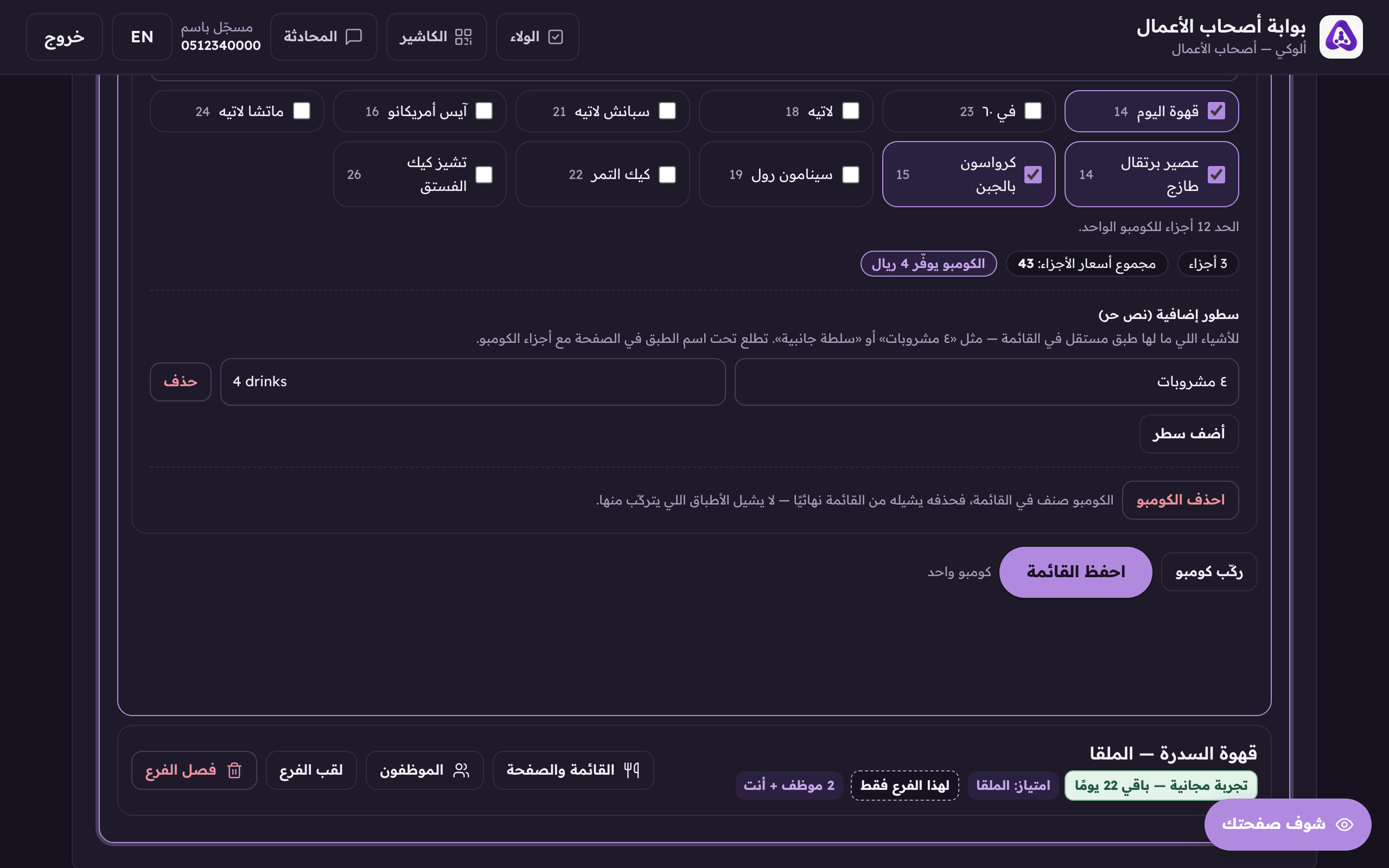
«Add a line» for a free-text part, like «4 drinks». - Press «Save menu», a combo publishes with the menu; it has no button of its own.