 Aloke
AlokeThe kitchen screen and a ticket for every station
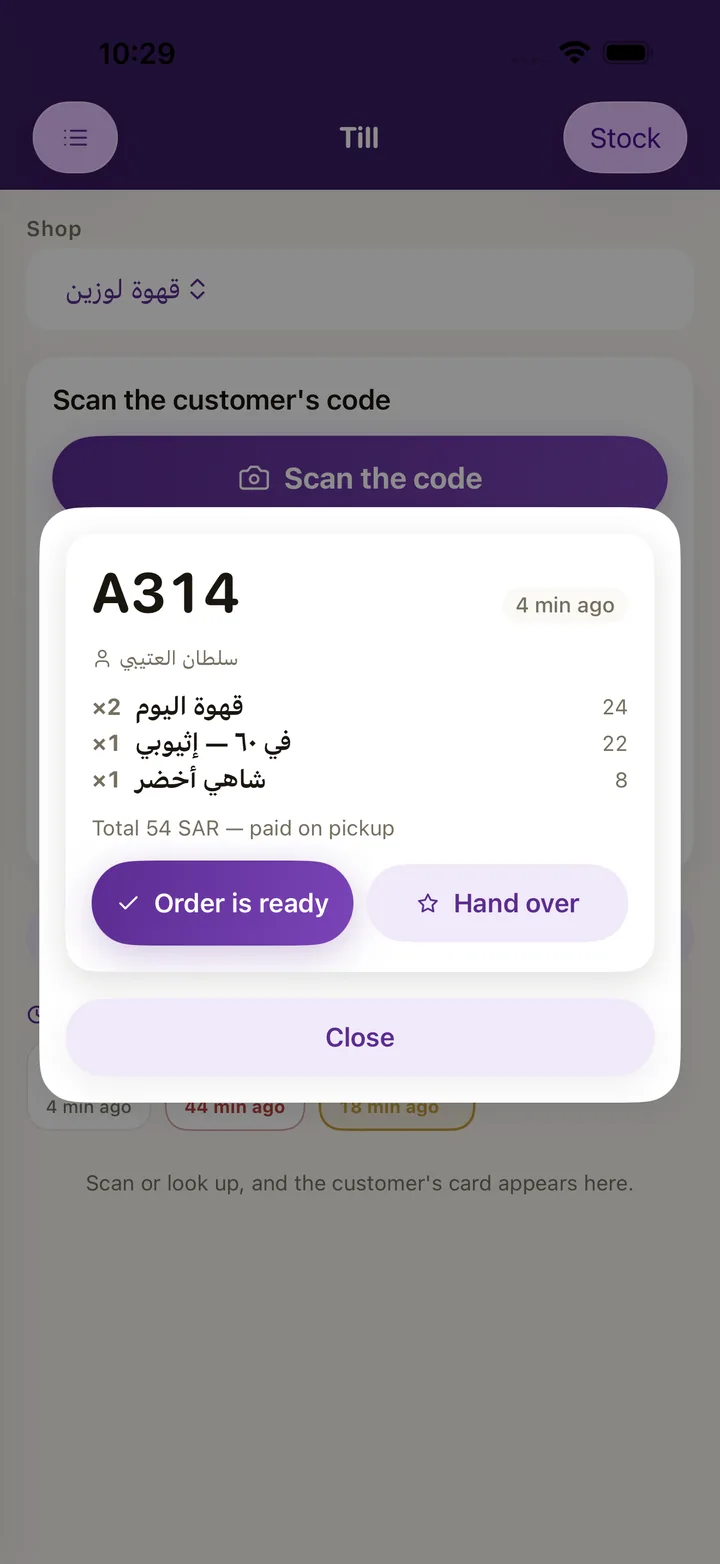
Before your customer locks their phone, the order is in your kitchen: it appears on the kitchen screen and in Aloke POS at the same moment, with a ticket for every station and a screen that says what has started and what is ready.
- on the Aloke Display app
- live updates
What it does
- Started, then ready. A ticket goes from «Started» to «Ready», and changes colour after five and then ten minutes.
- Live. Orders arrive without anyone refreshing, over a live connection that keeps running even if a server fails.
- A ticket for every station. On the kitchen printer on the shop's network, in Arabic with your crew's language: English, Urdu, Hindi, Bengali or Nepali.
- Screen roles. The menu board, the customer's screen at the counter, the kitchen, self order, and the floor screen, on iPad, iPhone and Android.
- Paired with a code. A screen pairs with a six character code and no account, from Aloke Owners.
The apps it runs in
Aloke POS
The selling screen in your shop: choose items and their extras, split the payment, issue the invoice, and print for the customer and the kitchen. Orders ahead and table orders reach it paid.
Aloke Display
Put up an iPad or an Android device, pair it with a six character code from Aloke Owners, and pick its role. It needs no account and no password.
Works together with
Aloke POS
Tap the item, pick its size and extras, and close with cash, card or both. Aloke POS issues an electronic invoice for every sale, closes the shift with the difference written out, and takes stock down with every sale.
Order Ahead and kerbside
Your customer opens your shop's card in Aloke Wallet, chooses from your menu and pays with Apple Pay or a card. The order reaches the kitchen screen and Aloke POS at the same moment, and one scan at pickup hands it over and adds the stamp.
The dining hall and table ordering
You draw your hall as it is: round, square and long tables and booths, each with a QR code to print. The guest scans it, orders and pays from their phone, and calls a waiter or asks for the bill with one tap.
Shops running on Aloke
Vero Roastery
A roastery and café in Jazan
Fillin Good
Cookies and specialty coffee in Jazan
Duhm Cafe
A café in Samtah
Cupcan Cafe
A café in Jazan
ChillFuel
A café in Jazan
Questions
Which device does the kitchen screen run on?
The Aloke Display app on iPad, iPhone and Android devices.
Does it print kitchen tickets?
Yes, on the kitchen printer on the shop's network, with a ticket for every station.
In which language does it print?
In Arabic, with your crew's language: English, Urdu, Hindi, Bengali or Nepali.
Register your business and branches, choose your systems and pay, and our team reviews your application; then you start from your console. Priced per branch, every three months or every year, with no setup fee.
Get started