 Aloke
AlokeAdding stamps and prizes by hand
For a customer from a previous programme, a goodwill gesture, or a visit that was missed.
- Aloke Owners
- Web, iPhone and iPad, Android
Customers with paper cards from before Aloke? A visit that was not recorded? Add their stamps or prizes here; they appear on the card at once, with no notification. Every grant is logged with its reason and who made it.
- Open «إضافة يدوية» (on the web under «العملاء», in the app under «عملاؤك»).
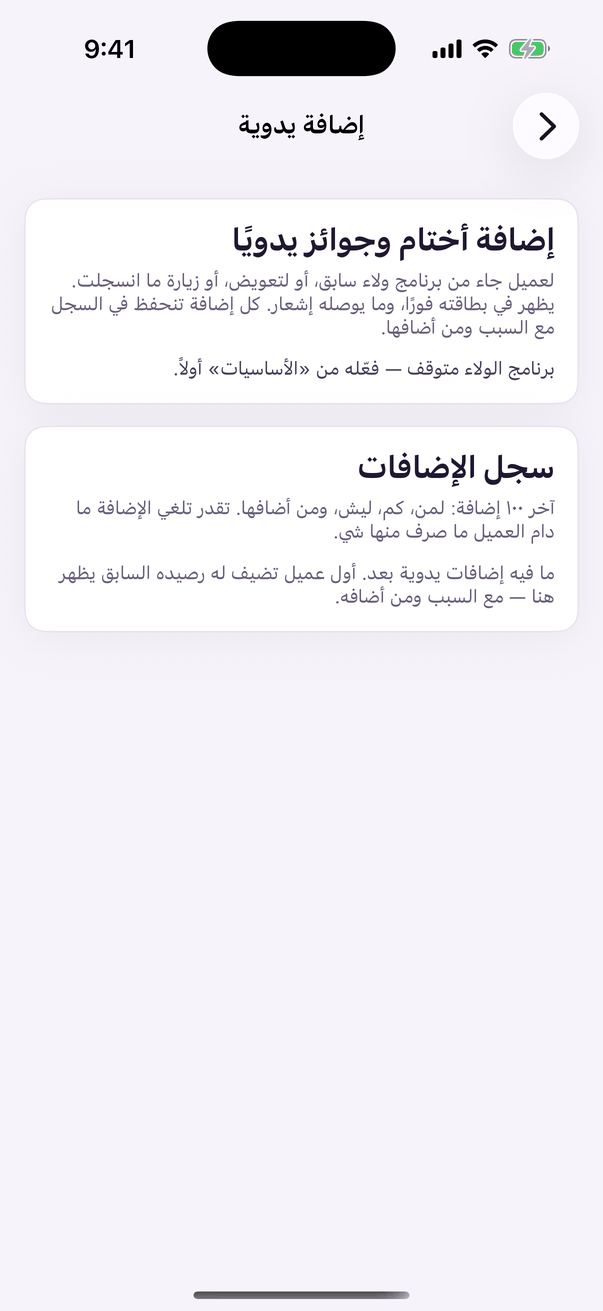
«Add by hand»: stamps and prizes from a previous programme. - Type «جوال العميل» and «الاسم (اختياري)» if they are new.
- Type «عدد الأختام» or «عدد النقاط», «عدد الجوائز» if they have whole prizes, and pick «الجائزة».
- Pick «السبب»: «رصيد من برنامج الولاء السابق», «تعويض لعميل» or «تصحيح زيارة لم تُسجَّل», or write your own.
- Press «أضف للعميل», read the line that appears, and press «تأكيد الإضافة».
- A mistake? In «سجل الإضافات» press «إلغاء الإضافة». You cannot take it back once the customer has spent part of it or collected a prize from it.