One day of the week on which your customers earn more. It is the simplest tool you have for moving a dead day.
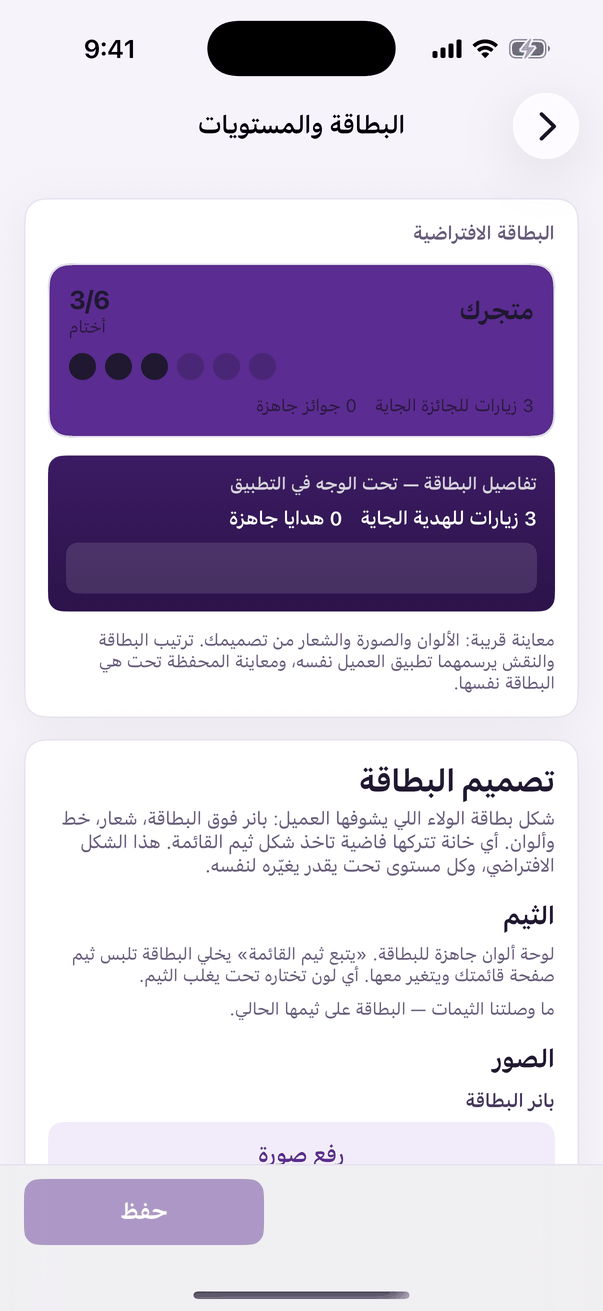
In the Aloke Owners app, open «Loyalty programme» from the home screen, then «Card and tiers». (iPhone and iPad, Android)«Card and tiers»: the design, the stamp and the tiers.
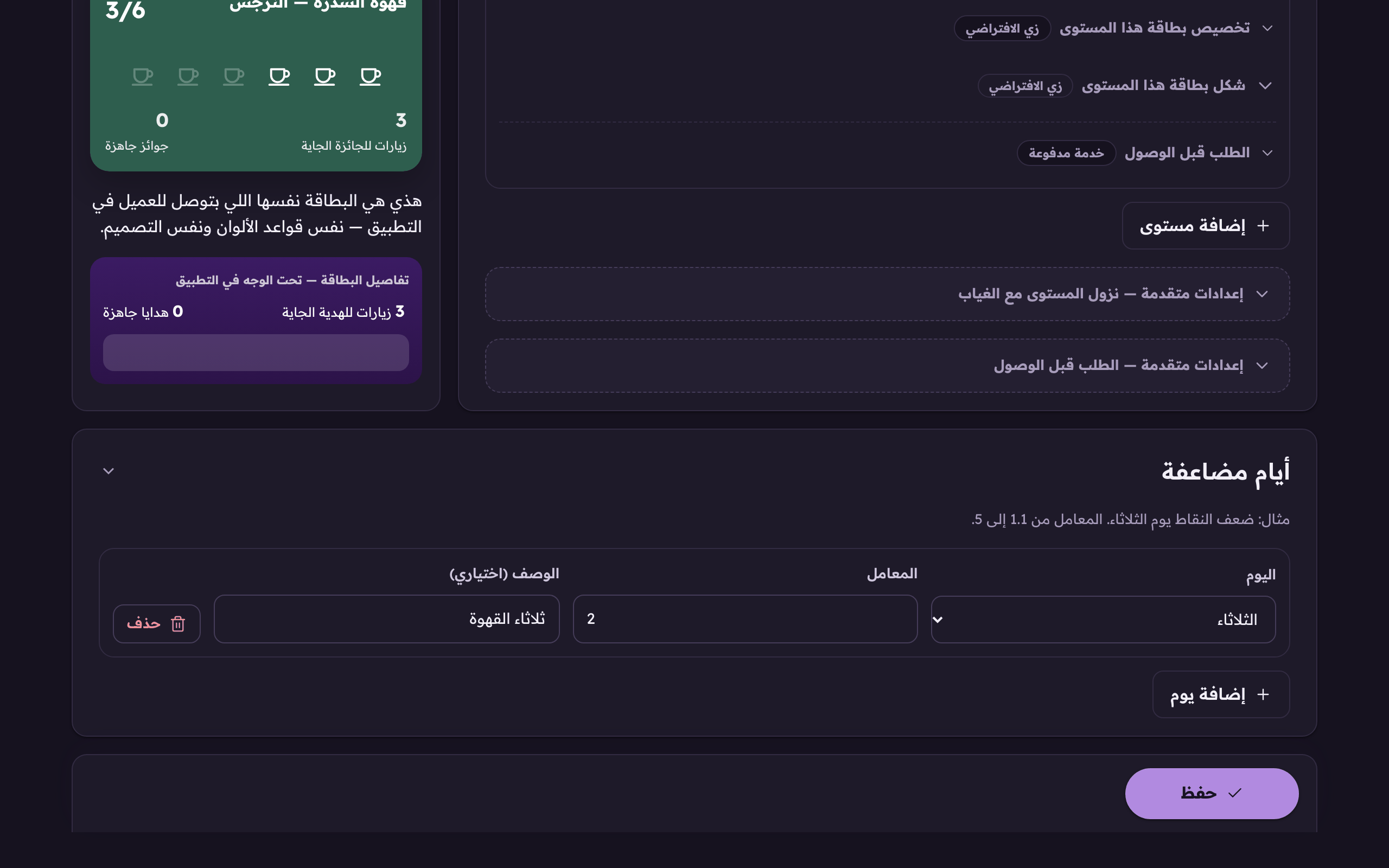
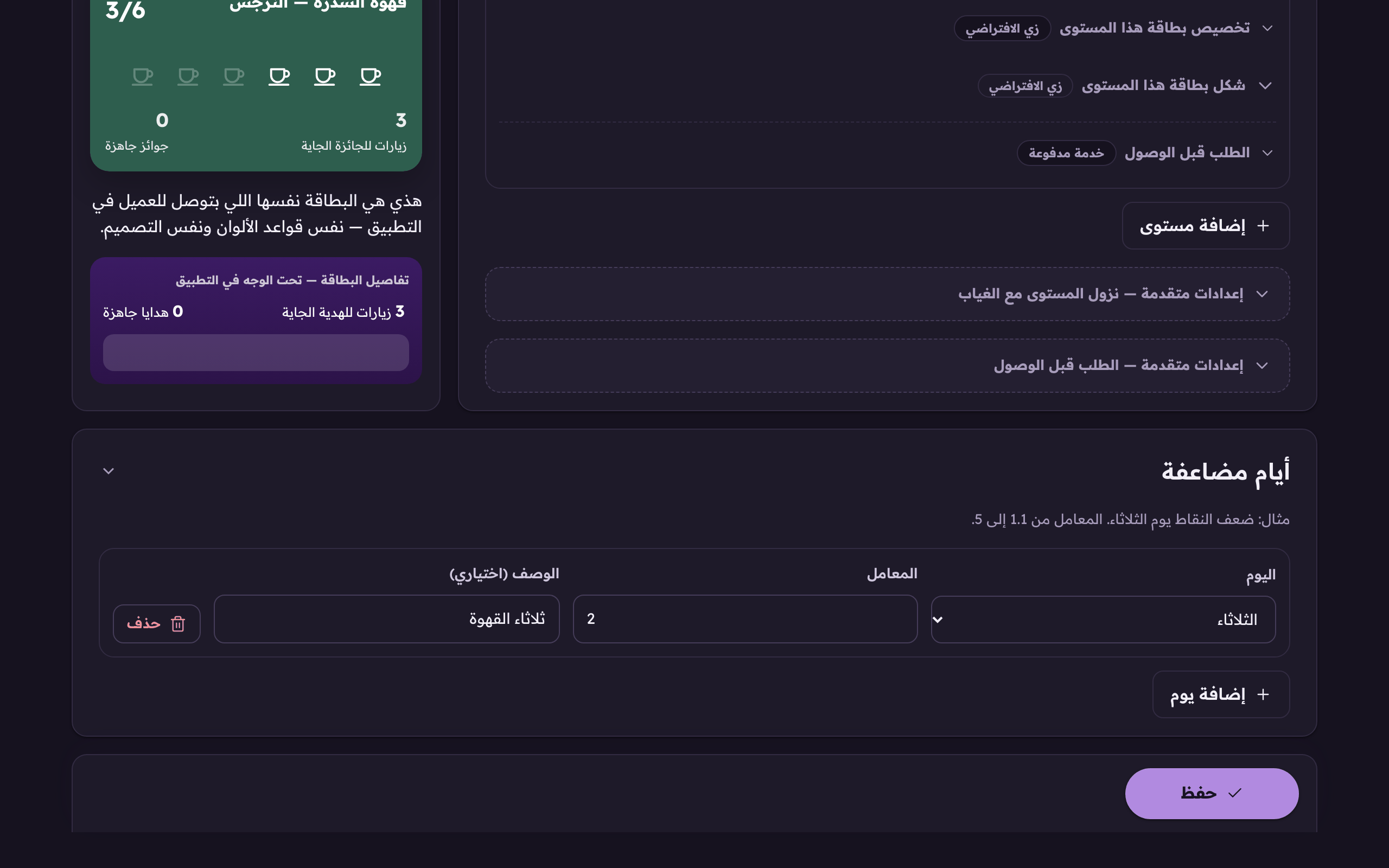
Open the «Card and tiers» tab, scroll to «Double days» and press «Add a day». (Web)«Add a day» for a double-points day, like double on Tuesdays.
Choose the day and set the multiplier. From 1.1 to 5.The day it applies to; the multiplier runs from 1.1 to 5.
Add a short label (optional). It rides along with the reason for the earning.
 Aloke
Aloke