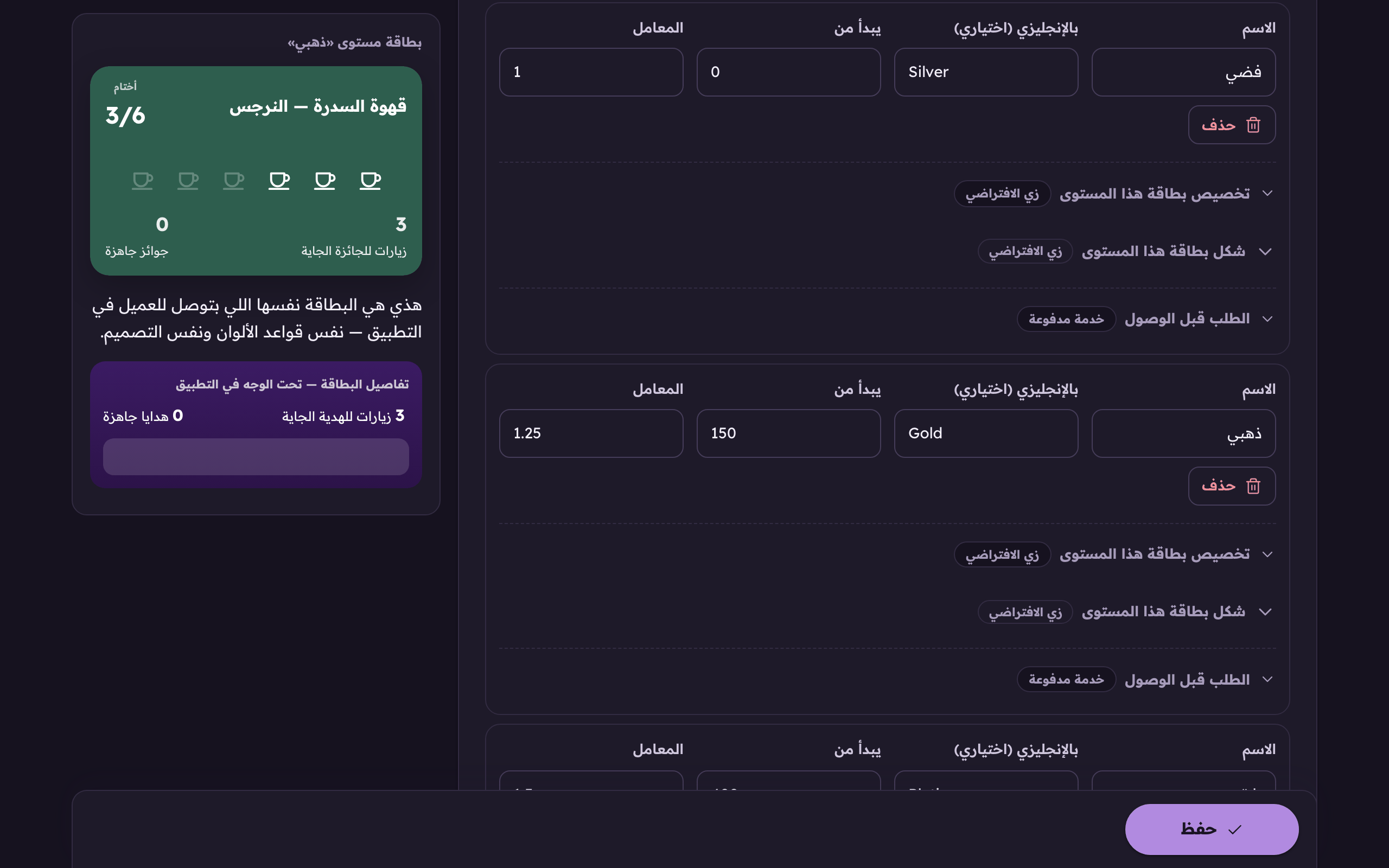
Where each tier starts, its multiplier, and a card of its own.
Aloke Owners
Web, iPhone and iPad, Android
Tiers are a second ladder sitting above the prize ladder. Each one starts at the customer's LIFETIME total since day one, not their current balance, and its multiplier scales everything they earn after reaching it.
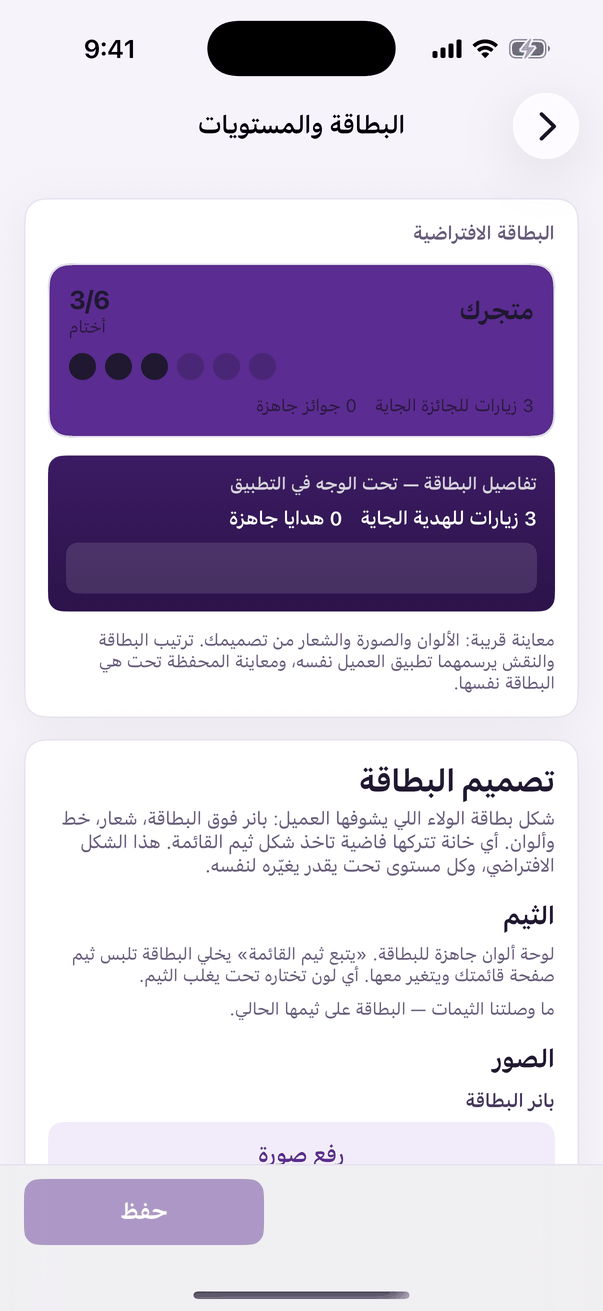
In the Aloke Owners app, open «Loyalty programme» from the home screen, then «Card and tiers». (iPhone and iPad, Android)«Card and tiers»: the design, the stamp and the tiers.
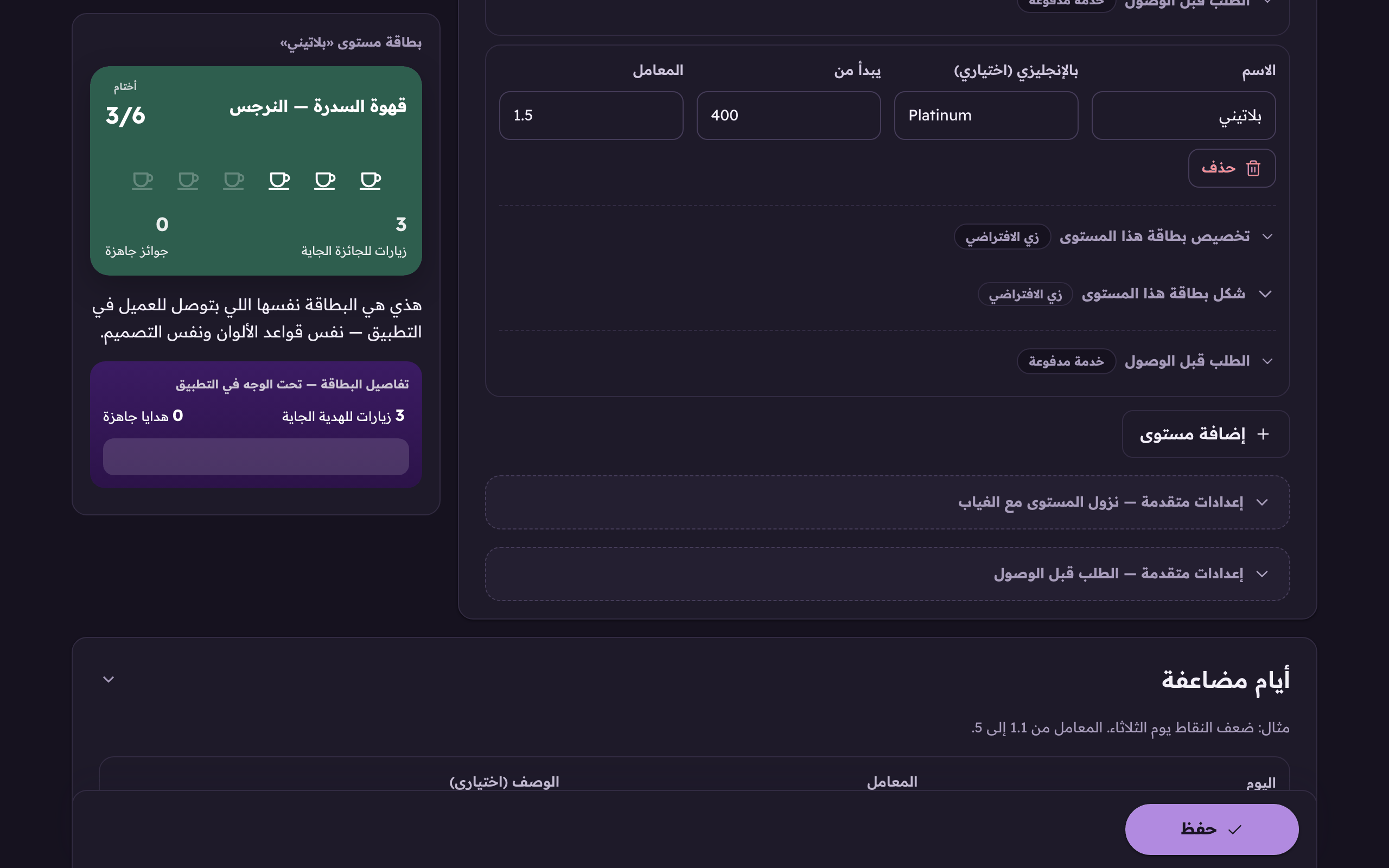
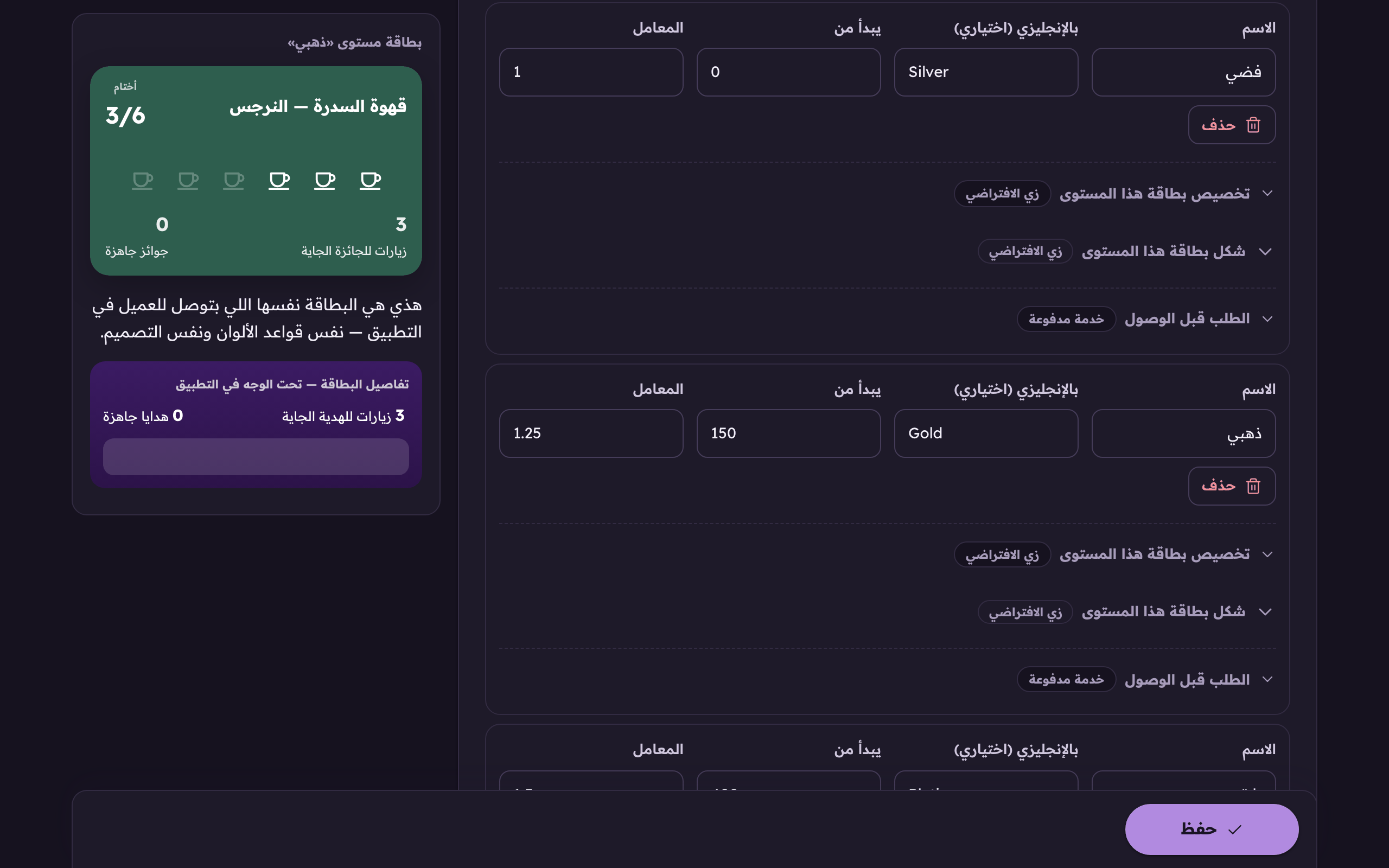
Open the «Card and tiers» tab and press «Add a tier». (Web)«Add a tier» adds a rung to your customer ladder.
Name the tier: silver, gold, platinum…The tier's name: silver, gold, platinum…
Set the lifetime total it starts at.The lifetime total this tier starts at. Everything earned since day one, not the current balance.
Set the multiplier.The multiplier scales everything the customer earns once they reach this tier.
Press «Save». The system sorts the tiers into a ladder by their numbers, so the order you typed them in does not matter.
Starts at
The lifetime total. A customer who collected 40 stamps over a year and redeemed all of them still has a lifetime of 40, redeeming does not reduce it.
Multiplier
From 1 to 3. A 1.5 multiplier on a stamp card means two visits give three stamps. The system remembers the leftover half for the next visit rather than throwing it away.
English name (optional)
The tier's name for an English reader. Leave it empty and the Arabic name shows.
This tier's card look
A banner, a background colour and a text colour just for this tier. Leave them empty and it inherits the default, so a gold card can look different from a silver one.
 Aloke
Aloke