 Aloke
AlokeDesigning the card
Banner, logo, font, and colours.
- Aloke Owners
- Web, iPhone and iPad, Android
The loyalty card is the thing that lives on your customer's phone. You design it here, and the preview above the fields IS the card that reaches them: the same colour rules, the same layout, not an approximation.
- In the Aloke Owners app, open «Loyalty programme» from the home screen, then «Card and tiers». (iPhone and iPad, Android)
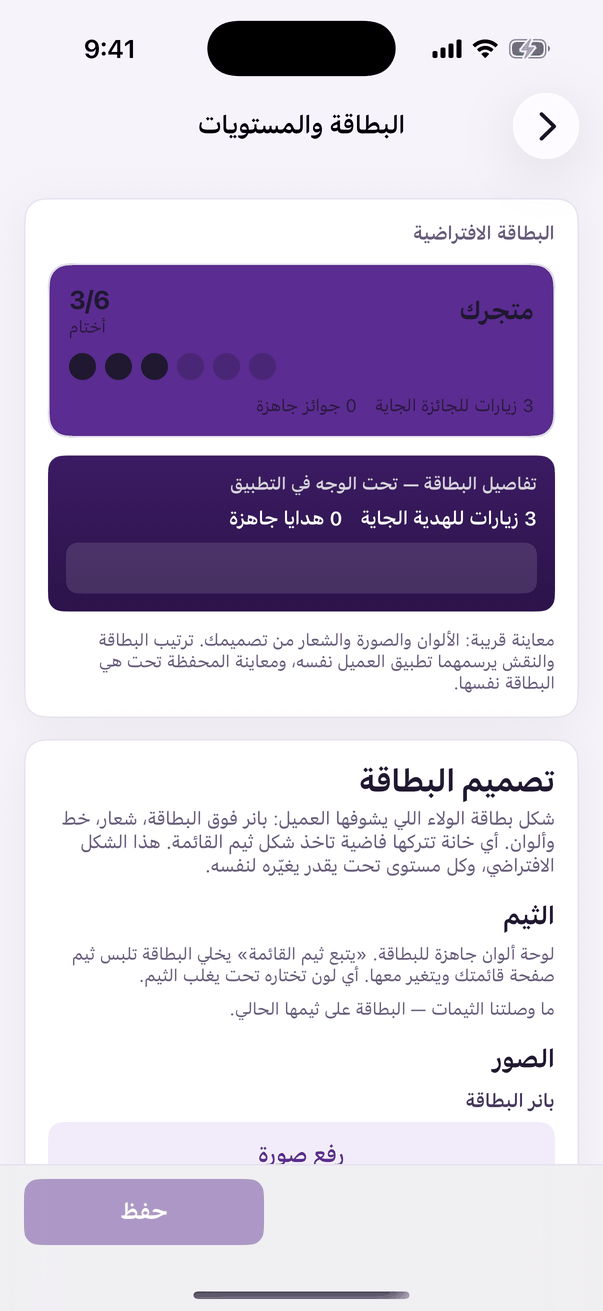
«Card and tiers»: the design, the stamp and the tiers. - Open the «Card and tiers» tab. The preview sits at the top, watch it as you change things. (Web)
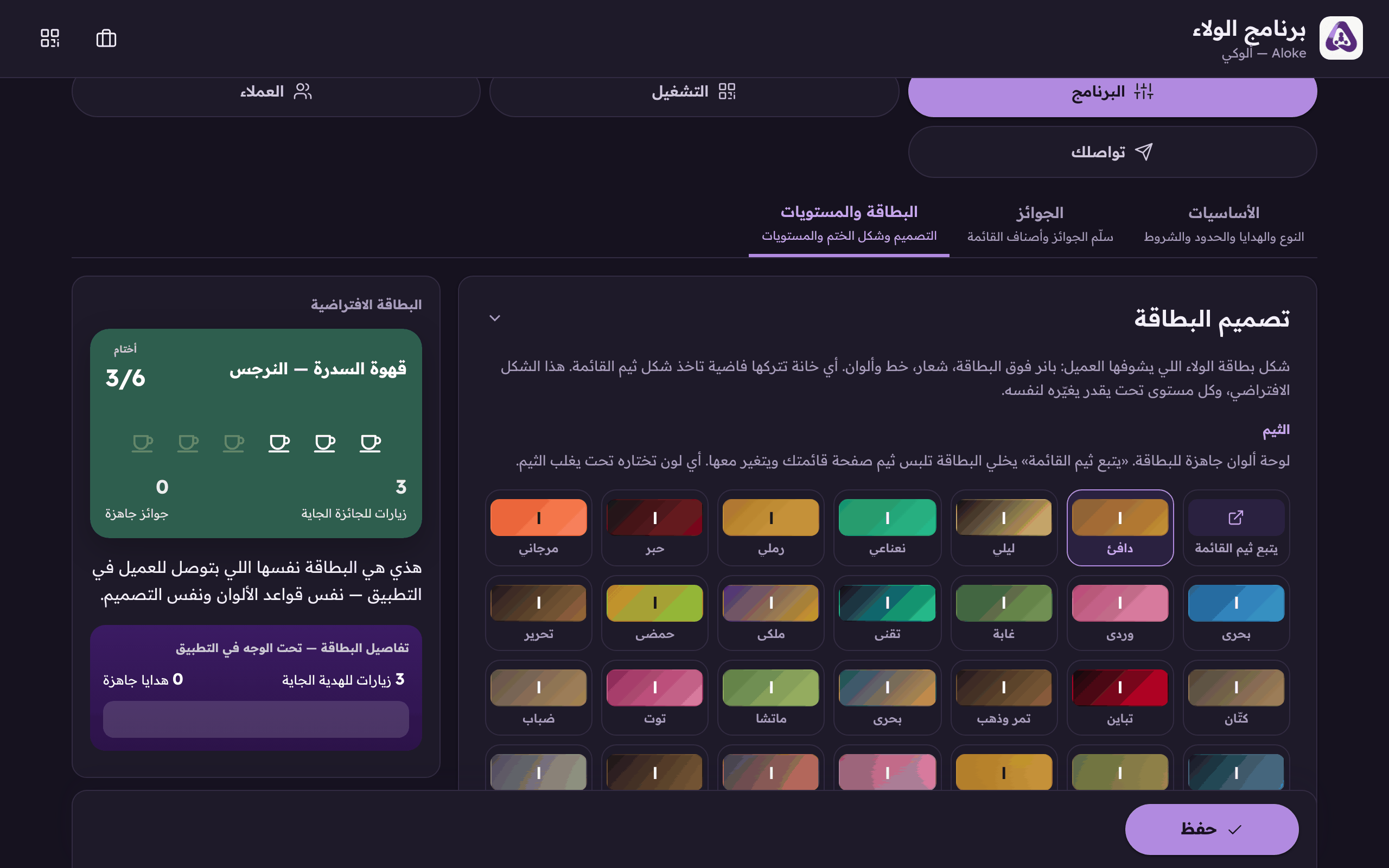
This is your card as it appears on your customer's phone. It changes live with every colour and typeface you pick above. - Upload the card's banner. A wide image across the top of the card.
- Upload the card's logo.
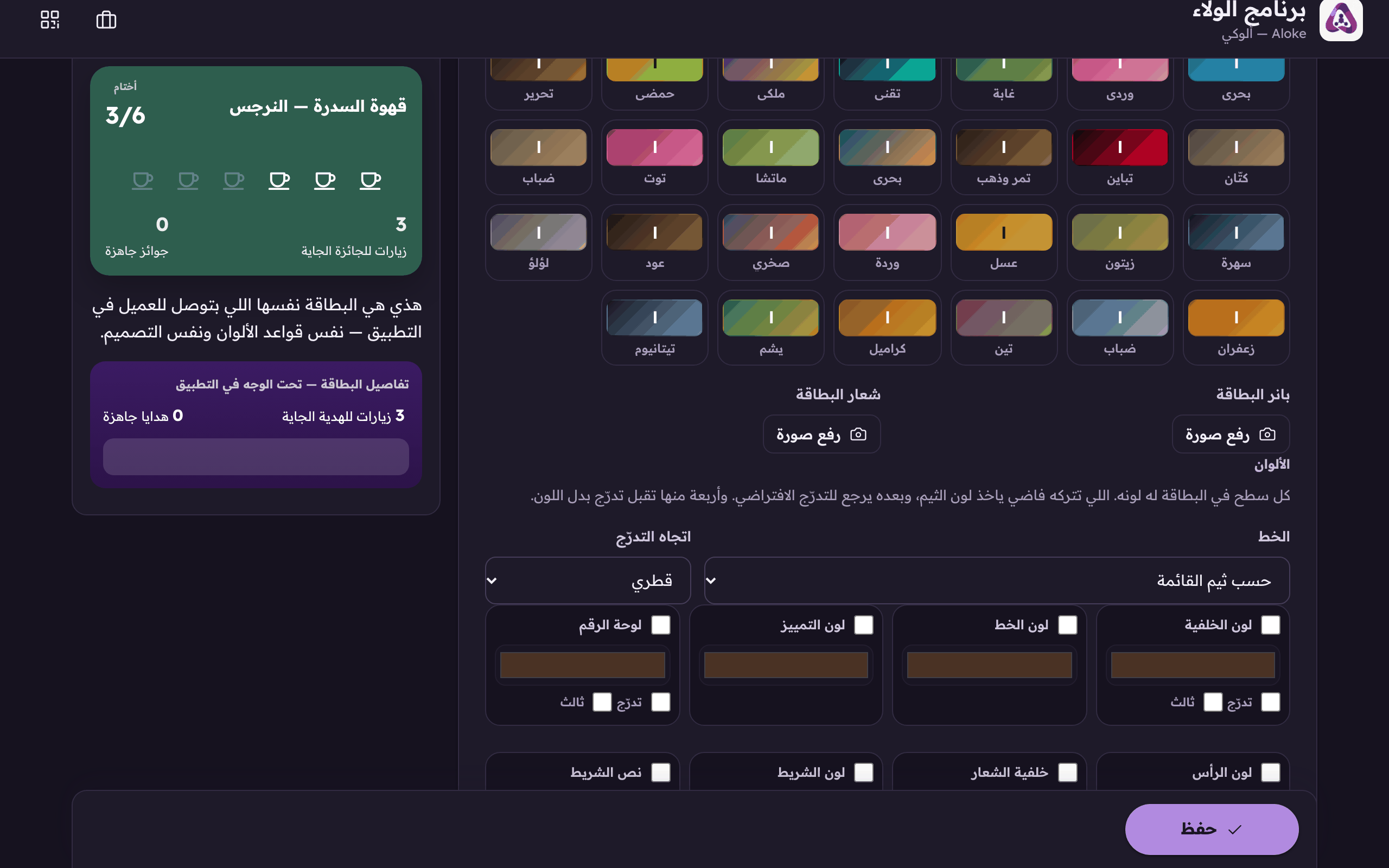
Upload the card's logo. It is what shows on your customer's card in the app. - Choose the typeface, or leave it on «Follow the menu theme» so it matches your page.
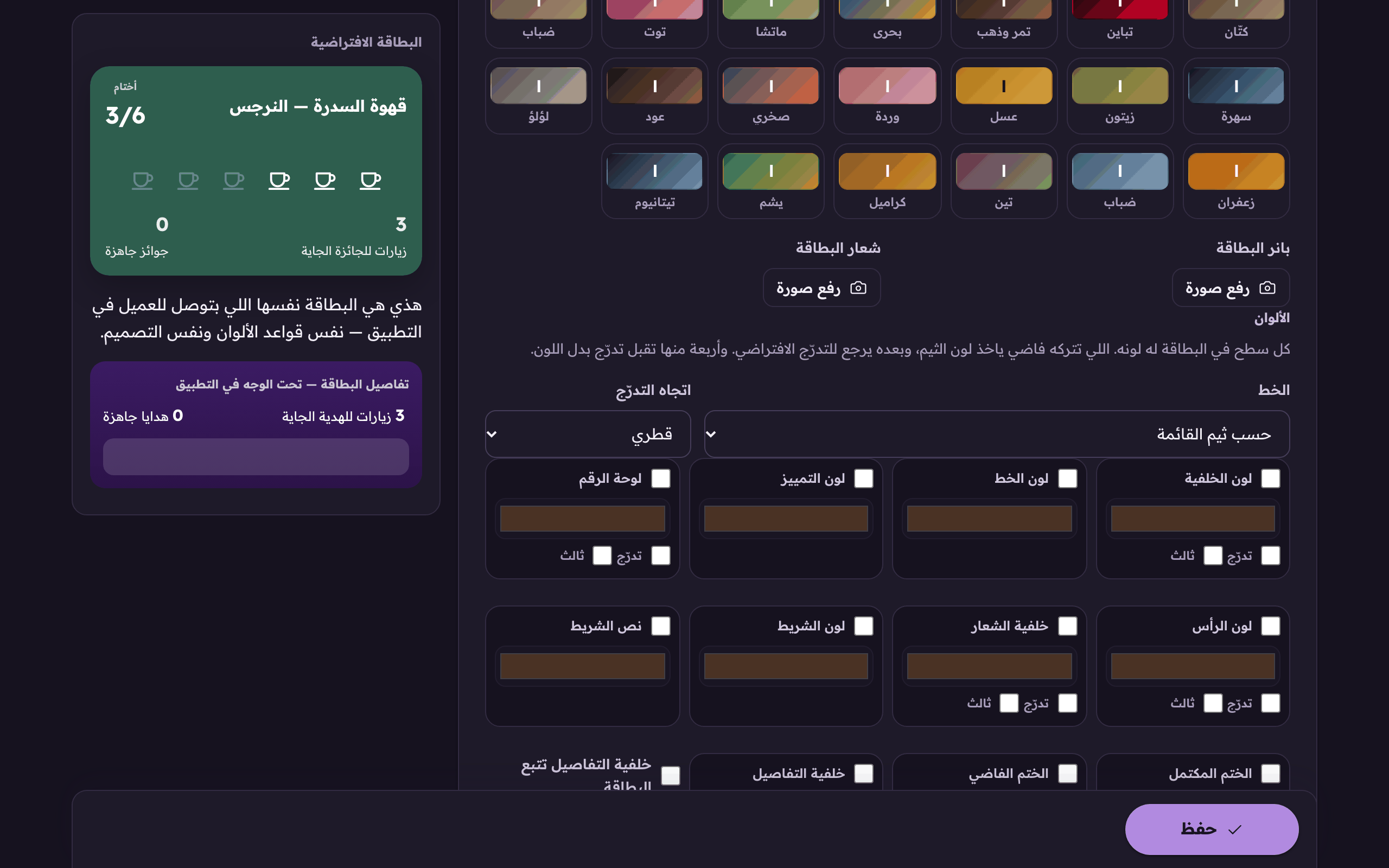
The card's typeface, or let it follow the menu theme. - Switch on only the colour you want to control and leave the rest to the theme. Anything you leave empty inherits your page theme.
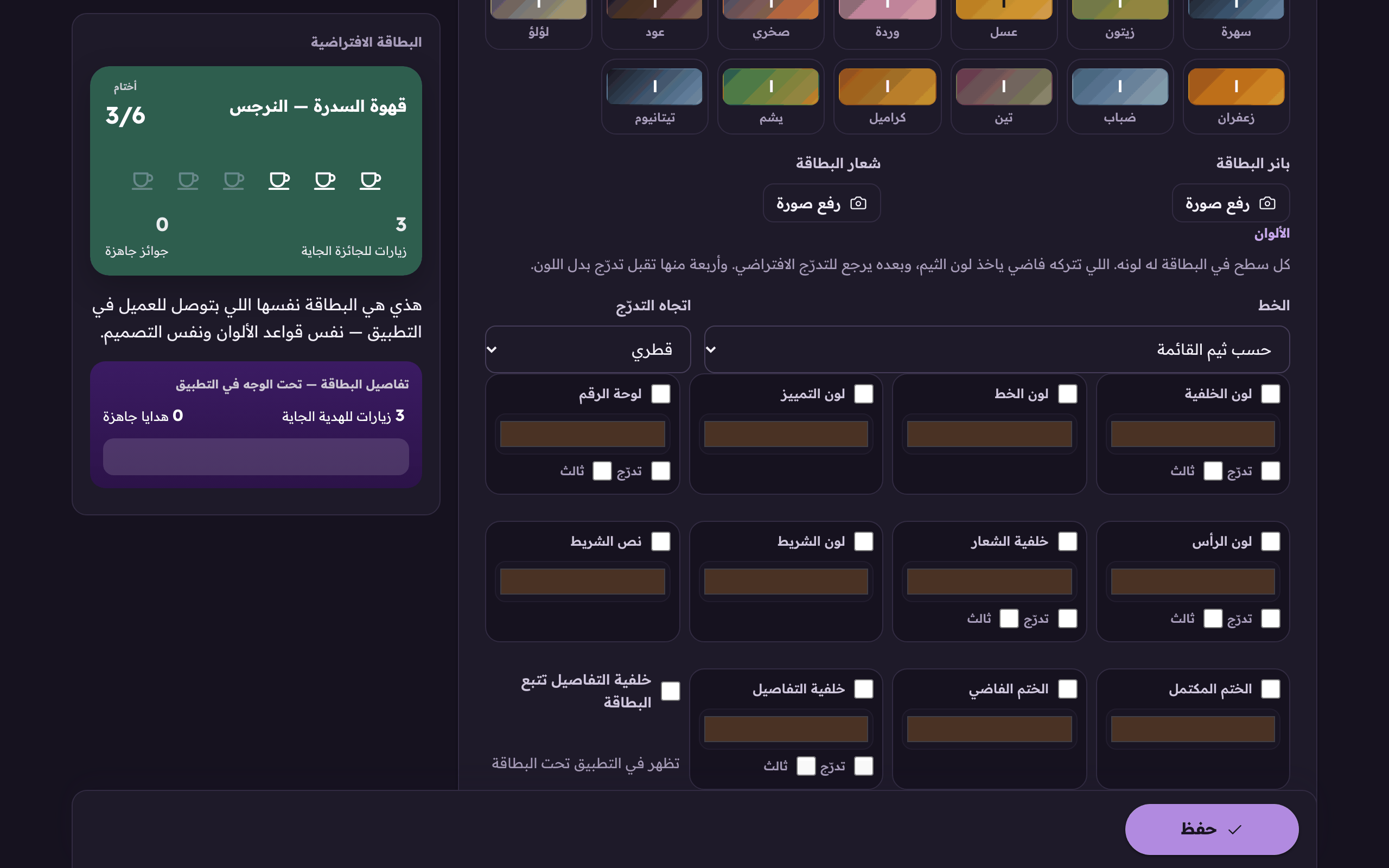
The card's colours, switch on the one you want to control and leave the rest to the theme. - Press «Save».