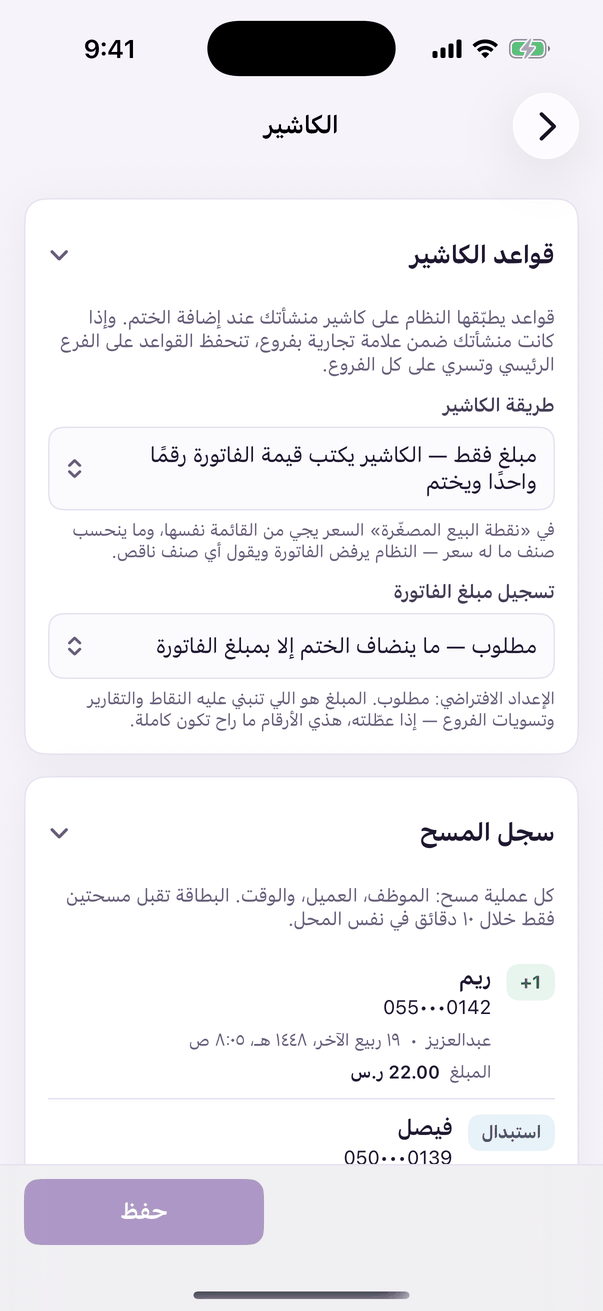
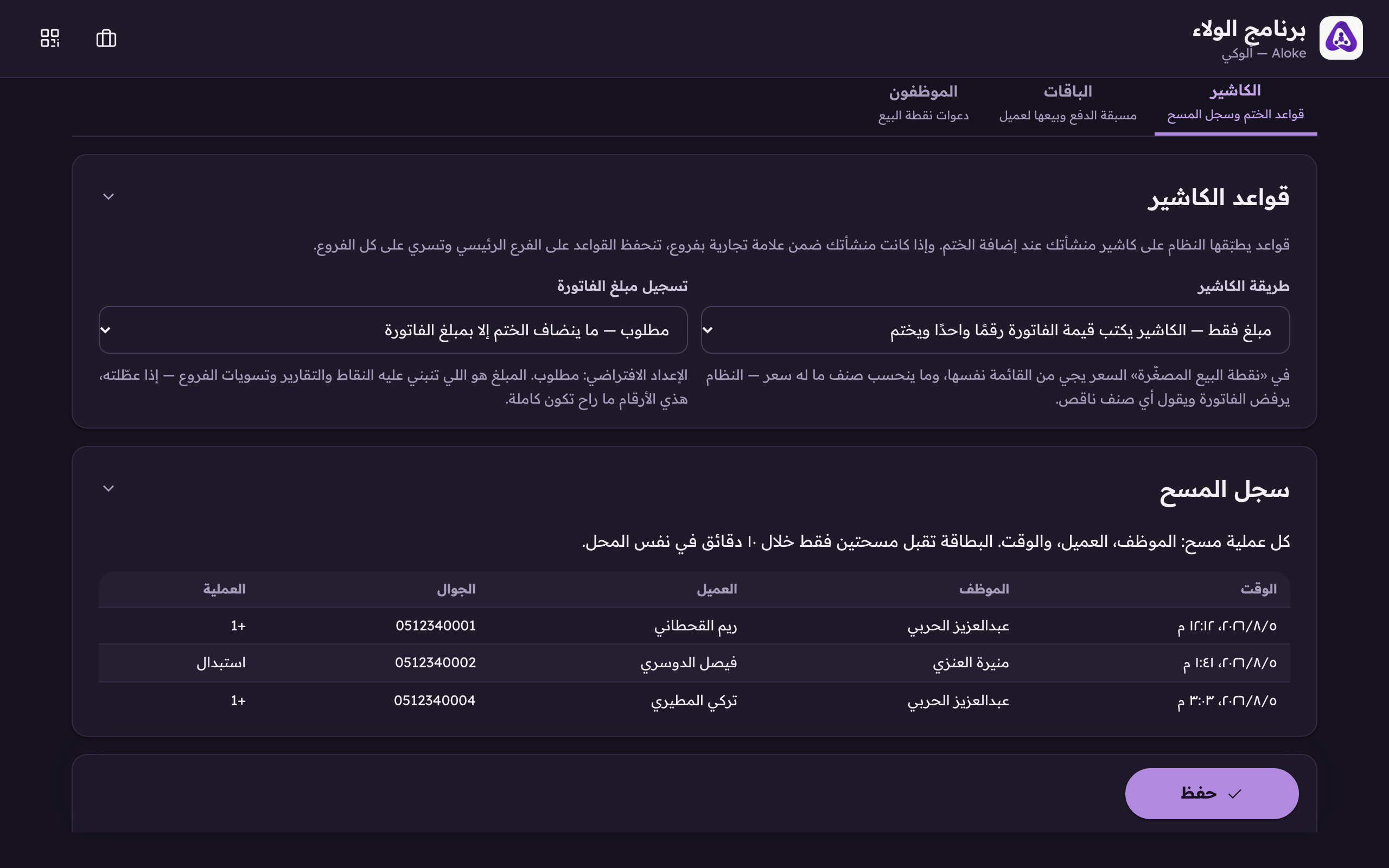
The scan log is the other half of protecting your programme. The rule refuses a fistful of codes at the counter; this is where YOU see the pattern: who stamped, for whom, and when.
In the Aloke Owners app, open «Operations» from the home screen, then «The till». (iPhone and iPad, Android)«The till»: the stamp rules and the scan log.
Open the «Till» tab in the loyalty console and scroll to «Scan log». (Web)Every scan: the employee, the customer and the time. This is where an over-scanning employee shows up.
Read the columns: time, employee, customer, mobile, and what happened.
+1 or +2…
A stamp or points were added. The number is what actually landed after multipliers and caps.
Redemption
A prize was handed over.
Automatic
A row with no employee name: a birthday gift, or a referral that paid because somebody joined. There is no person behind it.
 Aloke
Aloke