 Aloke
AlokeSold out today
Switching an item off from the app, and back on from the console.
- Aloke Owners
- Web, iPhone and iPad, Android
The croissants ran out at ten. «Sold out today» takes the item off THIS branch's menu, its prize choices and its order-ahead list instantly, and the other branches never notice.
- In the Aloke Owners app, open «Brand and branches» from the home screen, then «Sold out today». (iPhone and iPad, Android)
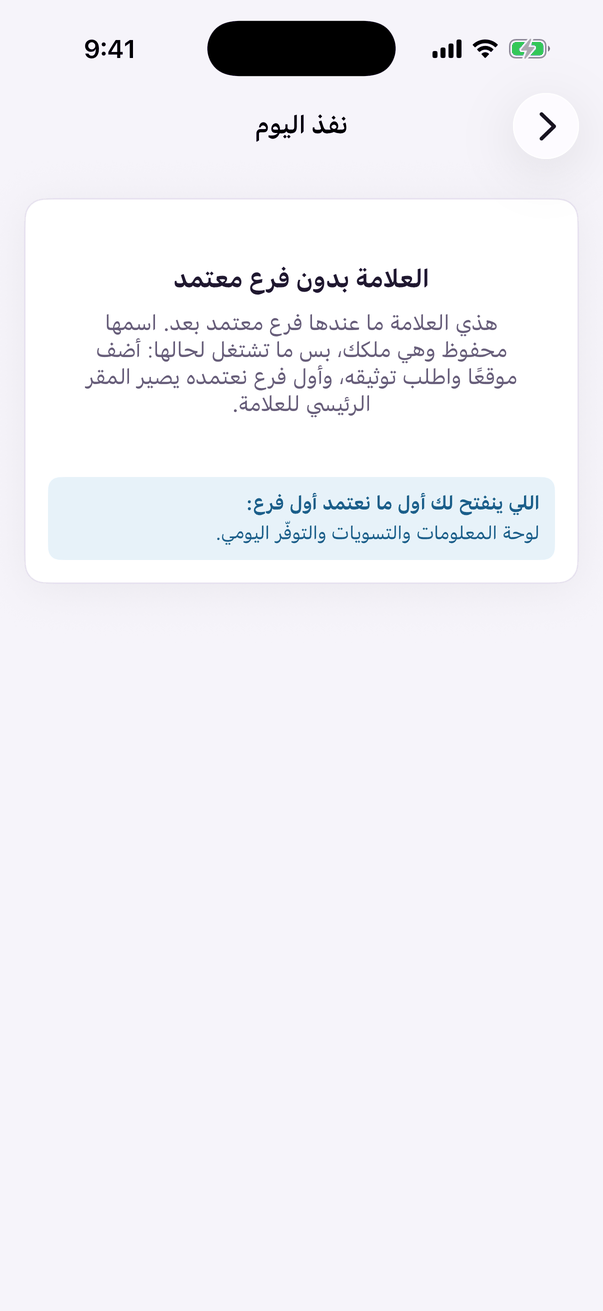
«Sold out today»: bring back what the till switched off. - In Aloke Scan or Aloke POS, open «التوفر» and switch the item off.
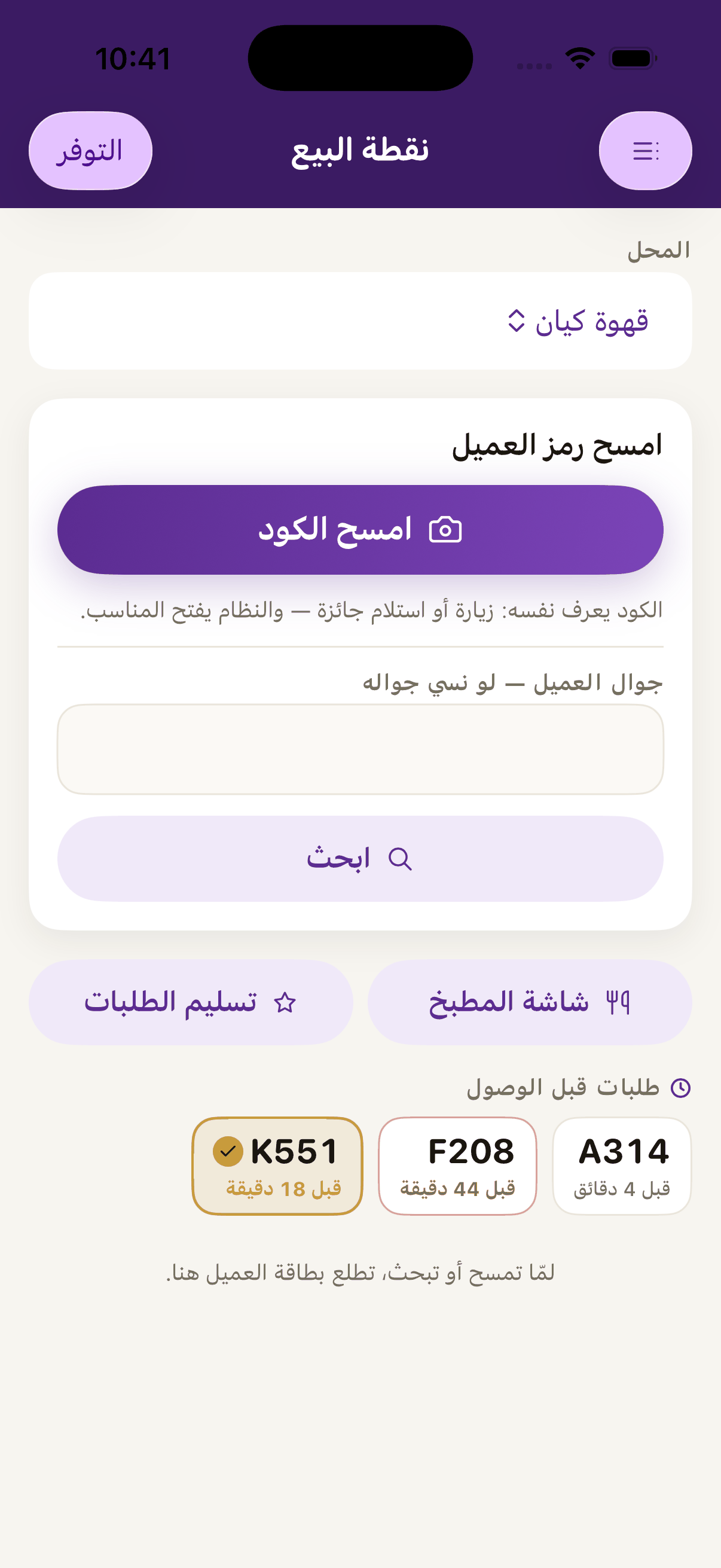
«Availability», where the cashier marks a dish sold out for today; it leaves order-ahead until it is back. - To bring it back from the console: open the owner console, the brand panel, the «Availability today» tab, and choose the branch. (Web)
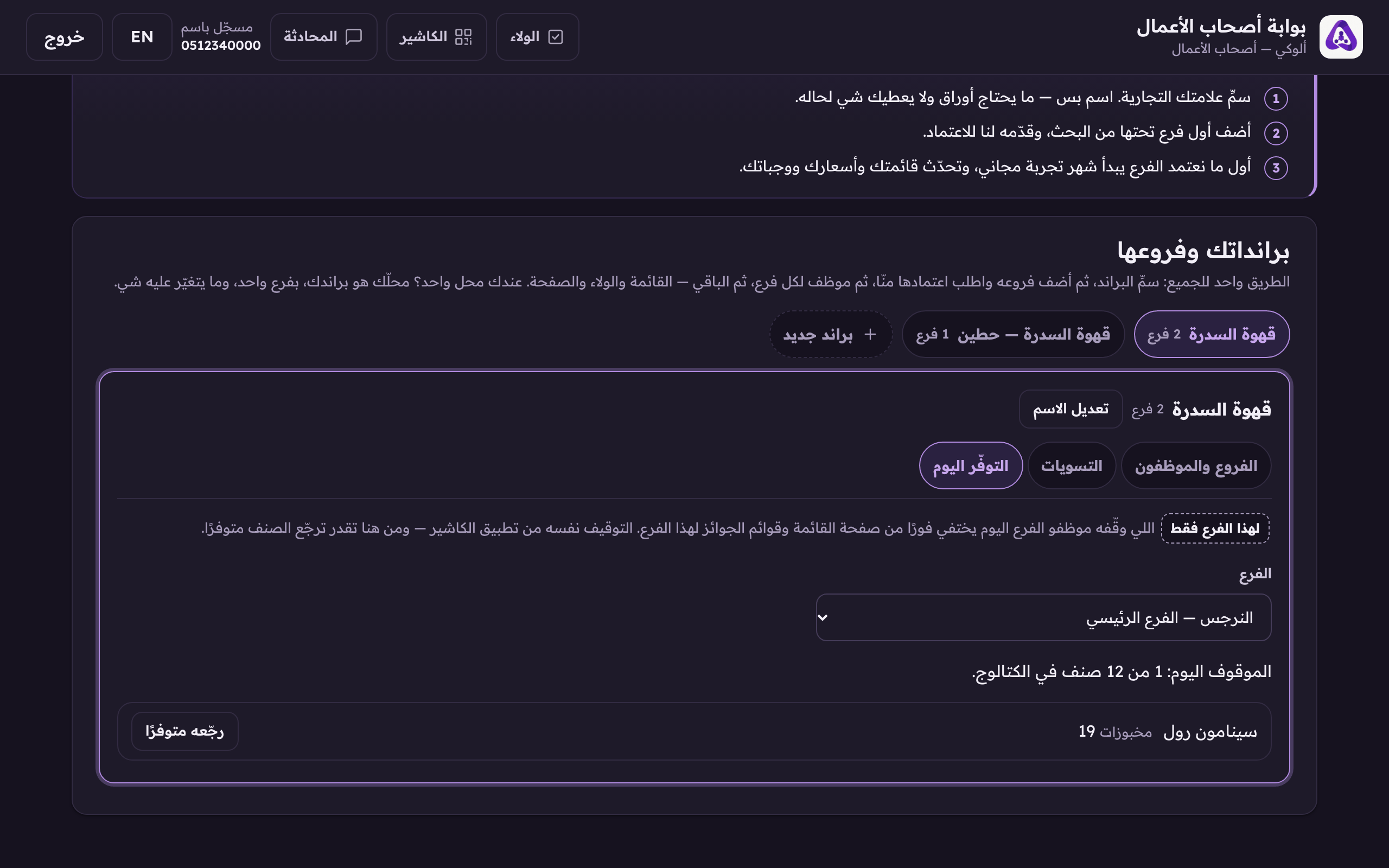
Choose the branch whose sold-out items you want to see. - Press «Make it available again» on the item.
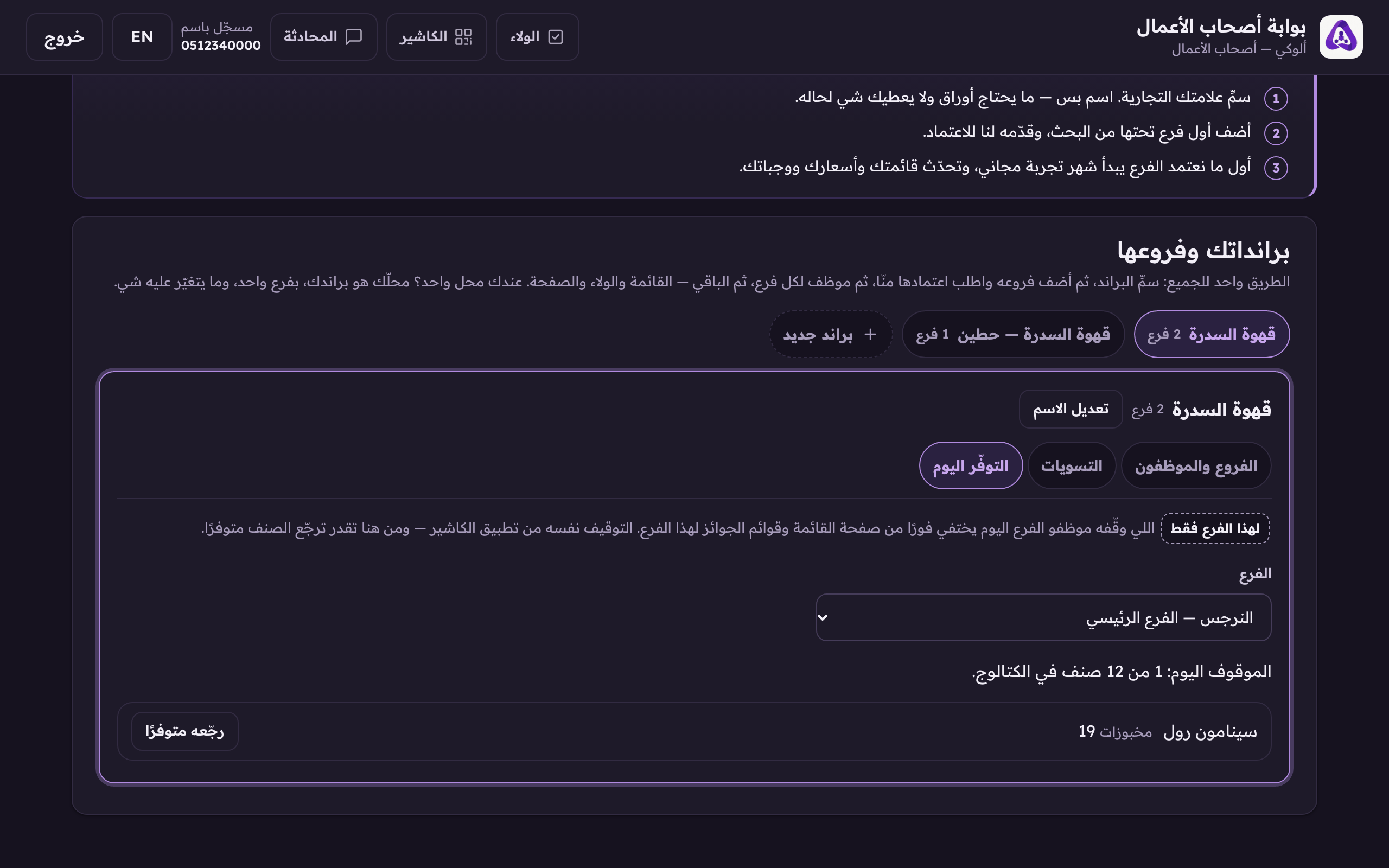
An item the till marked sold out is brought back from here.