 Aloke
AlokePrepaid bundles
200 riyals for 30 cups: selling, expiry, and spending. And a multi-item package at one price.
- Aloke Owners
- Web, iPhone and iPad, Android
A bundle is a deal a customer pays for up front and spends one at a time: «30 cups of the coffee of the day for 200 riyals». Your money comes in today, and the customer comes back thirty times.
- In the Aloke Owners app, open «Operations» from the home screen, then «Prepaid bundles». (iPhone and iPad, Android)
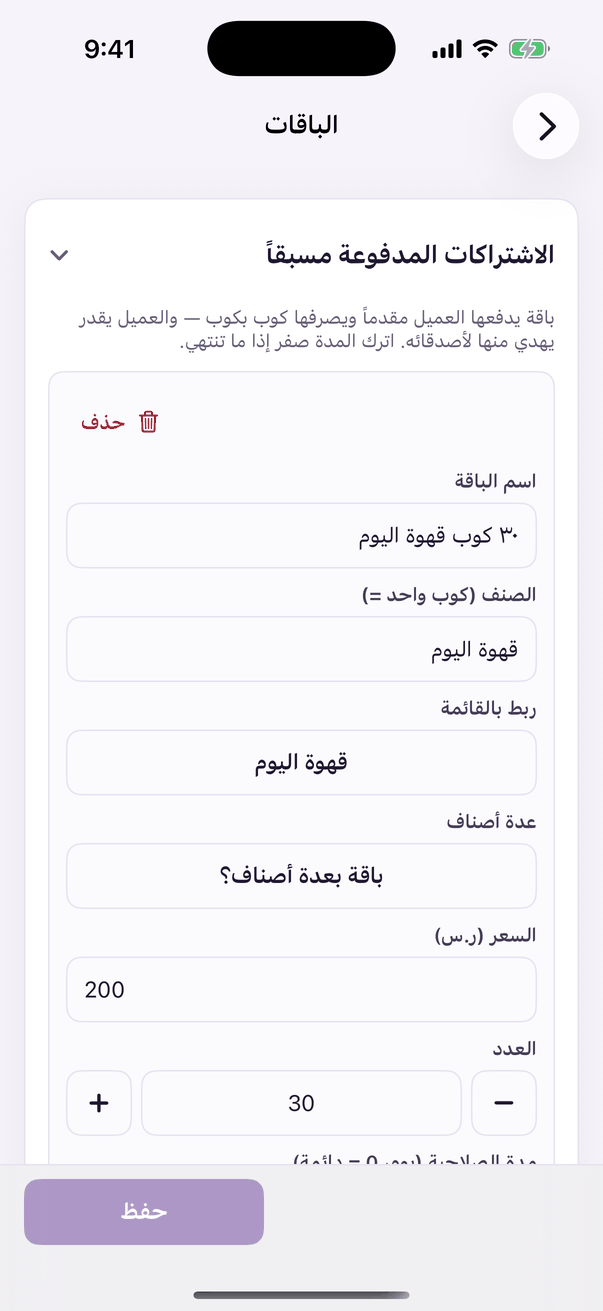
«Prepaid bundles»: the bundles and selling them. - Open the «Bundles» tab and press «+ Bundle». (Web)
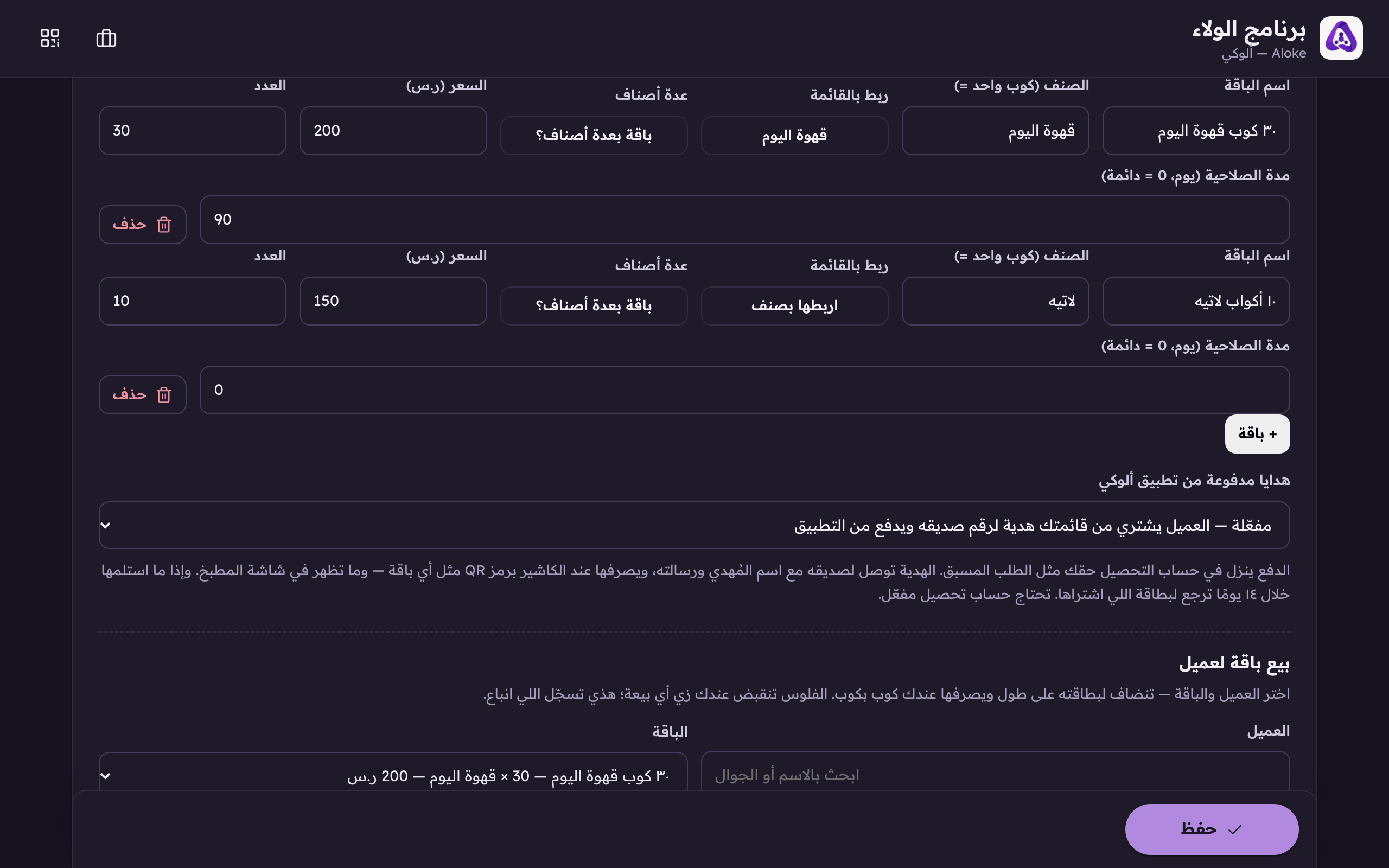
«+ Package» for a prepaid set, like 200 SAR for 30 cups. - Name the bundle as the customer will see it.
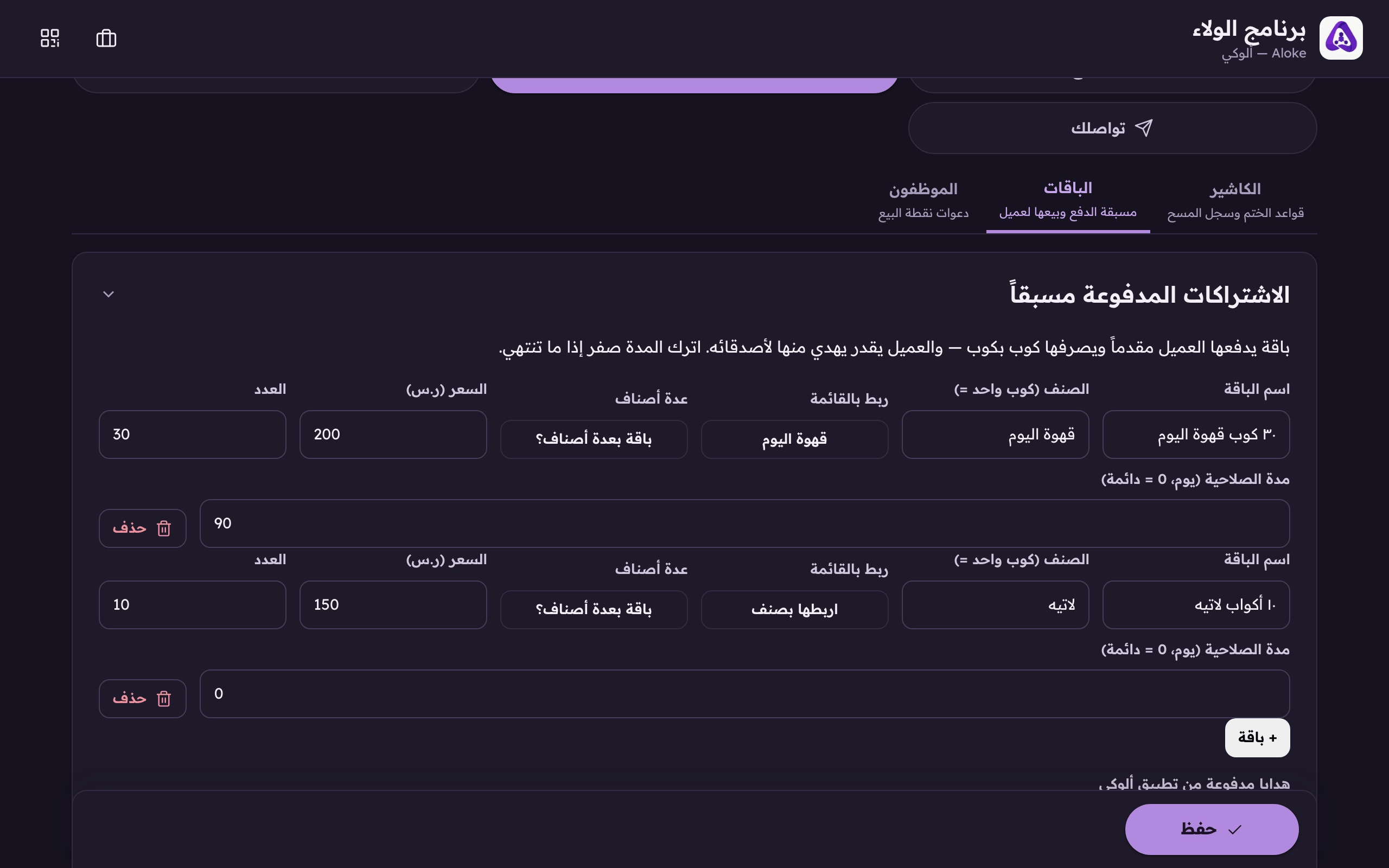
The package name as the customer sees it. - Say what ONE unit is: «coffee of the day», «one wash».
- Beside it, «link to the menu», tie the package to a real dish from your menu if you want a customer to be able to pay an order-ahead with it. It has an article of its own after this one.
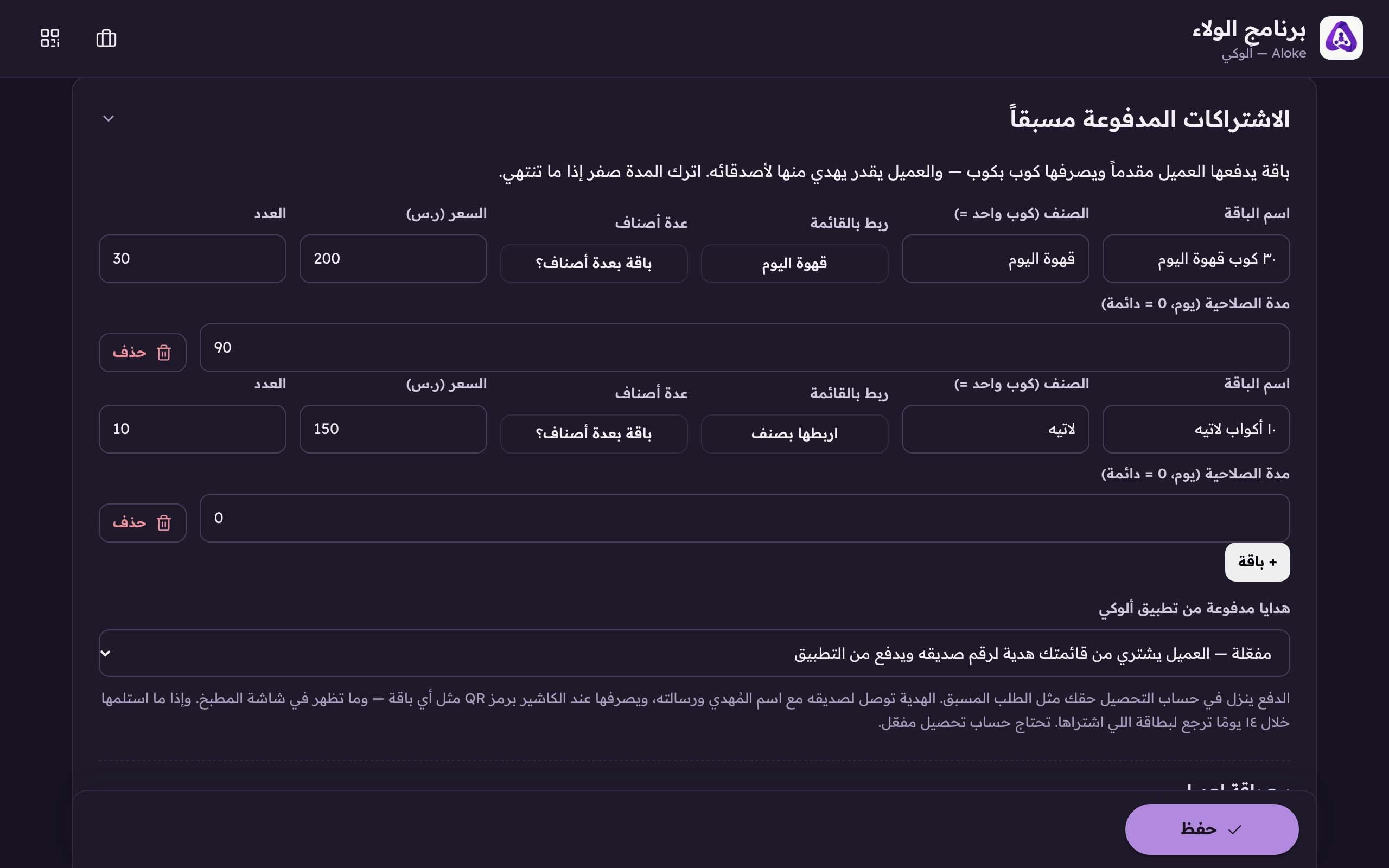
«Link to the menu», a package linked to a dish is one a customer can pay an order-ahead with. A linked one shows the dish; an unlinked one says «link it to a dish». - And for a package that holds more than one item, cake and coffee, say, press «a multi-item package?» in the row's «several items» box.
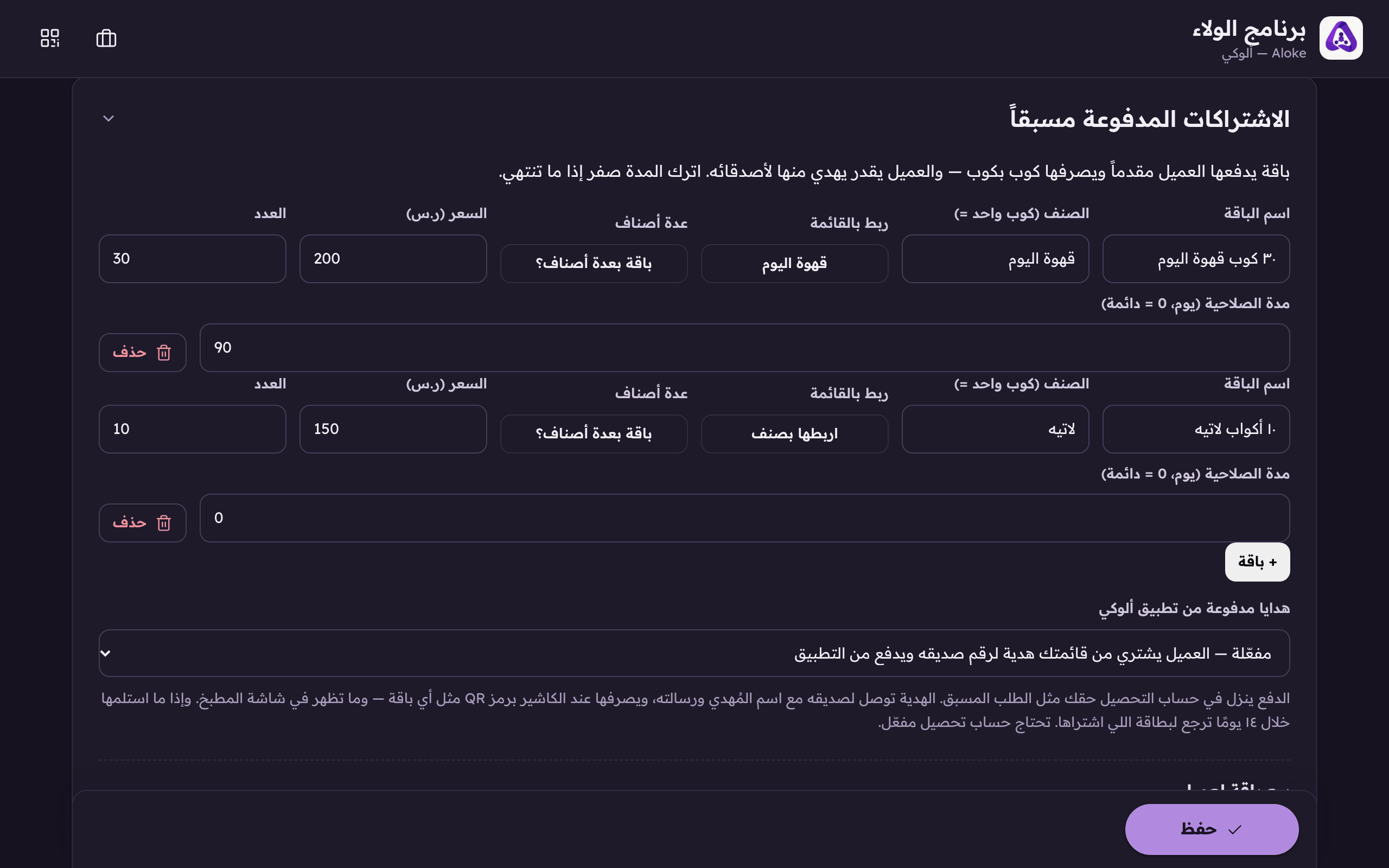
«A multi-item package?» on the package's row, opens the builder for a package of several dishes: cake and coffee at one price. - Pick the dish from your menu, its variant when it has one, and the count, then «add the item». Repeat for every item you want; a package carries 12 lines at most.
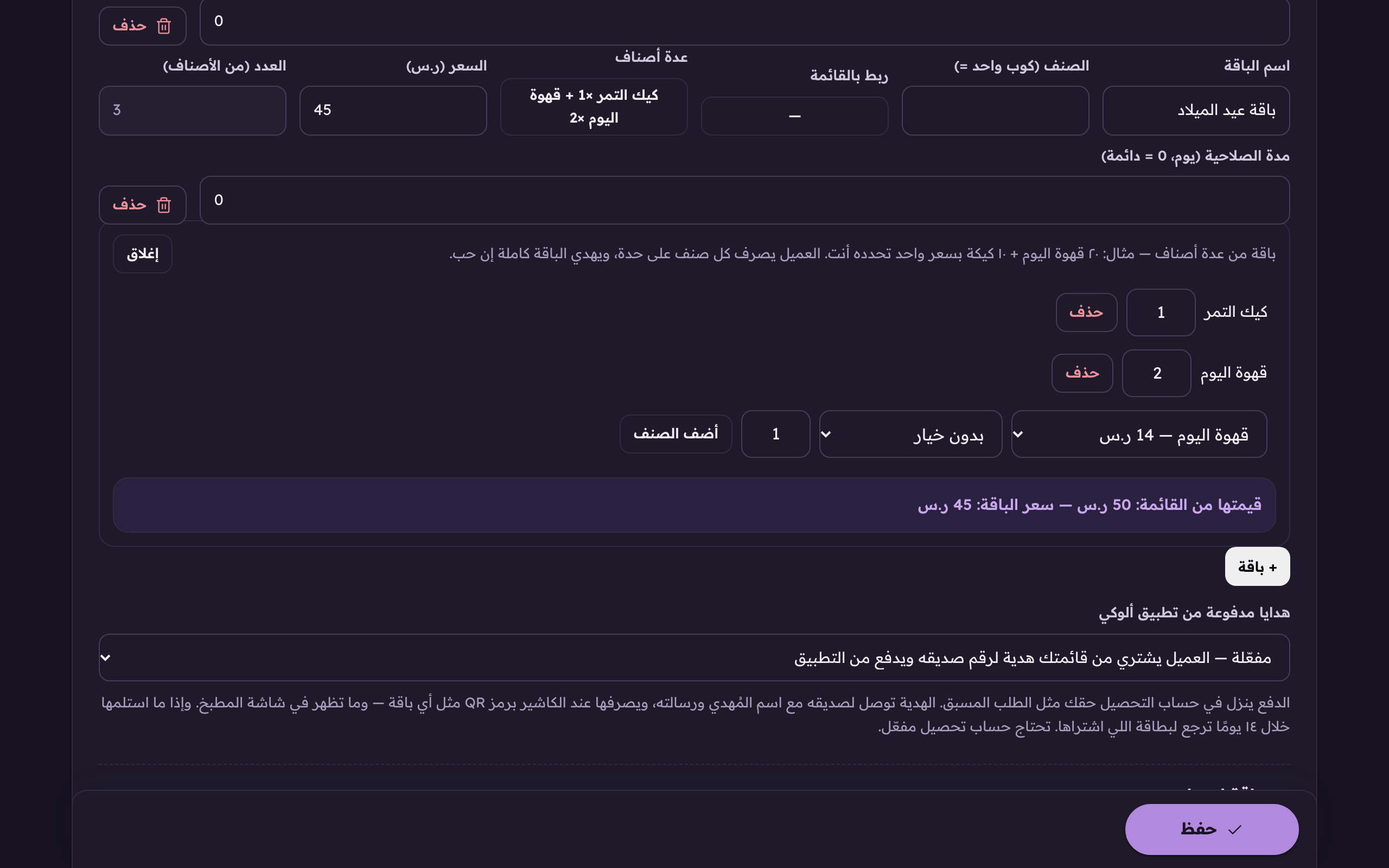
The add row: pick the dish off your menu, its variant when it has one, and the count, then «add the item». A package carries 12 lines at most. - The whole package still costs ONE number, the one you type in «Price (SAR)». Under the lines, «its value off the menu» is recomputed live on every change, so you can see the size of the discount you are giving.
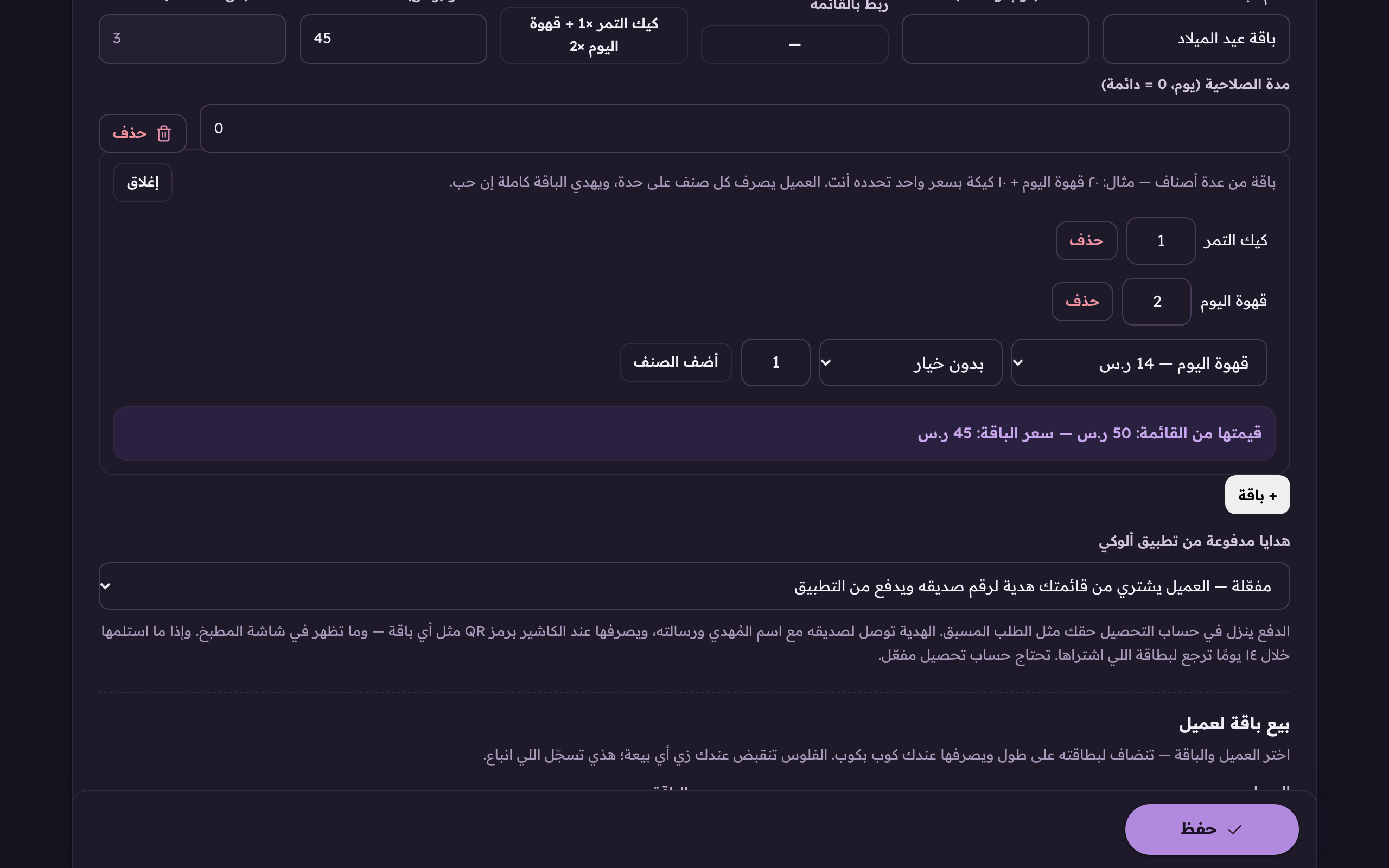
The «value off the menu» line, computed live beside your own price, so the discount you are giving is visible while you price.
- Enter the price of the whole bundle in riyals.
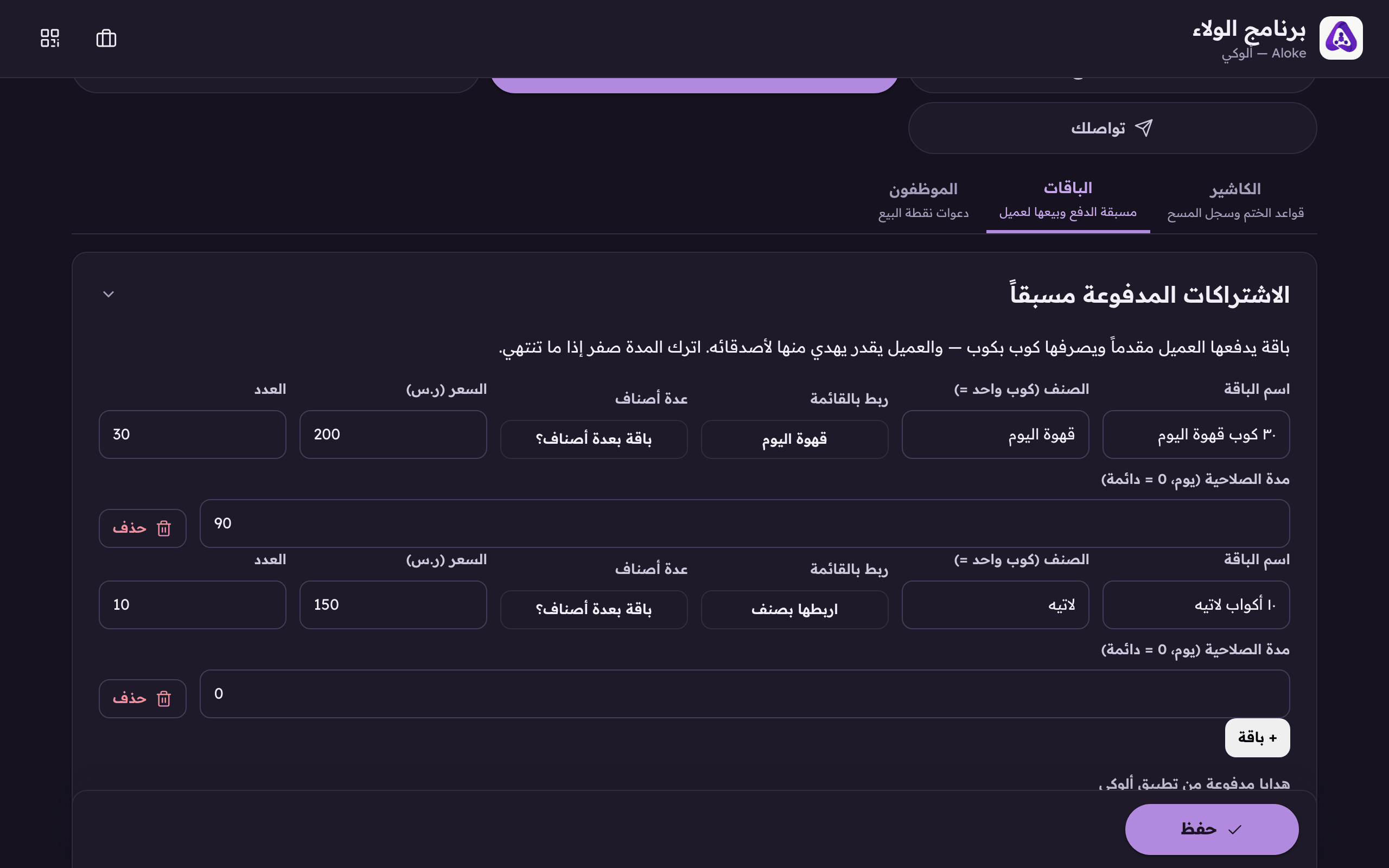
What the whole package costs in riyals. - Enter the quantity, how many units are in it. From 1 to 500.
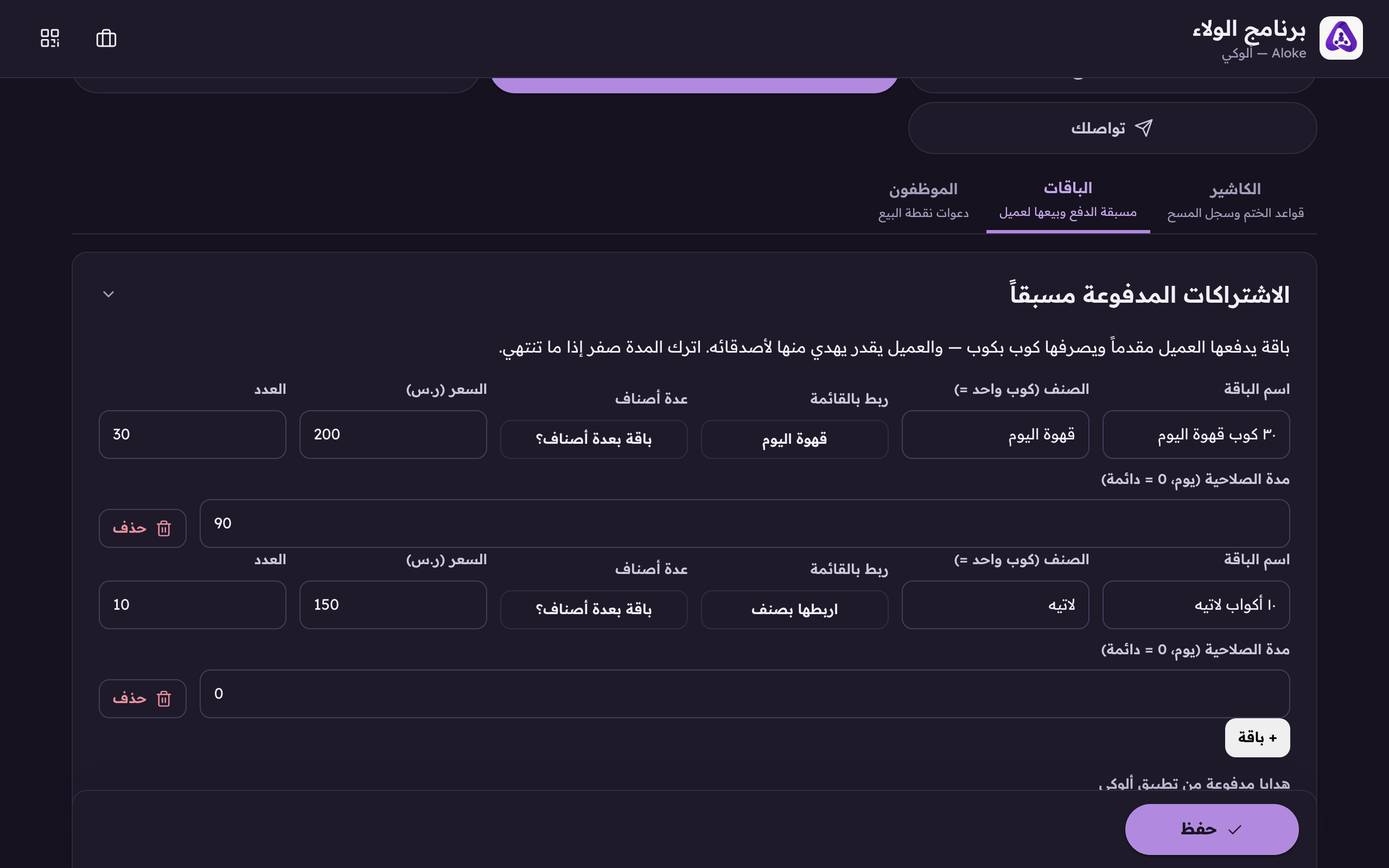
How many cups, or items, the package holds. - Set the validity in days, or zero if it never expires.
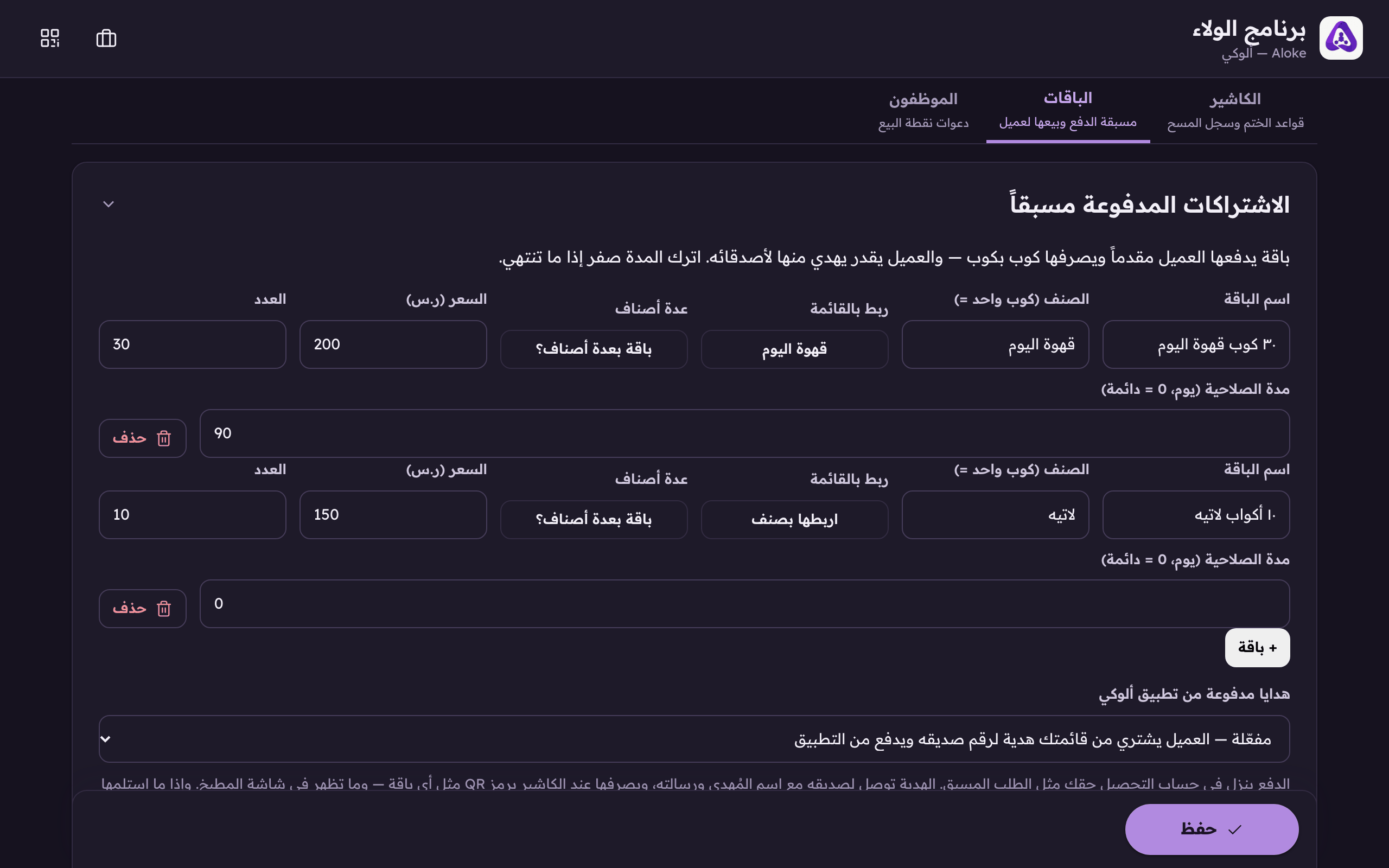
How many days it stays valid. 0 means it never expires. - Press «Save». A bundle cannot be sold until it has been saved.
Selling one from the console
You can sell a bundle from this very screen. When a customer paid you over the phone, say:
- Find the customer by name or mobile in the «Sell a bundle» box.
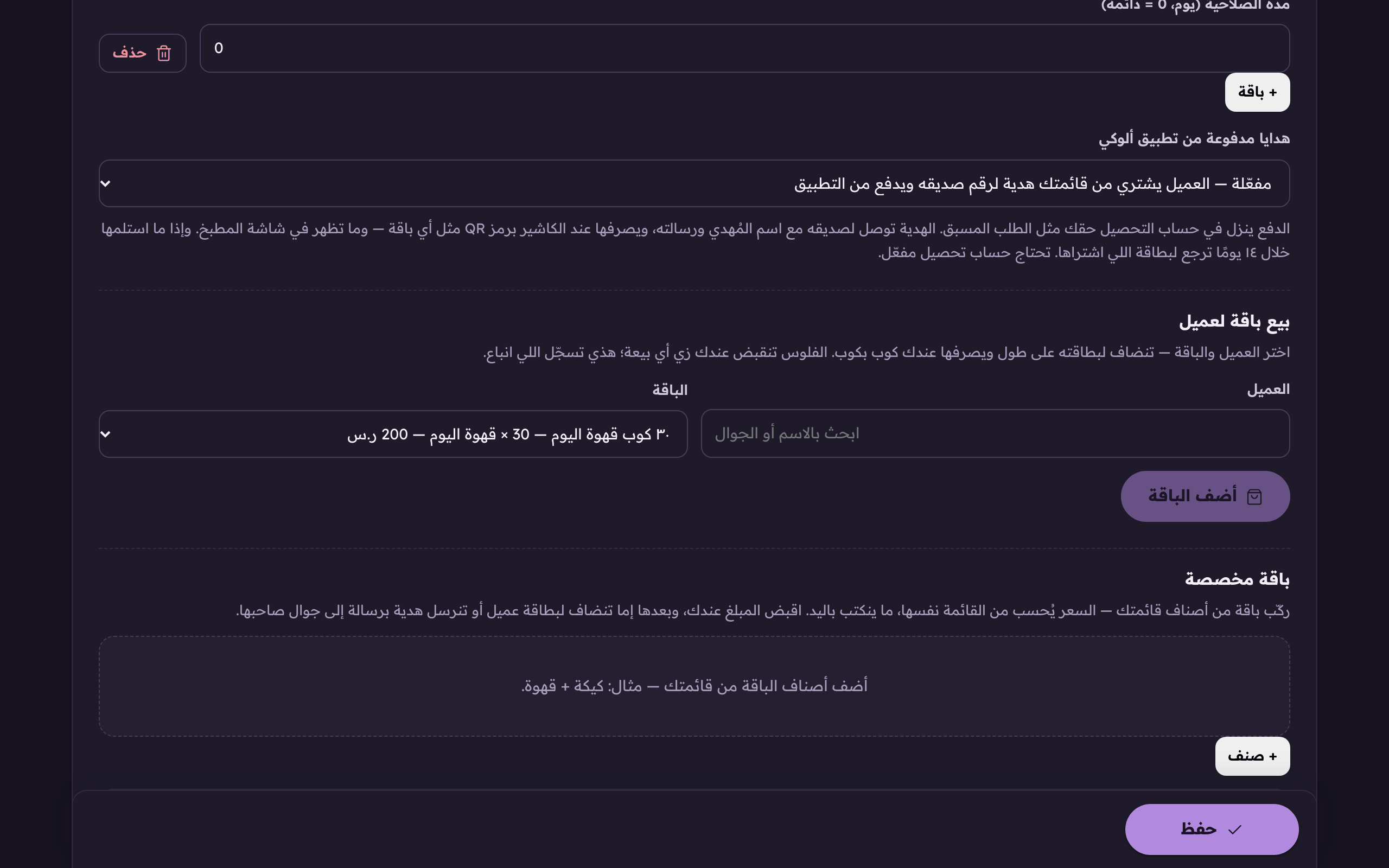
To sell a package, find the customer by name or mobile. - Choose the bundle they paid for.
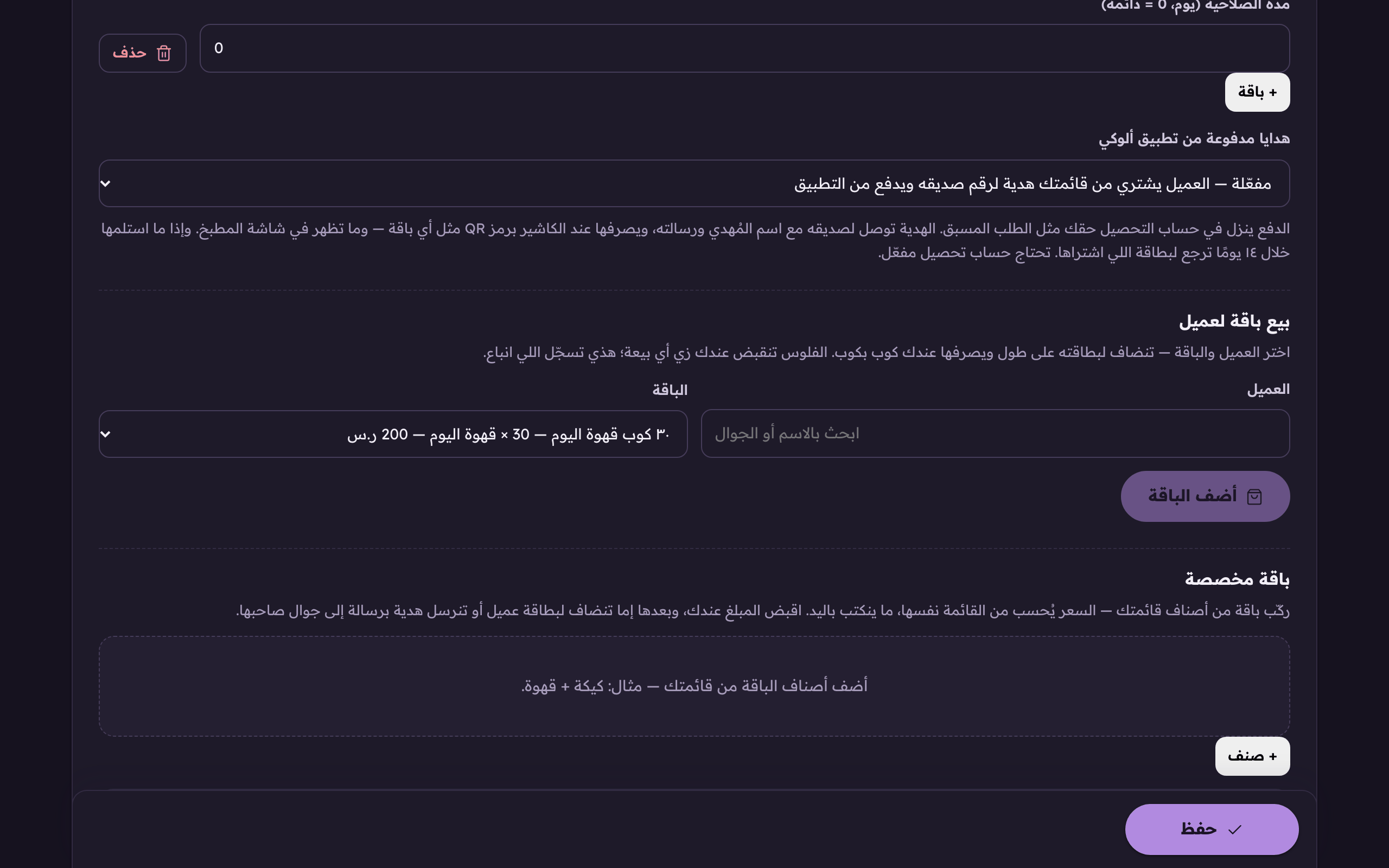
Choose the package they paid for. - Read the line that gathers the name, the bundle, the units and the price, then press «Add the bundle».
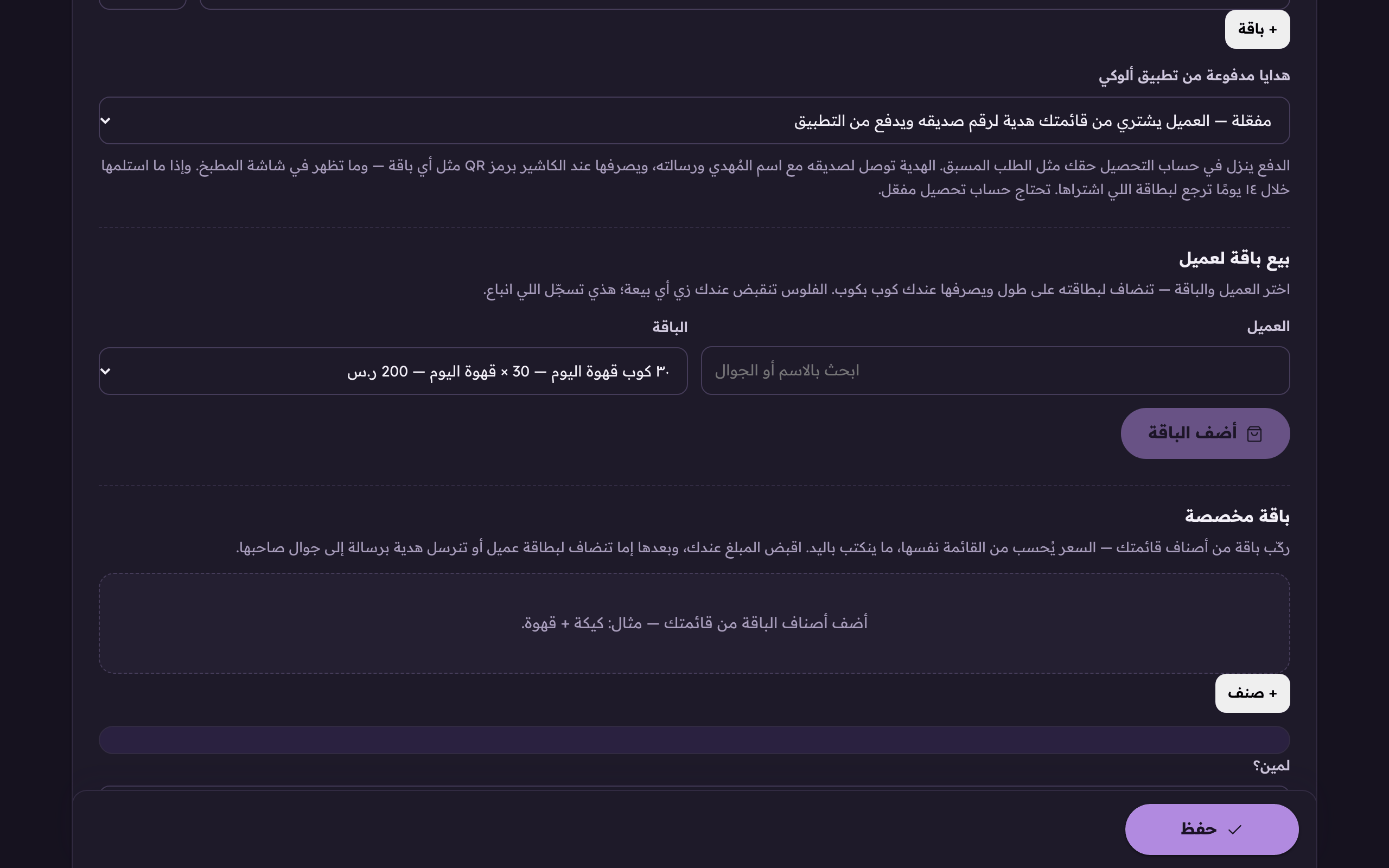
«Add the package» lands on their card at once, and they spend it cup by cup. - The system then shows you how many units the customer now holds, from which bundle, and when they run out.
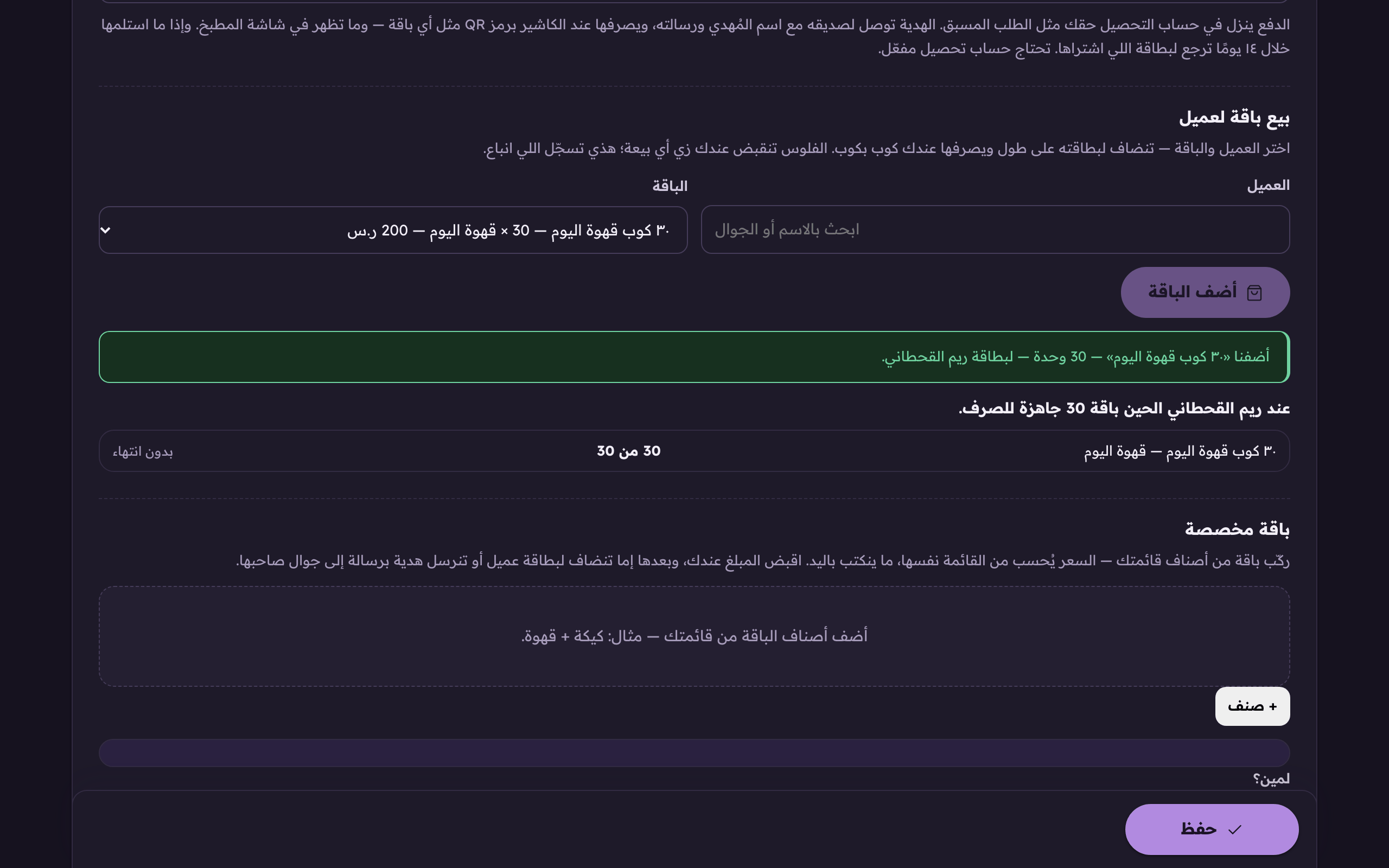
After the sale the system tells you exactly what the customer now holds. The package and how many cups are left in it.