 Aloke
AlokeSupport from Aloke: a chat or a request
Who may ask for support, from where, and how to follow your request until it is solved.
- Aloke Owners
- Web, iPhone and iPad, Android
A question or a problem? The Aloke team is one press away. When someone is available you start a chat and they answer within minutes; when not, you send a written request and we tell you when we will reply.
- On the web: press «الدعم» (Support) at the top of the panel. (Web)
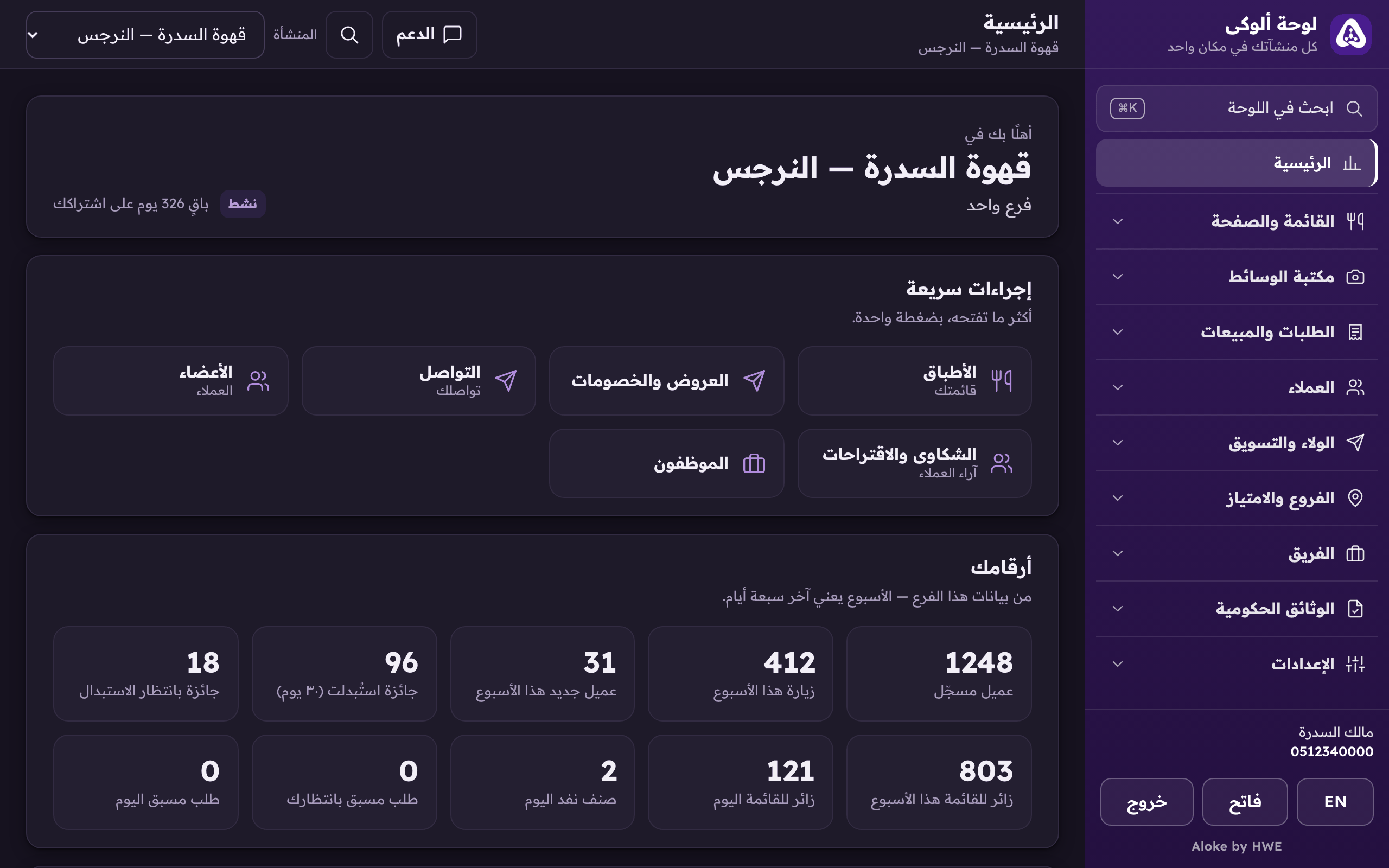
«Support» at the top of the panel: a chat with the Aloke team or a written request. - In Aloke Owners: the last card on the home screen, «الدعم» (Support), or «الإعدادات» (Settings) from «كل الأقسام» (Every section), then «الدعم من ألوكي» (Support from Aloke). (iPhone and iPad, Android)
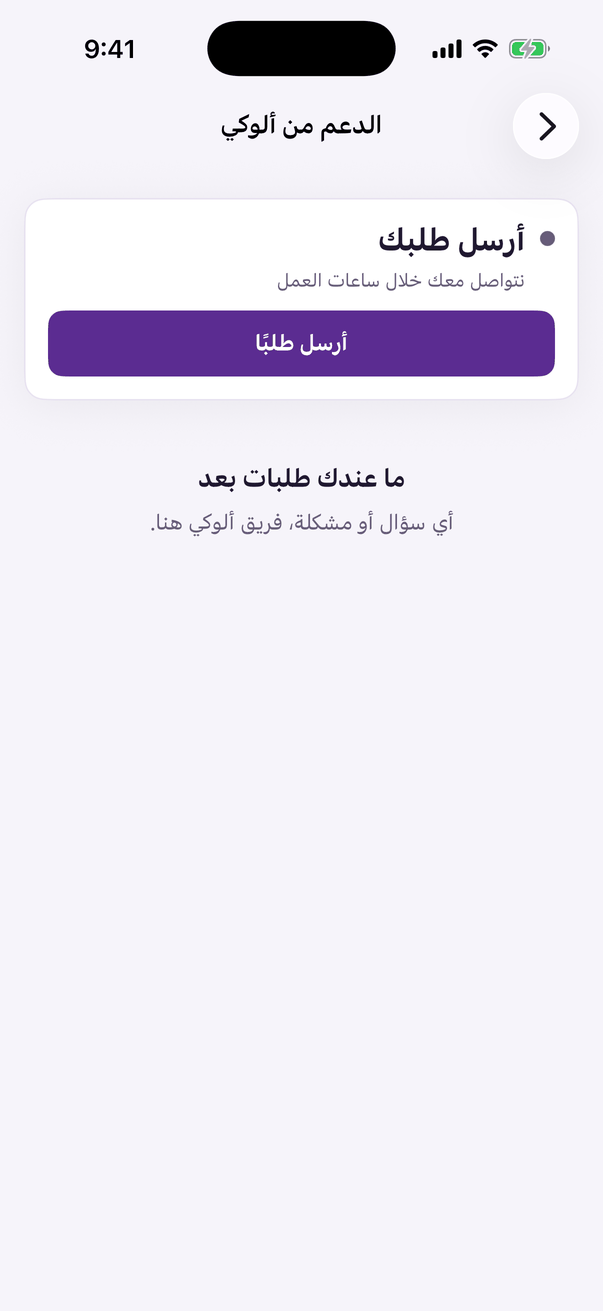
«Support from Aloke»: a chat with the Aloke team, or a request with a written reply. - If you see «فريق الدعم متاح الآن» (The support team is available now) press «ابدأ محادثة» (Start a chat). If not, press «أرسل طلبًا» (Send a request).
- Choose «نوع الطلب» (Type), the branch you mean or «عام لكل أنشطتي» (General, for all my businesses), write «العنوان (اختياري)» (Subject), then «اكتب طلبك» (Your request) and press «أرسل» (Send). The more detail you give, the faster it is solved.
- All your requests are under «طلباتي» (My requests) with their state. A new reply reaches you as an alert. Write «ردّك» (Your reply) if we need something from you, and press «تم حل مشكلتي» (My problem is solved) once it is.