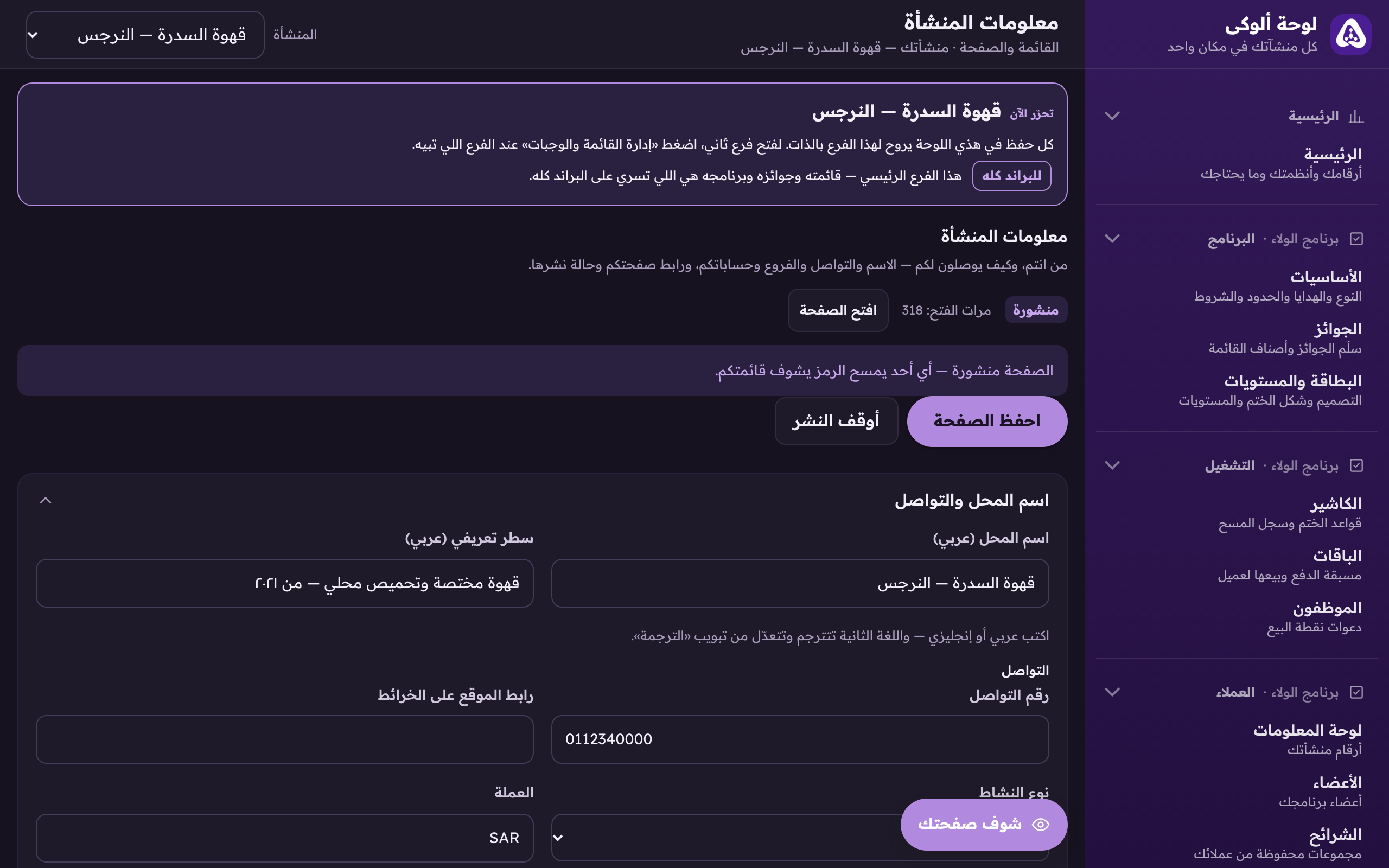
owner.hwe.sa: every system you hold in one rail, branch by branch.
Aloke Owners
Web
The Aloke panel is your one door on the web: open owner.hwe.sa, sign in with your mobile, and every system you hold sits in one side rail. What you have not subscribed to shows grey, and what is not yours as an employee does not show at all.
Pick the branch from «المنشأة» at the top. Everything in the rail follows the branch you picked.«Business» picks the branch you are working on, and every section follows it.
«الرئيسية» (Home) comes first: «يحتاج انتباهك» (what needs you), your numbers, and «أنظمتك» (your systems).
Loyalty programme
«البرنامج» (basics, prizes, card and tiers), «التشغيل» (till rules, bundles, staff), «العملاء» (dashboard, members, segments, add by hand, appointments), and «تواصلك» (reach, Glimpses).
Offers, and customer feedback
Your offers, their codes and cashback across every way you sell, then complaints, suggestions and reviews.
Menu and page
«منشأتك» (details, hours, what Aloke should know), «قائمتك» (sections, dishes, add-ons, combos, deals), and «صفحتك» (page design, translation, QR card).
Aloke POS
«البيع» (register, shift, invoices, kitchen) and «الإدارة» (stock, items and menu, reports, settings, devices and more).
Pre-Order, kiosk, dining hall
Each with its orders and settings, and the payout account for the ones paid online.
Accounting
The first time it opens on «فتح الدفاتر» (opening the books), then the overview, bills, payroll, banks, statements and reports.
Employees, and subscription
All your staff and their permissions in one place. «الاشتراك» is the owner's alone: subscription and products, invoices, the referral code, prices.
A grey system reading «غير مفعّل — اضغط للتفاصيل»? Press it to see what it opens, and «اشترك الآن» from there.
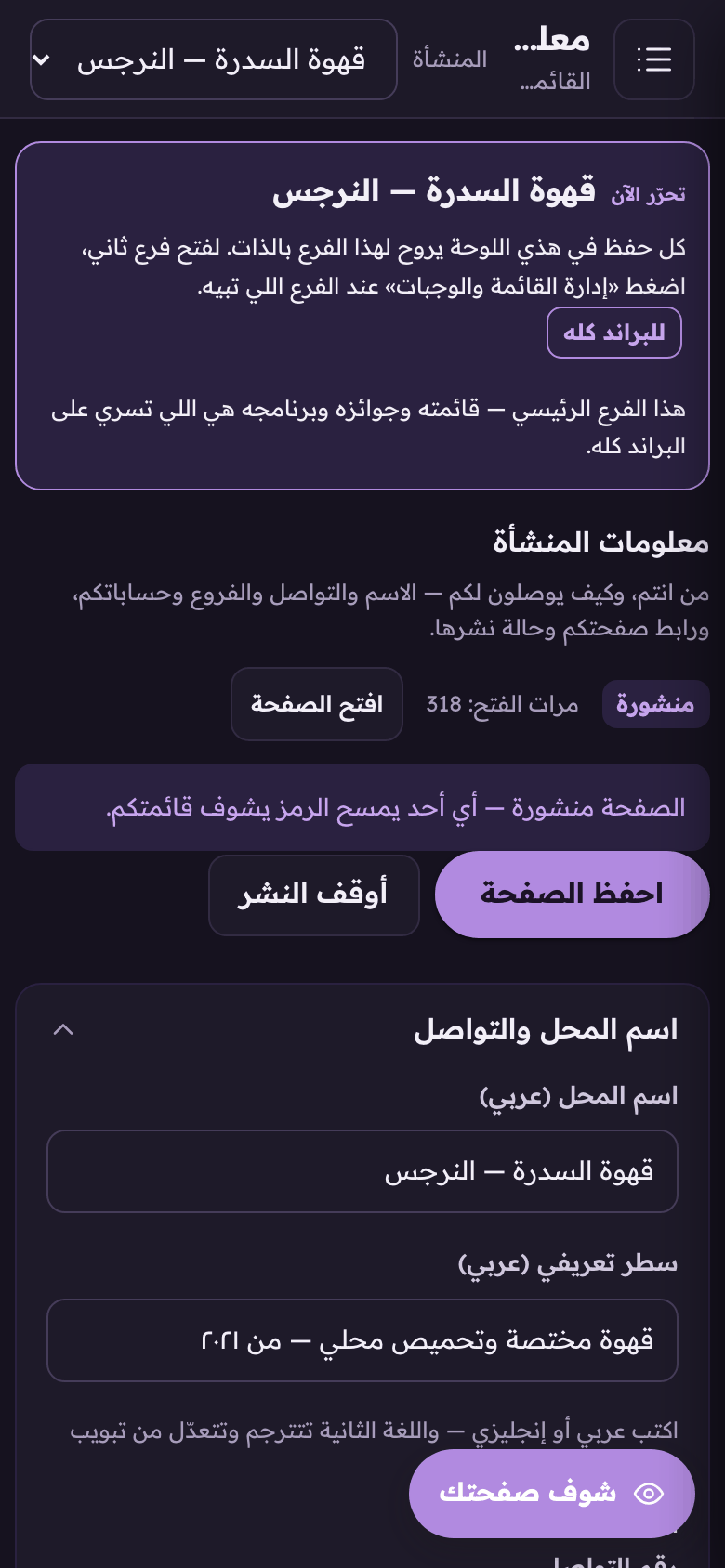
On a phone the rail is folded away: press the menu button at the top to bring it out.
 Aloke
Aloke