 Aloke
AlokeStart by naming your brand
The first step is a name and nothing else. No paperwork, and no approval needed.
- Aloke Owners
- Web
The new order is simple: make an account, name your brand, add your branches under it, and we approve them. The first screen after you sign in asks one question: what is your brand called? A name and nothing else: no paperwork, no approval needed, and naming it alone gives you nothing and costs you nothing.
- Type the name into «Brand name». The way you want a customer to say it.
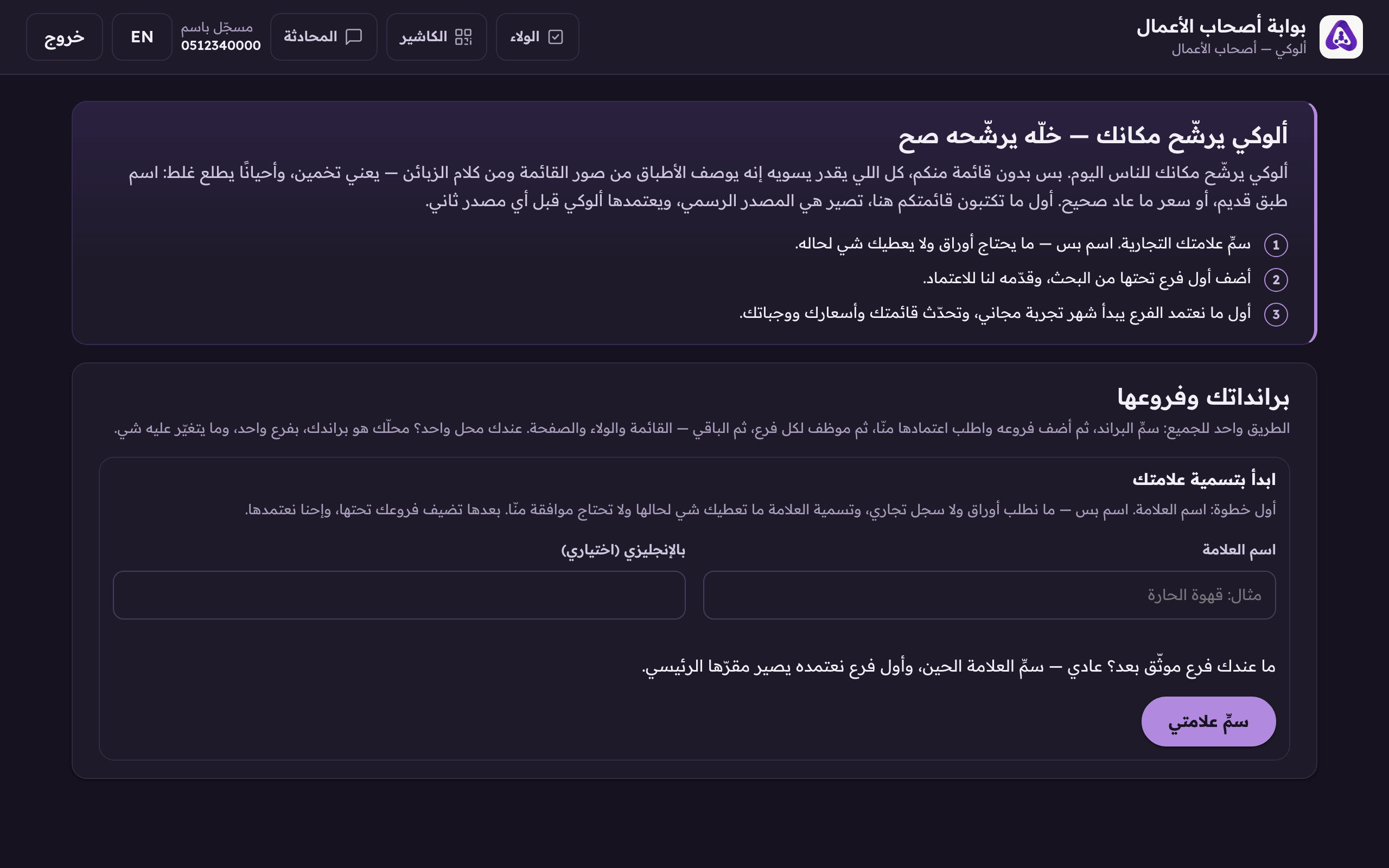
A new account's first screen asks one question: what is your brand called? A name only. No paperwork and no approval. - «In English (optional)» is for English readers. Empty? The Arabic shows.
- If you already hold a verified business, a «Home branch (optional)» box appears. If you do not, leave it on «Add it later». The first branch we approve becomes the home on its own.
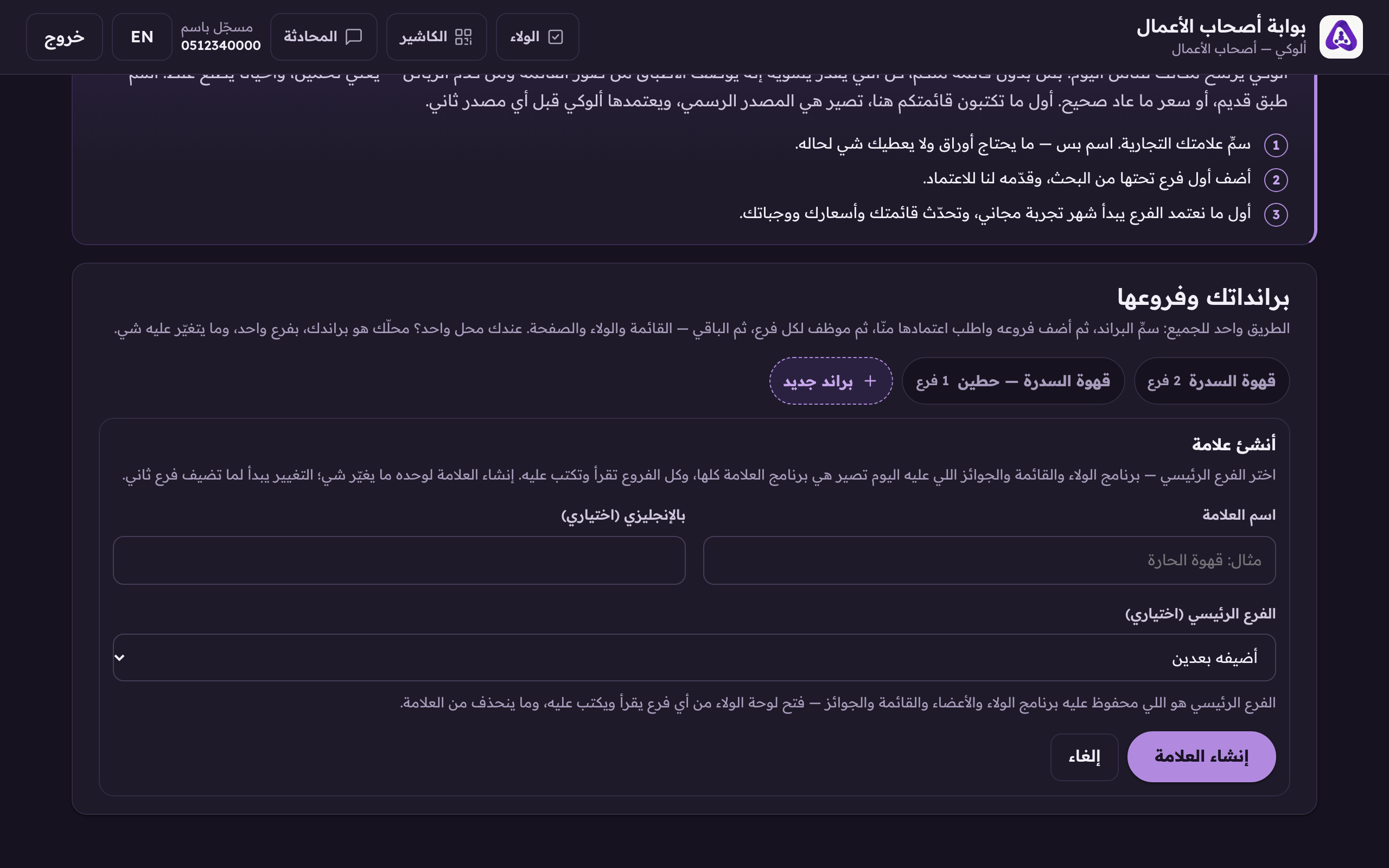
«Home branch (optional)», leave it on «add it later» if you have no verified branch yet, and the first one we approve becomes the home on its own. - Press «Name my brand». Later, a second brand starts from the «New brand» button, same screen.
A brand with no branches: what it can do
A brand with no approved branch has its name saved and it is yours, but it does nothing on its own: no loyalty programme, no members, no menu, no till, no bill. What you can do with it: rename it, file branch claims under it, and delete it. The console itself lists, right under it, what unlocks the moment we approve the first branch.
- Mistyped the name before adding a branch? «Delete the brand» removes it. Only while it is empty, and nothing else goes with it.