 Aloke
AlokeClaim your business
Search from inside your brand, file a claim with no paperwork, and what approval unlocks.
- Aloke Owners
- Web
Aloke already recommends your shop, whether or not you signed up. Without you it describes your food from old photos and hearsay, guesswork, and sometimes wrong. The ownership claim is what turns that page into your own words, and it is the only door a branch enters your brand through.
Verified by a human
Verification is done by hand, by the Aloke team. Nothing about your place changes before we have checked, and the editor does not open until the claim is approved.
- Open your brand and drop to «Add your first location», or «Add a branch» if you already have some. Type your shop's name into the «Business name…» box exactly as it is written on your sign, then press «Search».
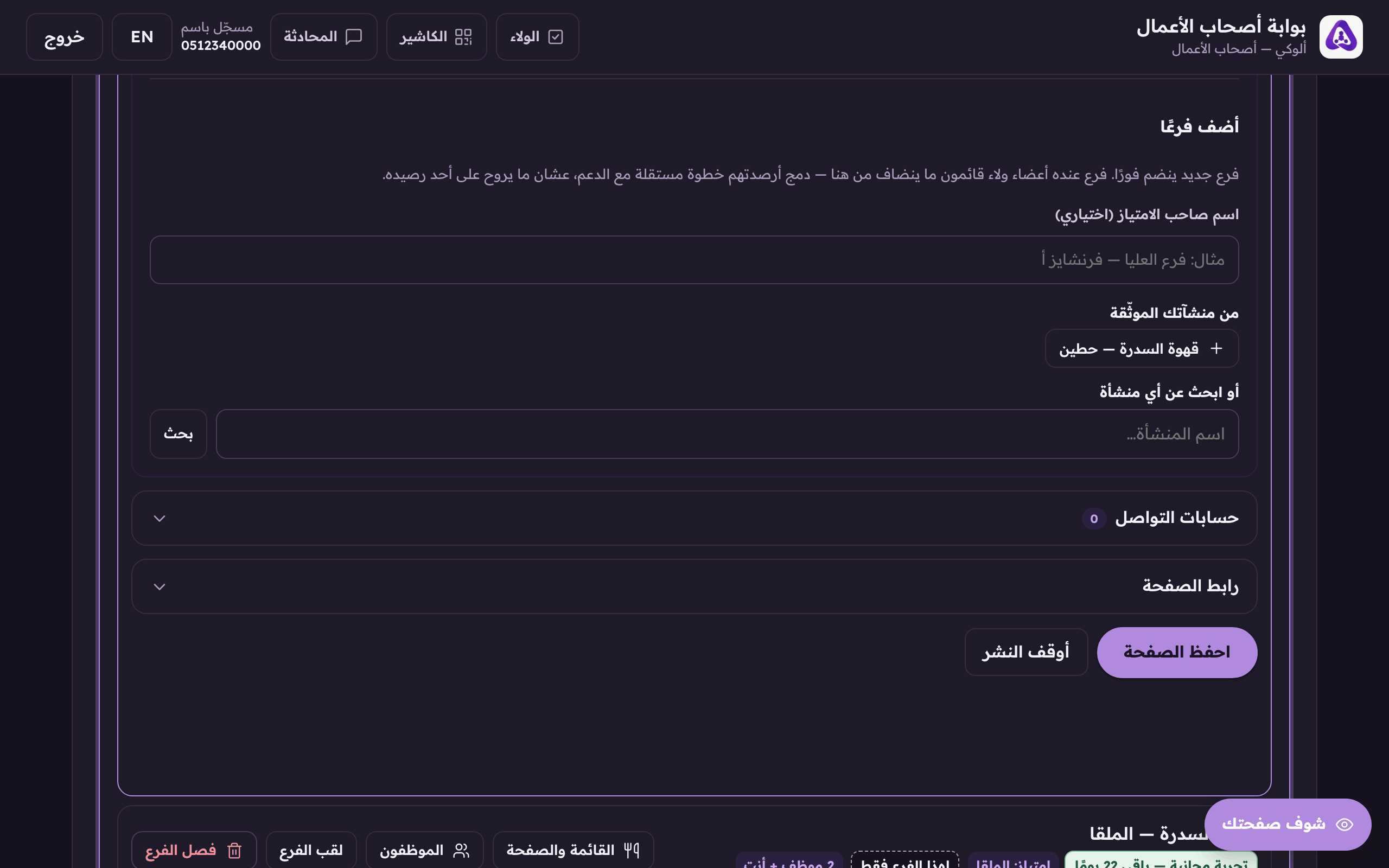
The search inside your brand: type your shop's name exactly as it reads on the sign. - On the right branch in the results press «Claim it first». The claim form opens.
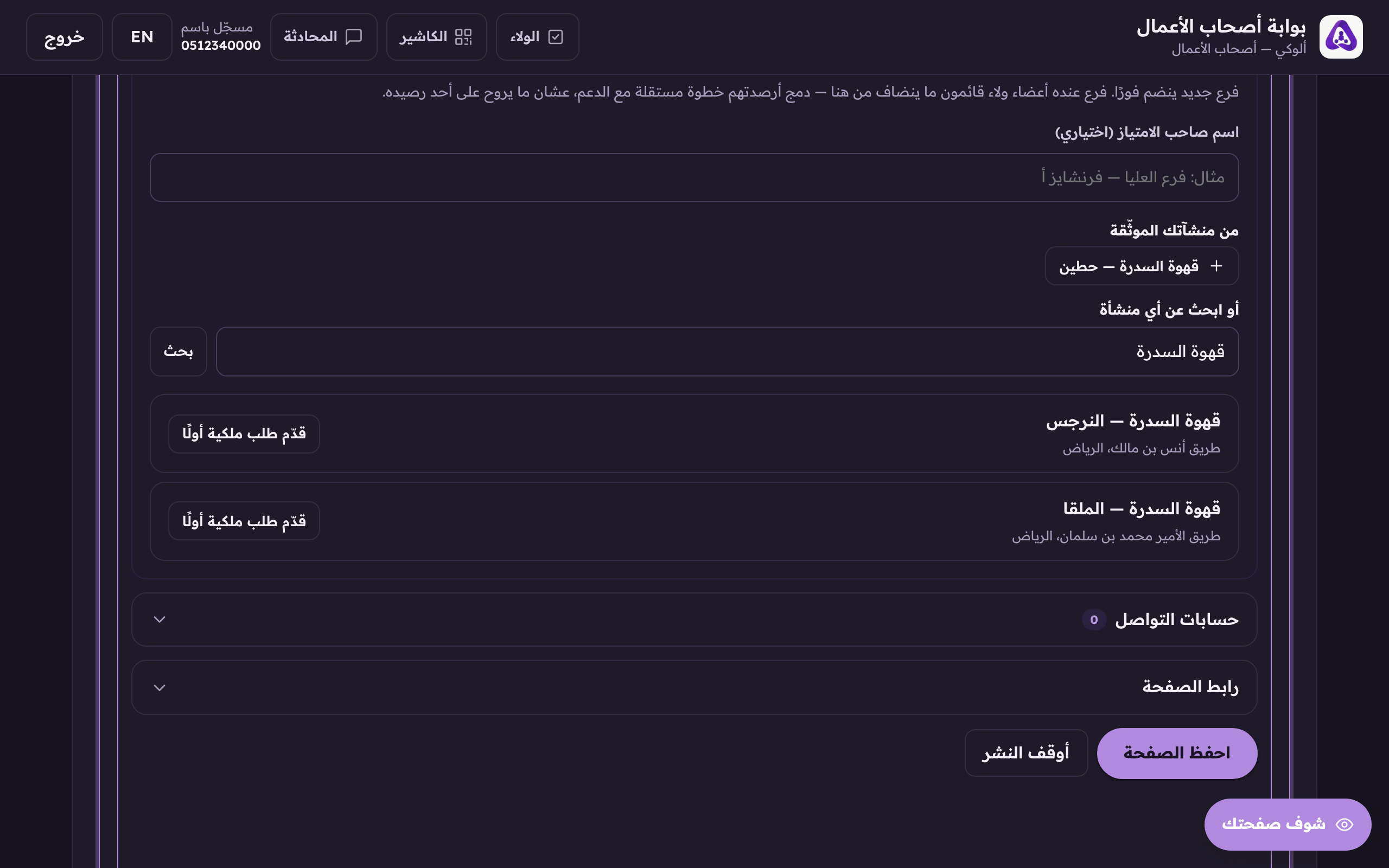
«Claim it first» on a branch you have not verified yet. It opens the claim form. - Check that the «Joins the brand» line names YOUR brand. That is what attaches the branch to it on the day we approve.
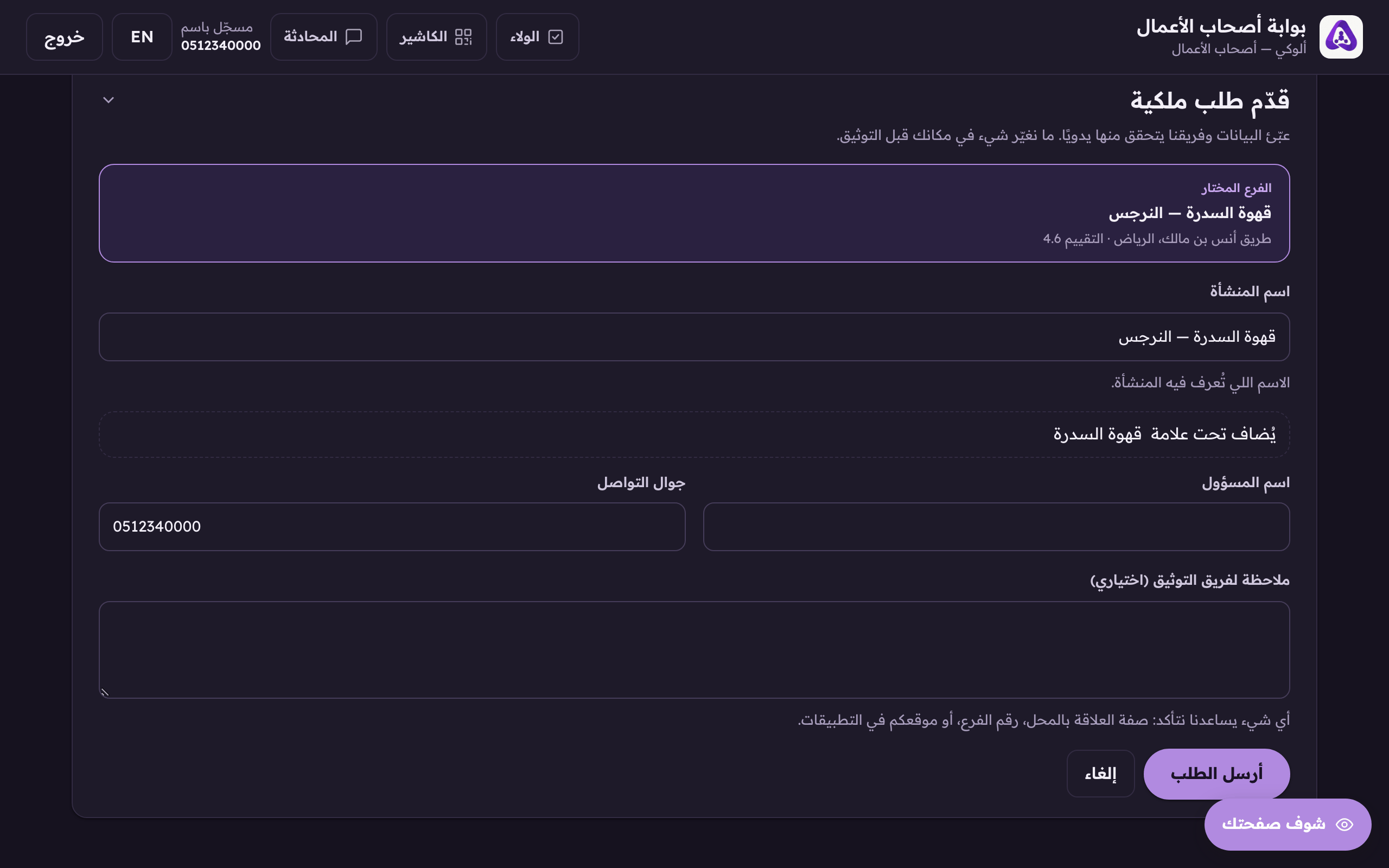
The «Joins the brand» line names your brand. The day we approve, the branch joins it. - Give a contact name and mobile. That number is how we reach you during the review, so give one somebody answers.
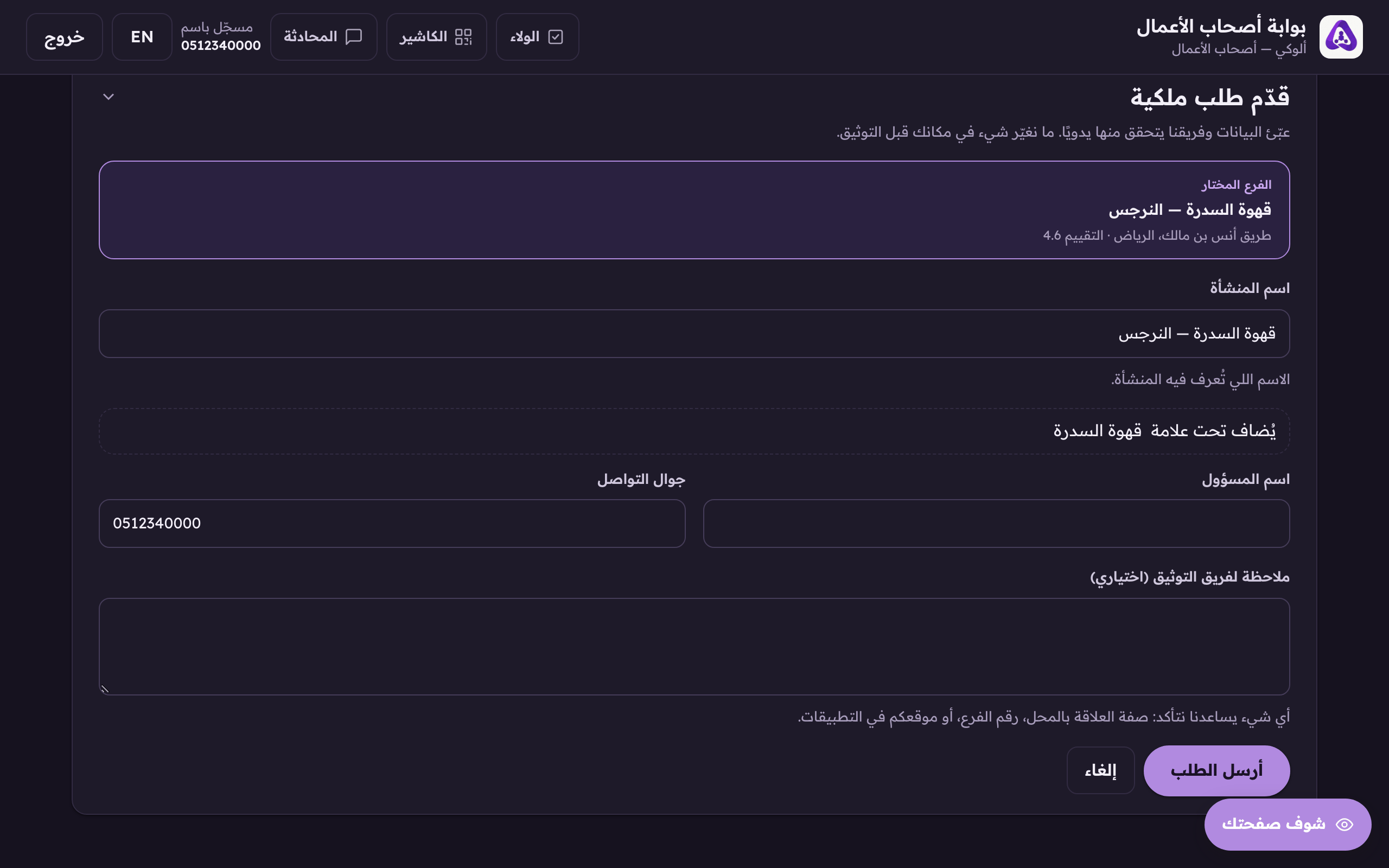
The contact mobile. This is the number we reach you on while the claim is reviewed. - In «Note for the verification team (optional)» put anything that helps us confirm the place is yours: your role there, the branch number, or where you are listed elsewhere. Optional, but it is the shortest route to a claim that passes first time.
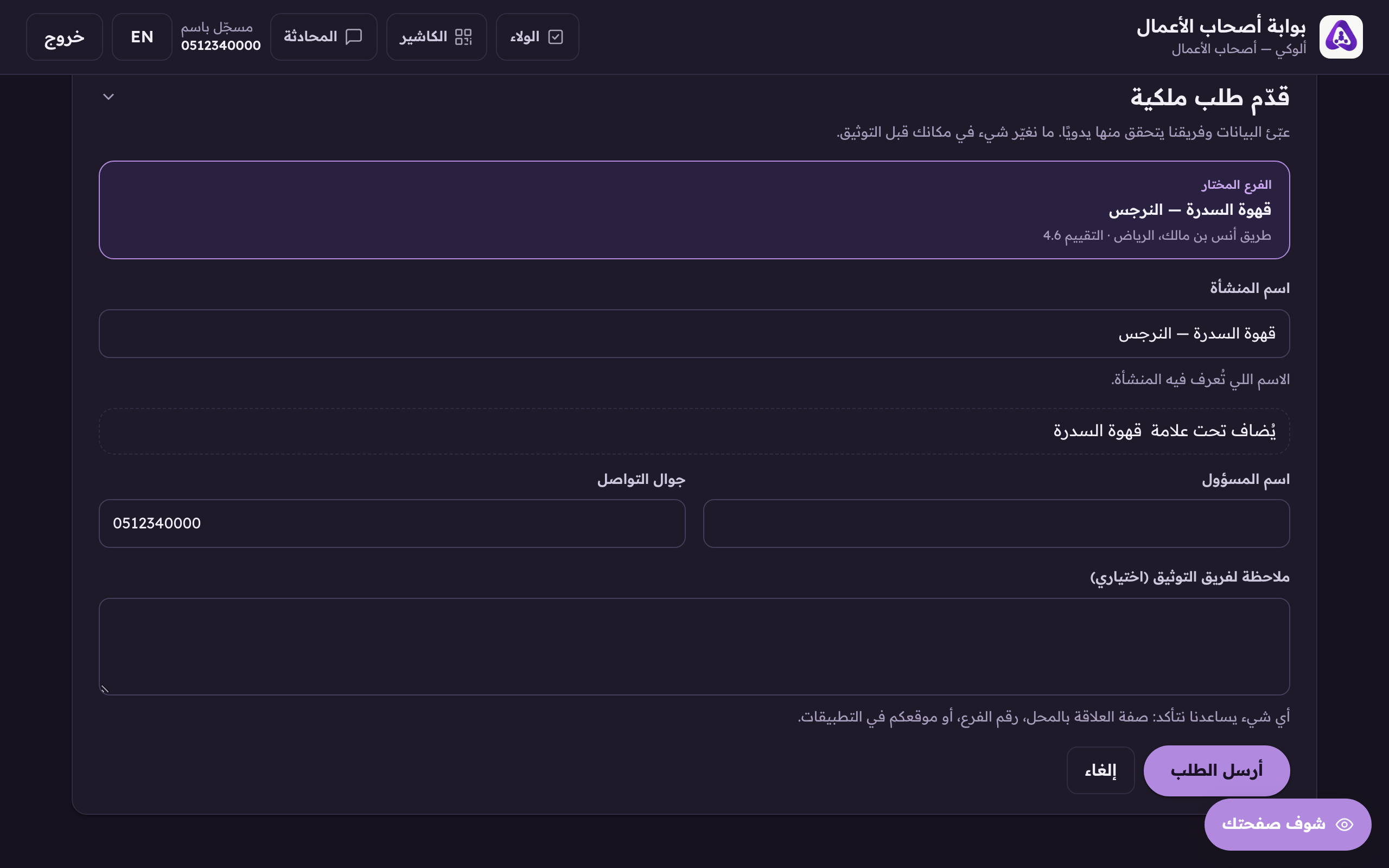
The note is optional, put in it anything that helps us confirm the place is yours. - Press «Submit». The branch appears in your brand at once with an «Awaiting our approval» badge, and we tell you on your mobile after the review.
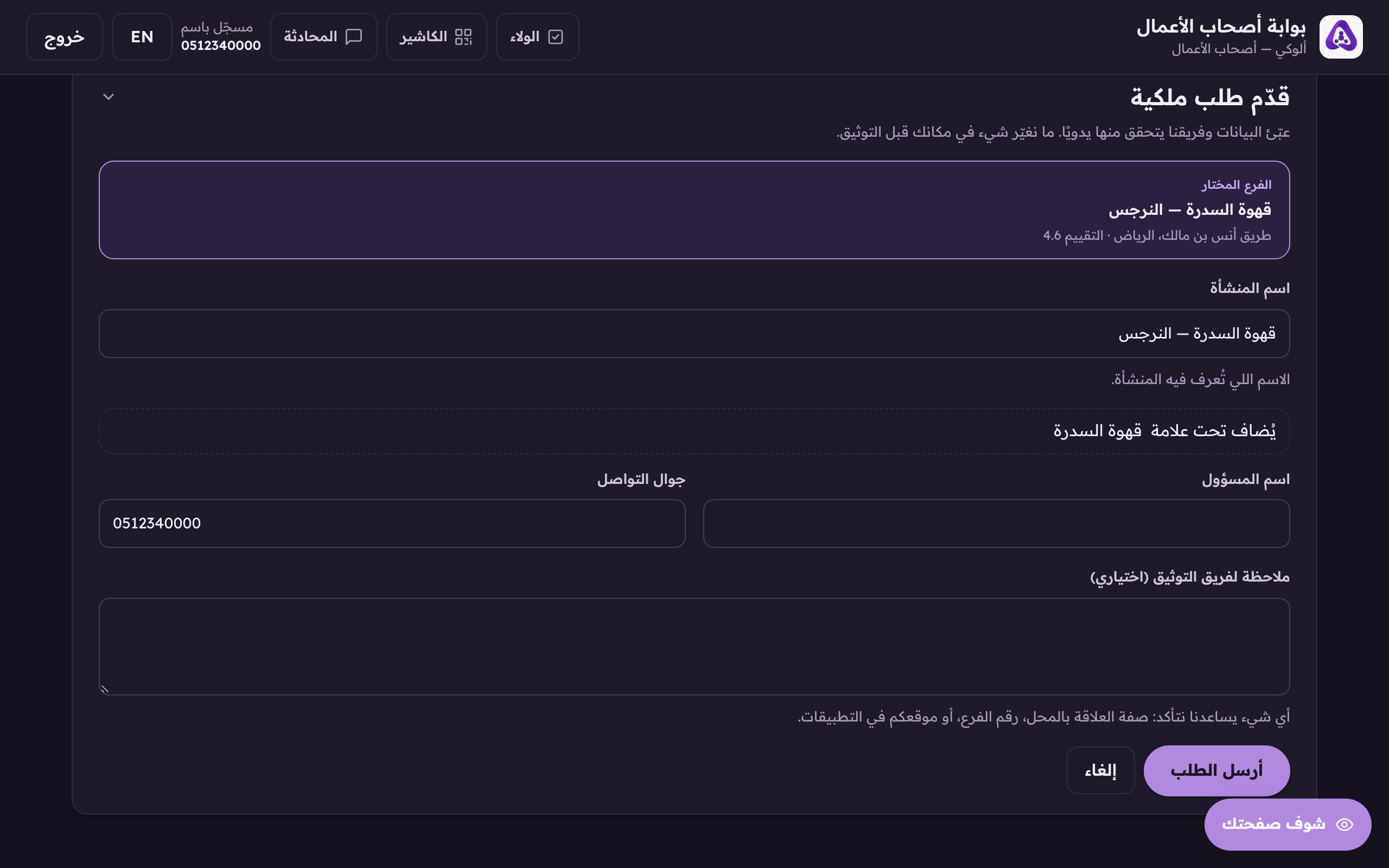
Press «Submit», the claim reaches us and we answer after the review.
What approval does
Approval does three things in the same moment: the branch's editor opens to you, the branch joins your brand, and the first branch we approve becomes its home, and its 30-day free trial starts.