 Aloke
Your branches' subscription status
Where to see each branch's state, what each state means, and how to ask for a renewal on the web.
- Aloke Owners
- Web
Every branch has one subscription state that says exactly where it stands. You find it in two places on the web: «الاشتراك والمنتجات» (Subscription & products) for the branch you are on, and «المواقع» (Locations) in «الفروع والامتياز» for all your branches side by side.
- Pick the branch from «المنشأة» (Business), and open «الإعدادات» (Settings), then «الاشتراك والمنتجات»: its state, when it ends, the products it holds, and «مدة كل منتج» (Each product's term).
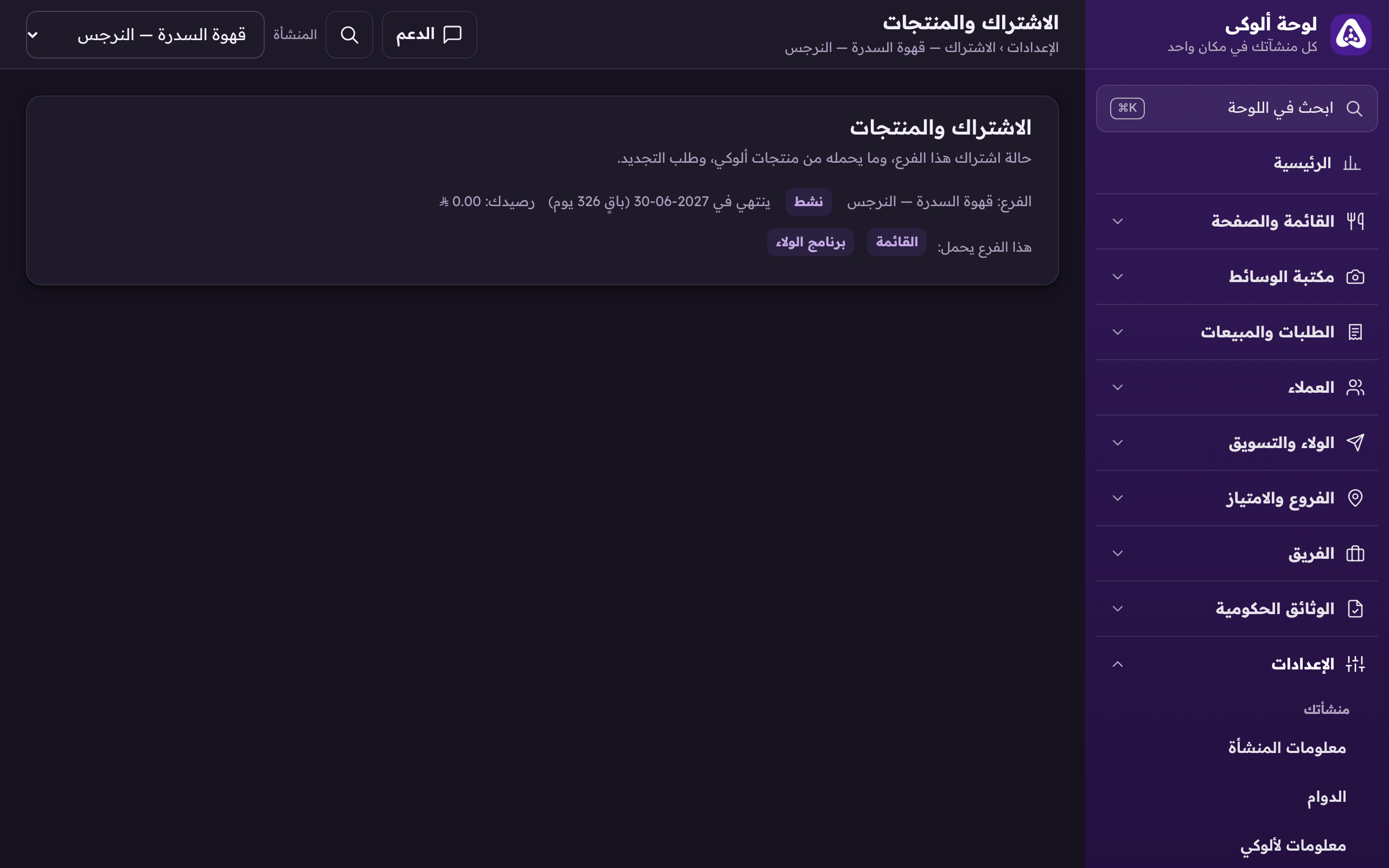
«Subscription & products»: the branch's subscription, when it ends, and the products it holds. - Or open «الفروع والامتياز», then «المواقع»: the state is on each location's row.
- Ending soon or expired? In «الاشتراك والمنتجات», under «اطلب التجديد» (Request a renewal), pick «الخطة» (Plan) and write a «ملاحظة» (Note) if you like, then «أرسل الطلب» (Send request). Nothing is charged here: we receive your request and contact you to settle.