 Aloke
AlokeCreating a brand
The name comes first. The home branch comes after.
- Aloke Owners
- Web
One path for everybody: name the brand, then add its locations and file them for approval, then a staffer per location, then the rest: the menu, the loyalty programme, the page. One shop? Your shop IS your brand, with a single branch, and nothing about it changes.
- Your first brand is named on the first screen you land on, read «Start by naming your brand». A second, separate brand starts from the «New brand» button.
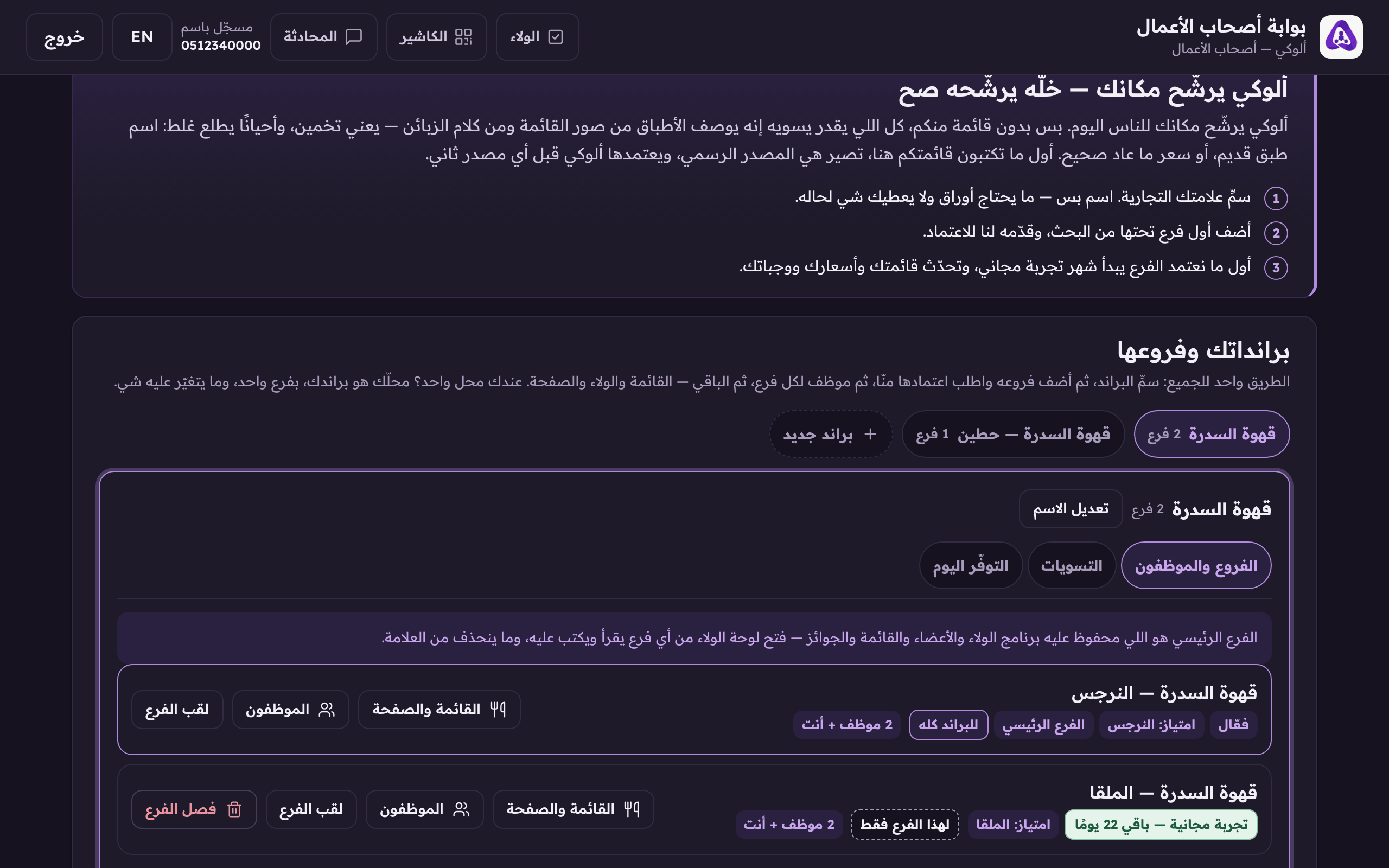
«New brand» starts a second brand, independent of this one. - Type the «brand name», and pick a «home branch (optional)» if you hold a verified business to build on, or leave it on «add it later».
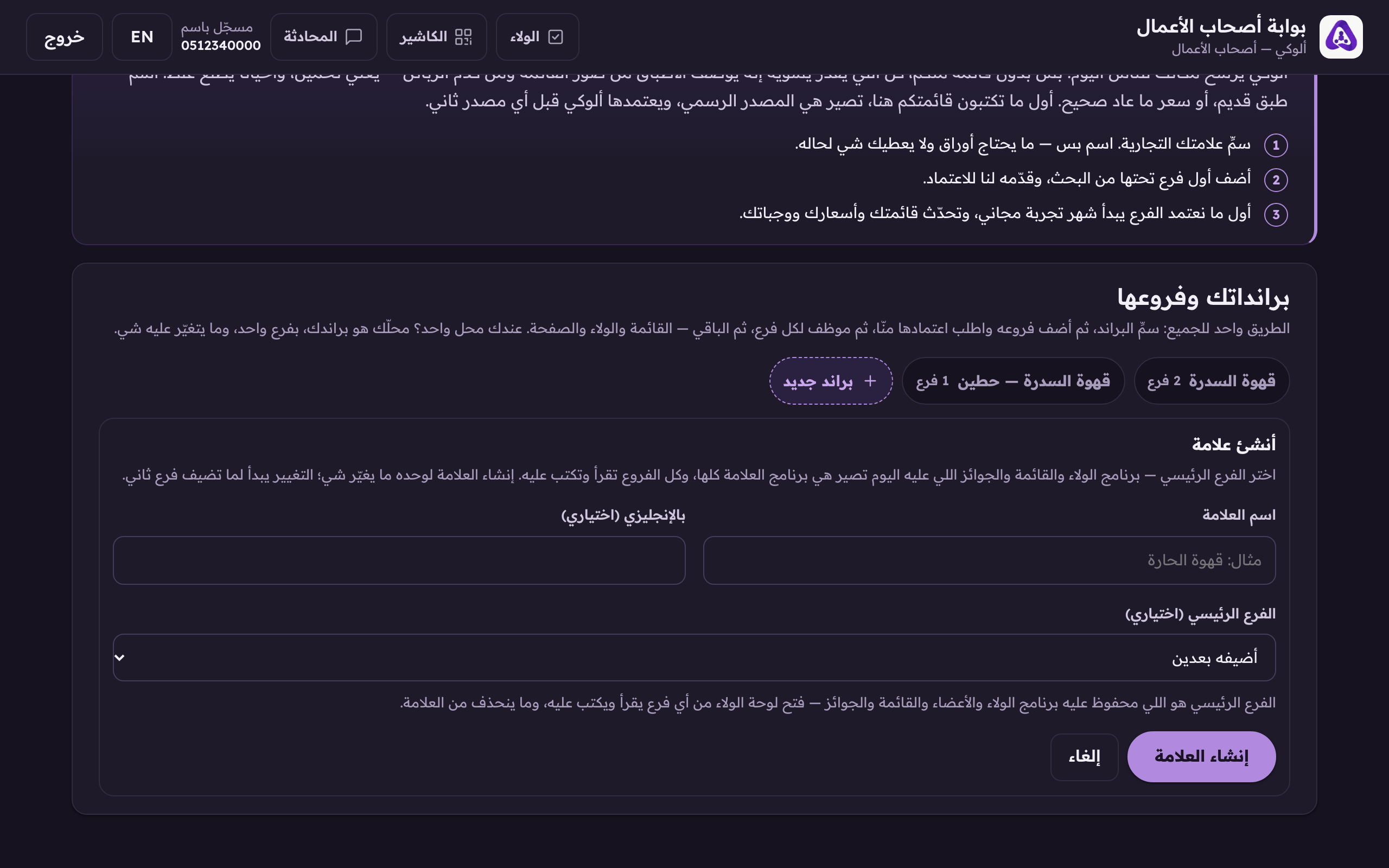
«Create the brand» on its own changes nothing, things start moving when you add a second branch. - To rename the brand later, press «Rename».
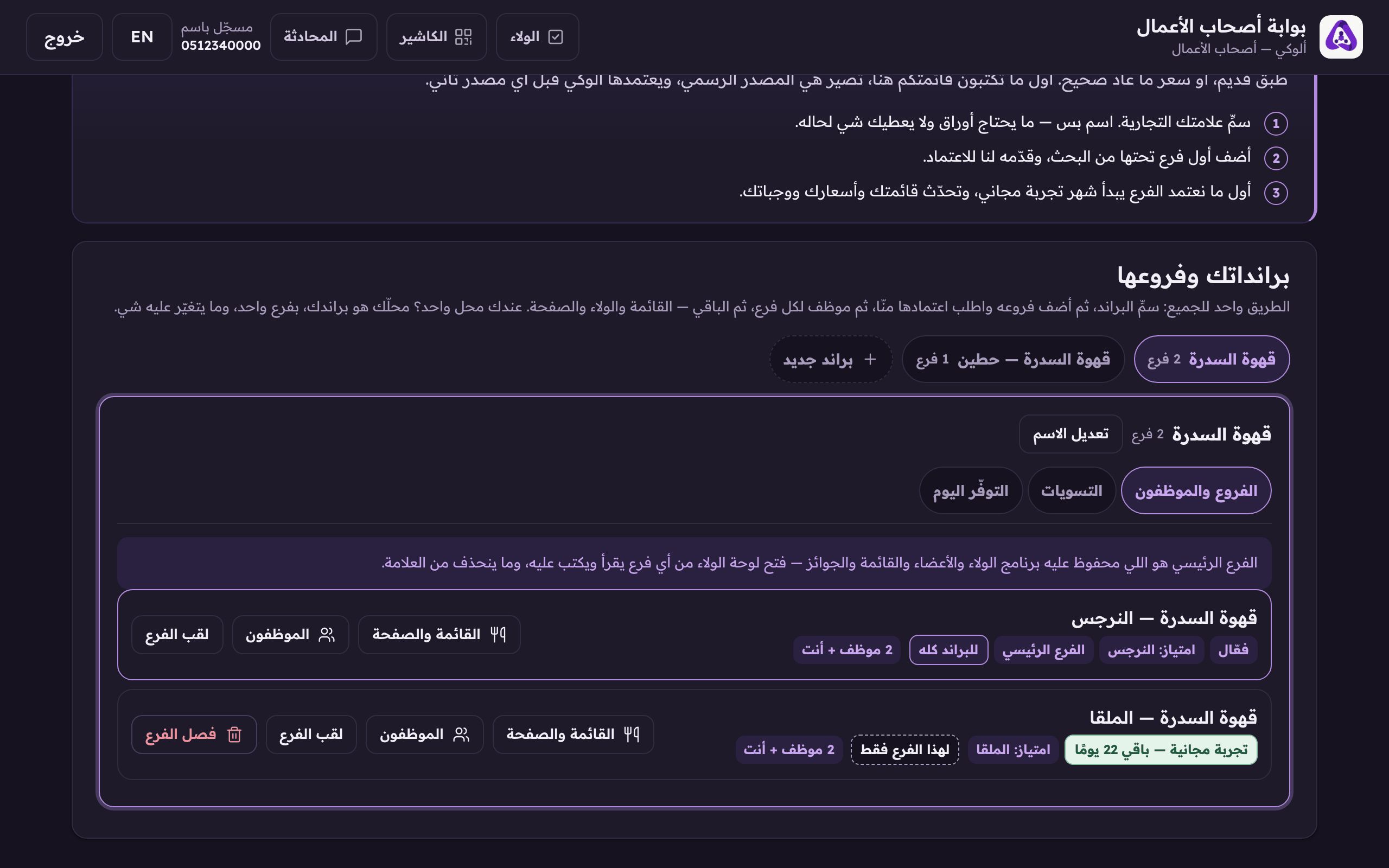
«Rename» changes the brand name your customers see.
What «home branch» means
The home branch is where everything shared is stored: the loyalty programme, the members, the menu and the prizes. Whichever branch you open the loyalty console from, what you read and edit is the home branch's one copy. No branch can grow a second programme behind your back. The home cannot be taken out of the brand. And if you named the brand with no branch, the first branch we approve becomes the home on its own.