 Aloke
Sold out today
Mark what ran out, and it leaves the menu and the prizes for this branch.
- Aloke Scan
- iPhone and iPad, Android
- Press «التوفر» (Availability) above the till.
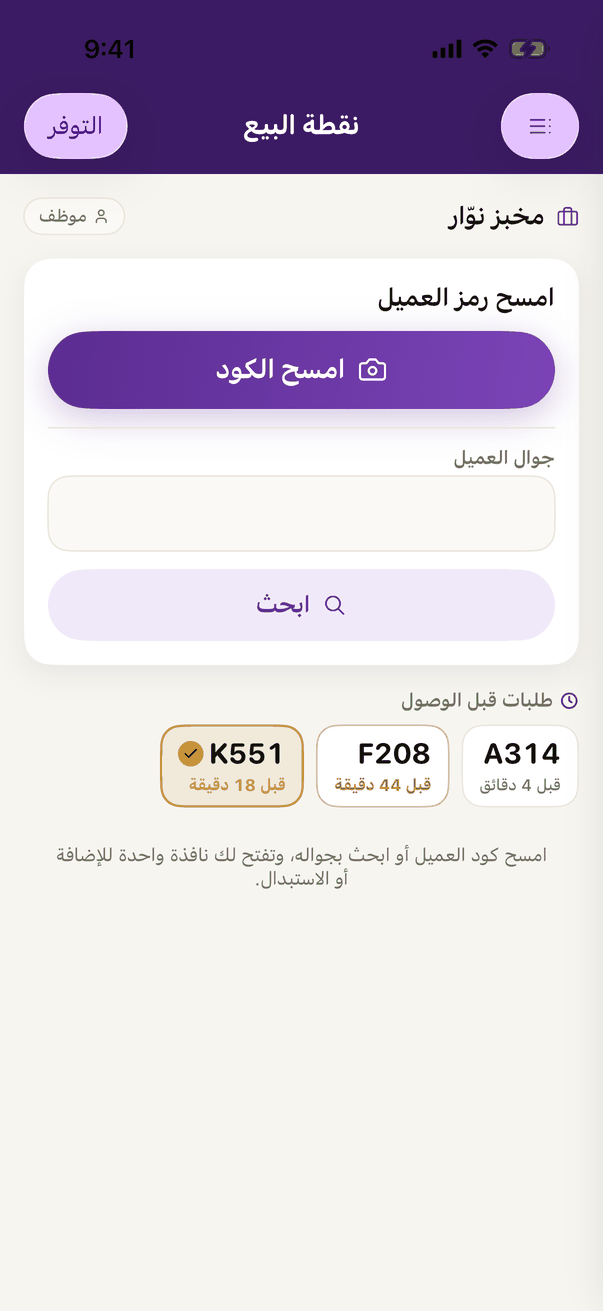
«Stock» at the top of the till. - In «توفر الأصناف» (Item availability), find the dish and tap it. It turns from «متوفر» (Available) to sold out today, and leaves the menu and the prize lists for this branch at once.
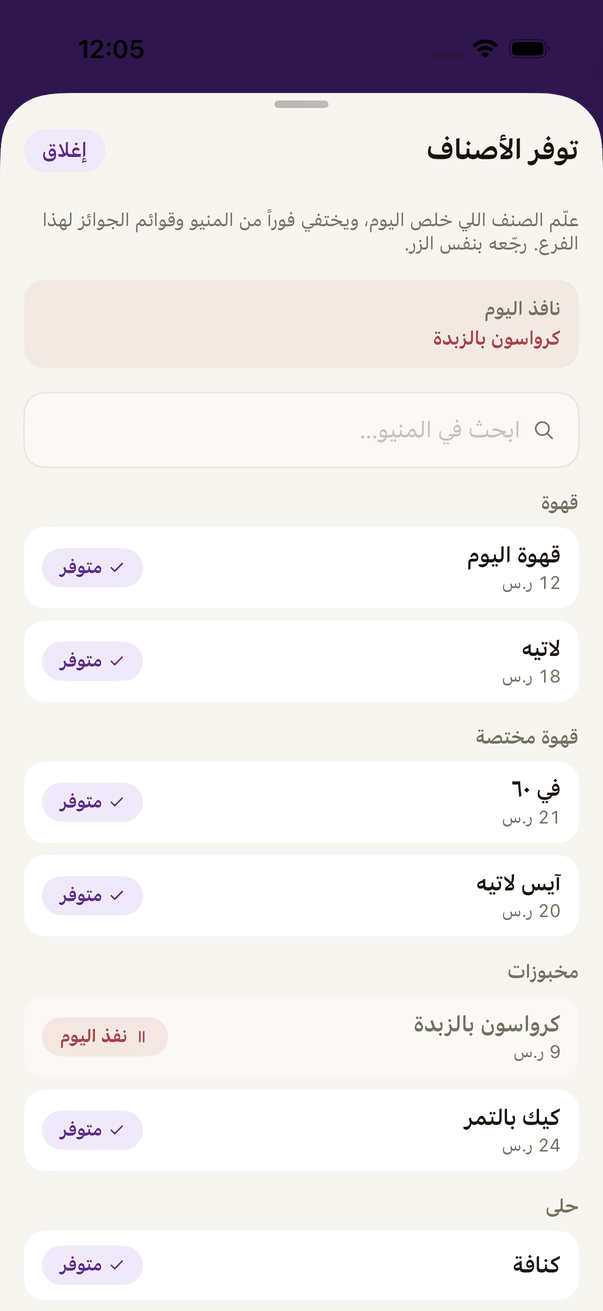
«Item availability»: every dish reads «Available», and one tap marks it sold out for today. - Add-ons have their own part of the same page, and switch off for this branch the same way.
- Back in stock? The same switch brings it back.