Aloke
Handing over a prize
From «Can claim now» on the customer's popup, or from the prize code.
- Aloke Scan
- iPhone and iPad, Android
The customer needs no prize code. Their popup shows «يستحق الحين» (Can claim now) at the top: the prizes their balance covers, each with «تسليم» (Hand over).
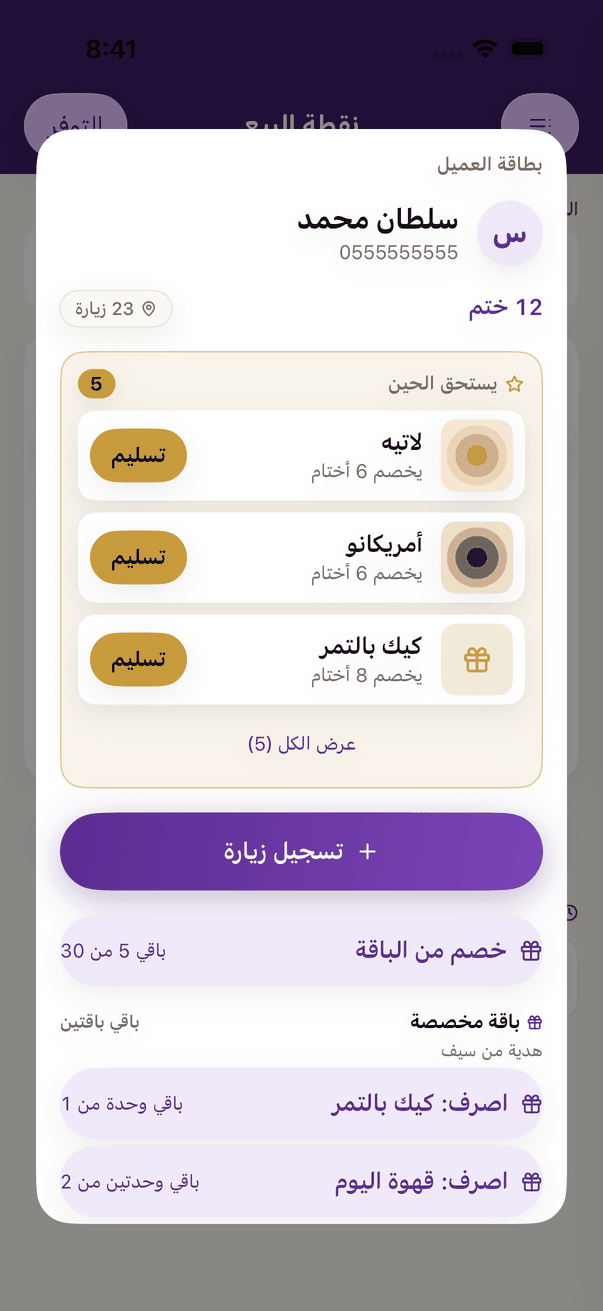
- Press «تسليم» beside the prize they want. «تسليم جائزة» (Hand over a prize) shows the item and what it costs; if it has choices, pick the dish.
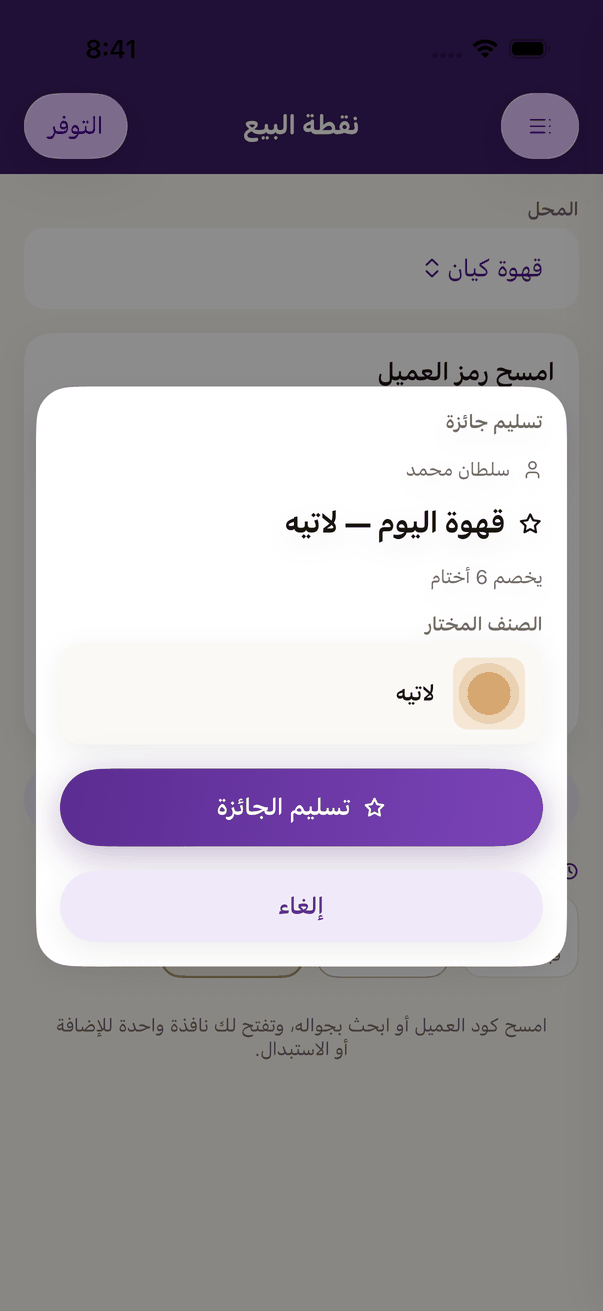
Handing over from the customer's popup: the chosen item and what it costs, then «Hand over the prize». - Press «تسليم الجائزة» (Hand over the prize) and serve it. «انصرفت: …» (Handed over) shows; press «تم».
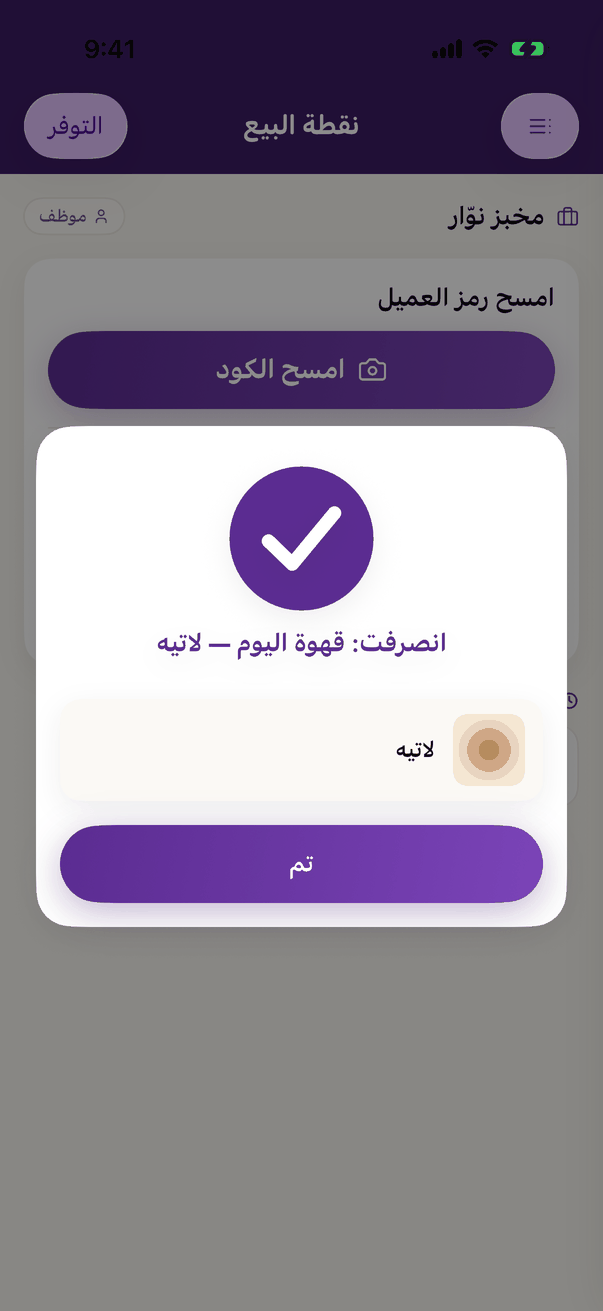
«Given» with the prize's name: hand it over, then «Done».
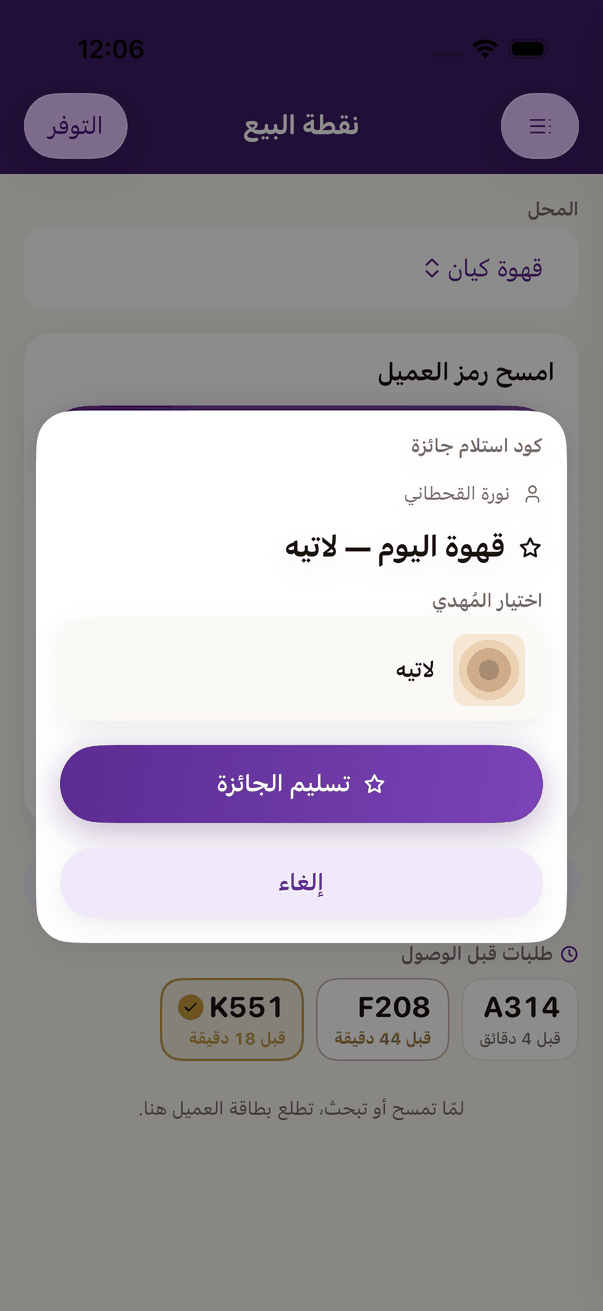
- Or from the prize code: the customer presses «استلم» (Redeem) on the prize and shows the prize code. Scan it, and the same hand over popup opens with their choice.
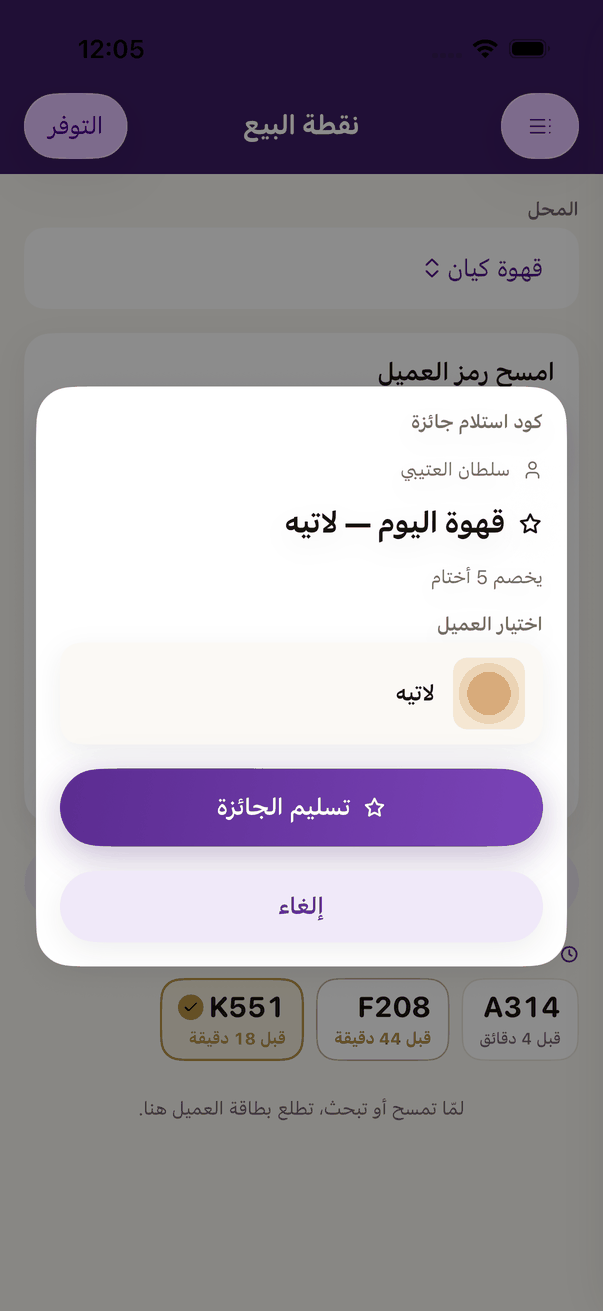
A prize code: the prize and the customer's choice, then «Hand over the prize».