 Aloke
AlokeThe mini till and add-ons
Pick the bill's items from the menu, with their options and add-ons.
- Aloke Scan
- iPhone and iPad, Android
Some shops count a visit from the items themselves instead of an amount. There, «تسجيل زيارة» opens «اختر أصناف الفاتورة» (Pick the bill's items), and the total adds itself up.
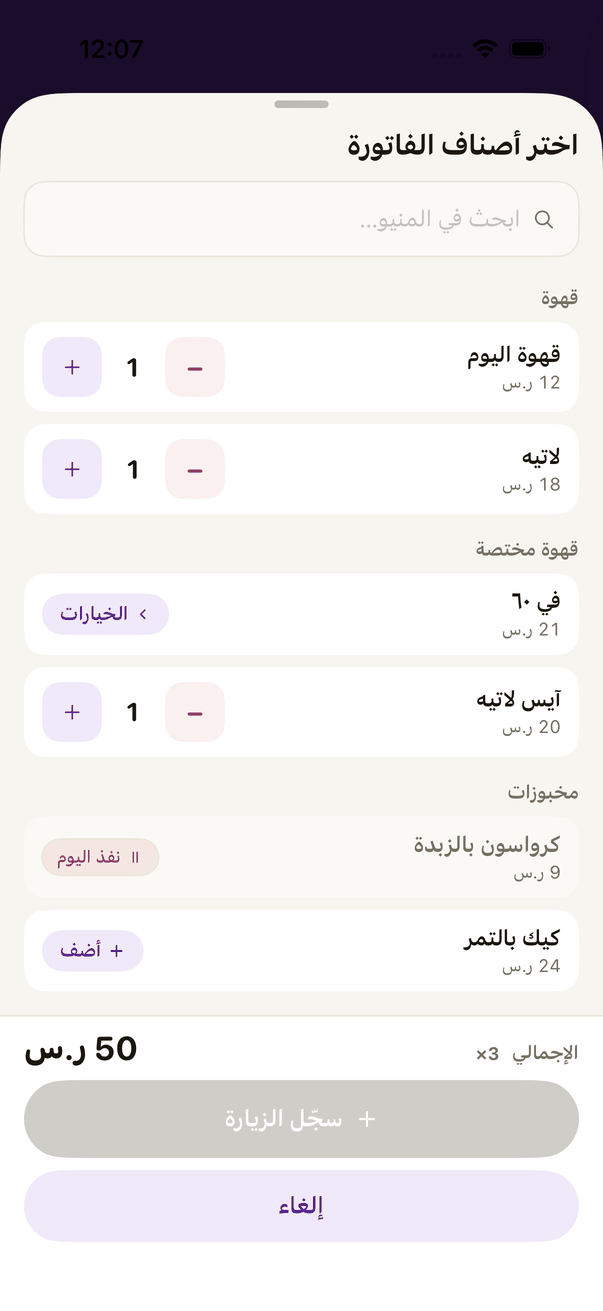
- Search or scroll the menu and press «أضف» (Add) beside a dish. Raise or lower the quantity with the buttons.
- A dish marked as taking add-ons, or showing «الخيارات» (Options), opens its choices and add-ons. Pick and add it.
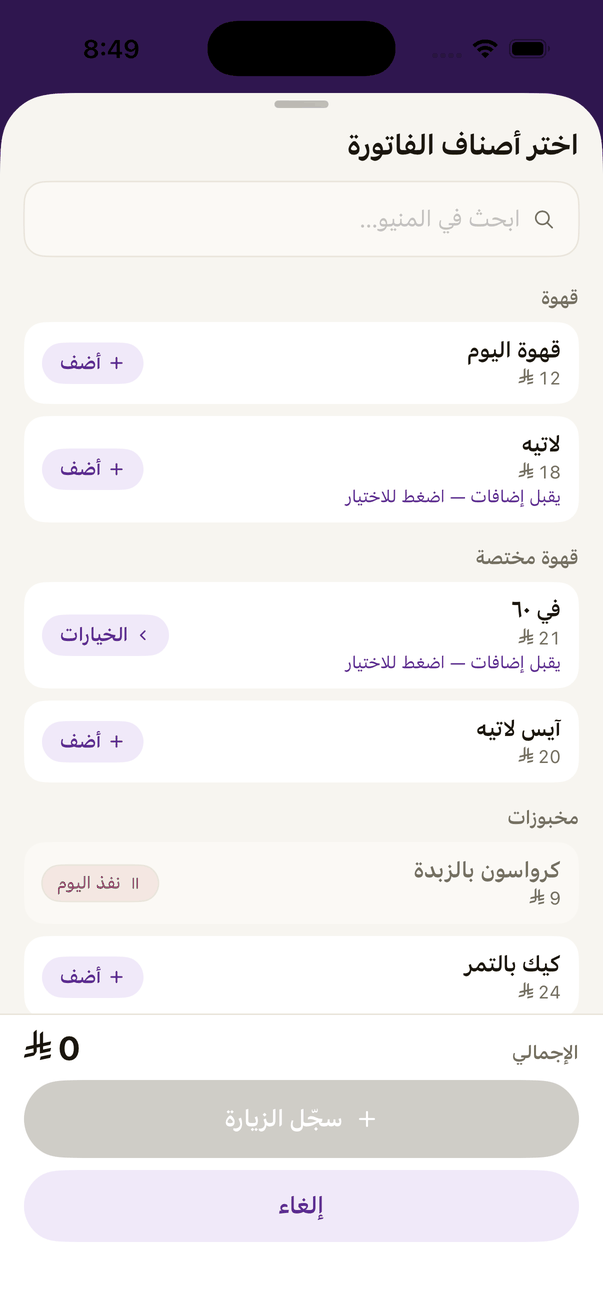
The mini till: a dish with add-ons is set up before it joins the bill. - Press «سجّل الزيارة» (Record the visit). The bill and its items count for the customer.