 Aloke
AlokePeriod, grouping and branch
Three filters above everything: which period, how big a point, which branch.
- Aloke Owners
- Web
Three filters sit above every card and are never folded away: the period, the grouping and the branch. Every number below answers for what you set in them, so reading without setting them is reading the answer to a different question.
- Choose «the period». The ready-made ones: this month (the default), the last 7, 30 or 90 days, and last month.
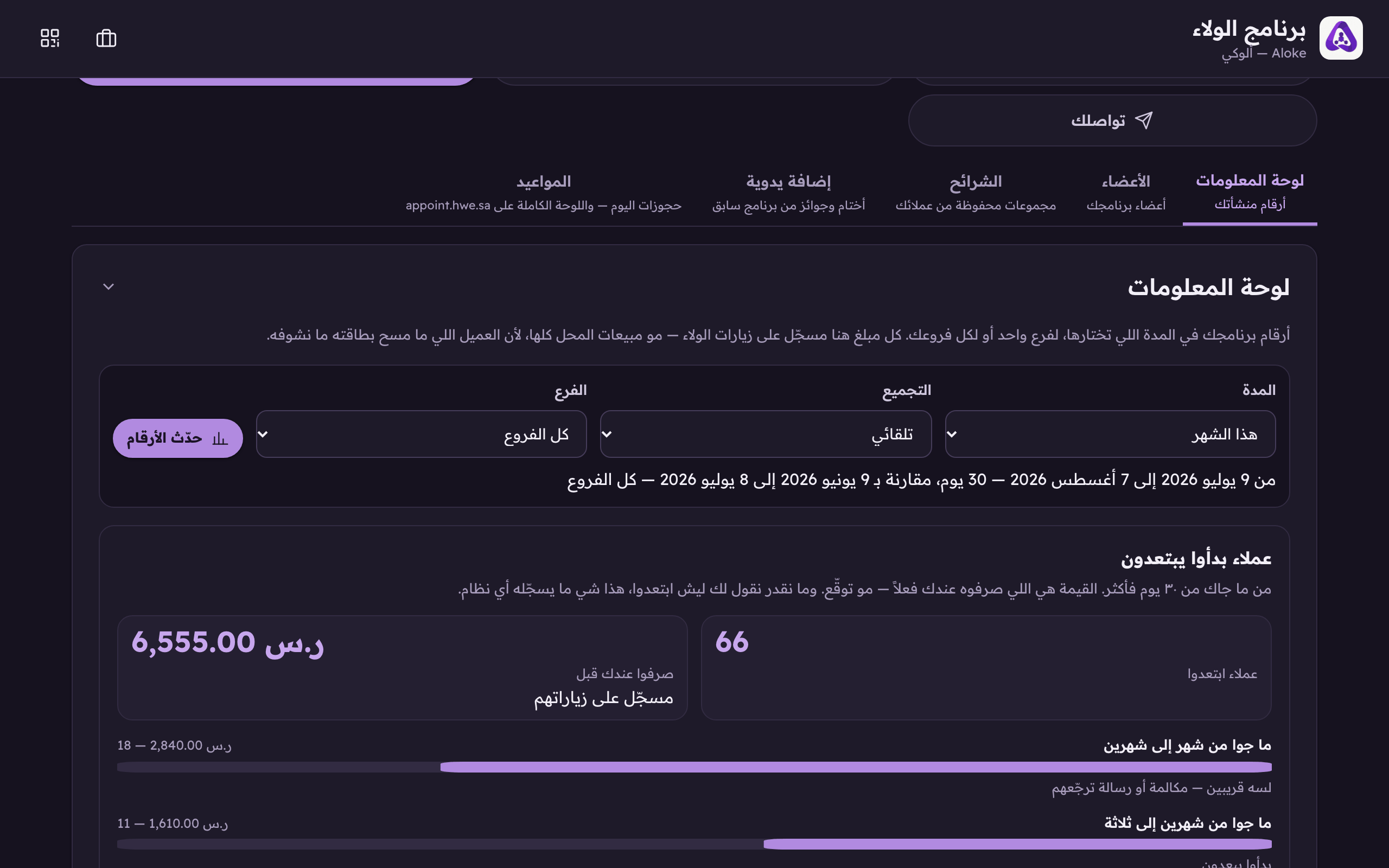
«Period»: this month, the last 7, 30 or 90 days, last month, or two dates of your own. - For anything else pick «a period I choose myself», type the two dates, then press «refresh the numbers». The other filters refresh the moment you change them, with no button.
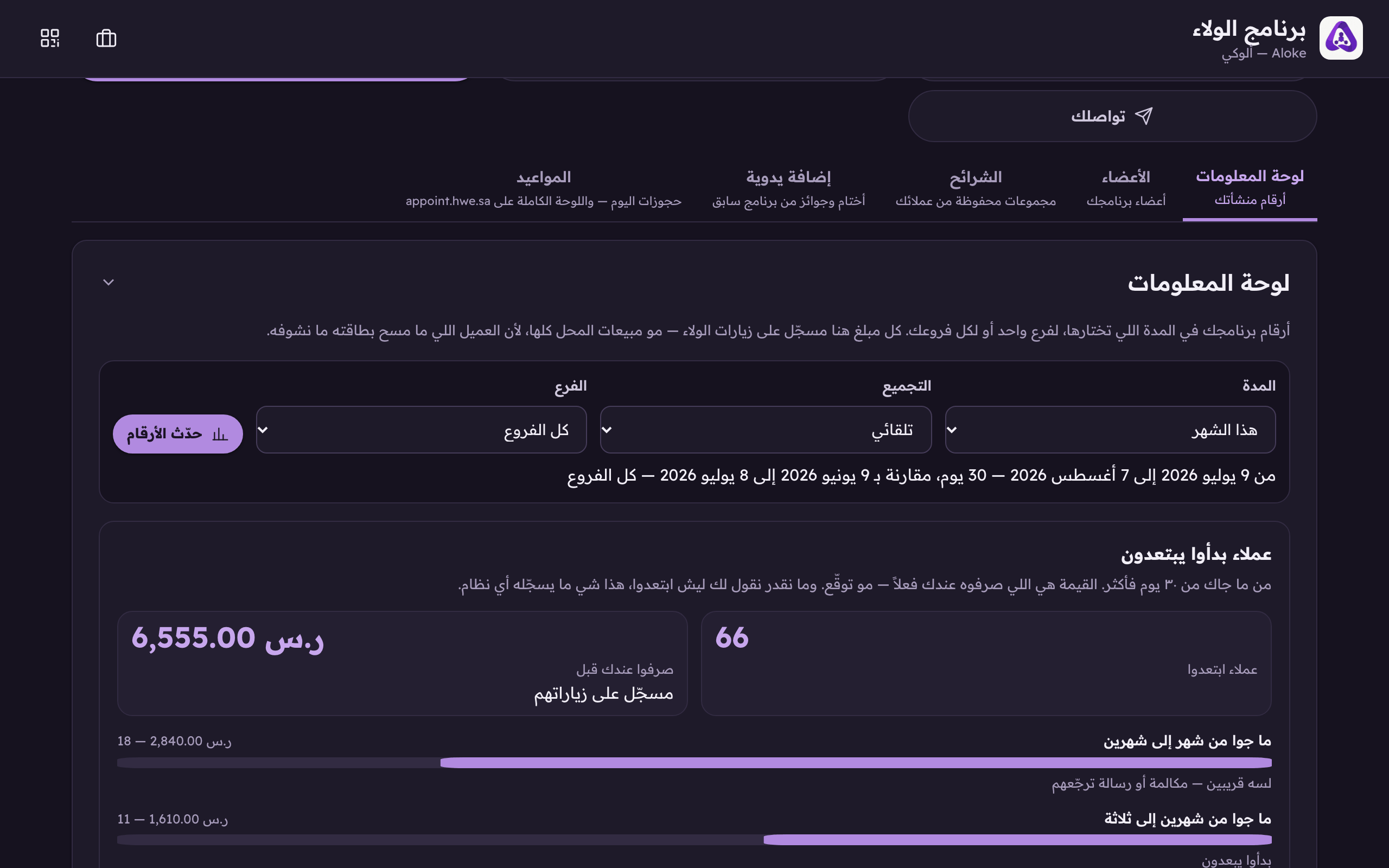
«Refresh the numbers» after typing your own dates. Everything else refreshes the moment you change it. - Choose «the grouping»: each point on the chart is a day, a week or a month. Leave it on «automatic» and the system picks whatever draws a readable chart.
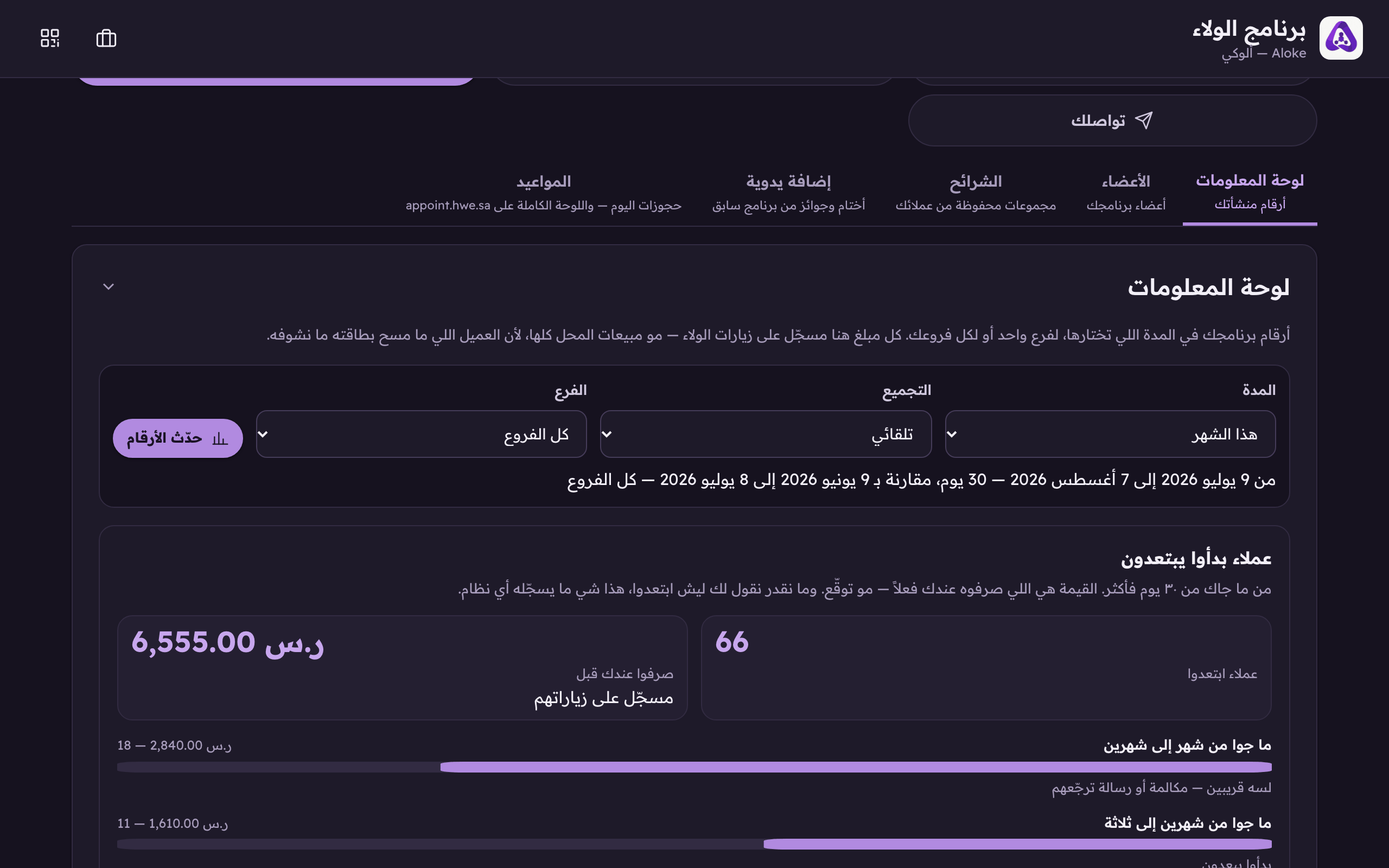
«Grouping», each point on the chart is a day, a week or a month. The week starts on Sunday. - Choose «the branch» if you have more than one: a single counter, or «all branches». A single shop never sees this filter at all.
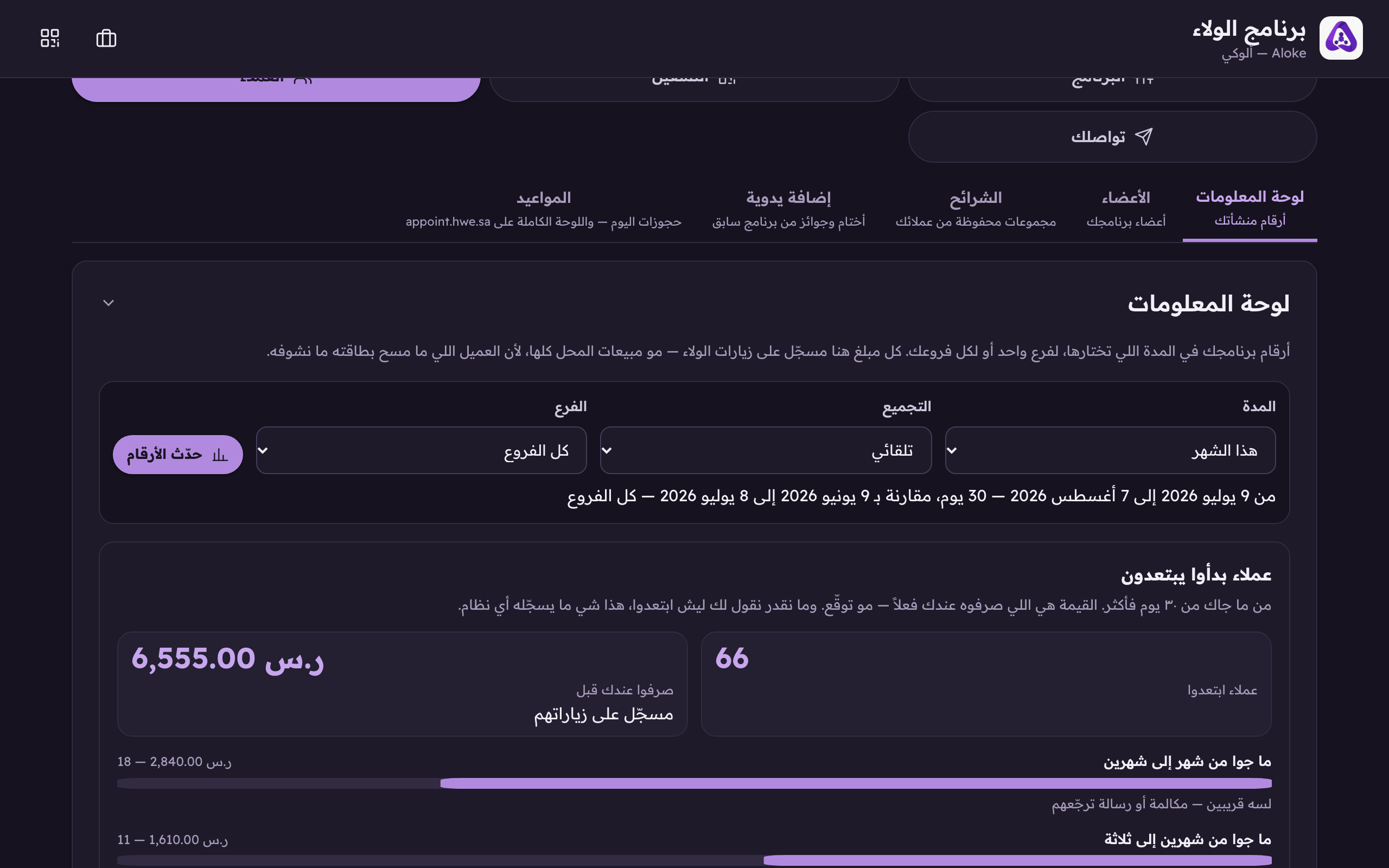
«Branch», one counter or the whole brand. It does not even appear unless you have more than one. - Read the line under the filters. It is the period the system actually answered with, the period it is comparing against, and the branch. If it ever differs from what you asked for, believe the line.
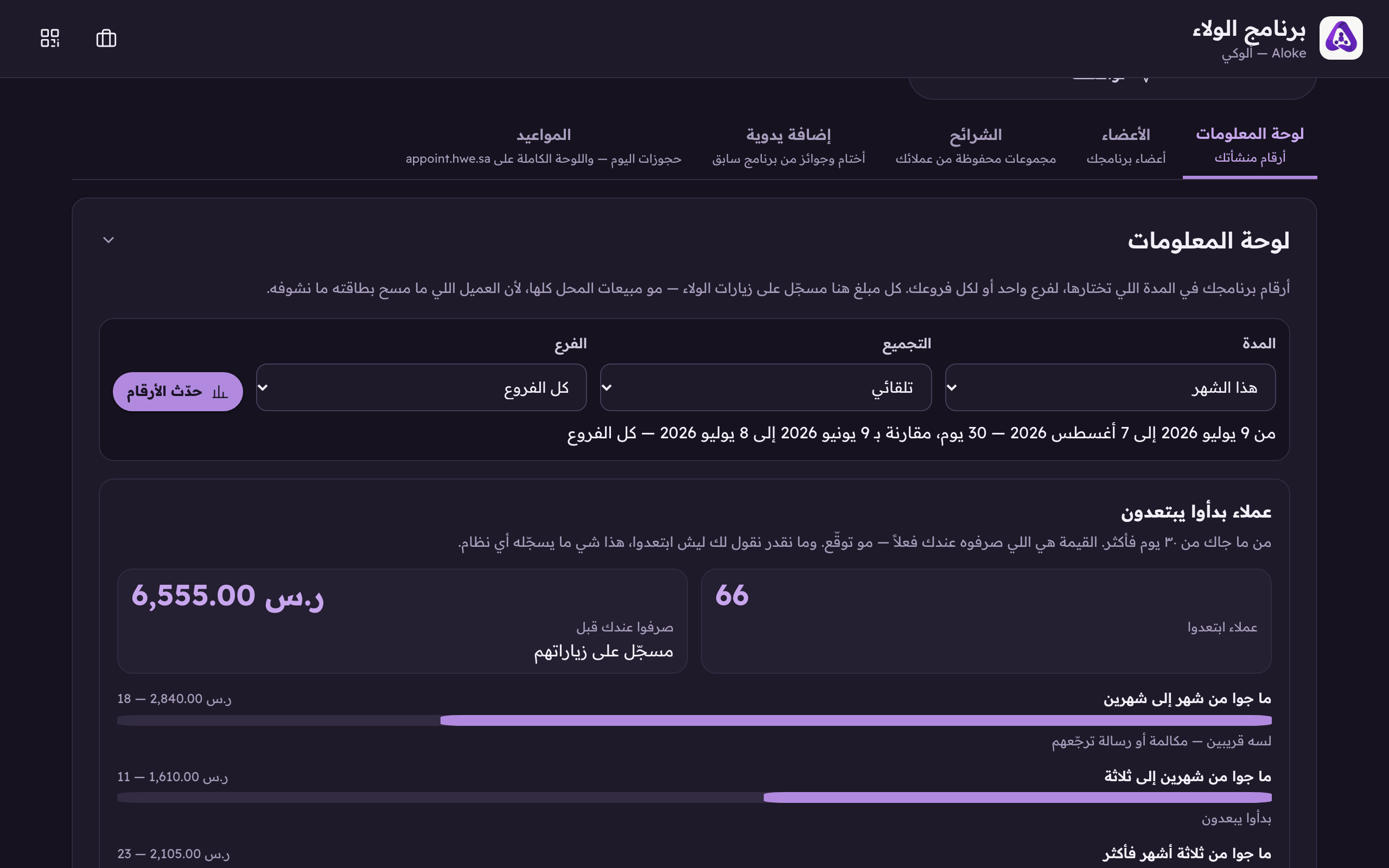
The line under the filters is the period the SERVER answered with. If it ever differs from what you asked for, believe this line.