 Aloke
AlokeThe dashboard: where to start
Eleven cards, in a deliberate order. Read them in it.
- Aloke Owners
- Web, iPhone and iPad, Android
The dashboard is the first screen the loyalty console opens on. The order of its cards is deliberate: the first thing you see is the thing you can act on today, and the last is background. The «branches» card does not appear at all unless you have more than one branch.
- In the Aloke Owners app, open «Your customers» from the home screen, then «Dashboard». (iPhone and iPad, Android)
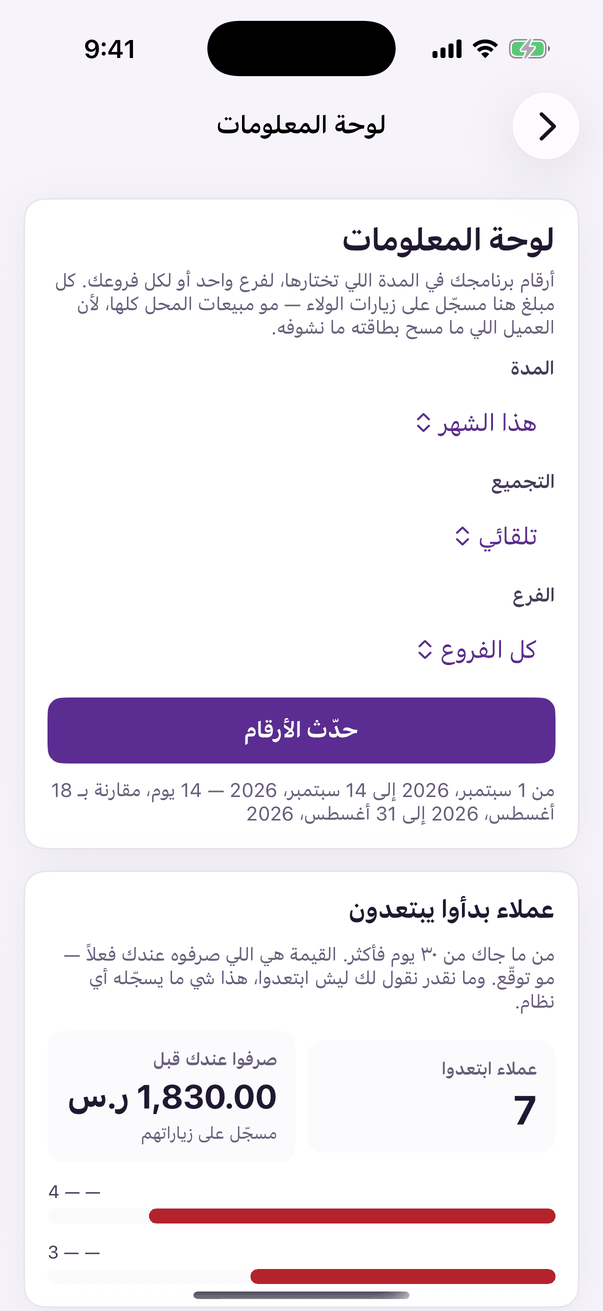
«Dashboard»: your numbers. - Open «dashboard» under the «customers» group in the loyalty console.
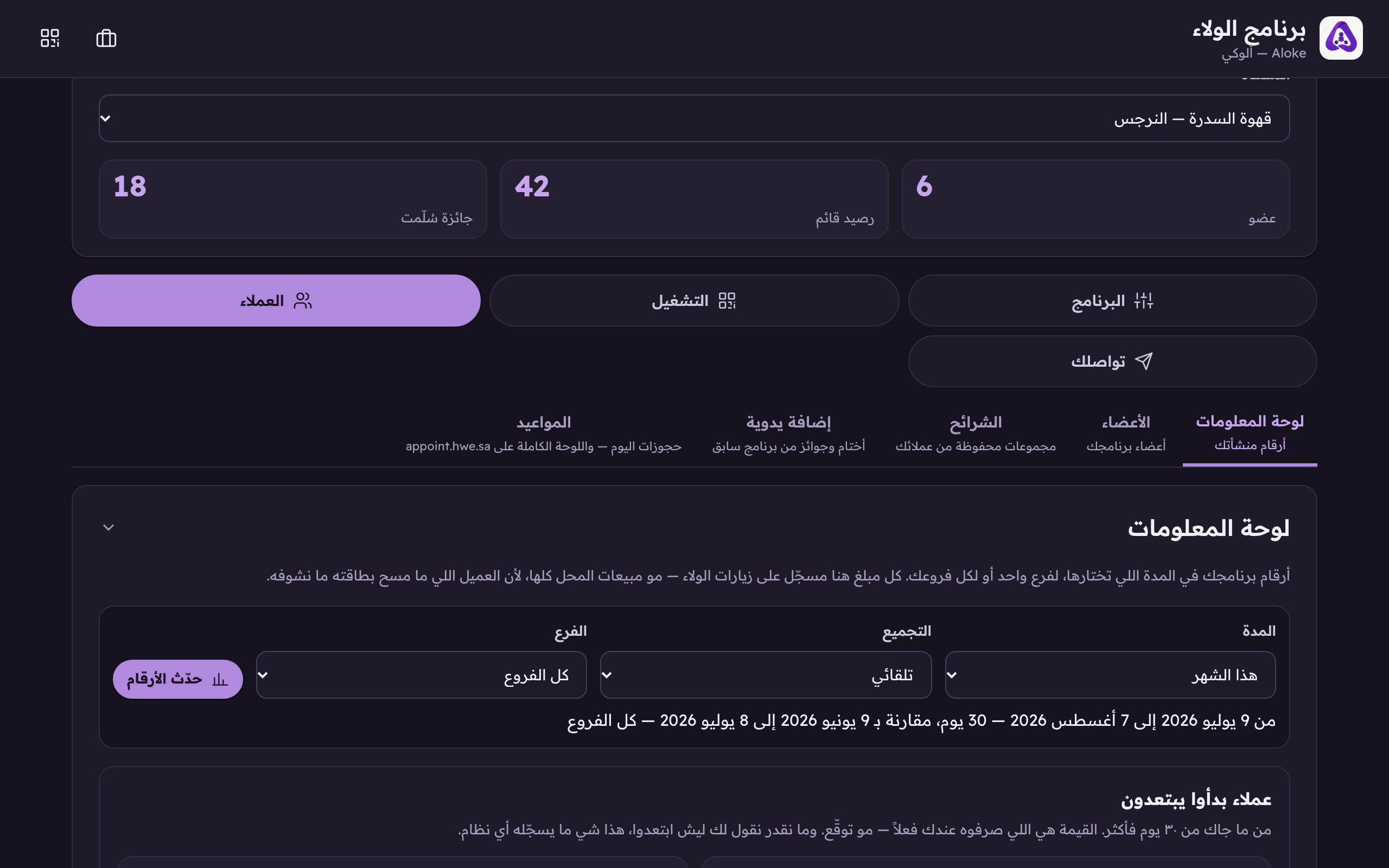
«Dashboard», under the «customers» group. Your programme's numbers over the period you choose, for one branch or the whole brand. - Set the period and the branch from the filters at the top before reading a single number. Every card below answers for that same period and that same branch.
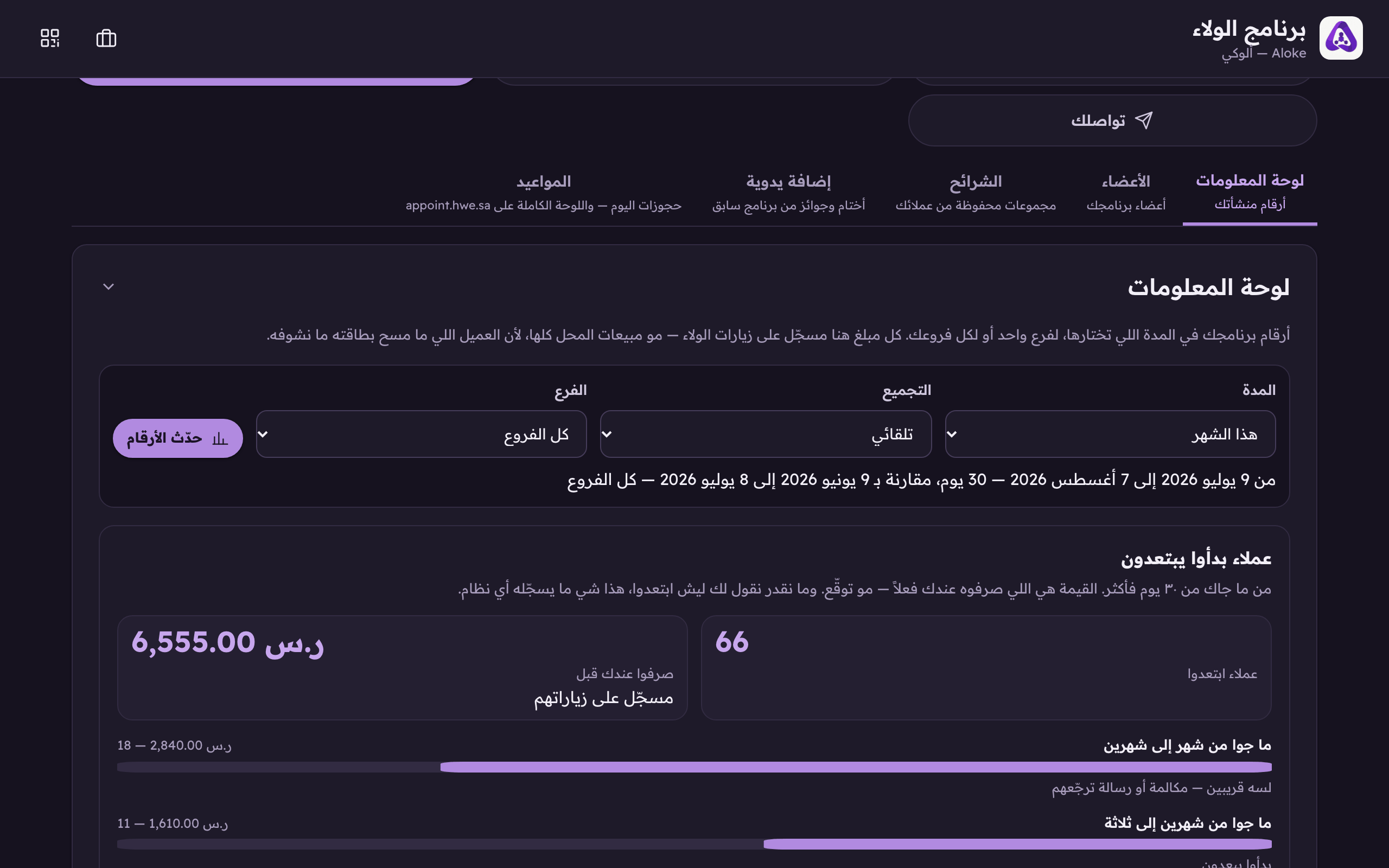
«Period»: this month, the last 7, 30 or 90 days, last month, or two dates of your own. - Read «the headline», visits, distinct customers, new, returning, stamps, amounts, redemptions, automatic gifts, each tile carrying its comparison with the same number of days immediately before.
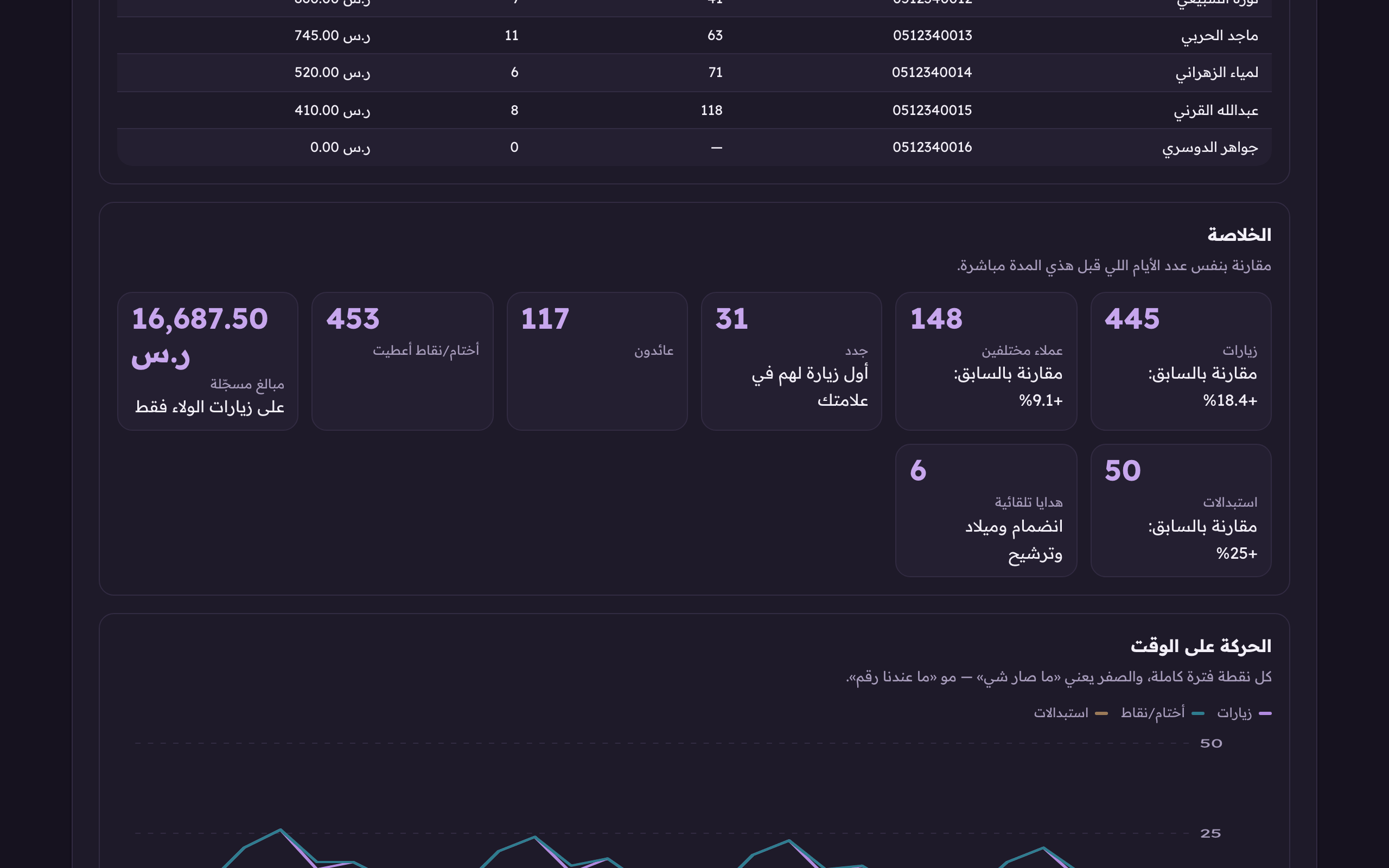
The headline, each tile carrying its comparison with the same number of days immediately before, not with last month. - Then «movement over time»: two charts, one for counts and one for money. Deliberately apart, a riyal and a stamp cannot share an axis.
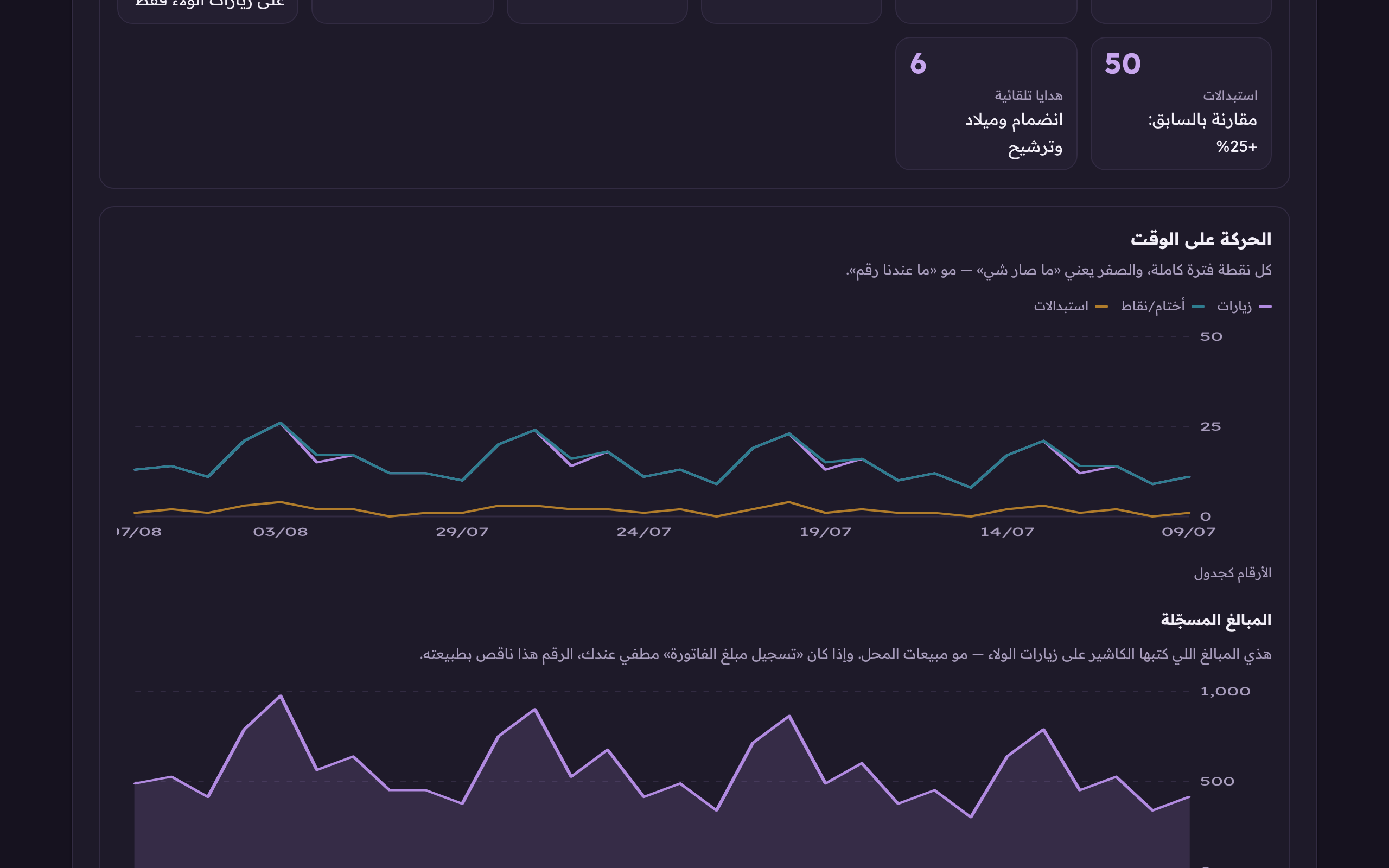
Movement over time. A zero means «nothing happened», not «no data»; a Friday the shop was shut has to show.