 Aloke
AlokeAfter the invoice: printing and the next order
Automatic printing, reprinting, and kitchen tickets.
- Aloke POS
- Web, iPhone and iPad, Android
- «صدرت الفاتورة» appears and it prints once by itself if there is a printer. «طباعة مرة أخرى» for another copy, «زيارة جديدة» for the next order. (iPhone and iPad, Android)
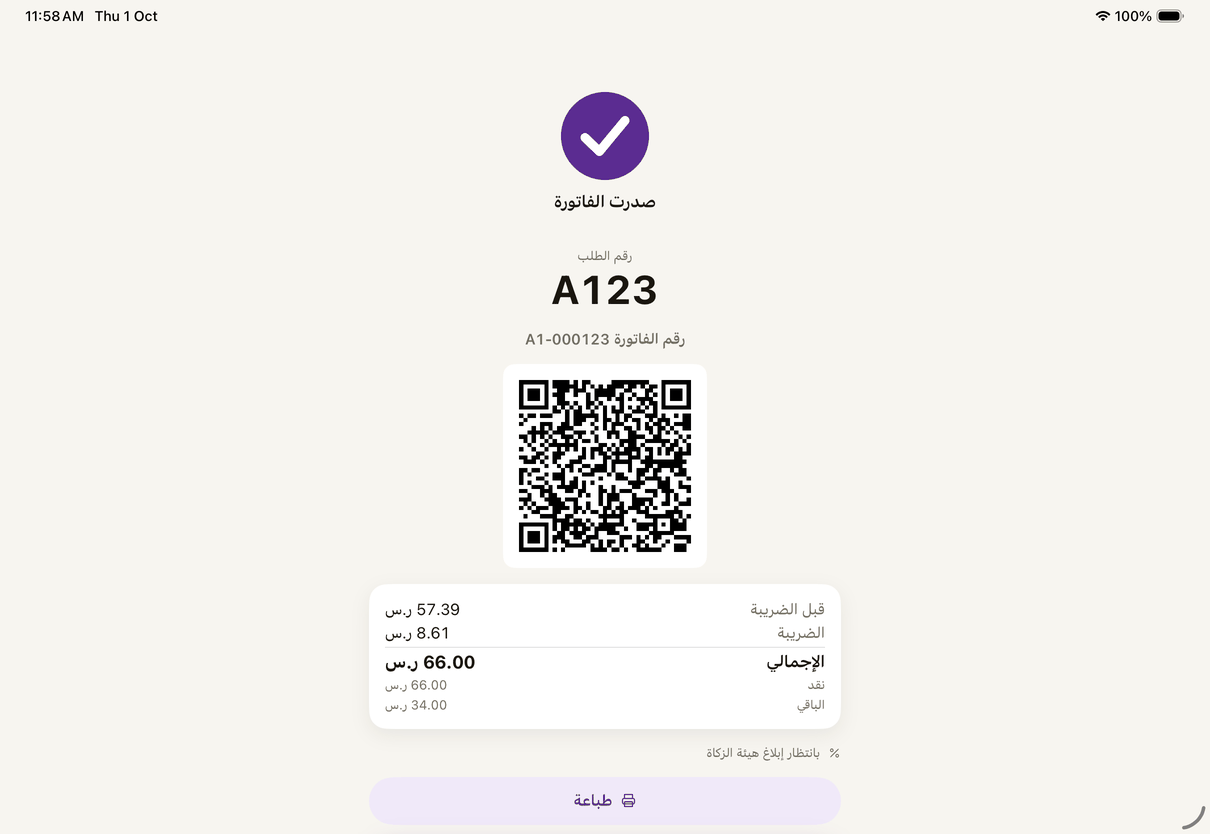
«Invoice issued»: it prints by itself when there is a printer. - On the web: «تمت العملية», «طباعة نسخة», «تذاكر المطبخ مرة ثانية», «طلب جديد». Tick automatic printing after every sale for this browser. (Web)
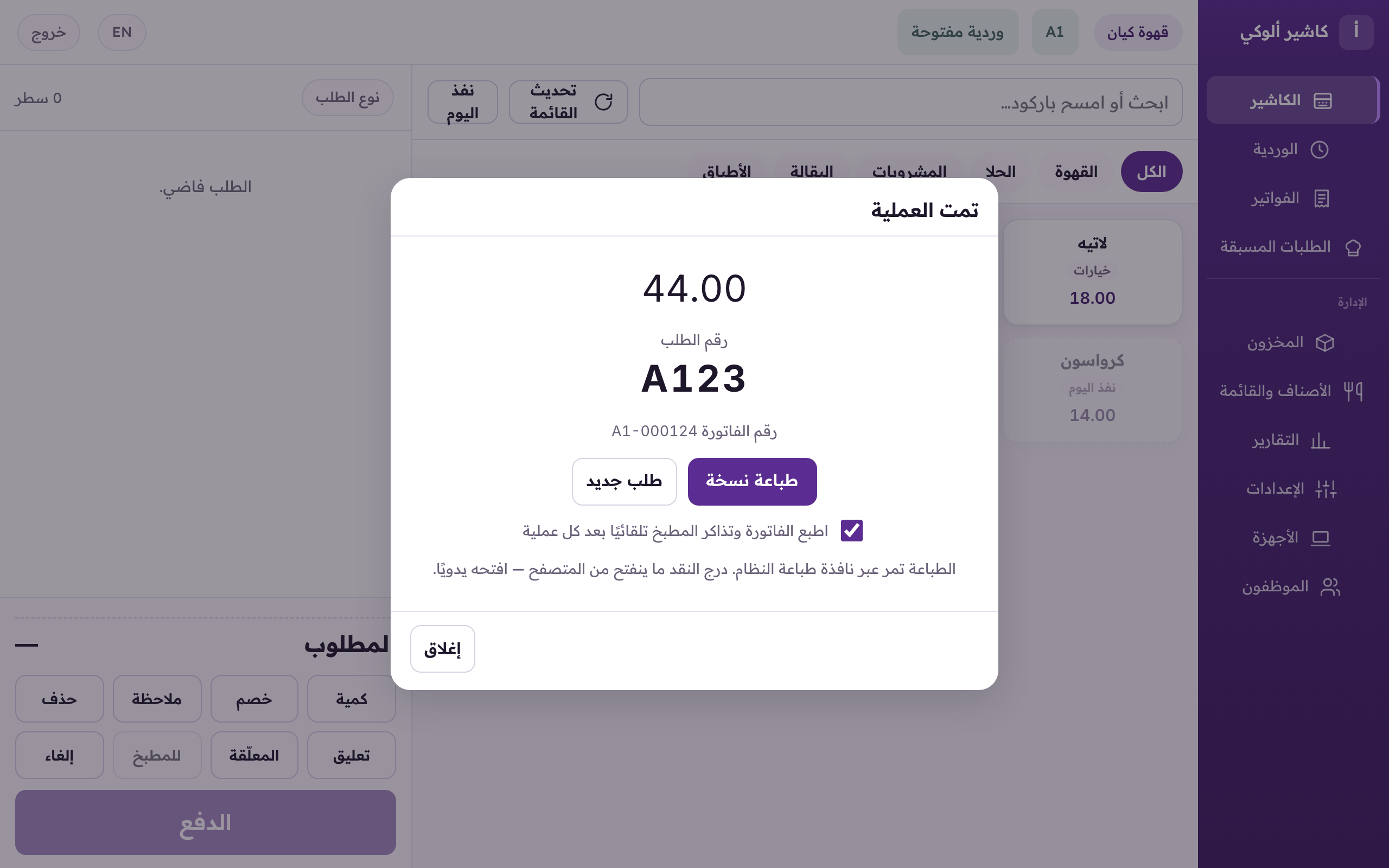
«Done»: print a copy, kitchen tickets again, or a new order.