 Aloke
AlokeRecording a visit
By scanning the customer's code, or by phone number when they forgot it.
- Aloke Scan
- Web
Recording a visit is the thing that happens a hundred times a day. One scan, and the stamp appears on the customer's screen while they are standing in front of you.
- Open the till and pick the branch if you work more than one.
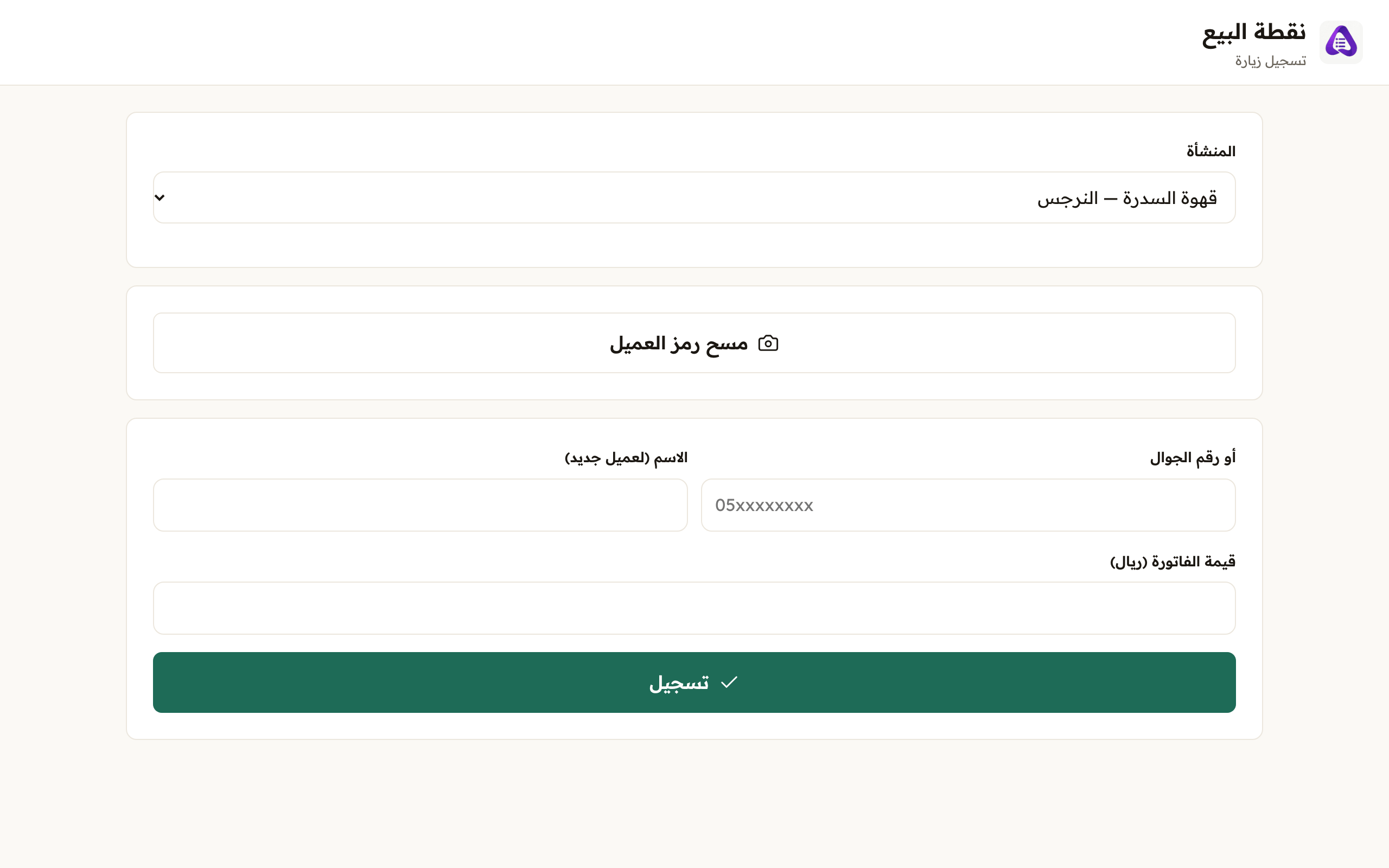
Choose the branch you are working, stamps are counted for it. - Press «Scan the customer's code» and point the camera at it. You choose nothing beforehand: the code itself tells the system whether this is a visit, a prize collection or a pre-arrival order.
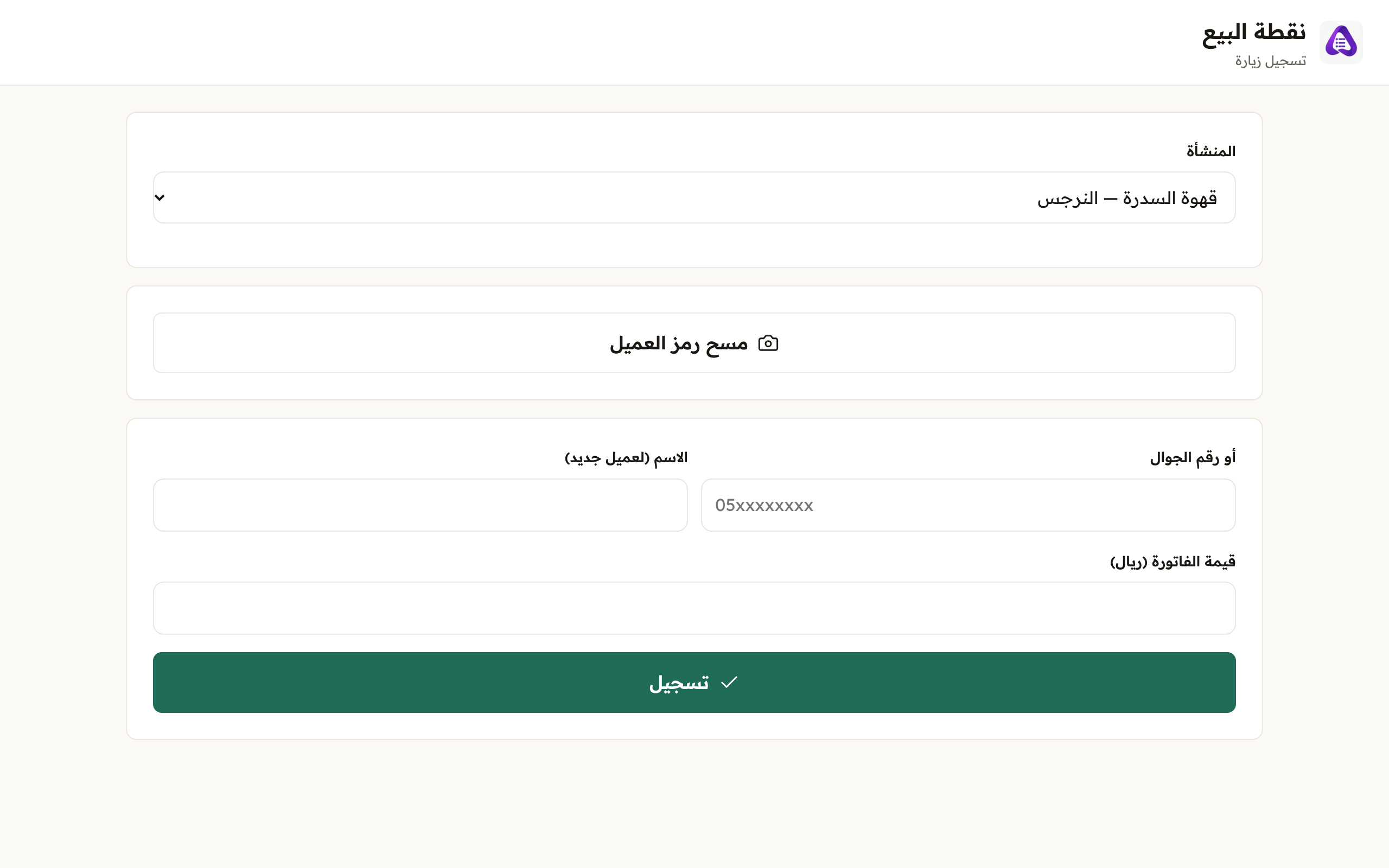
«Scan the customer's code» opens the camera. The code itself tells the system whether this is a visit or a redemption. - If they forgot their phone, type their mobile. The system shows you their card before anything is written.
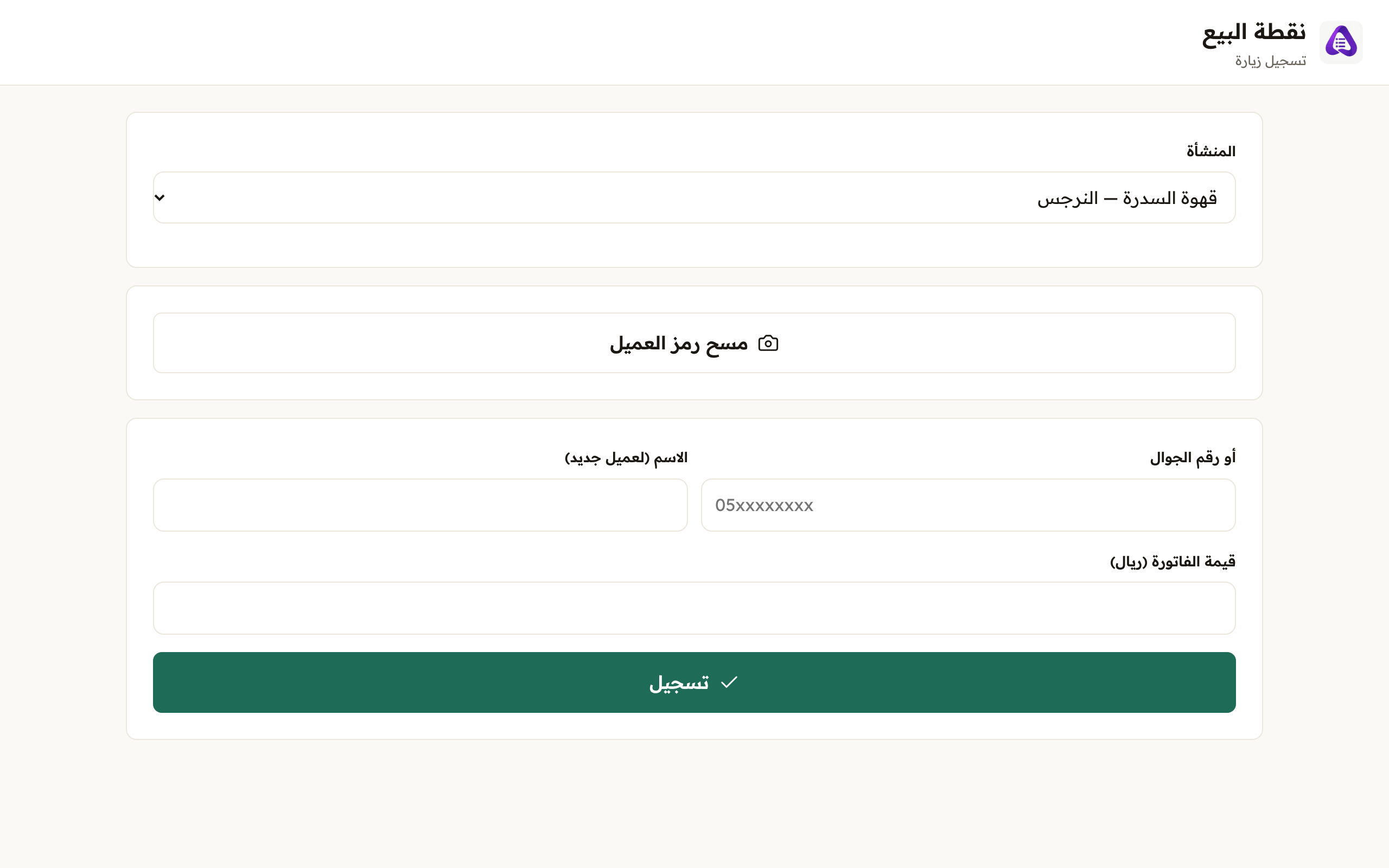
If the customer does not have their phone, type their number here instead of scanning. - Enter the bill amount.
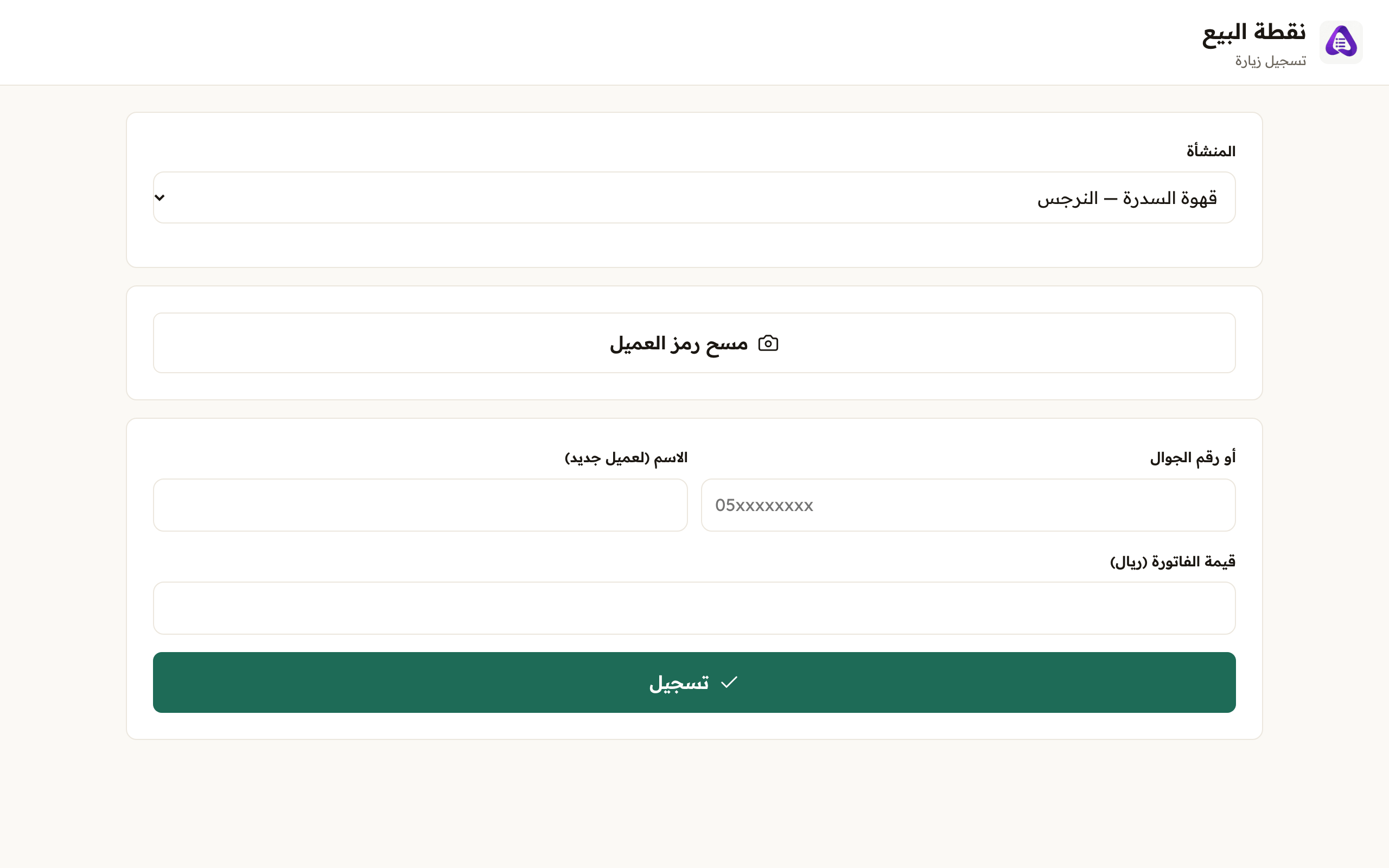
The bill amount, points, reports and branch settlements are all built on it. While it is required no stamp is added without it. - Aloke Scan has the same two doors: «Scan the code», or type the number and press «Search». Both doors open the same window.
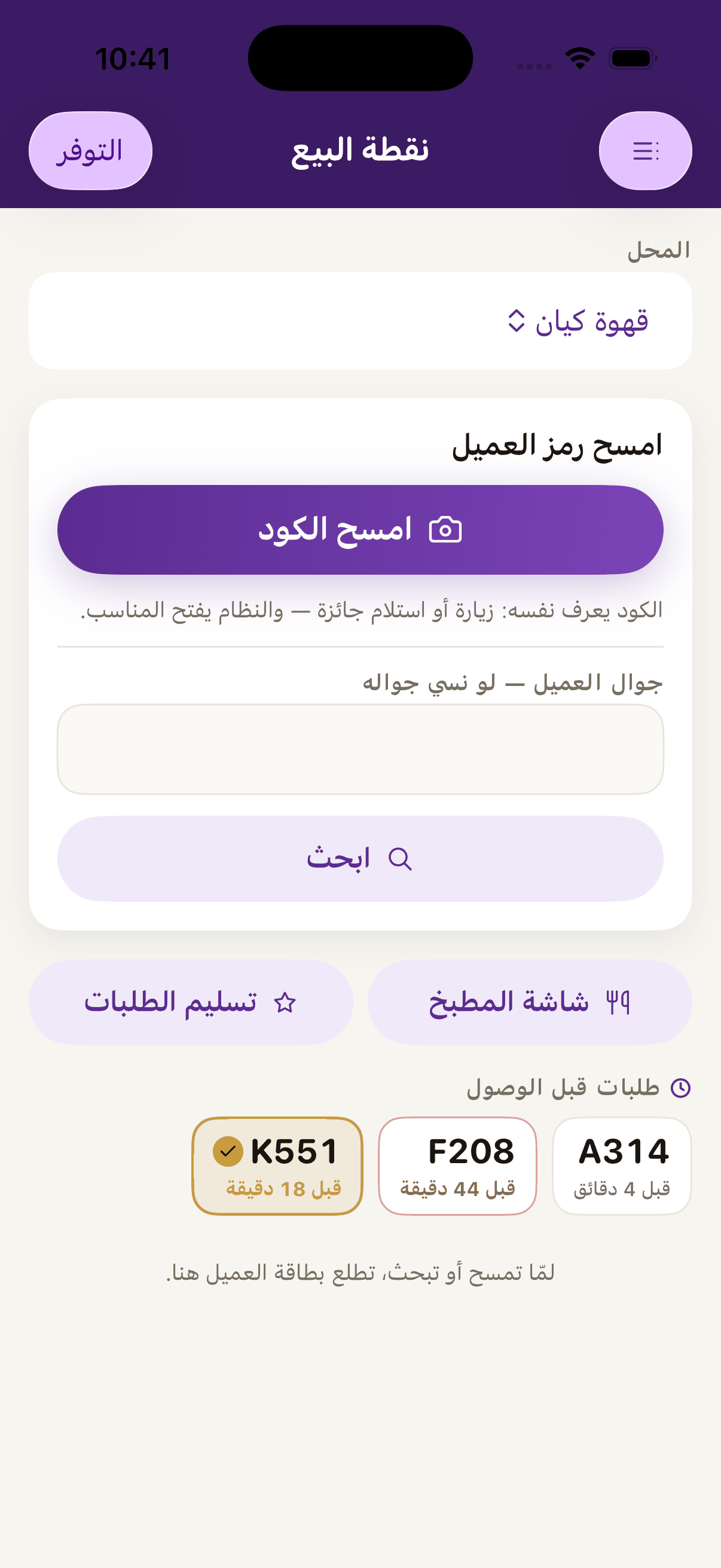
If the customer forgot their phone, type their number and press «Search». - The window names the customer: who they are, their balance and how many visits they have with you. Read the name before you press anything. This is the moment you check you have the right person.
- Press «Record a visit». Only now is anything written. In the browser till the same button is called «Record».