Picking the basket and letting the system price it, in Aloke Scan.
Aloke Scan
Web
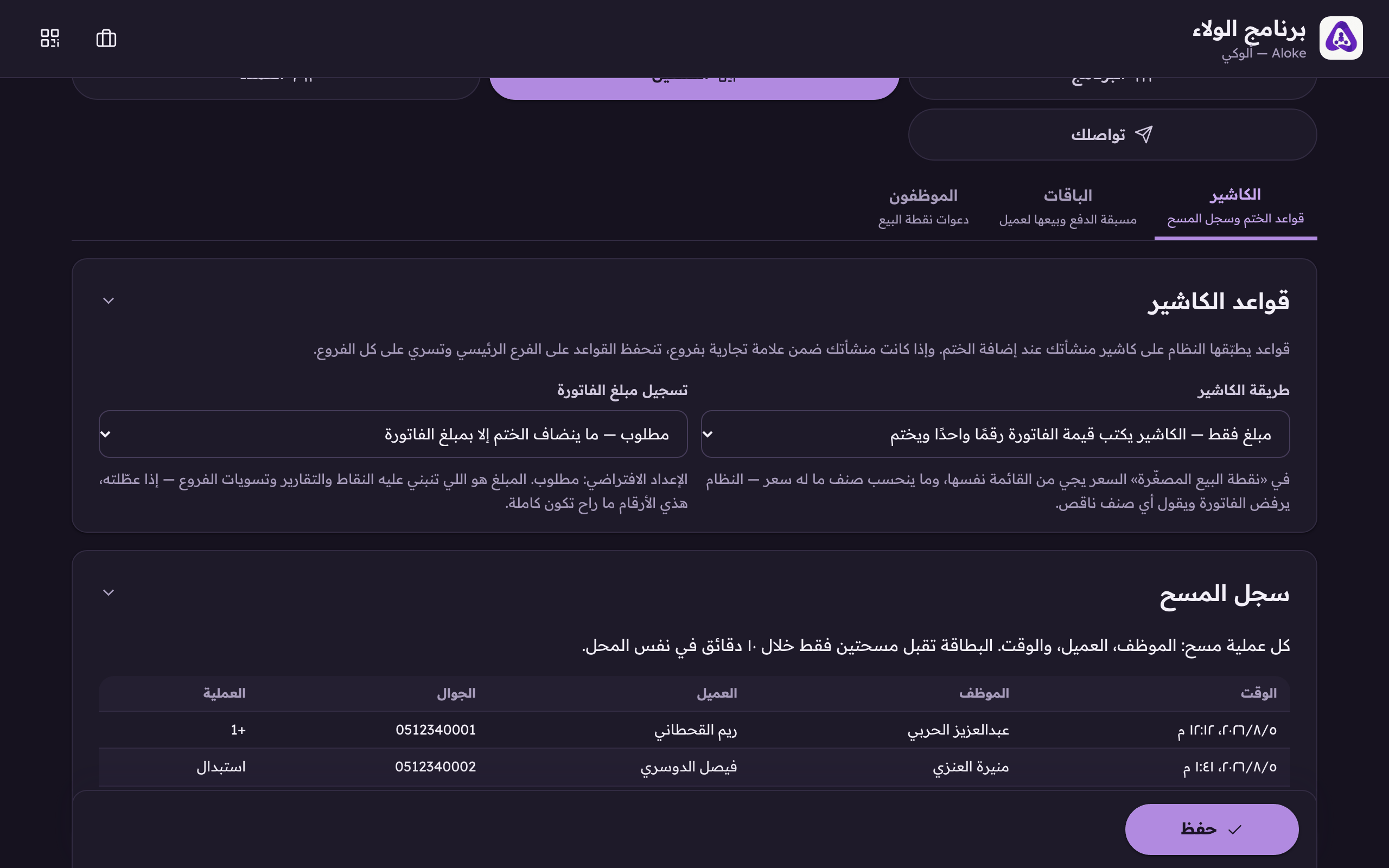
Mini point-of-sale lets your cashier pick the bill's items from your own menu and lets the system price it. It works in Aloke Scan only, and you must have turned it on under «Till rules».
In the loyalty console, «Till» tab, choose «Mini point-of-sale» and save.Amount only: the cashier types the bill. Mini-POS: they pick the items and the system adds up.
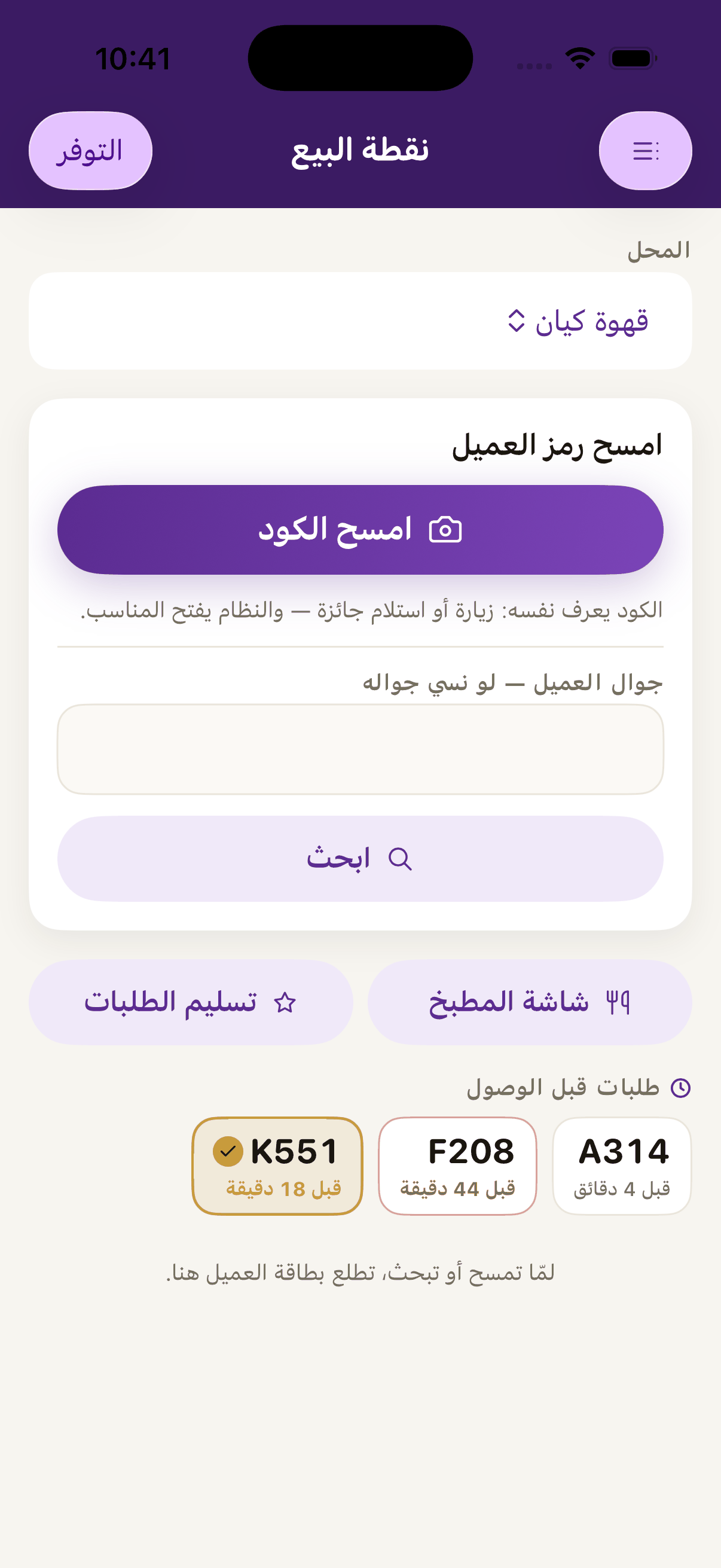
In the app, scan the customer's code as usual.«Scan the code», scan the customer's code and the system works out by itself whether this is a visit or a redemption.
Pick the items and the quantity of each. The total adds up as you go.
If an item has options, choose one, and it is priced by the same rule: a supplement on a priced dish, the full price on an unpriced one.
Record the visit. The basket's computed total IS the visit's amount, and any number typed beside it is ignored.
 Aloke
Aloke