 Aloke
AlokeSigning in to Aloke Scan
Your mobile and the code, and choosing the shop.
- Aloke Scan
- iPhone and iPad, Android
- Type the mobile the invitation went to and press «أرسل الرمز».
- Type «رمز التحقق» and press «دخول». Wrong number? «غيّر الرقم».
- The app opens on the till. If you work at more than one shop, choose «المحل» at the top.
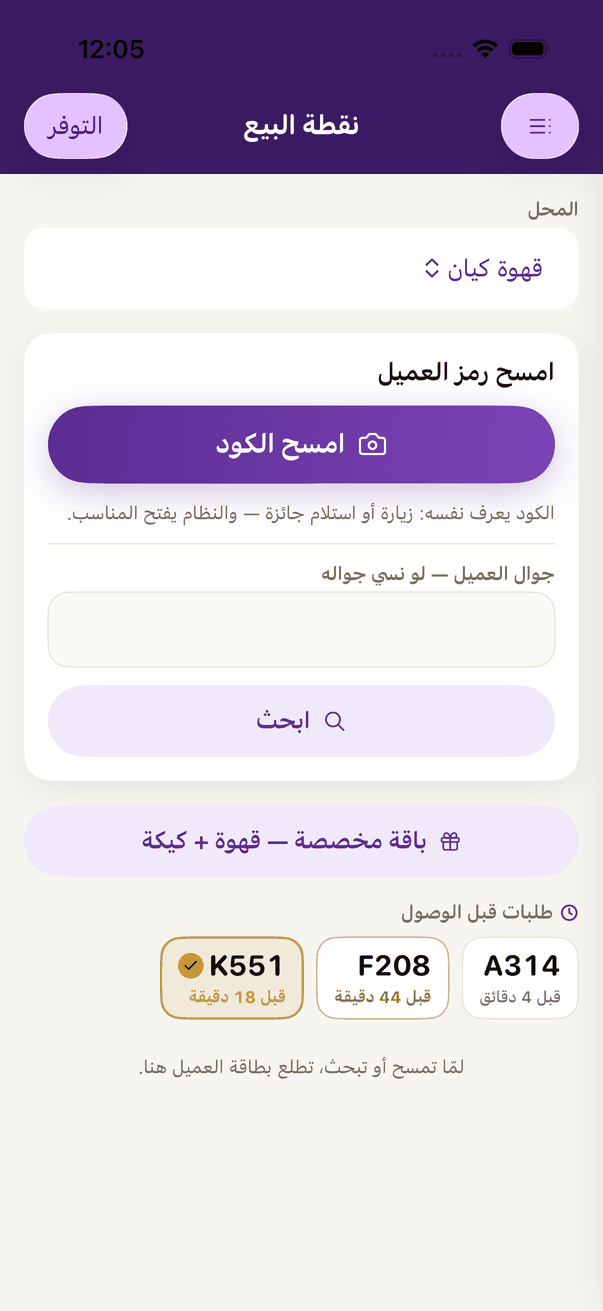
The till: «Scan the code», or look the customer up by mobile.