My account in Aloke Scan
Your permissions, the language, and signing out.
- Aloke Scan
- iPhone and iPad, Android
- Open the side menu and choose «حسابي».
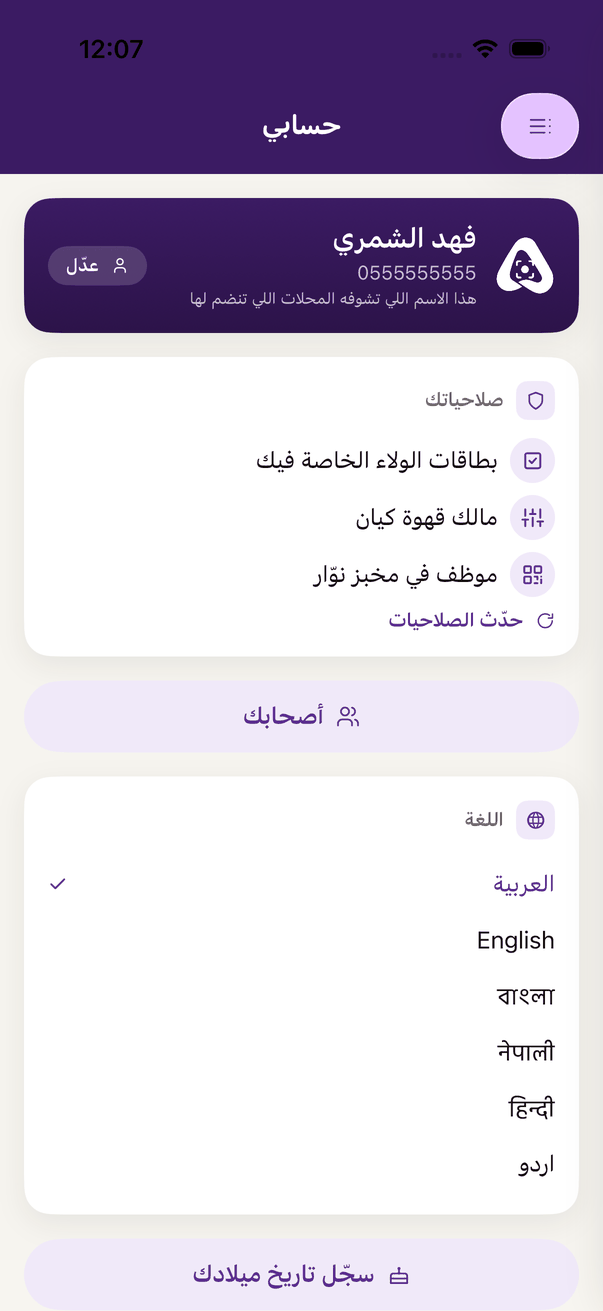 «My account»: your number and your permissions.
- Your permissions
- You see «owner» or «employee at …» and what you may do. «حدّث الصلاحيات» if the owner just changed them.
- Language
- Six languages.
- Sign out
- «تسجيل الخروج», then «اخرج».
Open this article in the interactive help center
In the same section
 Aloke
Aloke