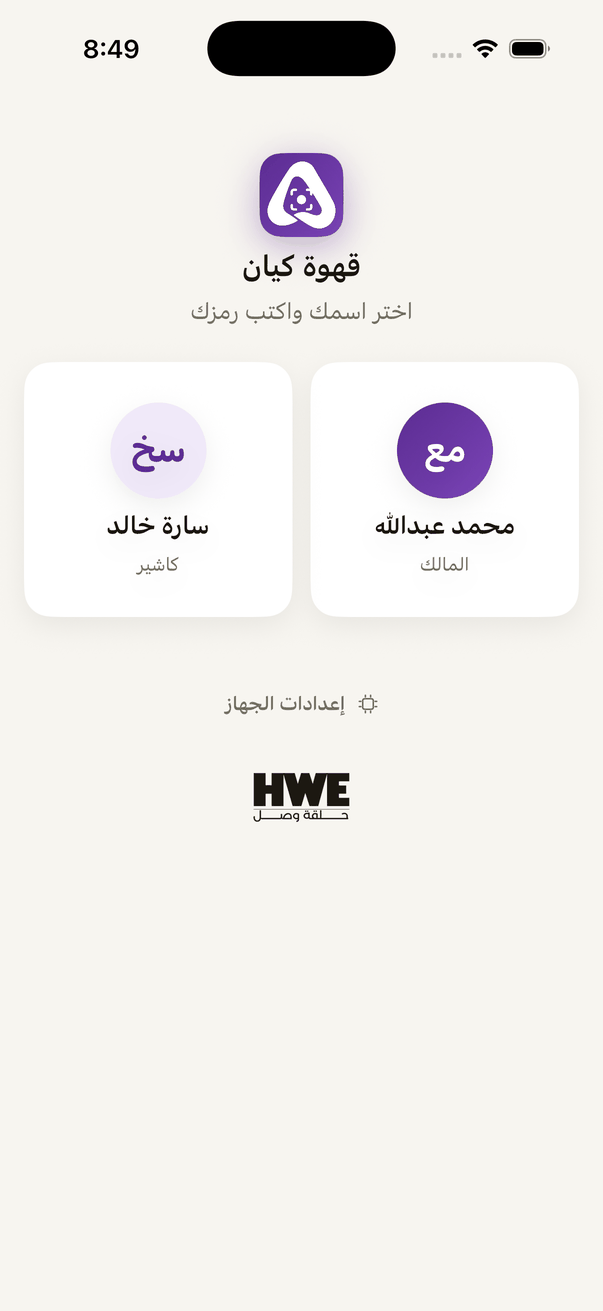
One device at the counter, and each employee signs in by name with a 6 digit PIN.
Aloke Scan
iPhone and iPad, Android
One device at the counter and everyone works on it? The shared device credits every visit and every prize to whoever did it, not to the phone's owner.
The owner switches it on per branch from «الموظفون» (Employees) in Aloke Owners or on the web panel, and sets after how many idle minutes the device goes back to the names.
The first ordinary sign-in at that branch turns the device into a shared one. «اختر اسمك واكتب رمزك» (Choose your name and enter your PIN) appears, with the team's names below it.The shared device: «Choose your name and enter your PIN».
Tap your name and type your 6 digit PIN. The app opens as you, and everything you do is credited to you.
Done? «تبديل الموظف» (Switch employee) brings the names back at once for the next person.
Where is my PIN?
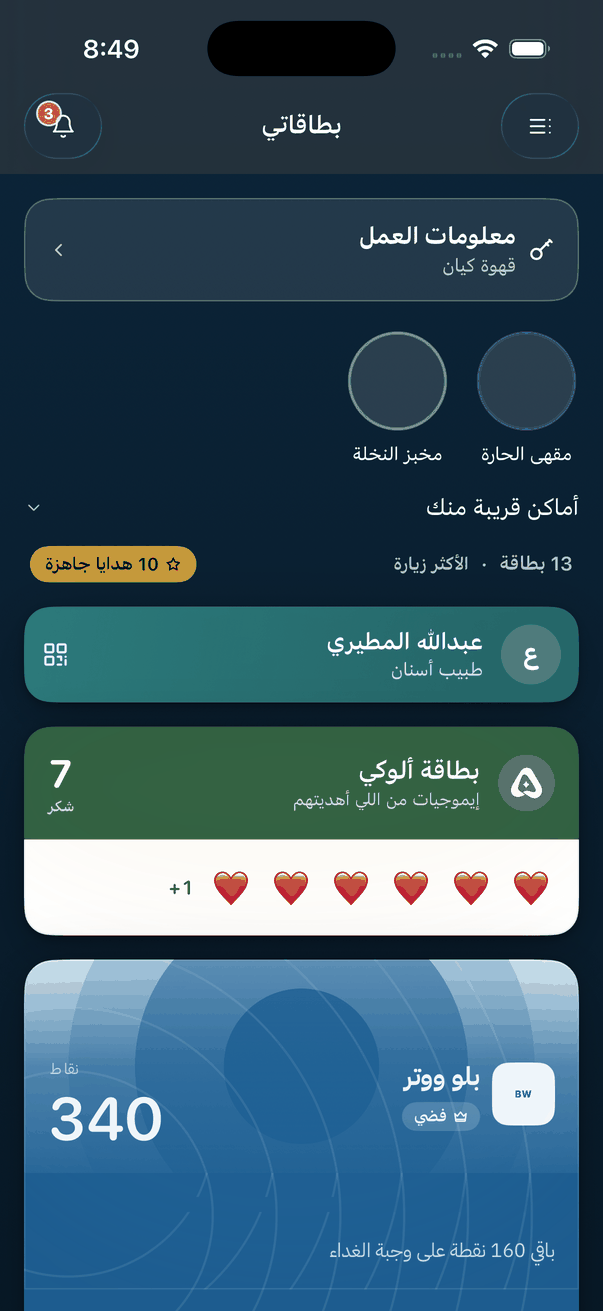
The system issues each person's PIN, and it reaches them by text and on the «معلومات العمل» (Work information) card in Aloke Wallet, hidden until they reveal it with the phone's lock. Nobody picks their own.
Forgot the PIN
The owner issues you a new PIN from «الموظفون», and it reaches you the same way.
«Work information»: an employee's work PIN at each shop they work in, hidden until they reveal it.
 Aloke
Aloke