 Aloke
Offers and discounts
One offer that works at the till, in Pre-Order, from the car and at the kiosk: its kinds, conditions and your customers' discount codes.
- Aloke Owners
- Web, iPhone and iPad, Android
«20 off every 200» is made once in «العروض والخصومات» (Offers and discounts), and it works at the till, in Pre-Order, from the car and at the kiosk. You choose where it applies, and see how often it was used and what it cost you.
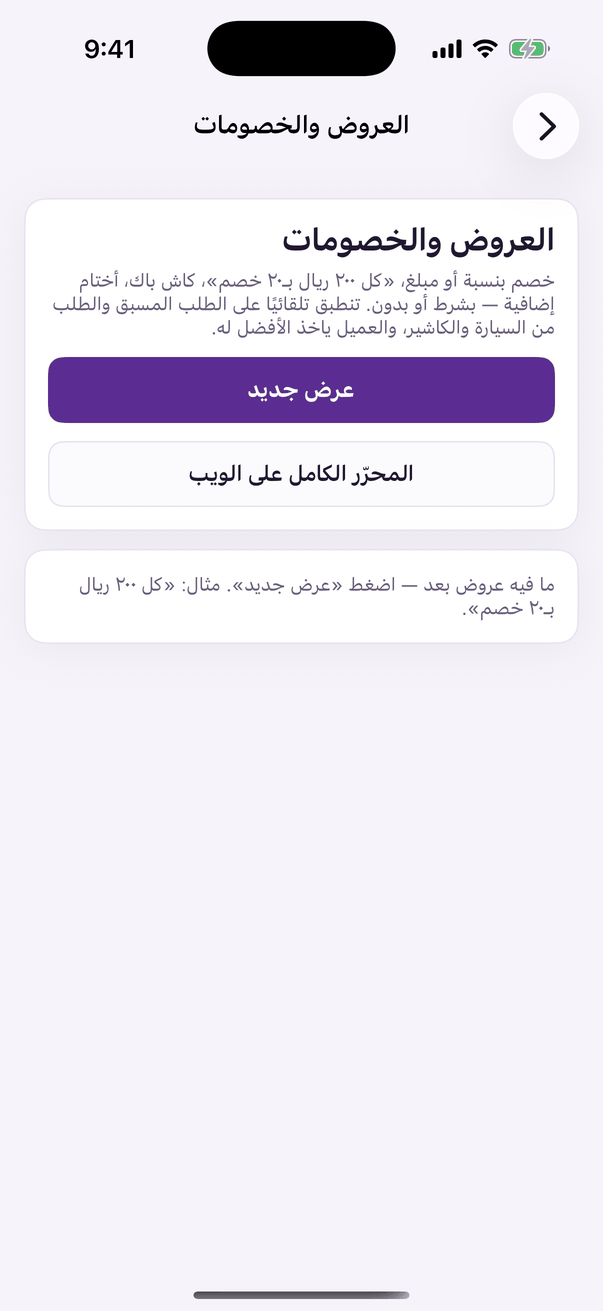
- Press «عرض جديد» (New offer). In the app you pick a starting example, and above the steps a summary says, in the customer's words, what they get, with a sample order.
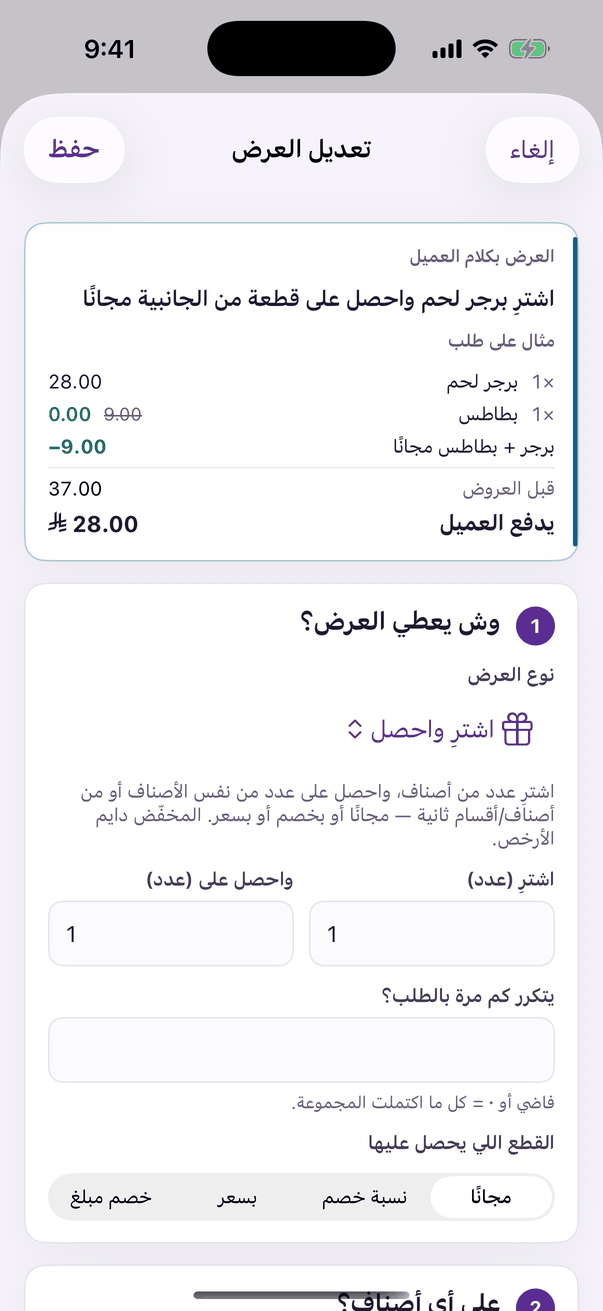
«Edit offer»: the offer in the customer's words and a sample order, then the steps. - Choose what the offer gives. The kinds come in four groups:
- Choose where it applies: the till, Pre-Order and tables, ordering from the car, the kiosk. At least one.
- Every condition is optional: a minimum order, days and hours, branches, who it is for (a first order, returning customers, a tier), the most it takes off, and how many times one customer and everyone together may use it.
- «كود (اختياري)» (Code, optional): a discount code you give your own customers. With a code, the offer applies only when the customer types it in the app or tells the cashier.
- Choose whether the offer is «حصري» (Exclusive) or stacks with others, write «اسم العرض» (the offer's name) the customer sees in the app and on the invoice, then «احفظ العرض» (Save the offer).
- «جرّب طلب» (Try an order) prices an order from your real menu and shows what applies to it, before any customer meets it.
- «خصومات الكاشير» (Cashier discounts) is on the same page: how much a cashier may take off without approval, on an item and on the whole bill, by percentage and by amount. Above that, the manager's approval code is needed.
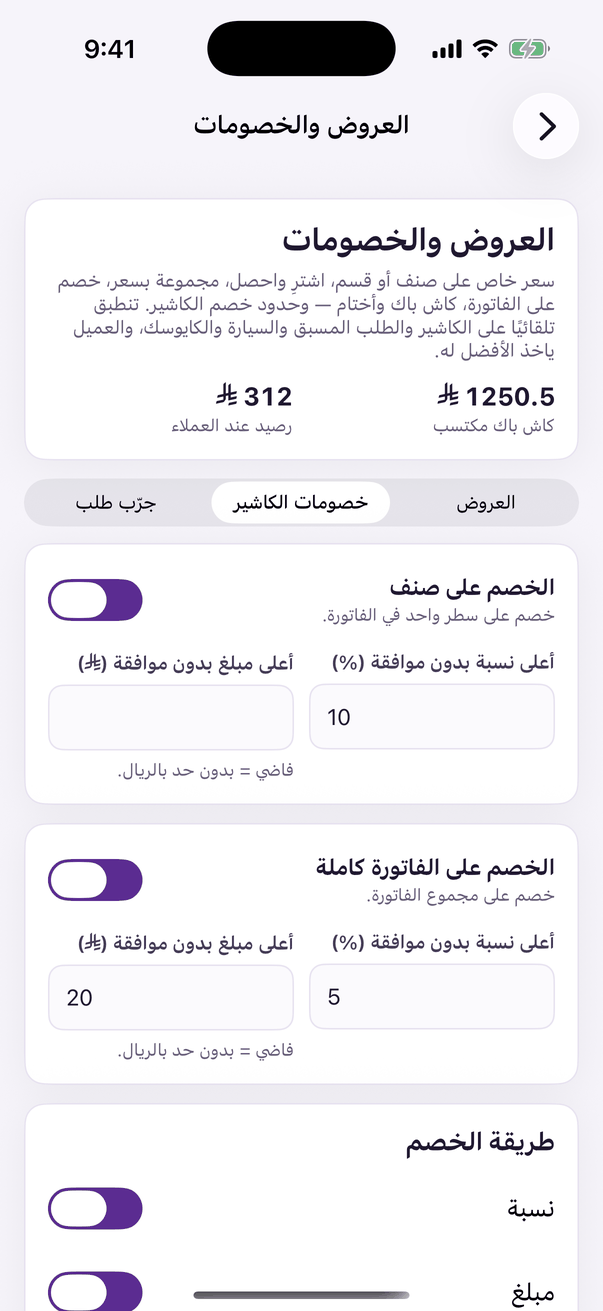
«Cashier discounts»: the most a cashier may give without approval, on an item and on the bill.