 Aloke
AlokeThe shared device: everyone under their own name
One device at the counter; each employee picks their name and types a 6 digit PIN.
- Aloke POS
- Web, iPhone and iPad, Android
When the owner turns on «الجهاز المشترك» (the shared device) for the branch, the device no longer works under one name. Each employee signs in as themselves, so every invoice and every drawer move is recorded under whoever made it. The owner turns it on from the «Employees» page; the owner's guide explains it.
- The first time the owner or an employee signs in at the branch, the device becomes shared and shows «Choose your name and enter your PIN» with the employees' names. (iPhone and iPad, Android)
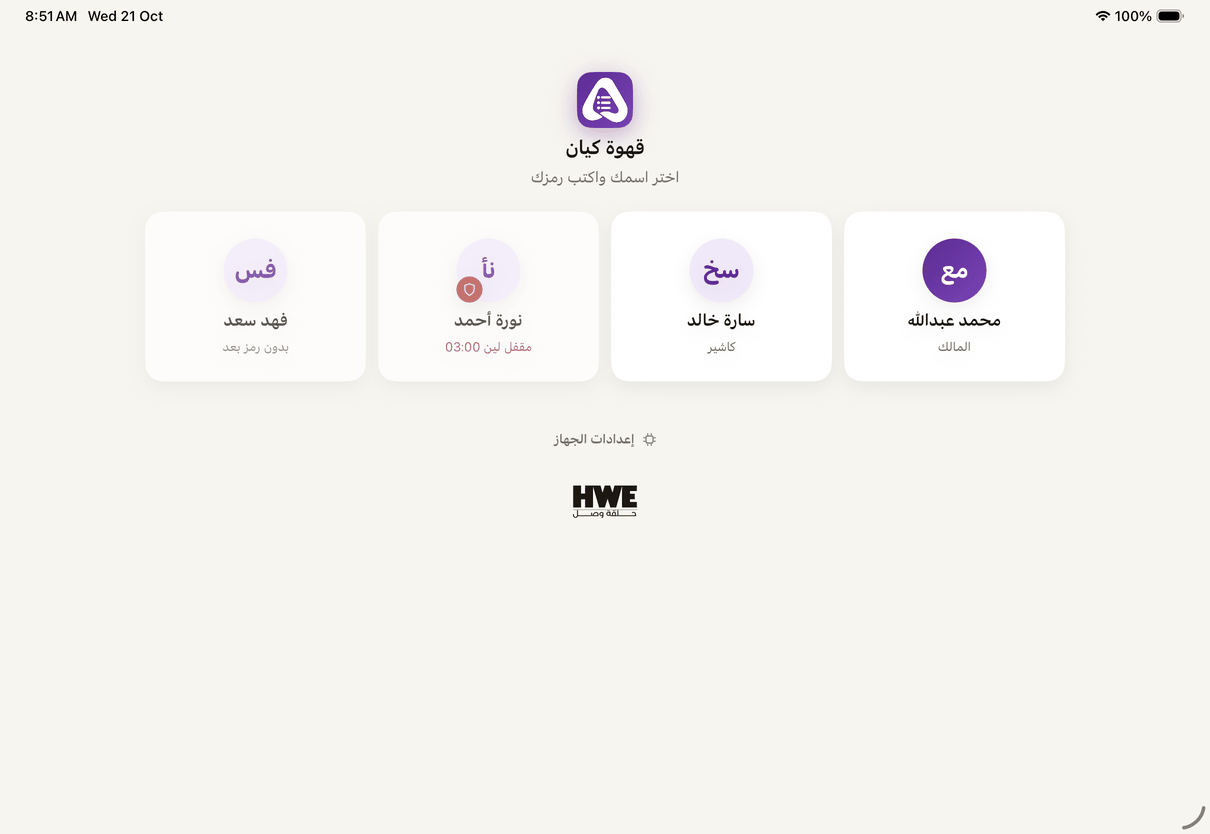
The shared device: «Choose your name and enter your PIN». - The same on the web: the browser becomes the branch's device, and the names replace the sign in page. (Web)
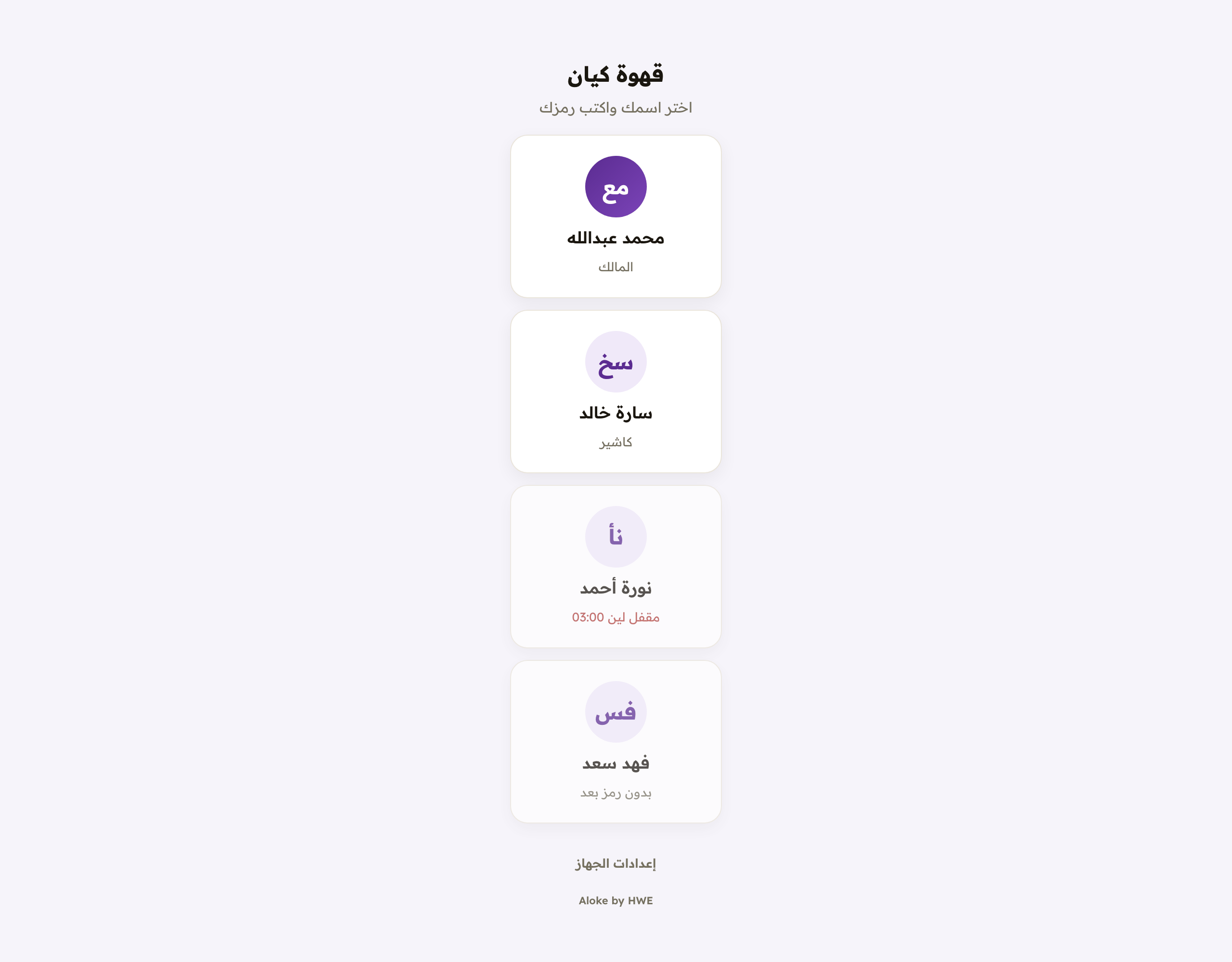
A shared device on the web: «Choose your name and enter your PIN». - Tap your name and type your 6 digit PIN. The device works as you, with your name at the top. (iPhone and iPad, Android)
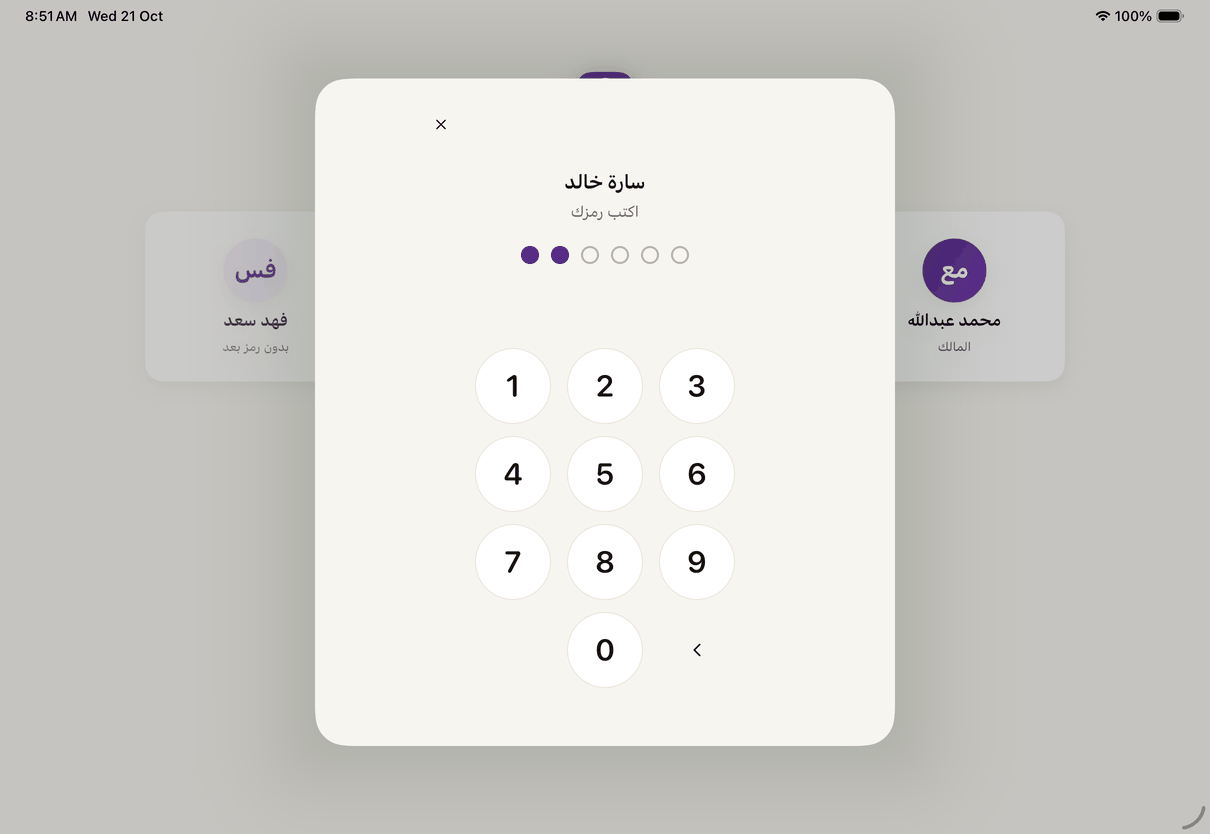
The 6 digit PIN after you pick your name. - Done? Press «Switch employee» and the device goes back to the names. An open order stays on the device.
- «Cash counted» on «Shift»: when the owner closes shifts automatically, whoever is last at the drawer counts the cash and records it here, and the automatic close takes the latest count into the report.
- The first person at the device after an automatic close sees «The shift closed by itself» with its report. Print it, then «Done — open a new shift». (iPhone and iPad, Android)
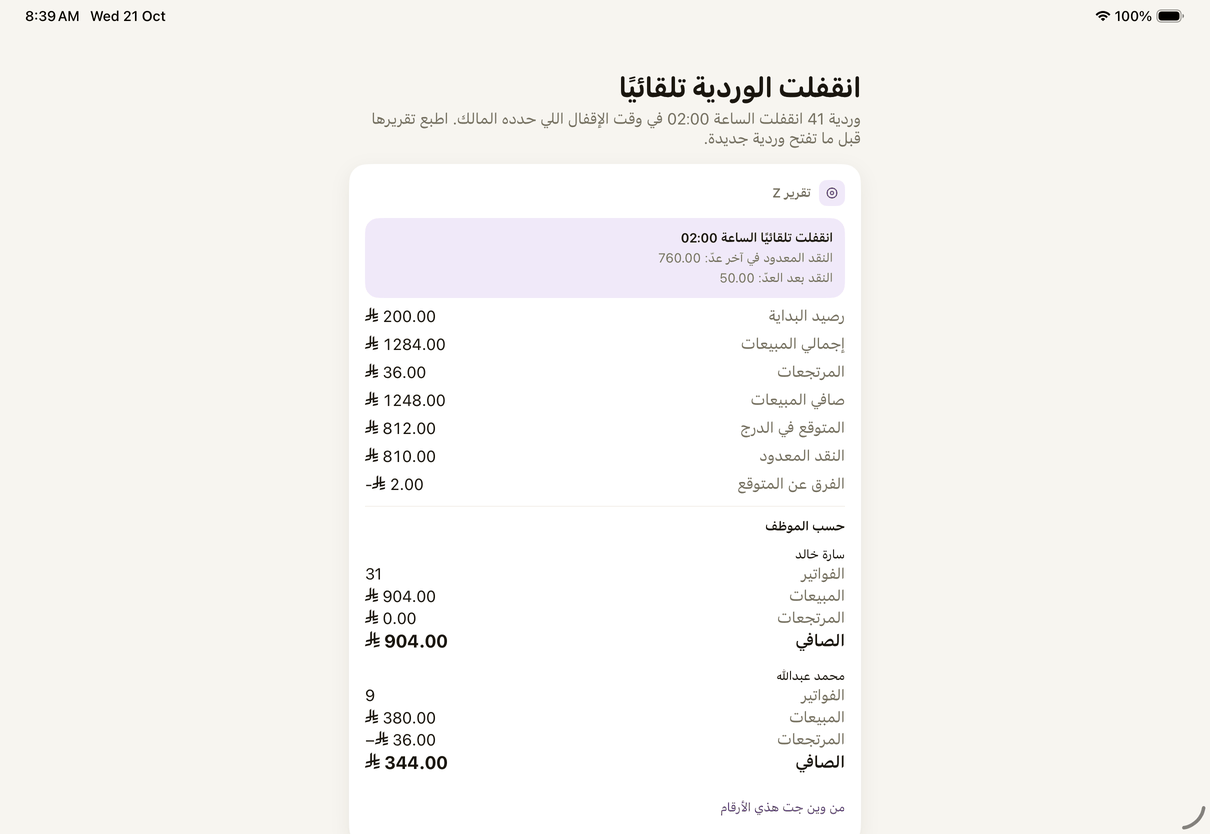
«The shift closed by itself»: the Z report of the shift the owner's hour closed, before a new shift. - The web shows the same report, with «Print the Z report», then «Done — open a new shift». (Web)
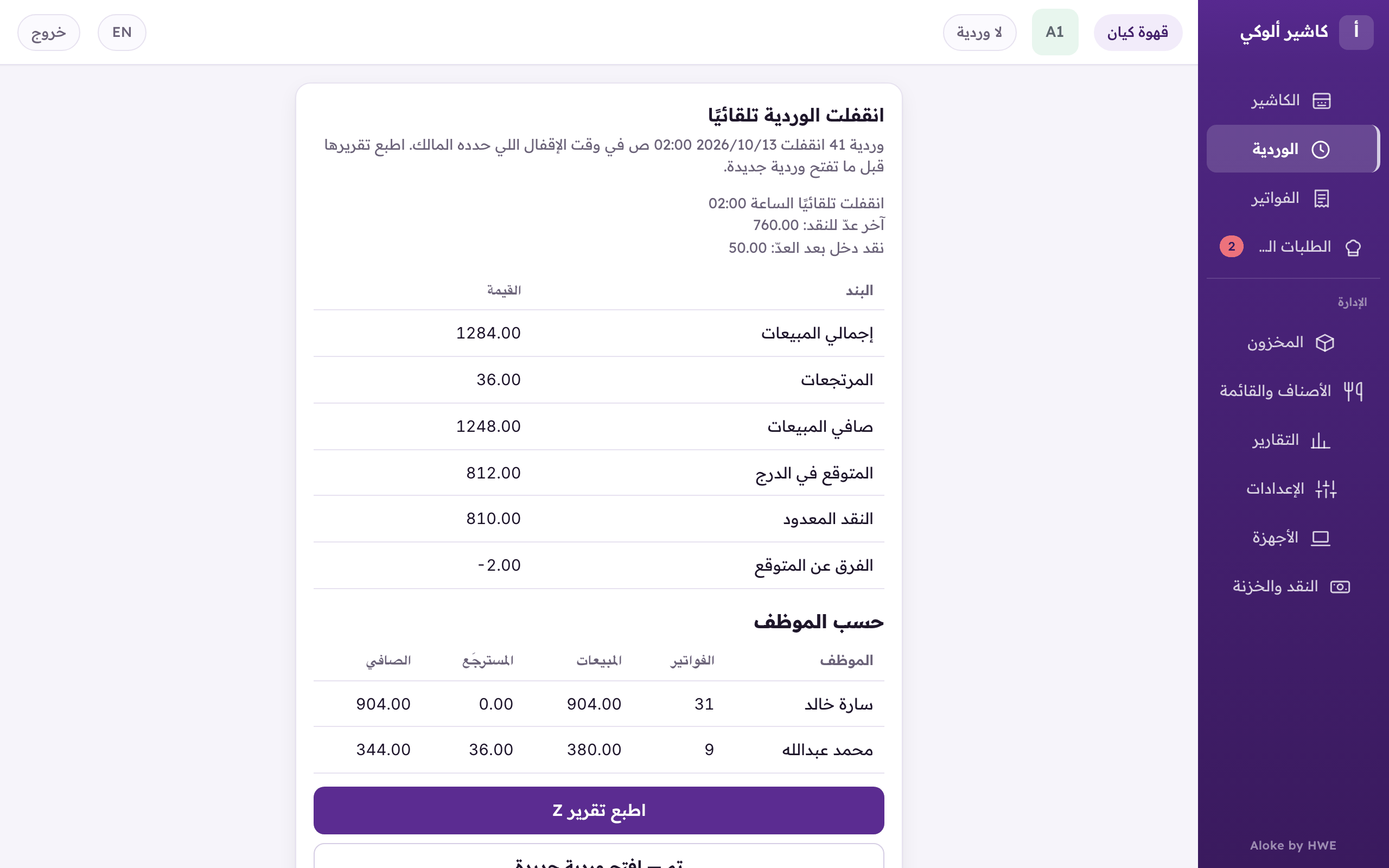
«The shift closed by itself»: the report of the shift the owner's hour closed, printed by the next person at the till.