 Aloke
AlokeOpening a shift
Every sale sits inside a shift, and a shift belongs to one device.
- Aloke POS
- Web, iPhone and iPad, Android
- Press «افتح وردية», type «رصيد الدرج الافتتاحي» or tap 0, 100, 200 or 500, then «افتح الوردية». (iPhone and iPad, Android)
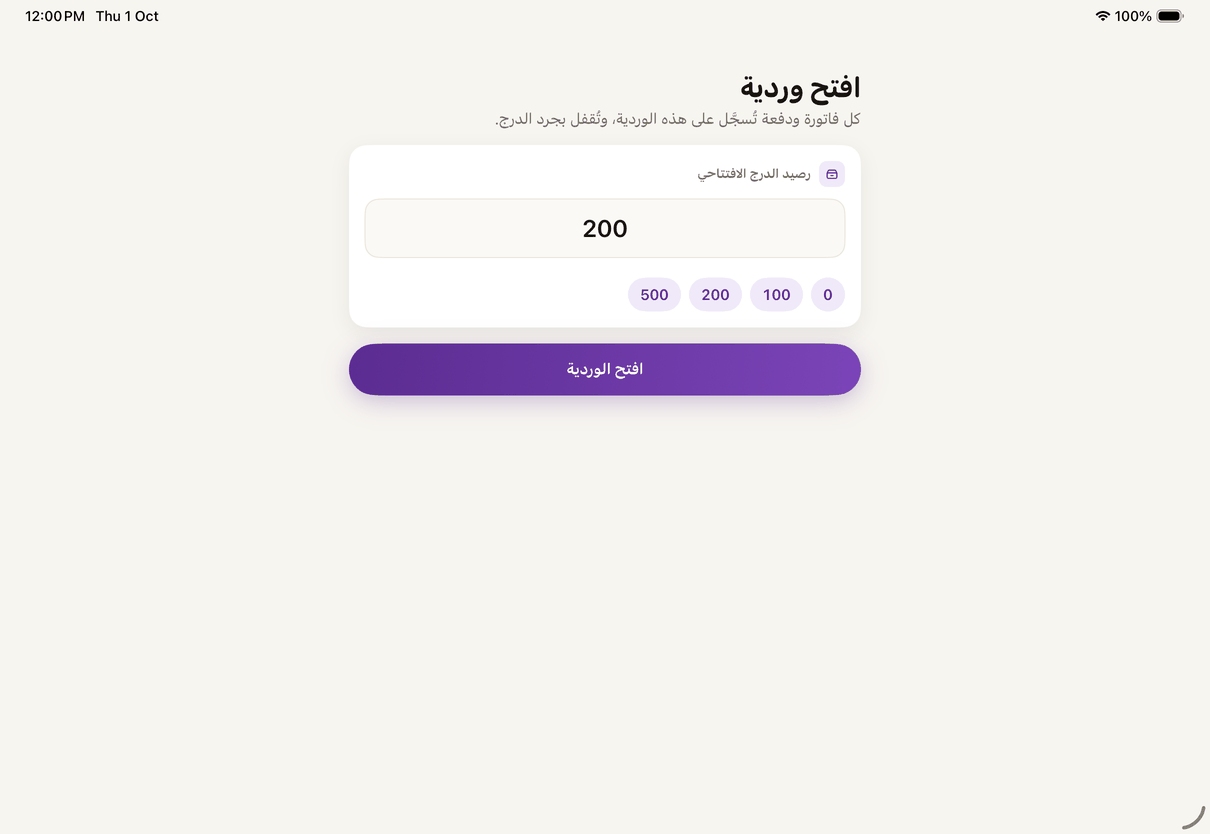
«Open shift»: enter the opening drawer float. - On the web: «افتح وردية», type «العهدة الافتتاحية», then «افتح». (Web)
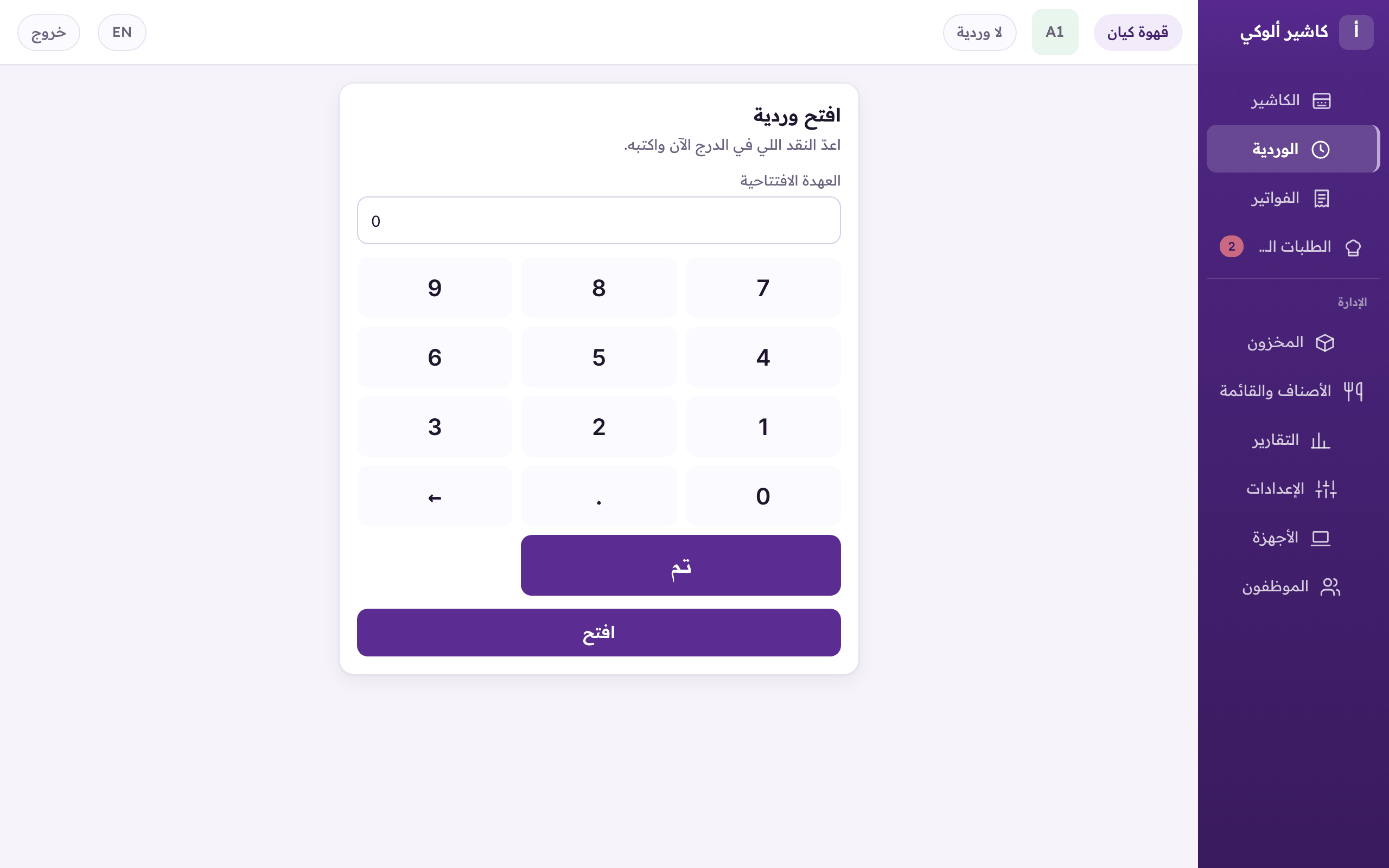
«Open a shift»: type the opening float, then «Open».