 Aloke
AlokeReturns and credit notes
Returning an item or an invoice, and where the goods and the money go.
- Aloke POS
- Web, iPhone and iPad, Android
- Open «الفواتير», choose the invoice, then «مرتجع» (needs the «الاسترجاع» permission).
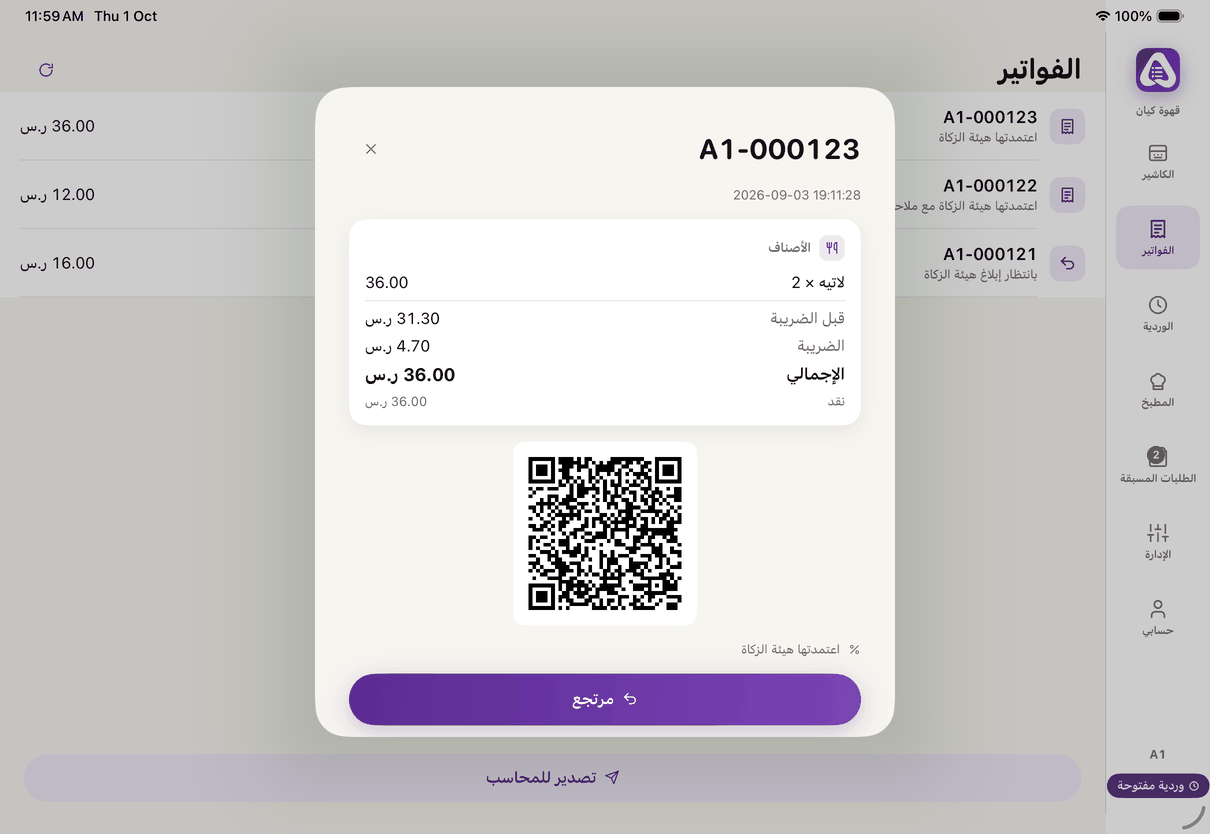
An invoice: «Return» and «Print». - Set «الأصناف المرجعة» and quantities, and choose «السبب». (iPhone and iPad, Android)
- «وين تروح البضاعة؟»: back to stock, waste, or no stock. (iPhone and iPad, Android)
- «المبلغ المرتجع» goes back the way it came: to the bundle, to cashback, or from the till. Choose how you returned it. (iPhone and iPad, Android)
- Press «أصدر إشعار دائن». (iPhone and iPad, Android)
- On the web: choose to return the quantity to stock or record it as waste, then «إصدار الإشعار الدائن». (Web)
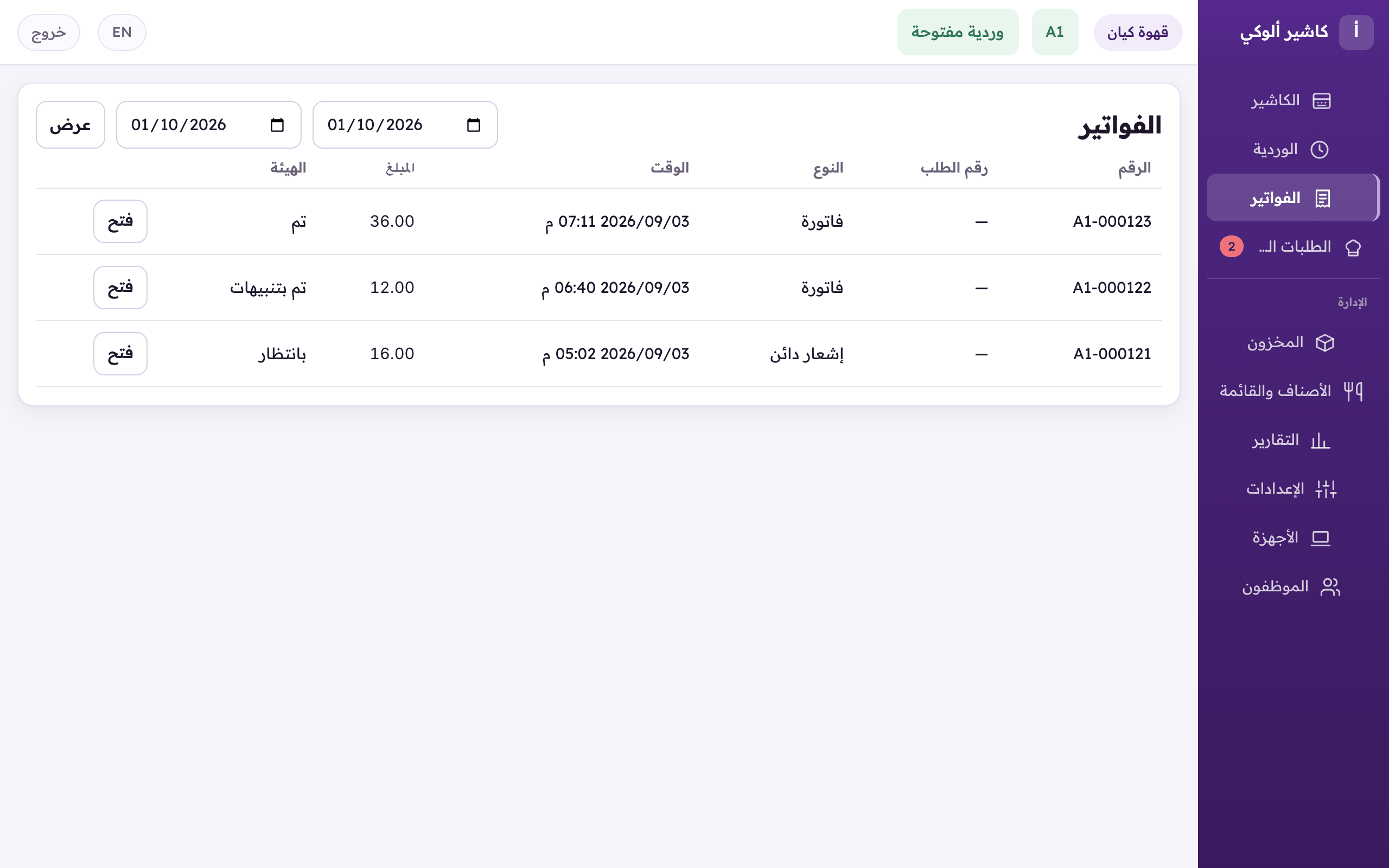
«Invoices»: every invoice of the branch and its ZATCA state. «Open» shows one. - A payment recorded wrongly (mada instead of cash)? «صحّح الدفع» on the invoice. (iPhone and iPad, Android)