 Aloke
AlokeThe kitchen screen
Tickets in order, the «Ready» button, and colours over time.
- Aloke Display
- Web, iPhone and iPad, Android
The kitchen screen shows «تذاكر المطبخ» from the till and «طلبات الاستلام» from Pre-Order; car orders carry «للسيارة».
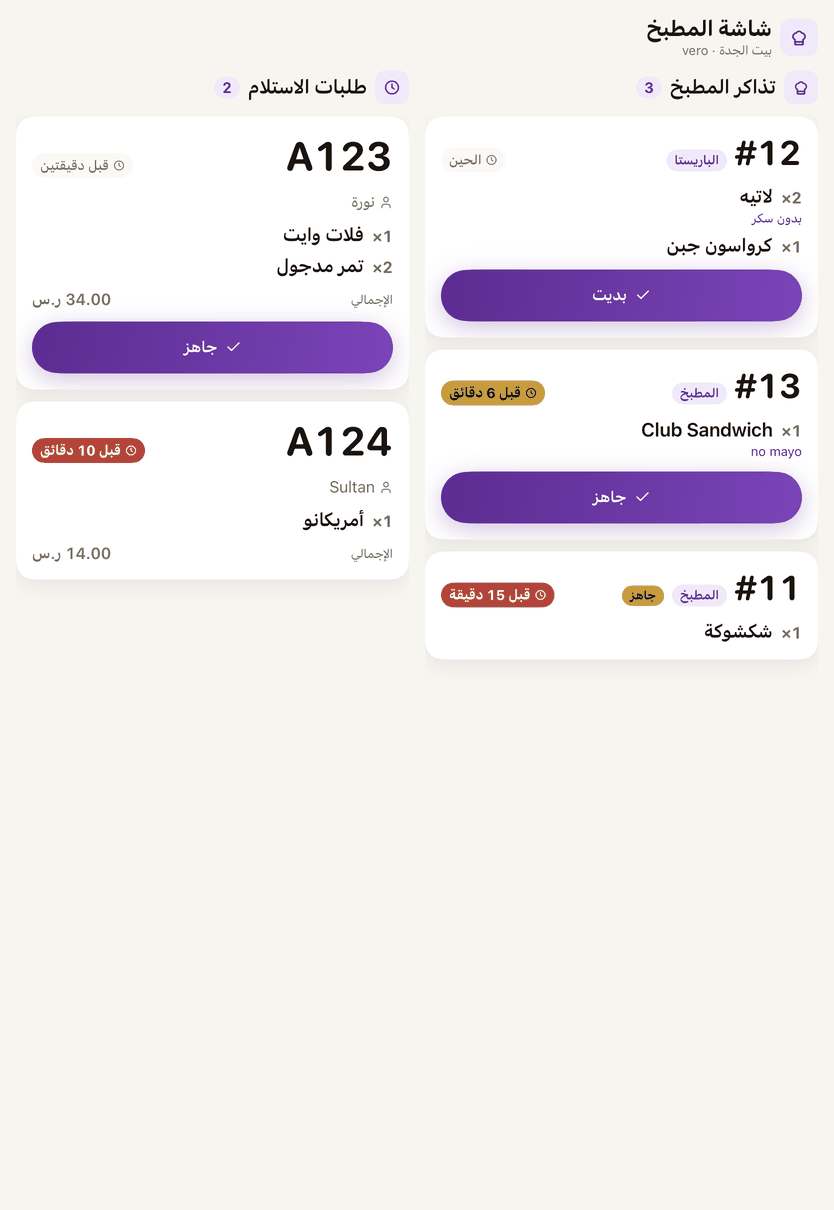
- A kitchen ticket has one button that moves on: «بديت» (started) when you begin, then «جاهز» (ready) when it is done.
- A pick-up order has «جاهز» for when it is done, and the customer is notified.
- Nothing waiting
- The kitchen is clear.
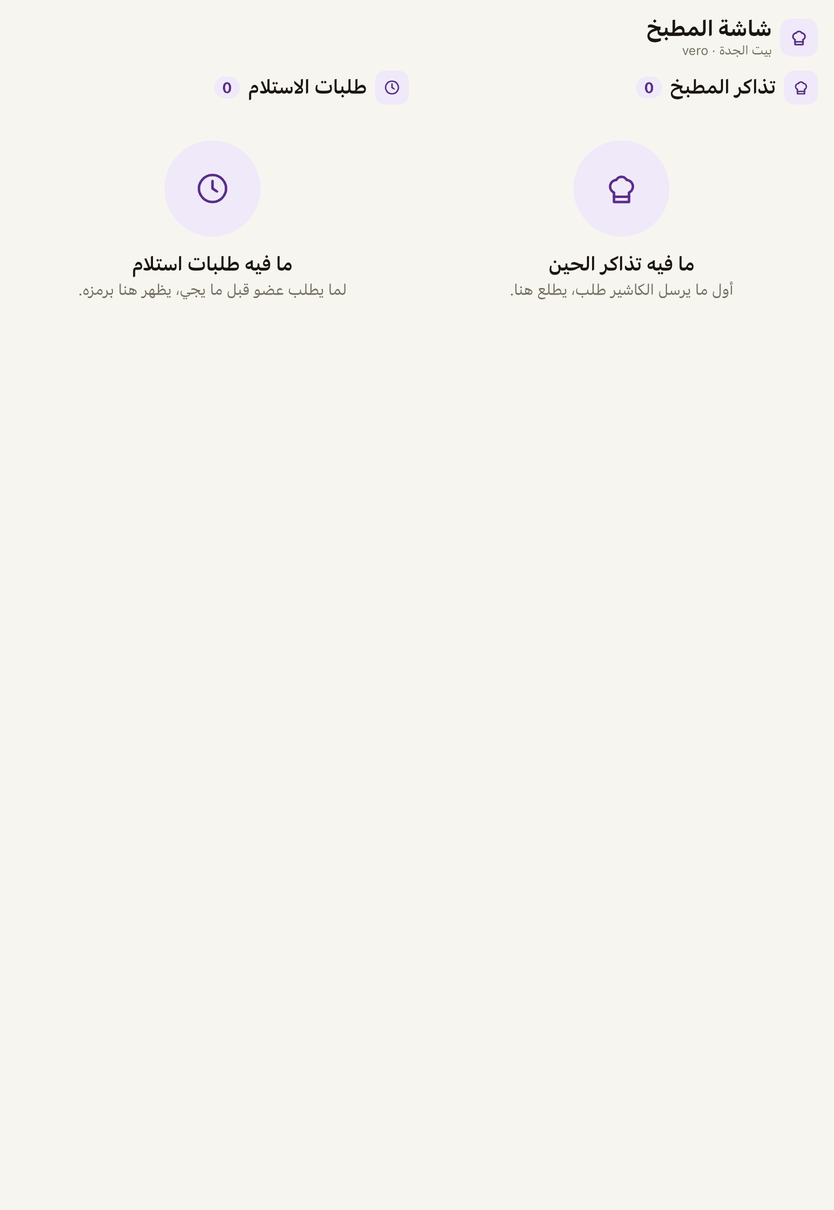
The kitchen screen with nothing waiting. - The POS is not answering
- The screen cannot reach the POS. Check the connection.
- Pre-Order not switched on
- The branch does not hold Pre-Order.