 Aloke
AlokeThe customer screen at the till
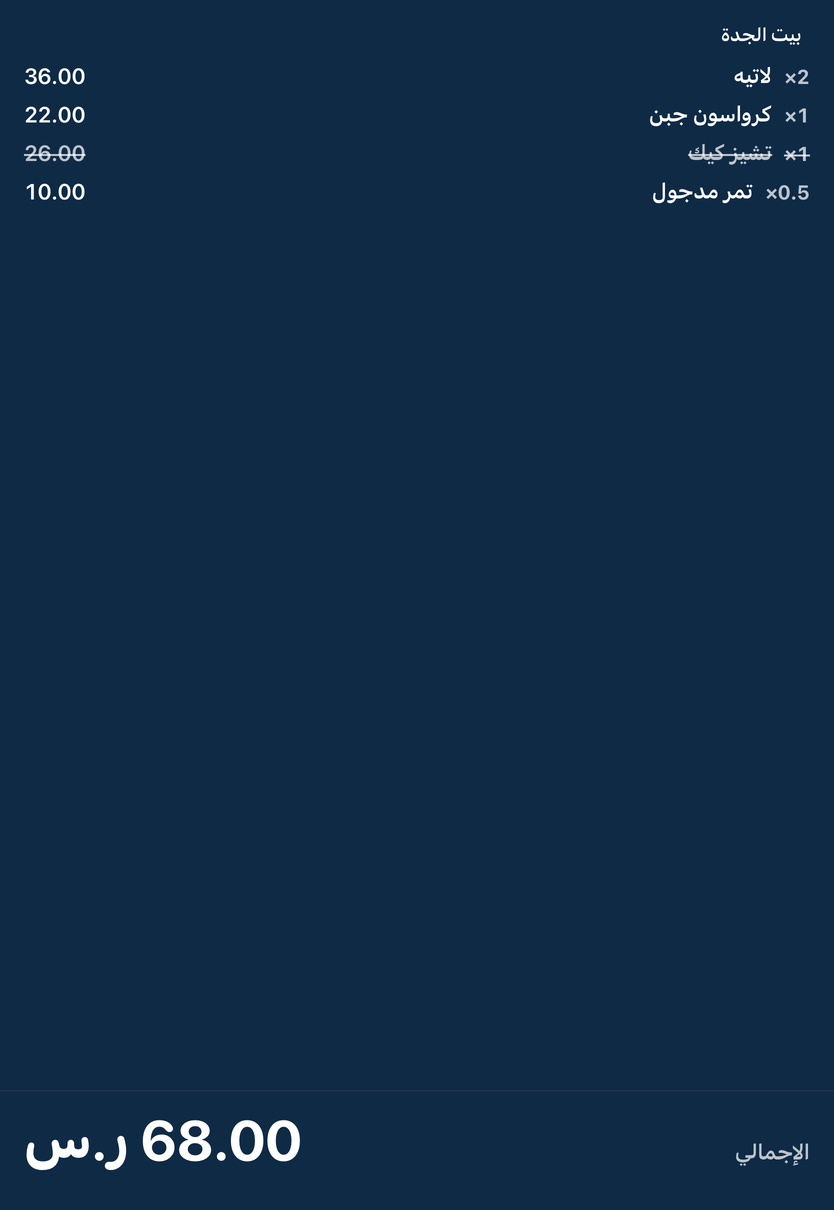
The customer sees their order, and holds their card to the screen.
- Aloke Display
- Web, iPhone and iPad, Android
The customer screen shows the order being rung up and its total, and says welcome when nothing is in progress.
- The cashier presses «امسح من شاشة العميل» and the screen's camera opens for 90 seconds for the customer's card.

When the cashier presses «Scan from the customer screen», the screen's camera opens for the card.