The customer orders and pays at the screen, and how to set it up.
Aloke Display
Web, iPhone and iPad, Android
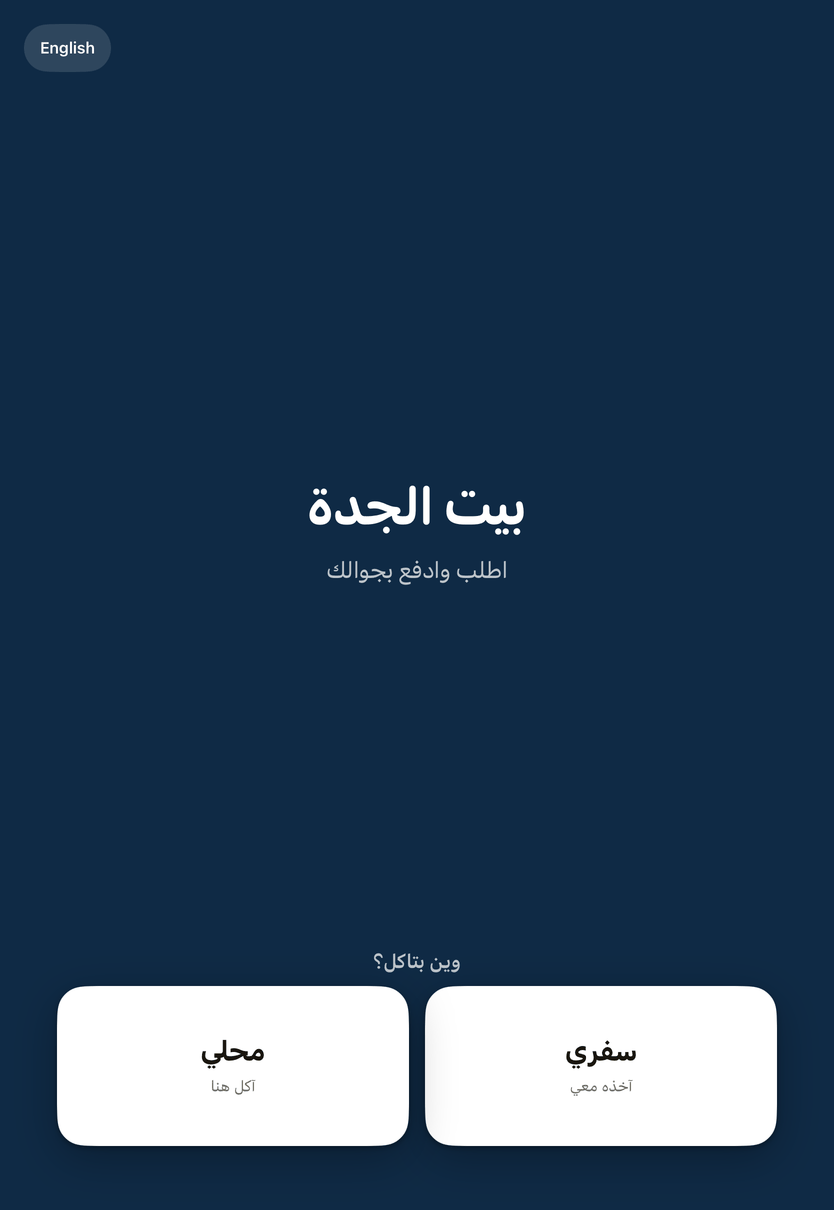
The customer starts from «اطلب وادفع من هنا», chooses takeaway or dine in, adds items, and pays.
The kiosk screen: the customer orders, then pays by phone or at the till.
The mobile number
They can type their number to receive their loyalty balance after paying. The screen never shows their name or balance, and they can skip it.
Pay now from your phone
They scan a code on the screen and pay by phone; the screen updates as soon as it is paid.
Pay at the cashier
They take an order number and pay at the till; the order is prepared after payment. It waits in «المعلّقة» on the POS.
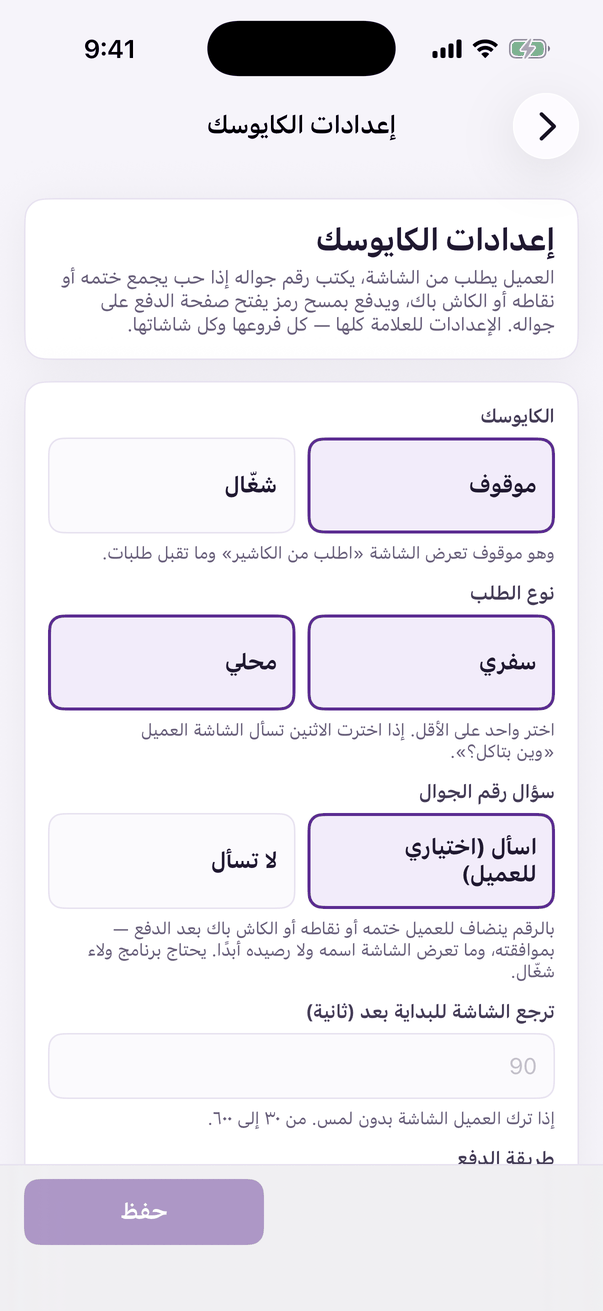
Setting up: in Aloke Owners «الكايوسك», then «إعدادات الكايوسك»; or on the web «الكايوسك», then «الإعدادات».«Kiosk settings»: the switch, order types and payment.
Payment method
Phone only (payment gateway), at the till only, or both with the customer choosing.
Timeouts
Payment timeout 3 to 15 minutes, back to the start after 30 to 600 seconds, and a pay at till order waits 10 to 240 minutes.
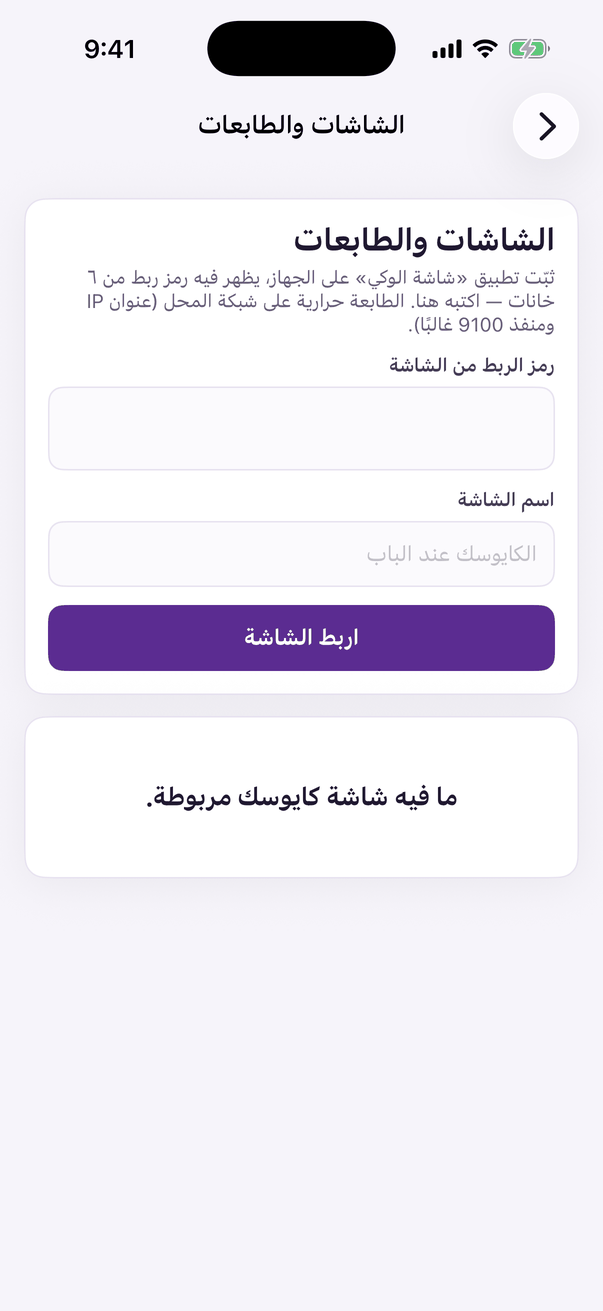
The printer: in «الشاشات والطابعات» type the printer's name, IP address, port 9100 and paper width, then «اطبع صفحة تجربة».«Screens and printers»: pair the kiosk screen and set its printer.
 Aloke
Aloke