 Aloke
AlokeSigning in with your phone
Phone number and a one-time code. No password.
- Getting started
- Web, iPhone and iPad, Android
There are no passwords in Aloke, not for you, not for your staff. You sign in with your mobile number and a code sent to it. That means no password to forget, none to leak, and none you shared with a member of staff and forgot to change after they left.
- Type your mobile in the form 05xxxxxxxx.

Type your mobile as 05xxxxxxxx, Aloke has no passwords. - Press «send code». A code arrives by text on that same number.

«Send code» texts a sign-in code to that same number. - Type it into the «verification code» box that opens, four to six digits.
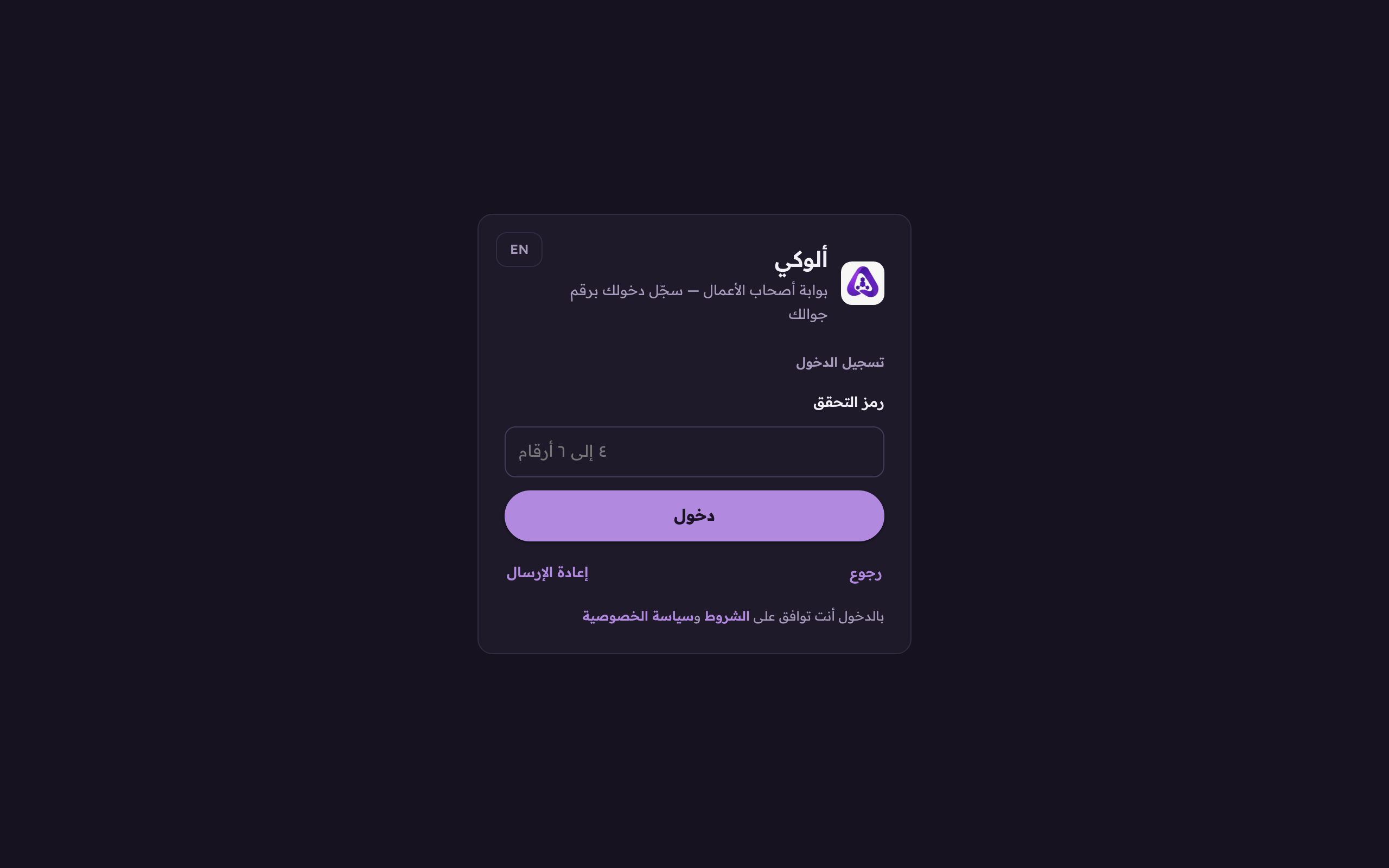
Type the code you were sent into the box that opens, four to six digits. - Press «enter». That is it. The session stays open on that device, so you do not have to do this again.
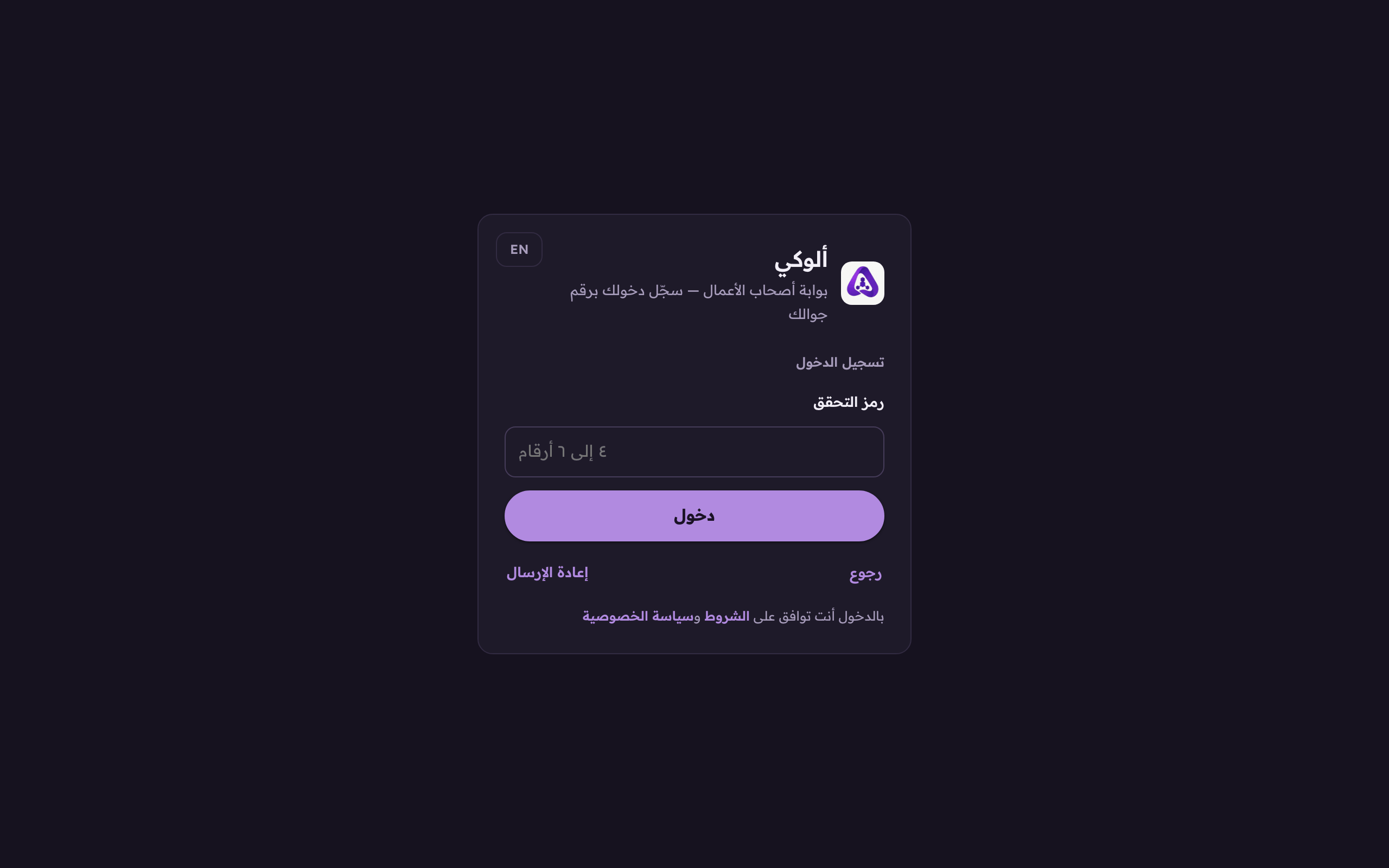
«Enter», and the session stays open on that device.