 Aloke
The payout account for online payment
The account your Pre-Order, kiosk and table money reaches, and how to register it.
- Getting started
- Web, iPhone and iPad, Android
Your customer pays from their phone, and the money reaches your IBAN through «بوابة الدفع» (the payment gateway). That is why Pre-Order and paying at the kiosk and the table need an approved payout account.
- Pre-Order is active and the payout account is not registered? The subscription page shows «سجّل حساب التحصيل» (Register the payout account). Press it and upload the documents; there is no payment. (Web)
- In the Aloke Owners app, open «Pre-Order» from «Every section» on the home screen, then «Payout account». (iPhone and iPad, Android)
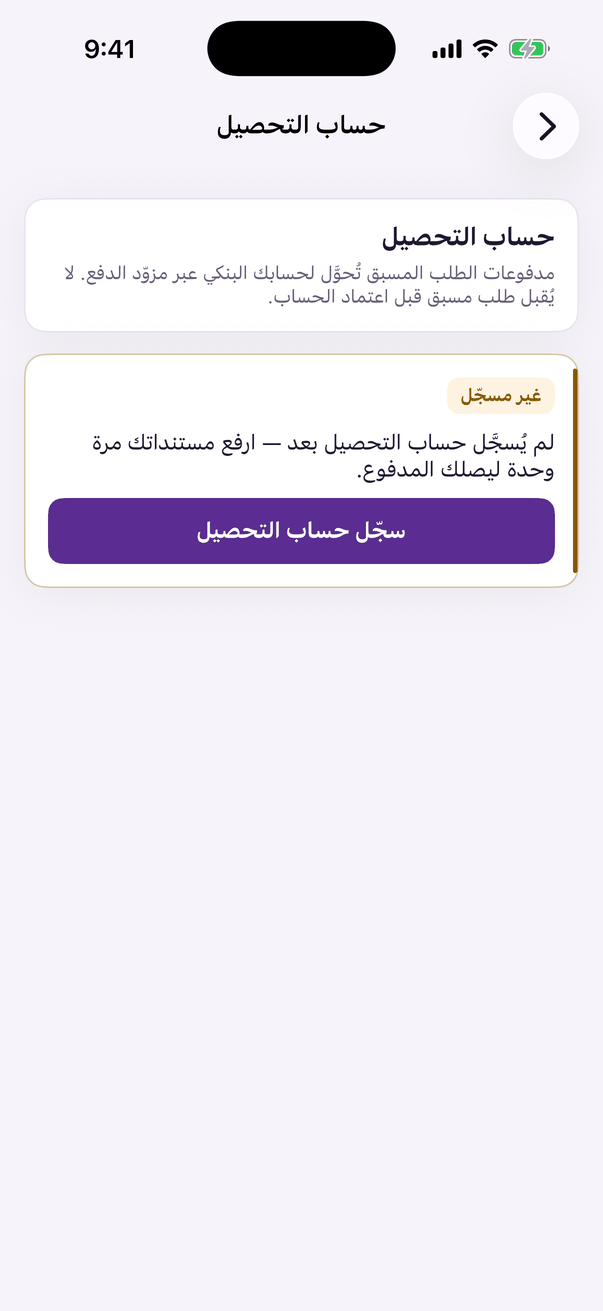
«Payout account»: your bank account for your customers' payments.