Aloke
Till settings
Order types, the service charge, the calendar, the shift report, and the automatic close.
- Aloke POS
- Web, iPhone and iPad, Android
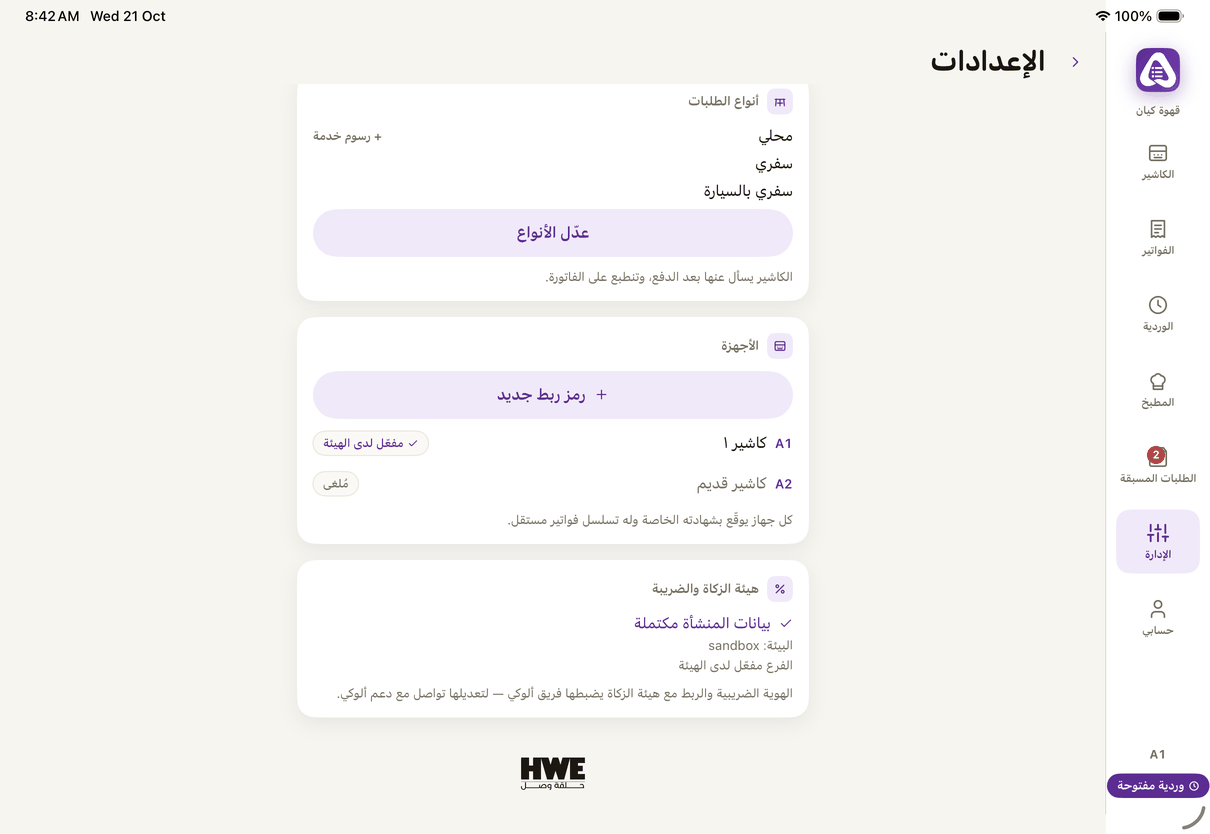
- In Aloke POS: «Manage», then «Settings». (iPhone and iPad, Android)
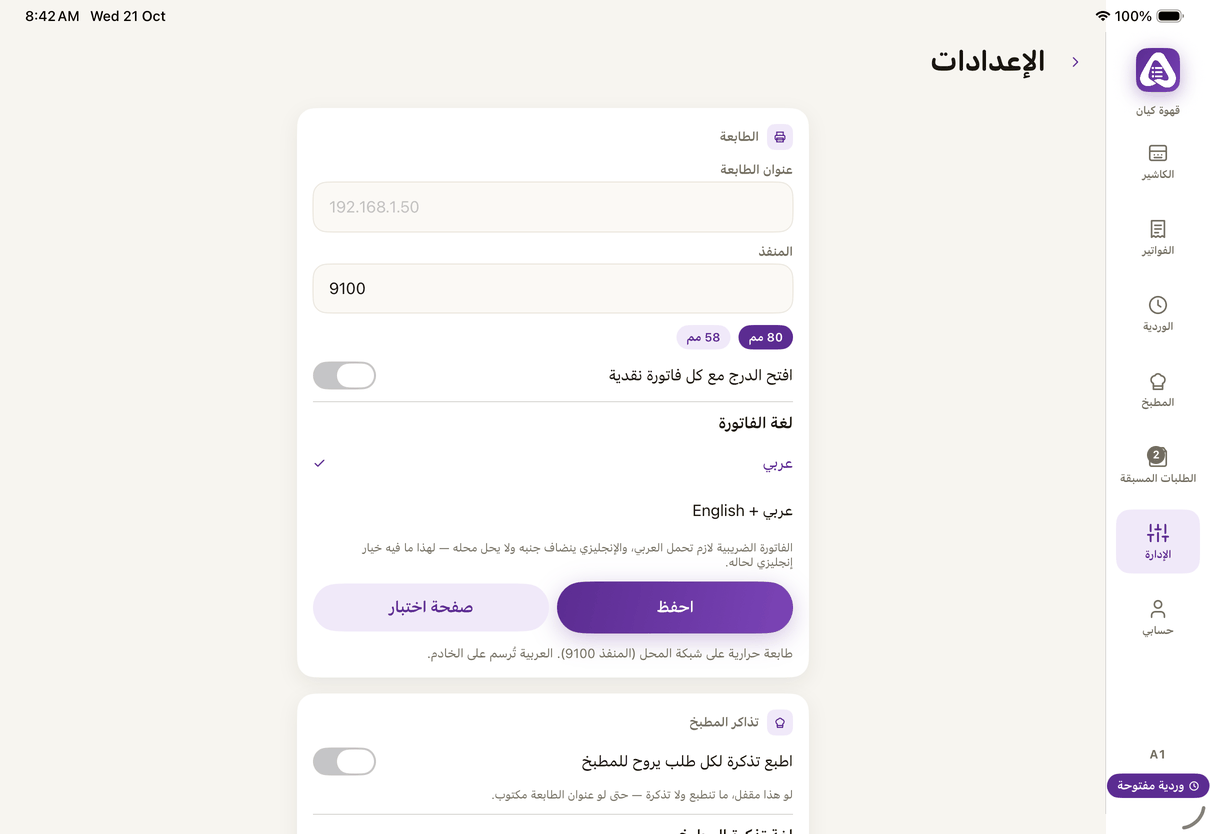
«Settings»: the printer, paper width, the drawer and the invoice language. - In the Aloke Owners app, open «The till» from «Every section» on the home screen, then «Branch settings». (iPhone and iPad, Android)
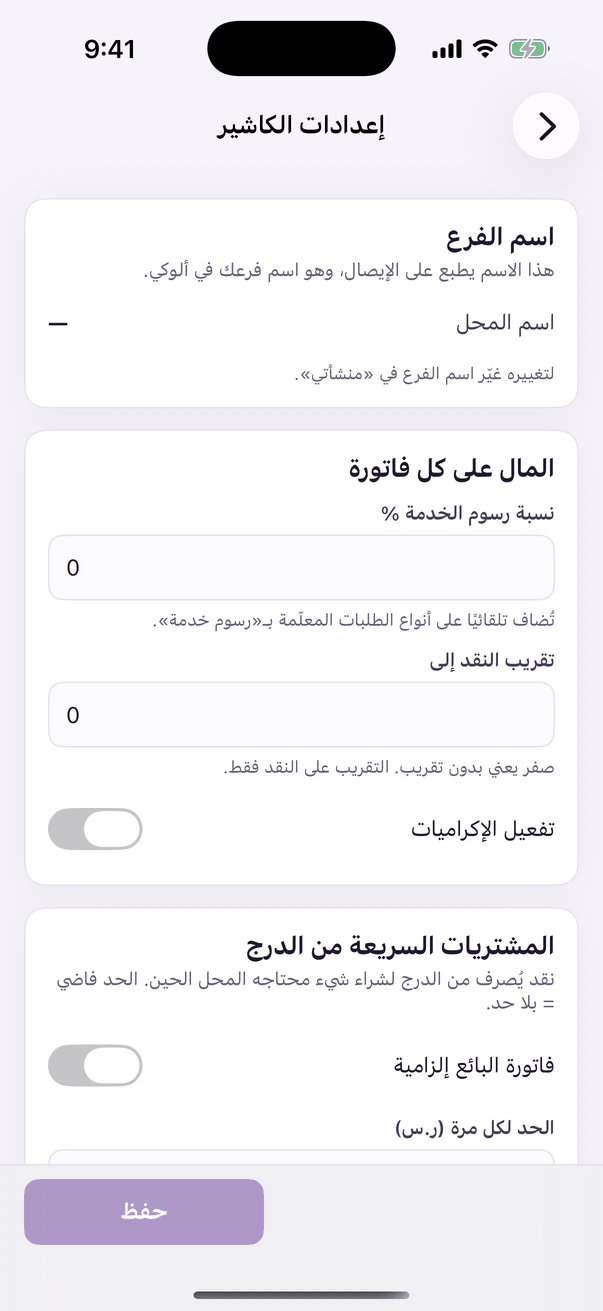
«Till settings»: how the register behaves. - On the web: «Settings», then «Branch settings». (Web)
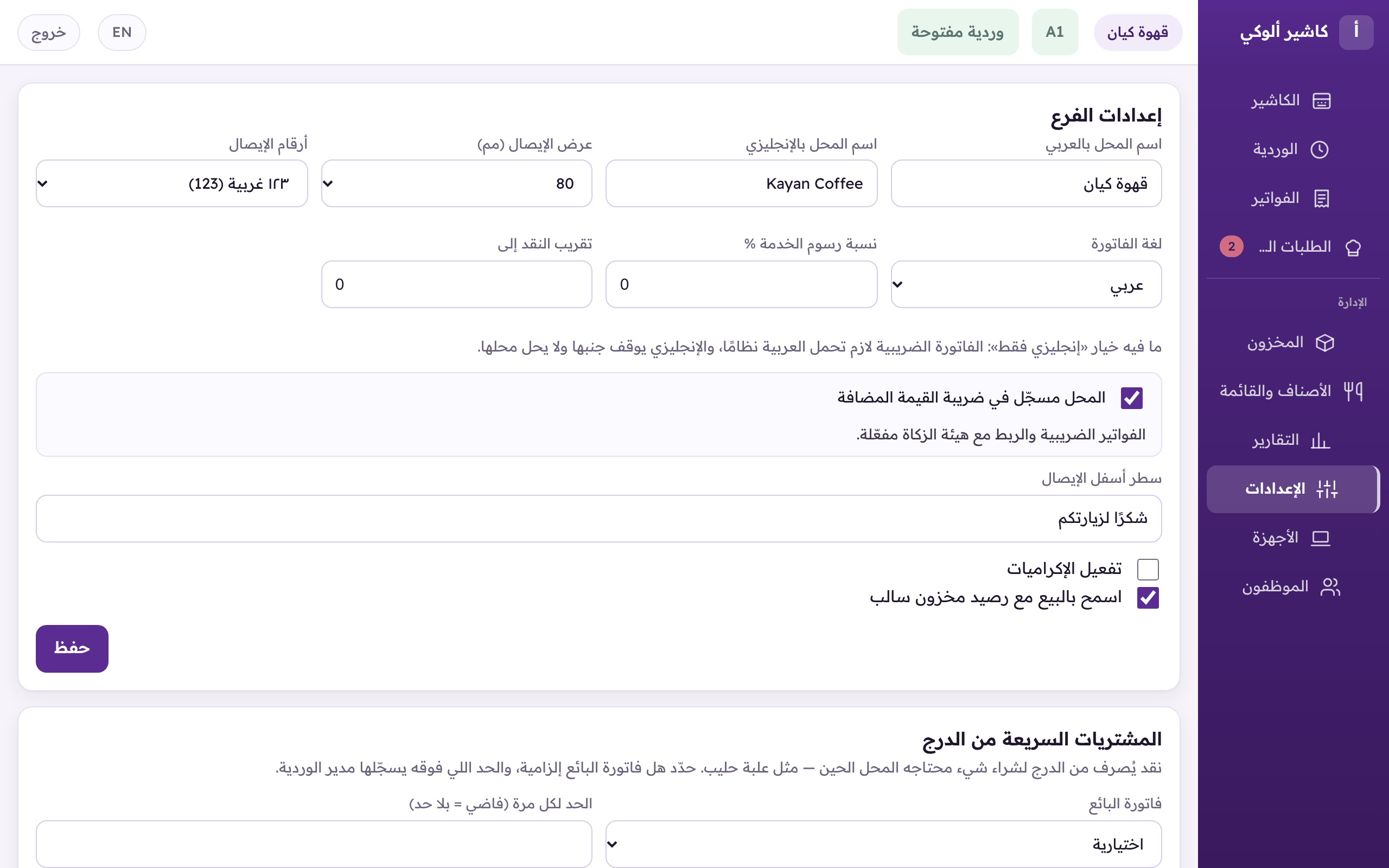
«Branch settings»: receipt width and digits, the calendar, the invoice language and the service charge.
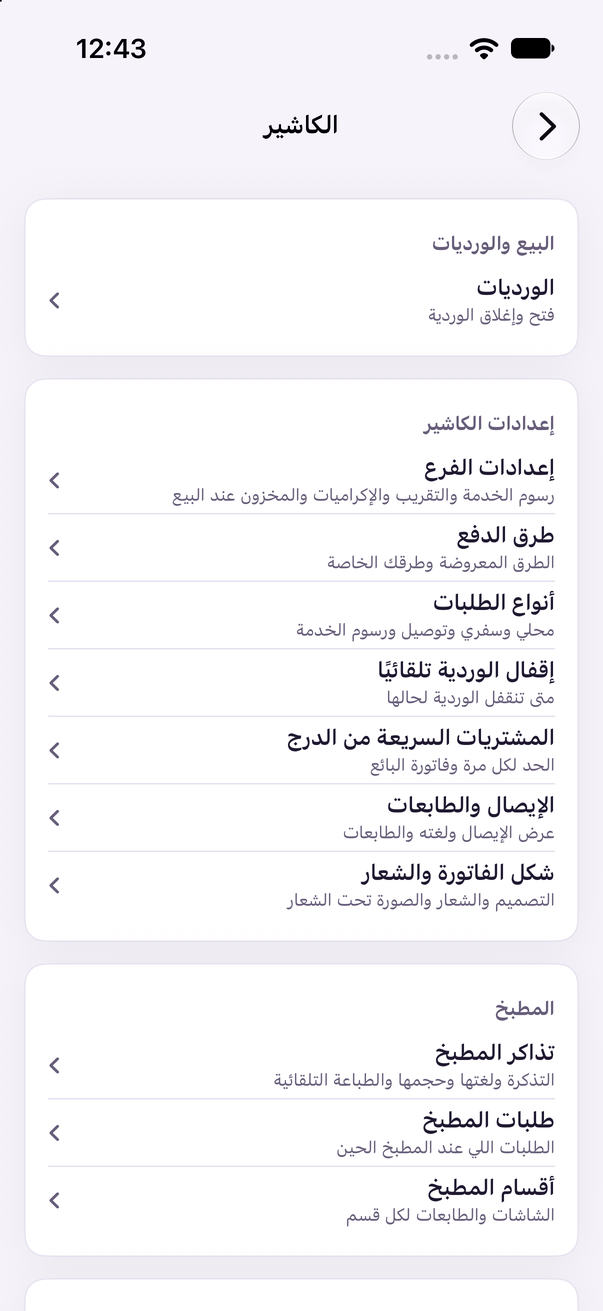
In the Aloke Owners app and the panel, each card of the till's settings is now a page of its own under «الكاشير» (The till): «إعدادات الفرع» (Branch settings), «طرق الدفع» (Payment methods), «أنواع الطلبات» (Order types), «إقفال الوردية تلقائيًا» (Closing shifts automatically), «المشتريات السريعة من الدرج» (Quick purchases from the drawer), «الإيصال والطابعات» (Receipt and printers), «شكل الفاتورة والشعار» (How the invoice looks), and under «المطبخ» (Kitchen): «تذاكر المطبخ» (Kitchen tickets), «طلبات المطبخ» (Kitchen orders) and «أقسام المطبخ» (Kitchen sections). «هامش الأمان للطلب» (The reorder margin) is in «المخزون والمشتريات» (Stock & purchasing). Each page needs its permission, and nothing is hidden unless your subscription does not include it.
- «Calendar»: «Gregorian» is the base; «Gregorian with Hijri» shows the Hijri date beside it, «Hijri» instead of it on the screens. The invoice keeps the Gregorian date and prints the Hijri beside it. (Web)
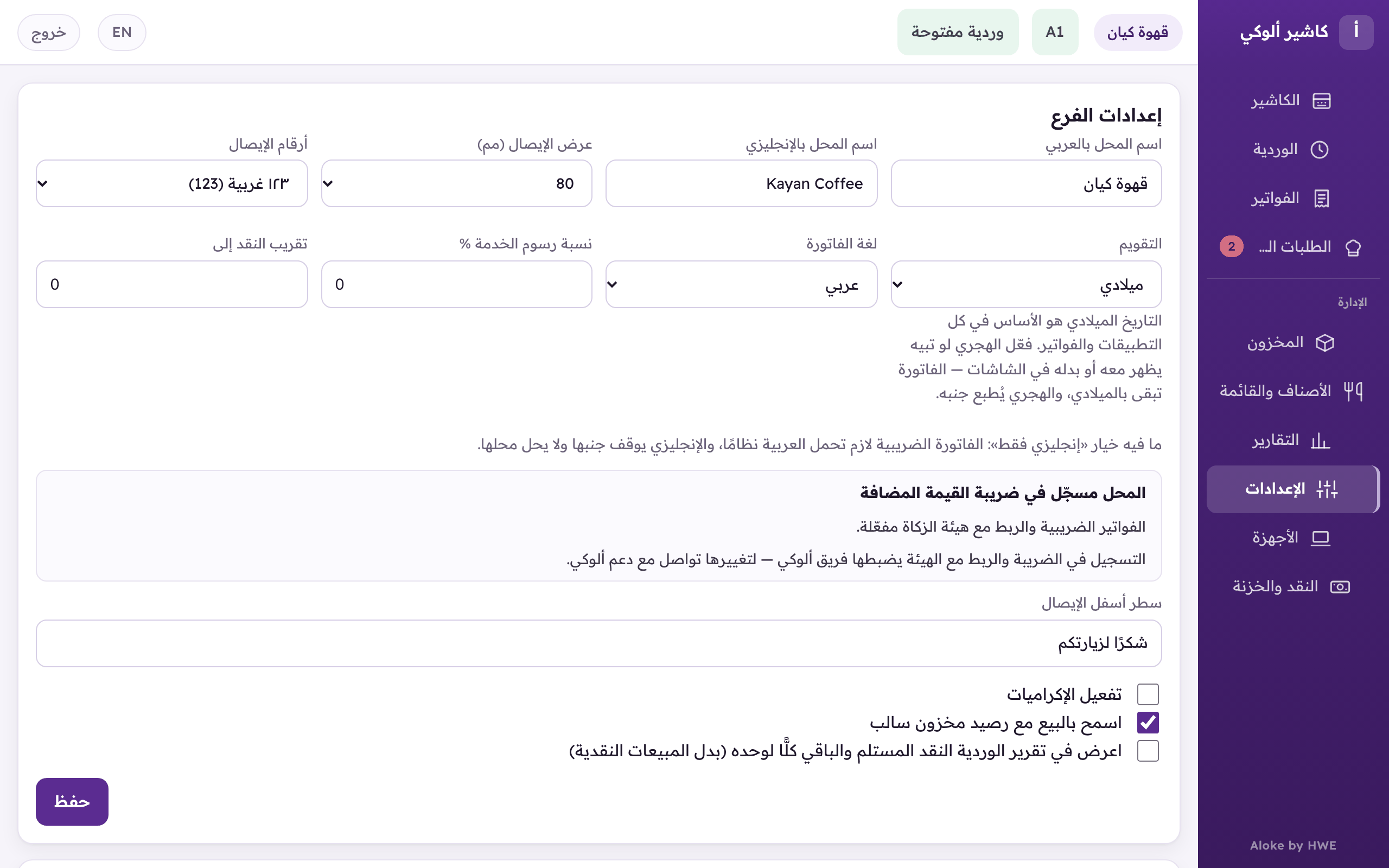
«Calendar»: «Gregorian» for everything, or «Gregorian with Hijri», or «Hijri» on the screens. - In the Aloke Owners app, «Calendar» is on the «Receipt and printers» page. (iPhone and iPad, Android)
- The shift report writes cash sales as one figure. Want the cash handed over and the change on rows of their own? Tick «Show the cash handed over and the change in the shift report (instead of cash sales)». (Web)
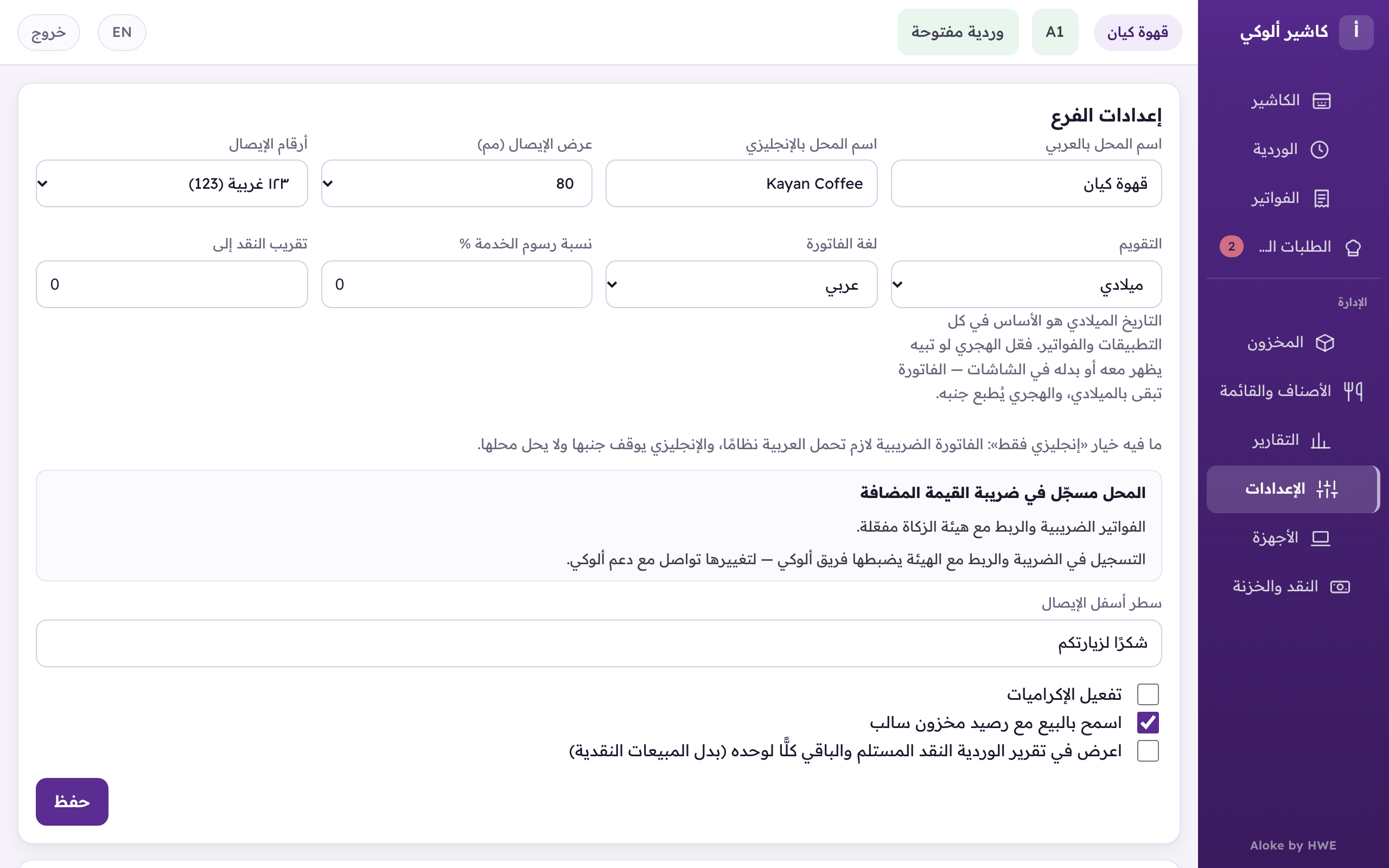
The shift report option: the cash handed over and the change on their own rows instead of cash sales. - The same option is in the Aloke Owners app on the «Branch settings» page. (iPhone and iPad, Android)
- «Close the shift automatically»: switch it on for the branch and pick the time, Riyadh time. The shift closes by itself with the latest «Cash counted». (Web)
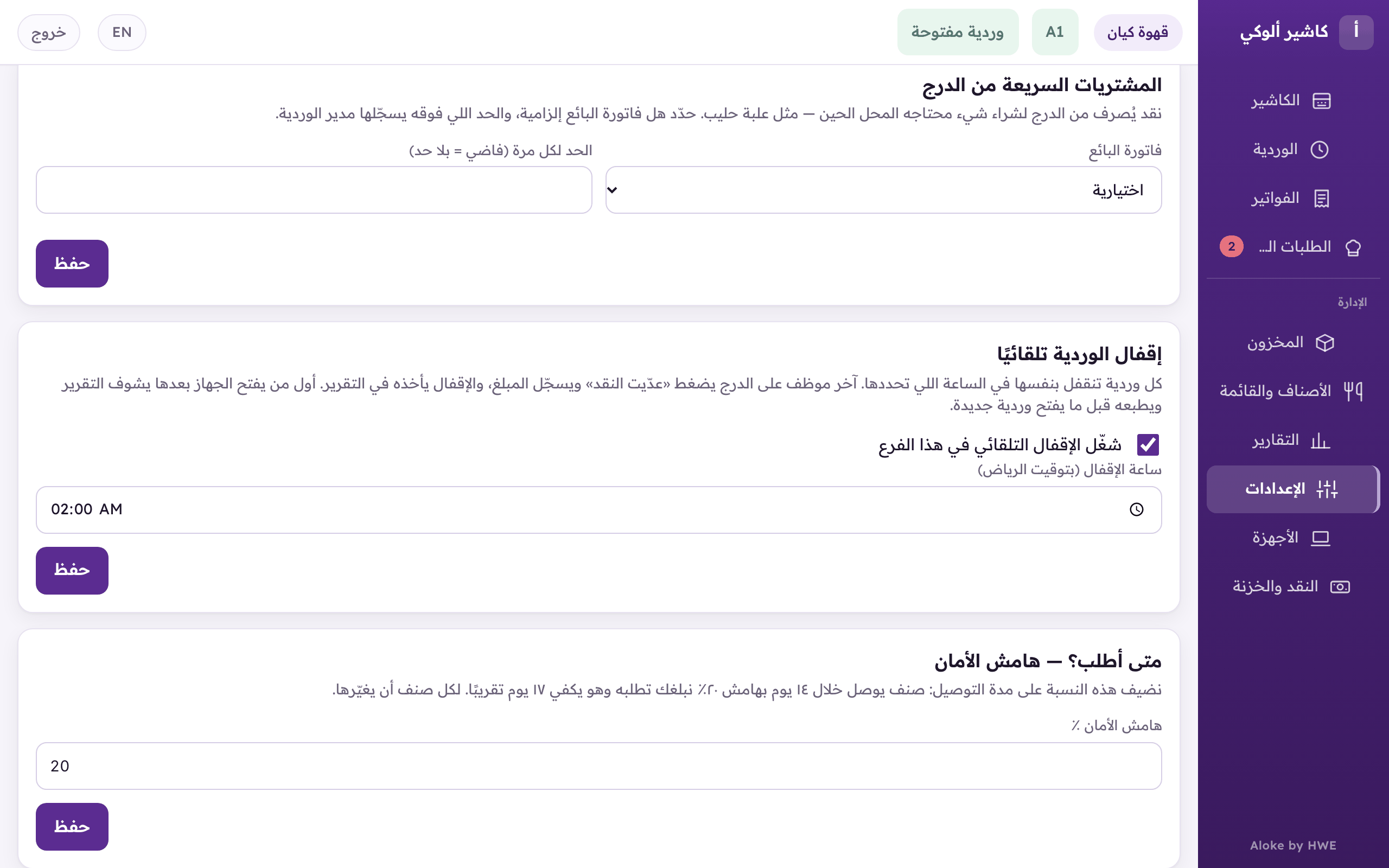
«Close the shift automatically»: switch it on for this branch and pick the closing time (Riyadh time). - In the Aloke Owners app, open «The till» from «Every section» on the home screen, then «Closing shifts automatically». (iPhone and iPad, Android)
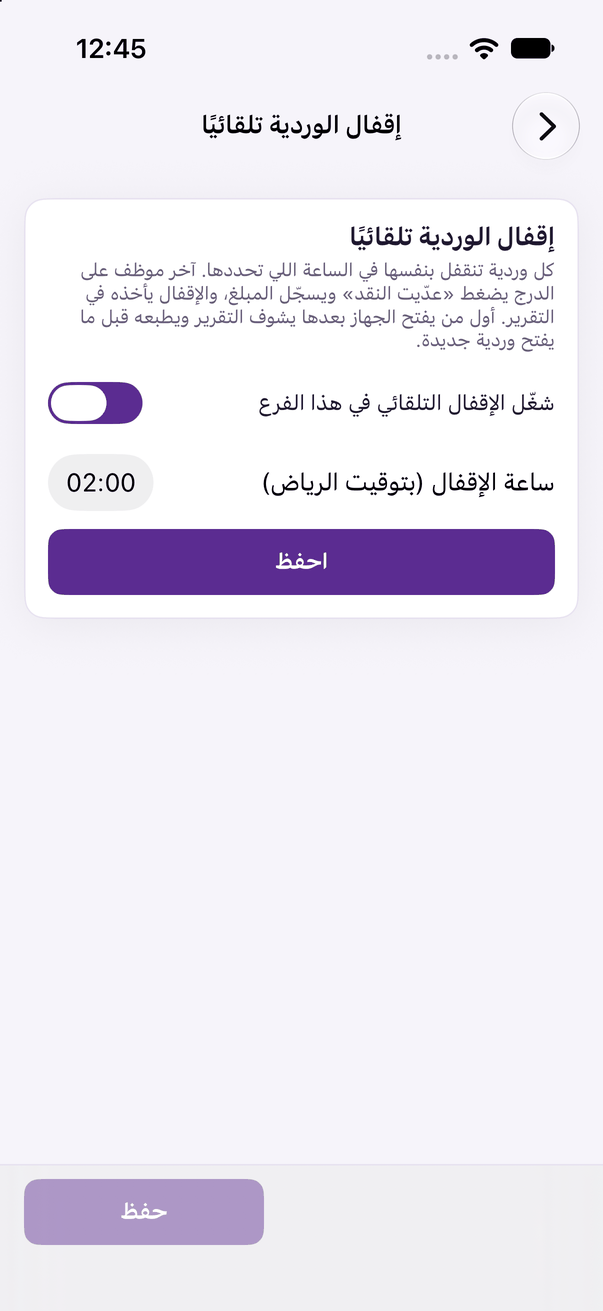
«Closing shifts automatically»: when a shift closes by itself.