 Aloke
The card: code, prizes and details
What the customer sees on your card, and how the code works.
- Aloke Wallet
- iPhone and iPad, Android
The card of the shop the customer is standing in comes first in «بطاقاتي» (My cards), marked as the shop they are in. It shows the balance, the ready prizes, and what is left to the next one.
- An order on the card? Its number and where it stands show on the card: «استلمنا طلبك» (Order received), «قيد التحضير» (Preparing), «جاهز للاستلام» (Ready to collect), and the «الرمز» (Code) icon glows in the shop's colours. This covers an order placed before arriving and one the cashier linked to the card that went to a kitchen screen. Once it is handed over, the status goes.
- «الرمز» (Code) opens the check-in code. The customer shows it to the cashier, who scans it. It lasts 5 minutes and works once.
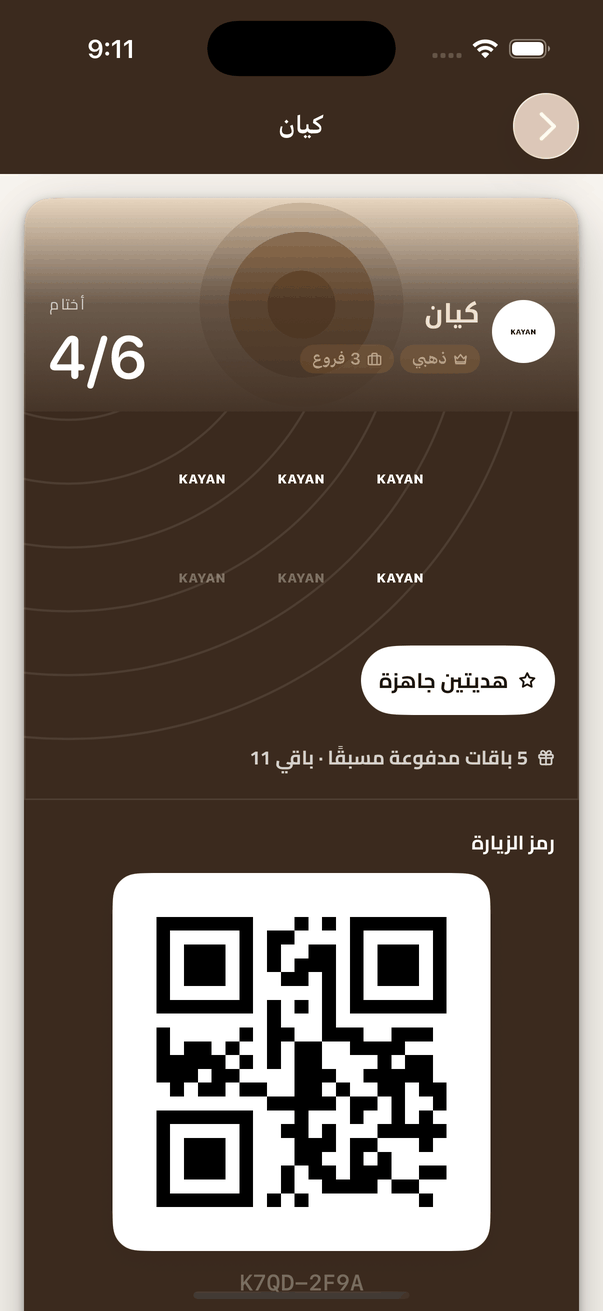
The open card: the balance and the ready prizes, with the check-in code below for the cashier to scan. - A prize is ready? They press «استلم» (Redeem) beside it, and a prize code appears for the cashier to scan. A dish with more than one option carries «اختر» (Choose): they pick the option, then «استلم».
- «التفاصيل» (Details) opens the whole card: prizes and paid packages, invoices at this shop, reviews and complaints, and inviting a friend.
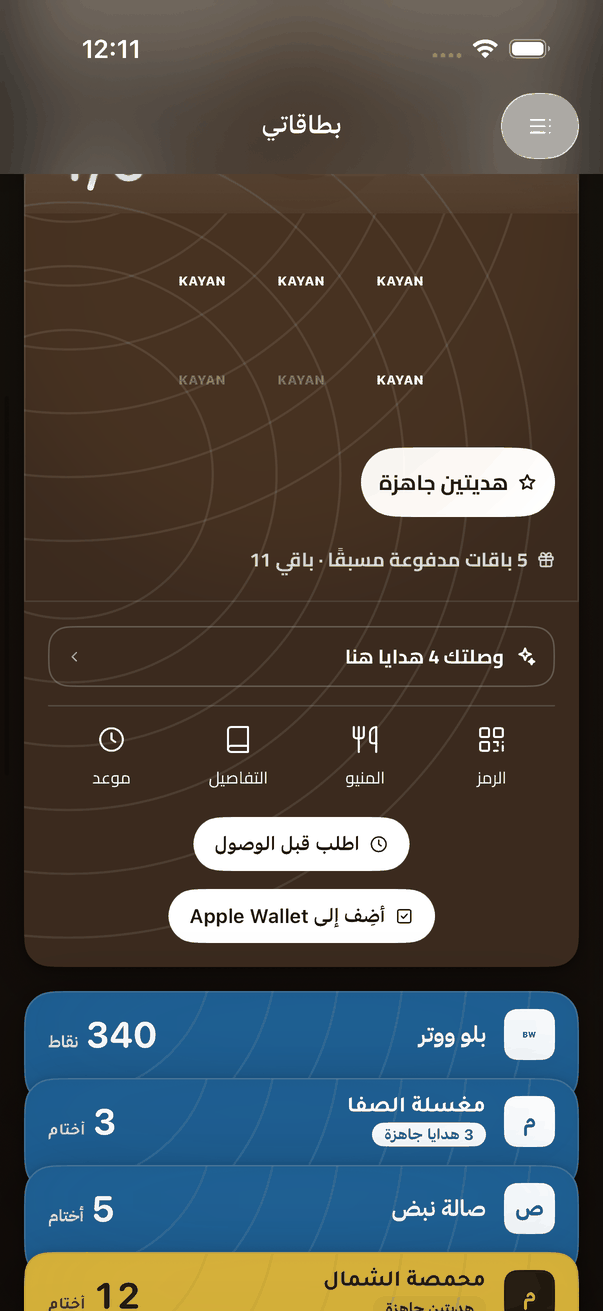
An open card: «Code», «Details» and the menu button, with «Order ahead» and «Add to Apple Wallet». - The menu button opens the shop's menu, its opening hours and the ways to reach it.
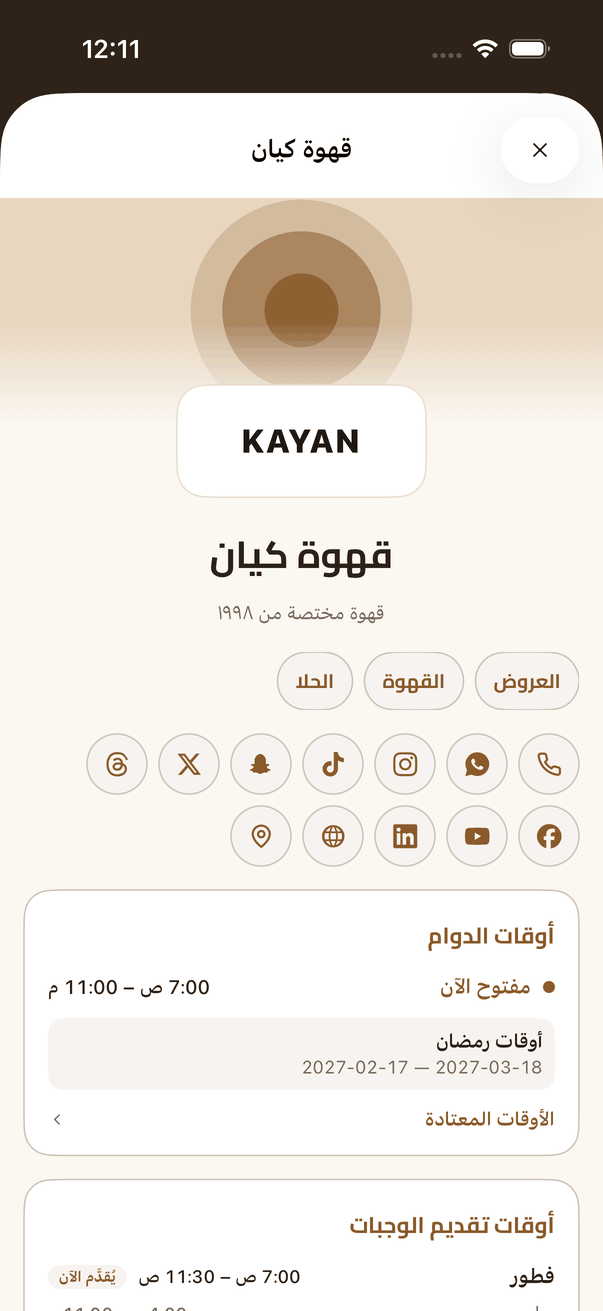
The shop's menu from its card: the sections, the opening hours and the ways to reach it.