On a TV: Apple TV and Android TV
The same app on the shop's TV, for signage, the menu, the kitchen and the hall.
- Aloke Display
- Web, iPhone and iPad, Android
The TV needs no computer and no USB stick. Install Aloke Display from the TV's own store and pair it with the same code.
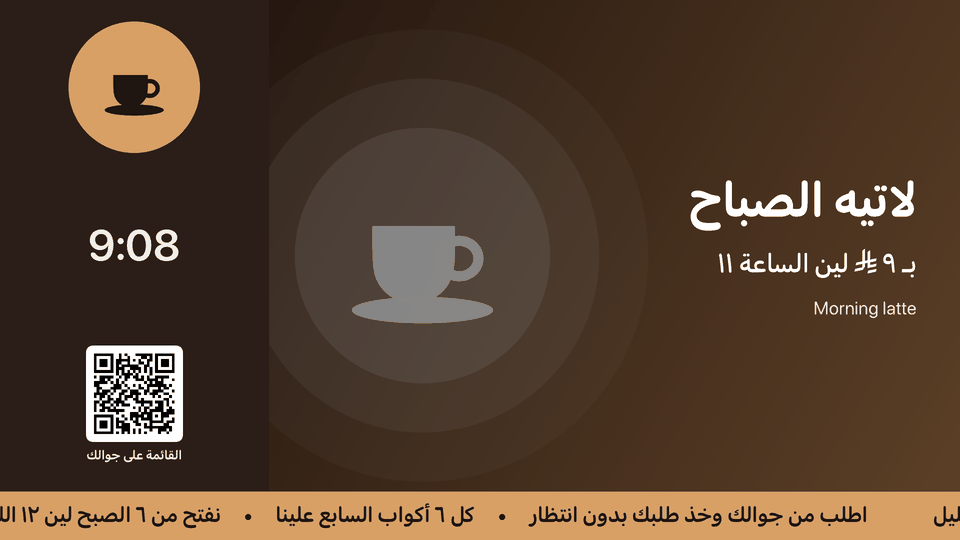 Aloke Display on Apple TV: digital signage on the shop's TV, with the clock, the menu code and the ticker.
- What a TV shows
- Digital signage, a menu board, a kitchen screen or a hall screen. The kiosk and the customer screen need a touch, so a TV cannot be paired as either.
- To unpair it: press Play/Pause on the Apple TV remote, or Menu or Play/Pause on an Android TV remote, then «افصل».
Open this article in the interactive help center
In the same section
 Aloke
Aloke